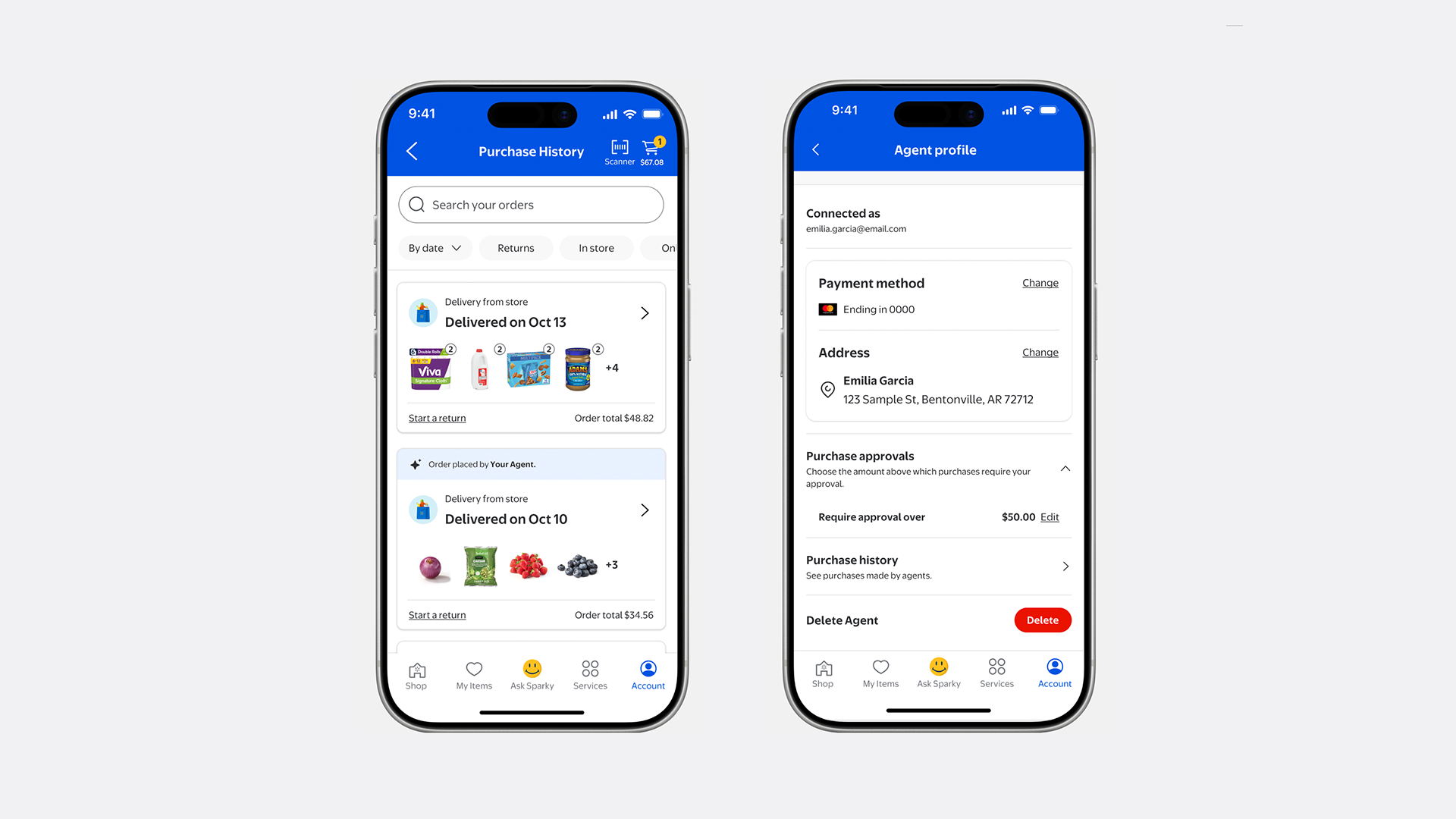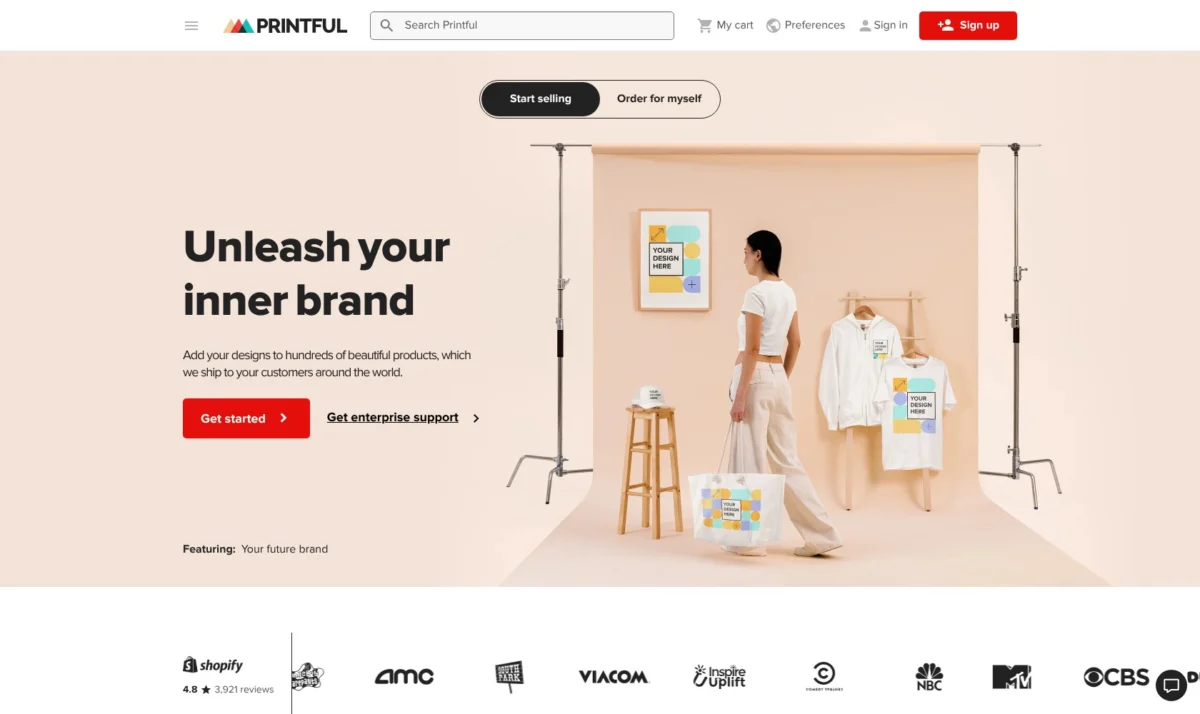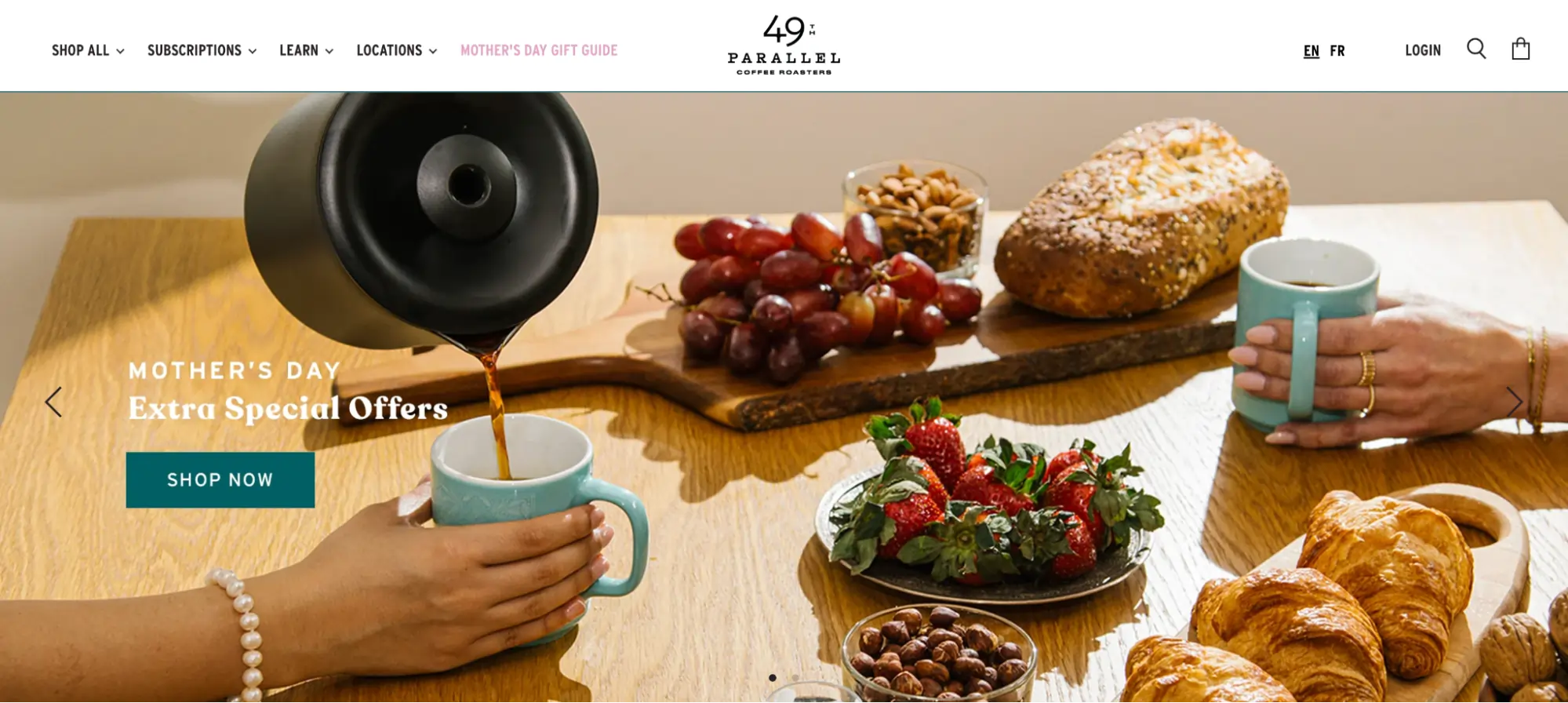
Shopify sliders, also commonly referred to as carousels, represent a pivotal design element in modern e-commerce, offering a rotating display for products, testimonials, and promotional banners. As digital storefronts become increasingly crowded, these interactive components allow merchants to showcase multiple high-value messages within a single, compact screen area. However, the implementation of sliders remains one of the most debated topics among user experience (UX) designers and conversion rate optimization (CRO) specialists. While they provide a visual richness to a store, improper execution can lead to "banner blindness," increased page load times, and significant friction in the customer journey.
The Evolution and Utility of Sliders in the Shopify Ecosystem
The integration of sliders into the Shopify ecosystem underwent a significant transformation in 2021 with the introduction of Online Store 2.0. Prior to this update, merchants often required custom Liquid coding or heavy third-party applications to implement basic slideshows. Today, most modern Shopify themes, such as Dawn and Sense, include native "Slideshow" sections that allow for drag-and-drop customization.

Industry data suggests that the utility of these sliders varies by objective. According to Burak Ozdemir, founder of Set Alarm Online, sliders serve as a functional bridge, allowing customers to learn about a store’s offerings without being overwhelmed by a static wall of images. Similarly, Luke Lee of Ever Wallpaper notes that sliders are instrumental in highlighting special offers and adding visual interest that can keep a visitor engaged longer than a static hero image might.
Common implementations of sliders on Shopify include:
- Testimonial Sliders: Rotating customer reviews to build social proof.
- Logo Sliders: Displaying "As Seen In" or retail partner logos to establish brand authority.
- Product Image Sliders: Allowing users to see a single product from multiple angles or in different lifestyle settings.
- Collection/Bestseller Sliders: Showcasing a curated list of top-performing items to guide new visitors.
- Hero Banners: Large-scale promotional slides at the top of the homepage used for seasonal sales or brand storytelling.
The Data-Driven Debate: Do Sliders Convert?
Despite their popularity, empirical evidence regarding slider effectiveness is mixed. Research conducted by the Baymard Institute reveals that approximately 33% of e-commerce sites utilize homepage carousels. However, the study also found that 46% of these implementations suffer from significant UX issues. The primary concern is that sliders often move too quickly for users to read the content or lack intuitive manual controls, leading to frustration.

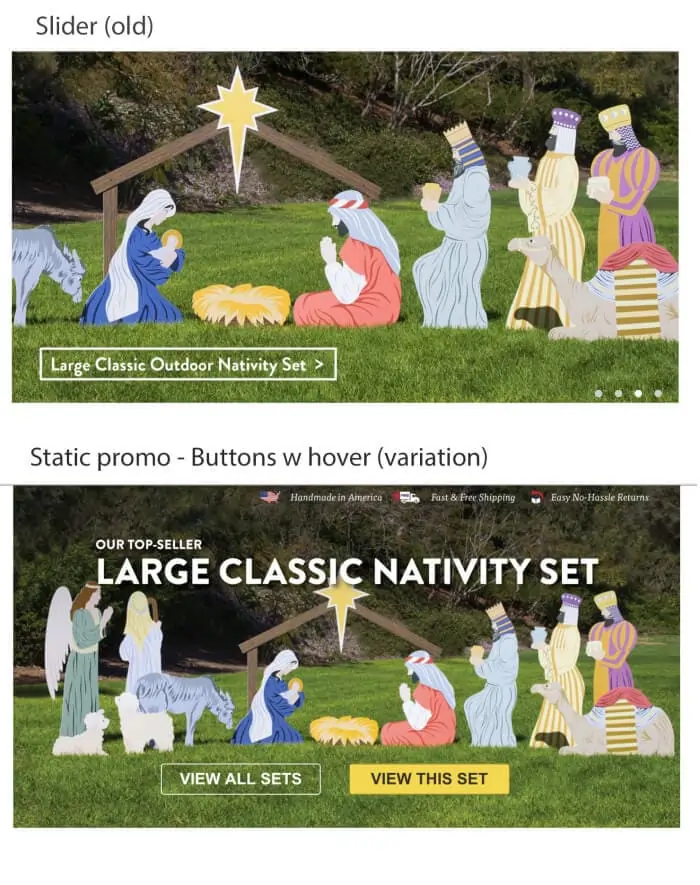
Case studies from the field provide further nuance. Digital marketing specialist Tim Brown documented a scenario where replacing a homepage slider with a static, high-resolution image and a clear Call to Action (CTA) resulted in a 30% increase in conversions, with a 98% statistical significance. Brown observed that users often perceive automated sliders as advertisements, a phenomenon known as "banner blindness," which causes them to scroll past the content entirely.
Conversely, Jeff Moriarty of JMoriarty Marketing argues that sliders can perform exceptionally well when they provide a "scent of information." By including cues such as "Deal 1 of 3," merchants can entice users to click through the sequence. The consensus among experts is that the success of a slider depends less on the technology itself and more on the strategic execution of content and timing.
Chronology of Shopify Slider Technology
To understand the current state of sliders, one must look at the technical progression within the Shopify platform:
- Pre-2021 (Legacy Themes): Sliders were largely hard-coded into theme files. Customization was difficult for non-technical merchants, leading to a reliance on heavy, often slow-loading apps.
- July 2021 (Online Store 2.0): Shopify introduced "Sections on every page." This allowed the "Slideshow" section to be moved and replicated anywhere on a site, significantly increasing design flexibility.
- 2023-2024 (Performance Optimization): The industry shifted toward "Lazy Loading" and the use of WebP image formats to mitigate the speed penalties associated with multiple high-resolution slides.
- 2025-2026 (AI Integration): Modern slider applications began integrating AI for image generation and automated copy testing, allowing for real-time optimization based on user behavior.
Technical Implementation: Built-in Sections vs. Third-Party Apps
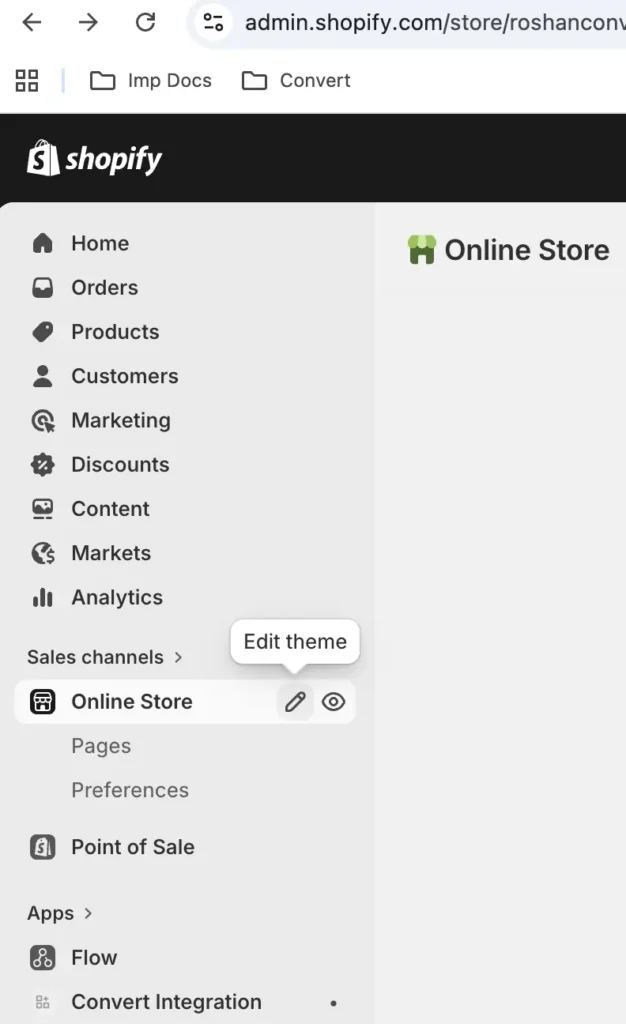
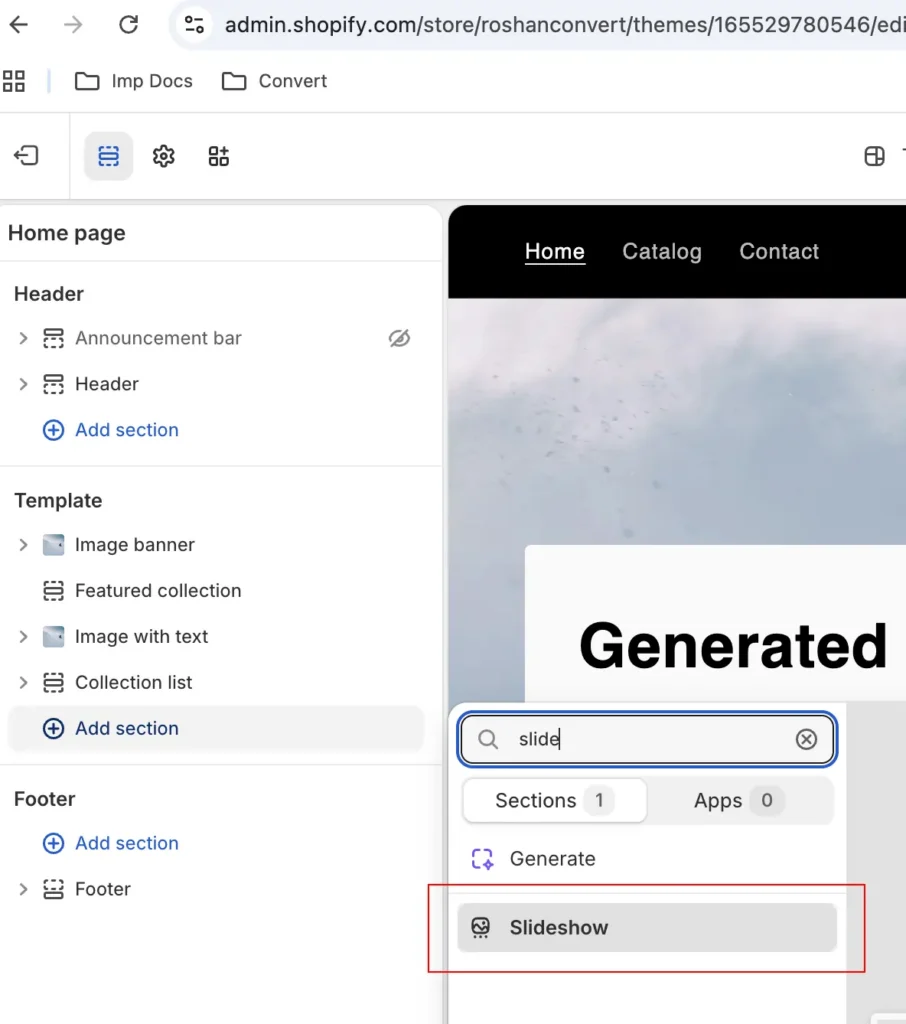
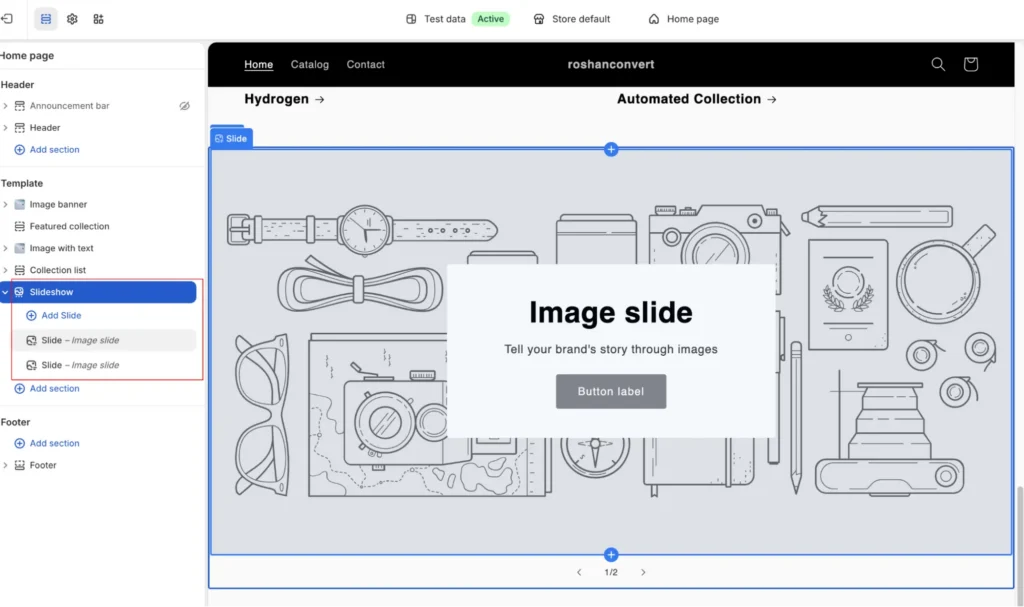
Shopify merchants generally have two paths for adding sliders to their stores. The native path involves using the theme editor to add a "Slideshow" section. This method is preferred for site speed as it uses the theme’s existing CSS and JavaScript libraries. Merchants can upload images, set rotation speeds, and customize button overlays directly within the Shopify admin.
For more complex requirements—such as sliders with "Add to Cart" functionality, video backgrounds, or advanced mobile-specific layouts—the Shopify App Store offers specialized solutions. In 2026, several applications have emerged as industry leaders based on their balance of features and performance:
- POWR Image Slider & Carousel: Notable for its built-in AI image generation tools.
- Slider Revolution & Sections: Offers a deep library of templates and supports multilingual/RTL (Right-to-Left) configurations for global stores.
- GG Product Page Image Slider: Focuses on the product page, replacing standard galleries with zoom-enabled, video-supporting carousels.
- OctoSlide Slider & Carousel: Features built-in analytics to track which slides generate the most clicks and conversions.
Analysis of Broader Impact: SEO and Core Web Vitals
The impact of sliders extends beyond user experience into the realm of Search Engine Optimization (SEO). Google’s Core Web Vitals—specifically Largest Contentful Paint (LCP) and Cumulative Layout Shift (CLS)—are heavily influenced by hero sliders.
An unoptimized slider can trigger a poor LCP score if the first slide’s image is a large, uncompressed file that takes several seconds to load. Furthermore, if the slider container does not have defined dimensions, it can cause the rest of the page content to "jump" as the images load, resulting in a high CLS score. Industry experts recommend that any slider implementation must prioritize image compression and the use of modern formats like WebP or AVIF to maintain search rankings.
Strategic Best Practices for Optimization
To ensure that a Shopify slider contributes to, rather than detracts from, a store’s conversion goals, several best practices have been identified by industry leaders:
- Prioritize the First Slide: Data indicates that the first slide receives the vast majority of engagement. Merchants should place their most critical value proposition or highest-converting offer in the initial position.
- Limit Slide Count: Expert consensus suggests keeping sliders to between three and five frames. Exceeding this number increases page weight and decreases the likelihood that a user will see the final slides.
- Manual Control over Autoplay: On mobile devices especially, automated rotation can be jarring. Providing clear arrows or pagination dots allows the user to control their own experience.
- Desktop Rotation Timing: For automated sliders, a rotation speed of approximately 3 to 5 seconds is recommended. This provides enough time for the average user to scan a headline without losing interest.
- Mobile-Specific Design: Images that look good on desktop often fail on mobile due to aspect ratio differences. Using separate, vertically-oriented images for mobile sliders is essential for maintaining legibility.
The Role of A/B Testing in Slider Strategy
Given the controversial nature of sliders, A/B testing is the only definitive way to determine their value for a specific brand. Conversion experts like Rich Page advocate for testing the slider against a static hero image to establish a baseline.
Advanced testing involves variables such as:
- Content Order: Does leading with a testimonial outperform leading with a product discount?
- Navigation Style: Do arrows result in more clicks than pagination dots?
- CTA Placement: Does a centered button convert better than a left-aligned one?
Tools like Convert Experiences allow Shopify merchants to run these experiments with statistical rigor. By segmenting data, merchants can see if sliders work better for returning visitors (who might be looking for new arrivals) versus new visitors (who might need to see brand values first).
Future Outlook: AI and Personalization
As we move through 2026, the future of Shopify sliders lies in personalization. Emerging technologies allow sliders to dynamically change based on the visitor’s source. For example, a visitor arriving from a Facebook ad for "Men’s Boots" could be greeted with a slider specifically featuring that collection, while a visitor from an email campaign about "Sustainability" would see slides highlighting the brand’s eco-friendly practices.
AI-driven tools are also reducing the creative barrier. Merchants can now generate high-quality lifestyle imagery from simple text prompts, allowing for rapid testing of different visual angles without the cost of a professional photo shoot.
In conclusion, while the Shopify slider is a powerful tool for visual storytelling, its success is predicated on technical precision and a deep understanding of user psychology. By adhering to performance standards and continuously testing content, Shopify merchants can leverage sliders to create a dynamic, engaging, and high-converting shopping experience.


 Asro
Asro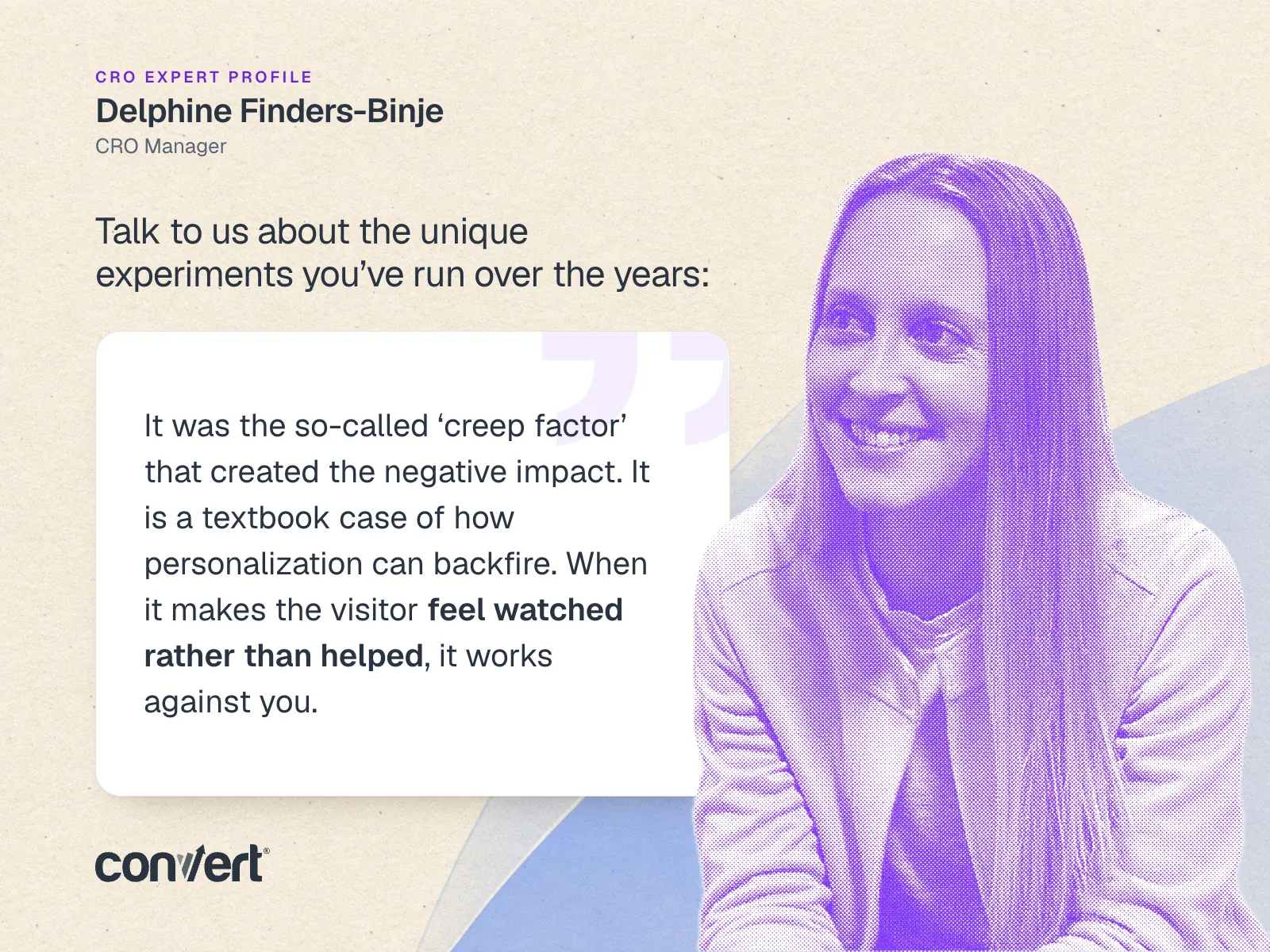
 Dwi Wanna