 Ammar Sabilarrohman
Digital marketers and web developers are increasingly turning to behavioral analytics to bridge the gap between raw traffic data and actual user intent. WordPress heatmap software has emerged as a critical component in this stack, providing a visual representation of user behavior—including clicks, taps, scrolls, and mouse movements—rendered as color-coded overlays on a website’s interface. By identifying "hot" areas of high engagement and "cold" zones of neglect, site owners can make data-driven decisions to improve user experience (UX) and boost conversion rates.
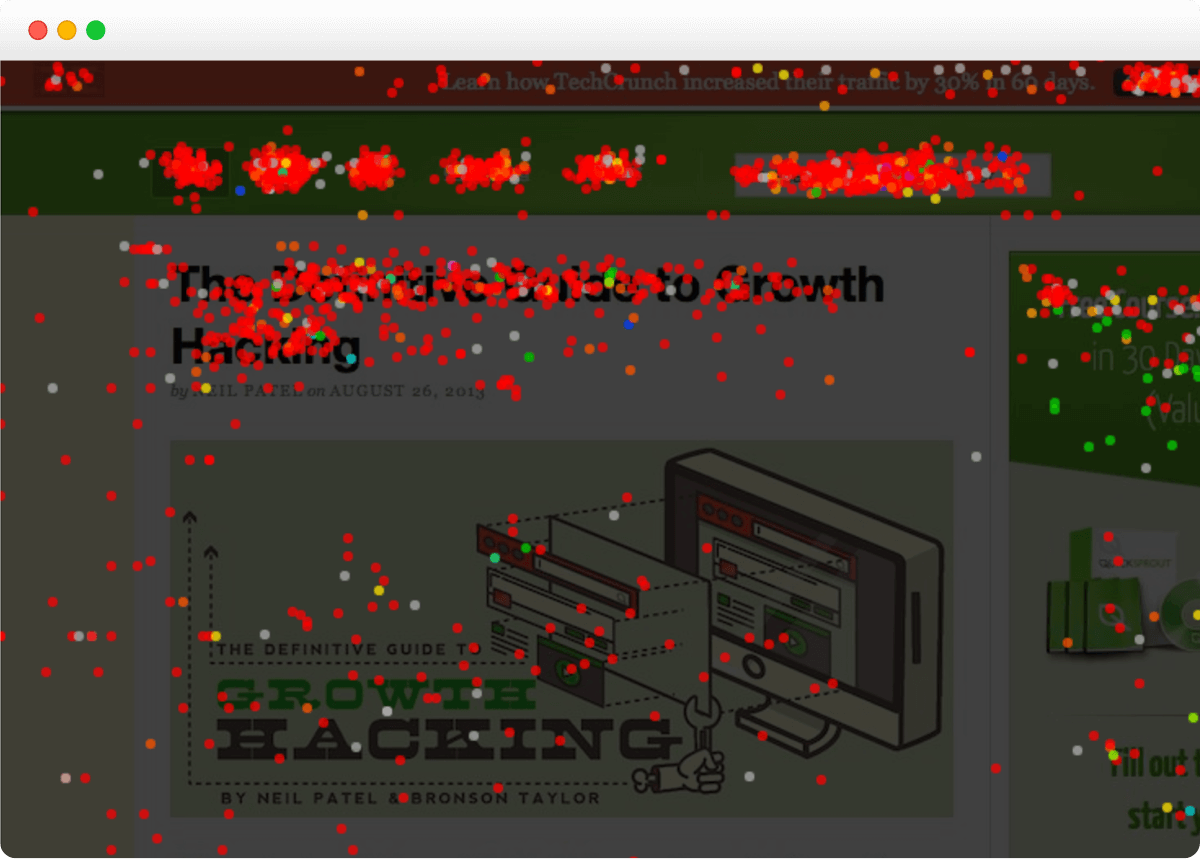
The utility of these tools lies in their ability to reveal hidden friction points. While standard analytics platforms like Google Analytics provide quantitative data on how many users visit a page, heatmaps provide qualitative insight into what those users do once they arrive. This allows for the strategic placement of Calls to Action (CTAs), the removal of distracting elements, and the optimization of page layouts to align with natural user browsing patterns.
The Evolution of Behavioral Analytics in the WordPress Ecosystem
The history of heatmap technology dates back to the mid-2000s, with pioneers like Crazy Egg introducing the concept of "eye-tracking without the hardware" by using mouse movement as a proxy for visual attention. Since WordPress powers approximately 43% of all websites on the internet, the demand for seamless integration has led to the development of dedicated plugins that simplify the deployment of tracking scripts without requiring manual code edits.
In recent years, the industry has shifted from simple click maps to comprehensive "experience suites." Modern tools now incorporate session recordings, A/B testing, and AI-driven insights. The acquisition of Hotjar by Contentsquare in 2021 signaled a period of consolidation in the market, as enterprise-level features began trickling down to small and medium-sized business (SMB) tools. Simultaneously, Microsoft’s entry into the space with Clarity in 2020 disrupted traditional pricing models by offering a robust, completely free alternative.
A Comparative Analysis of Leading WordPress Heatmap Tools
Choosing the right heatmap solution requires an evaluation of technical overhead, data retention policies, and specific feature sets. Below is a detailed analysis of the six most prominent tools currently available for the WordPress platform.
1. Crazy Egg: The Optimization Specialist
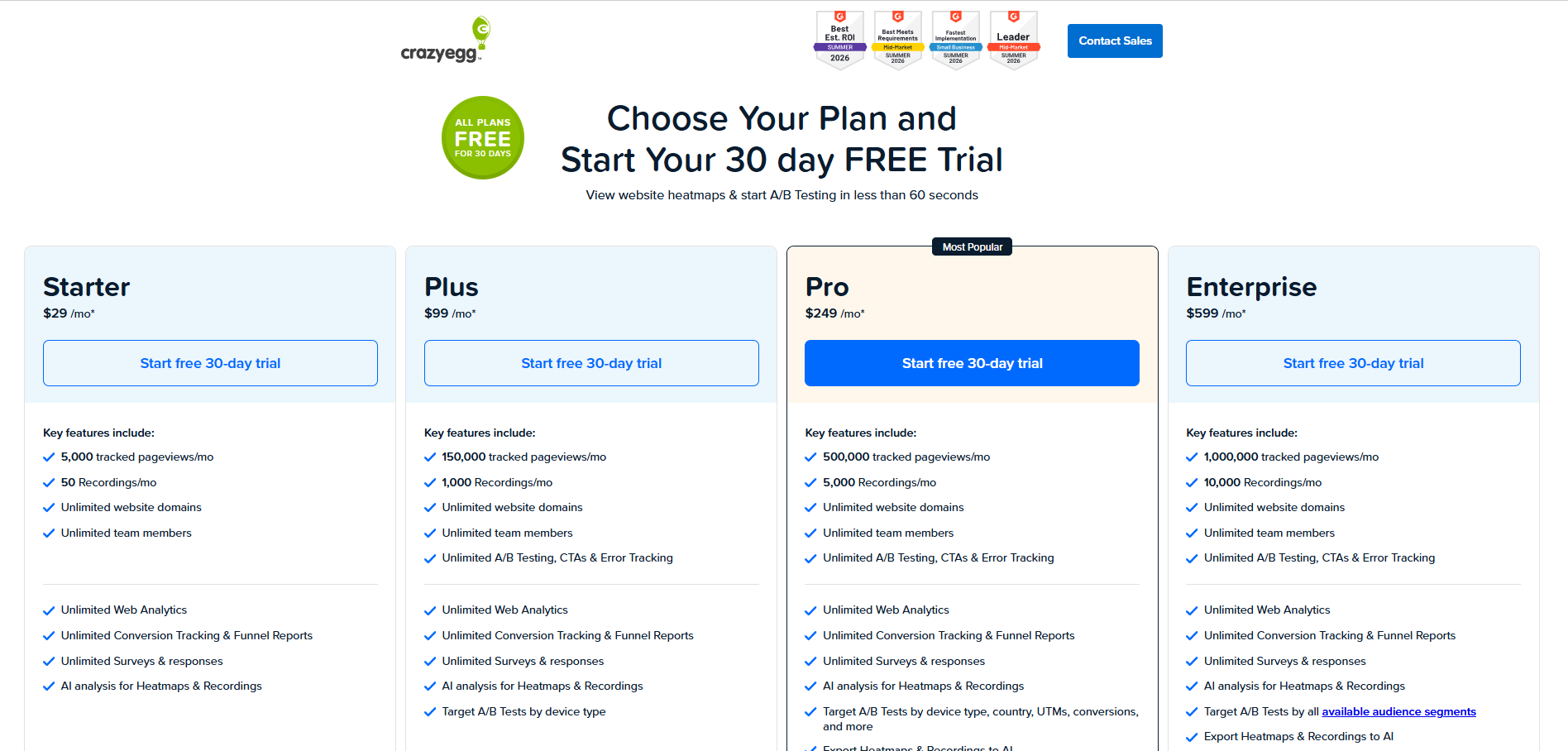
Crazy Egg remains a dominant force for teams focused on the full optimization loop. Beyond standard heatmaps, it offers a "Confetti" report, which allows users to segment clicks based on referral sources, search terms, and visitor coordinates. This level of granularity is essential for identifying which marketing channels produce the most engaged visitors.
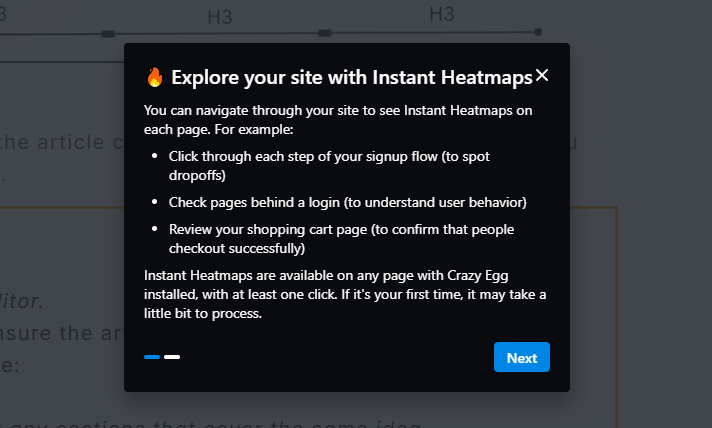
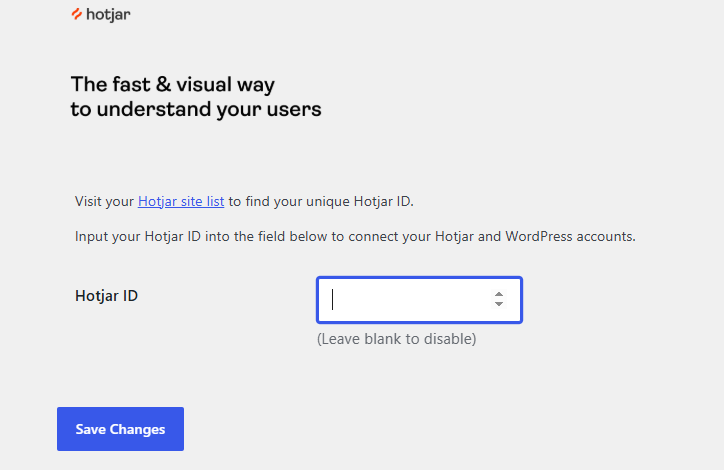
The Crazy Egg WordPress plugin facilitates a rapid setup, allowing users to paste a tracking script into the settings menu. A significant recent addition is the integration of AI-powered summaries. The platform now utilizes machine learning to interpret heatmap patterns and suggest specific UI changes in plain language, reducing the time required for manual analysis.
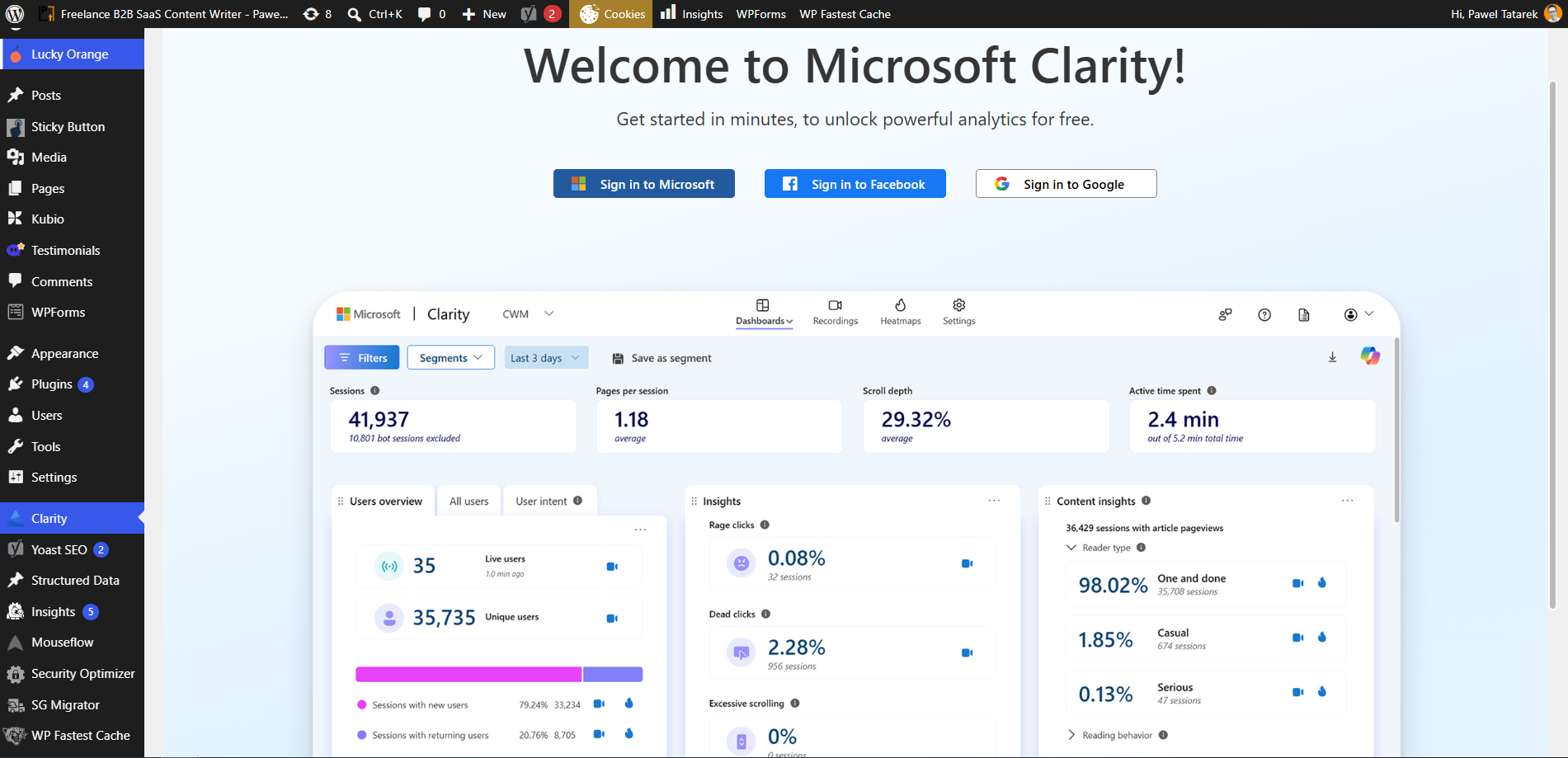
2. Microsoft Clarity: High-Volume Data at No Cost
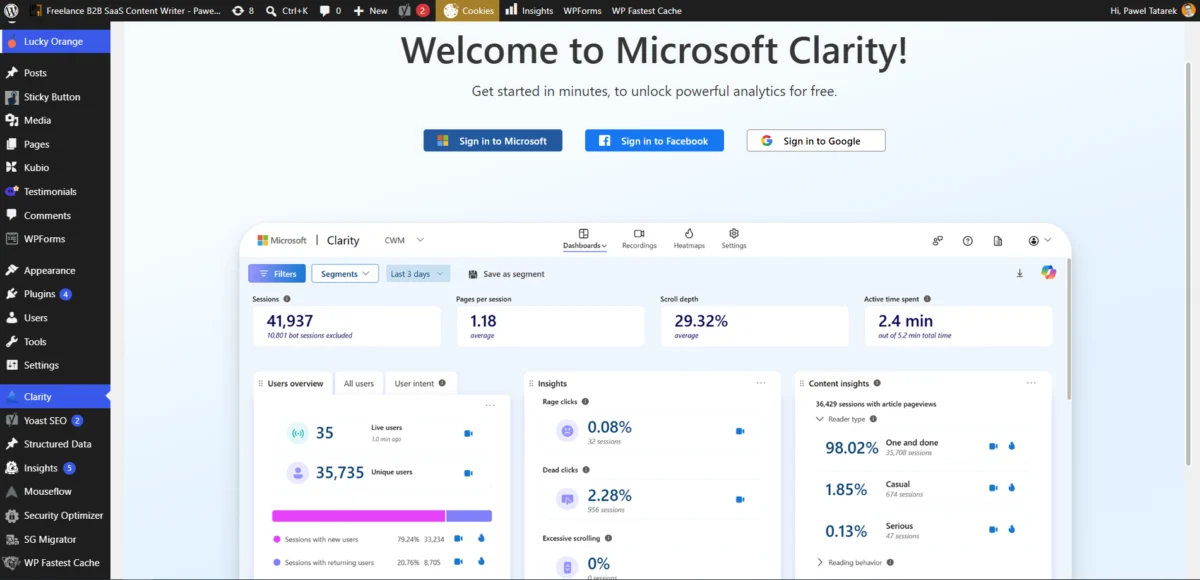
Microsoft Clarity has redefined the market by removing traffic limits and subscription fees. It is particularly effective for high-traffic WordPress sites that would otherwise face prohibitive costs on "pay-per-session" models. Clarity’s unique value proposition is its "Friction Insights," which automatically flags "rage clicks" (repeatedly clicking an unresponsive element) and "dead clicks."
While Clarity is free, it operates on a data-sharing model where anonymized behavior data is used to refine Microsoft’s machine learning models. For WordPress users, the official Clarity plugin provides a dashboard directly within the CMS, allowing for a unified view of behavioral metrics and traditional web analytics.
3. Hotjar (by Contentsquare): The All-in-One Feedback Loop
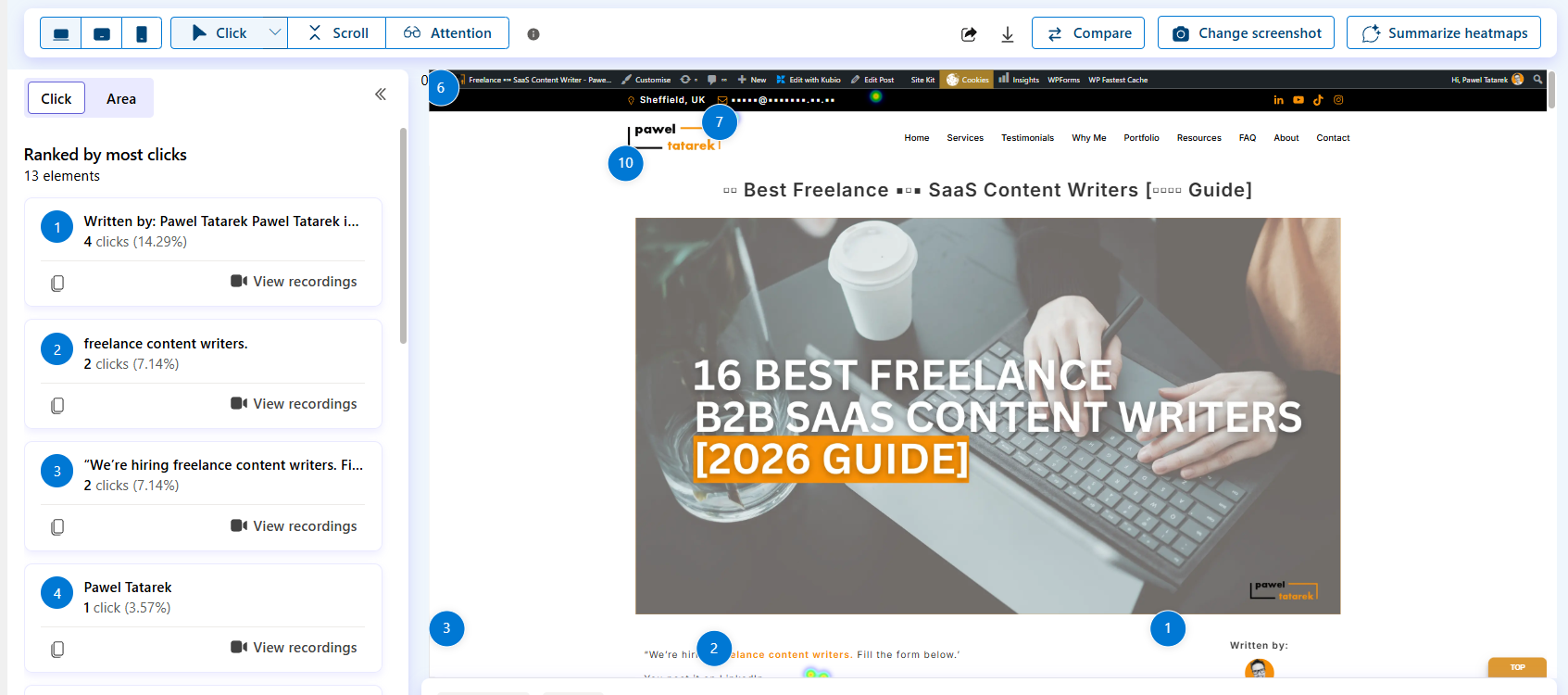
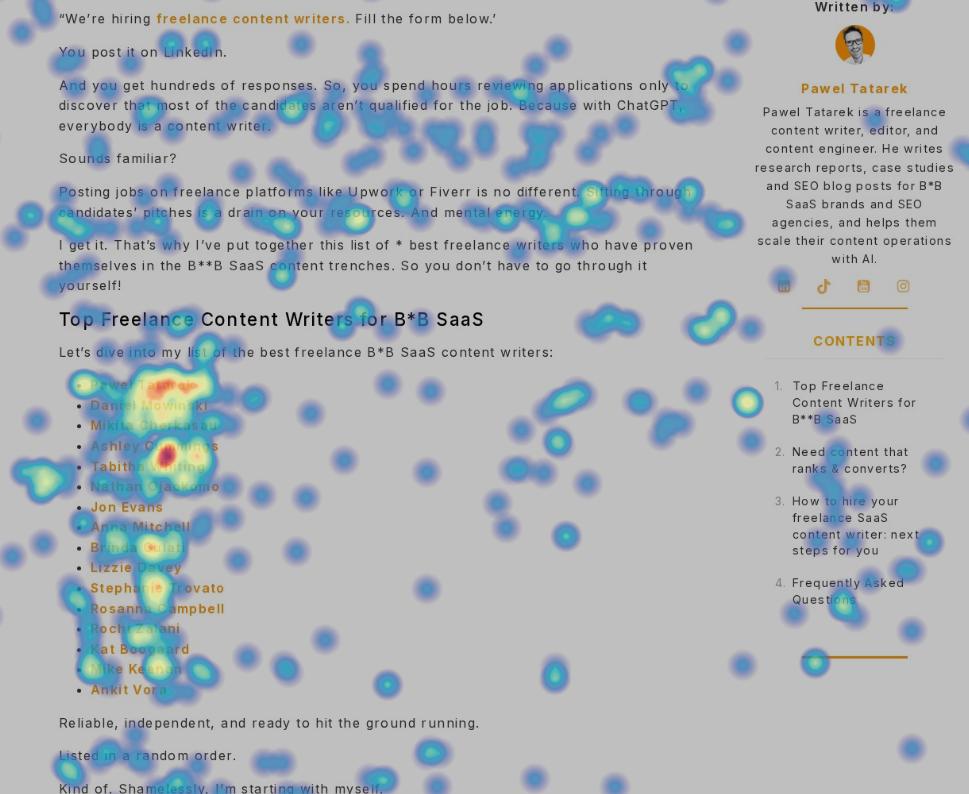
Hotjar is widely regarded as the industry standard for combining behavioral data with direct user feedback. Its "Engagement Zones" combine click, move, and scroll data into a single view to show which parts of a page are truly capturing attention.
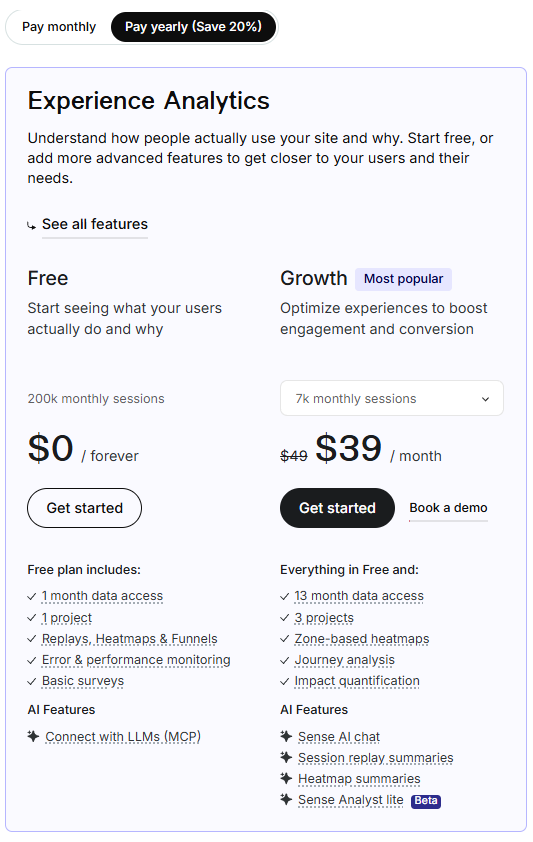
Following its acquisition by Contentsquare, Hotjar has expanded its capabilities to include automated funnels and sophisticated survey tools. For WordPress administrators, Hotjar provides a balance between technical depth and ease of use, though its free tier is more restrictive than Microsoft Clarity, limiting the number of sessions captured per month.
4. Mouseflow: Advanced Friction and Form Analysis
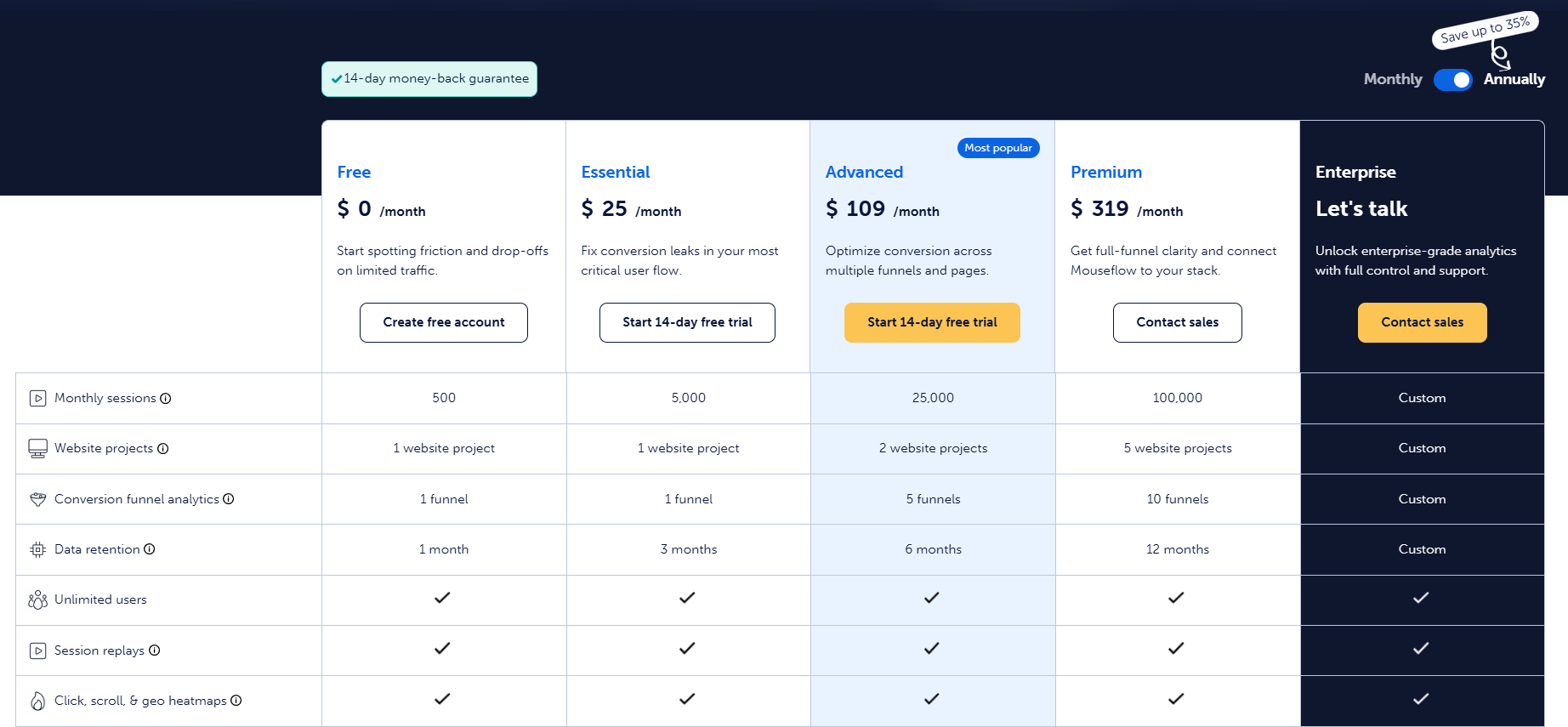
Mouseflow distinguishes itself through its focus on "Friction Scores" and form analytics. While many heatmaps ignore the complexities of checkout pages and contact forms, Mouseflow tracks where users drop off in a multi-field form. Its interactive heatmaps are capable of capturing data on dynamic elements like dropdown menus, sliders, and parallax scrolling effects that static snapshots often miss.
Mouseflow is frequently chosen by e-commerce sites on WordPress (WooCommerce) because it can track the specific obstacles that lead to cart abandonment. Its "Geo Heatmaps" also provide a visual representation of engagement based on the visitor’s physical location.
5. Lucky Orange: Real-Time Engagement for E-commerce
Lucky Orange caters to stores and SaaS products that require real-time interaction. In addition to heatmaps and session recordings, the platform includes a live chat feature and visitor polling. This allows a site owner to see a user struggling on a page via the heatmap and immediately initiate a chat session to assist them.
The Lucky Orange "Discovery AI" provides a "Top Elements" list, which ranks every interactive piece of a page by its popularity. This helps WordPress users quickly identify which navigation links or buttons are performing best without having to visually scan the entire heatmap.
6. Matomo: The Privacy-Centric, Self-Hosted Alternative
For organizations with strict data sovereignty requirements, Matomo (formerly Piwik) offers a unique solution. Unlike the other tools on this list, which store data on third-party servers, Matomo’s WordPress plugin allows users to host all analytics data within their own WordPress database.
This self-hosted approach ensures that no data is shared with external vendors, making it a preferred choice for government agencies, healthcare providers, and privacy-conscious enterprises. However, heatmaps and session recordings are offered as a paid add-on, and the technical requirements for hosting the data can be higher than cloud-based solutions.
Technical Implementation and Performance Impact
A common concern among WordPress site owners is whether adding a heatmap script will degrade site performance and Core Web Vitals. Most modern heatmap vendors utilize asynchronous loading, meaning the tracking script loads in the background and does not block the rendering of the actual page content.
Industry benchmarks suggest that a well-optimized tracking script typically adds between 0.2 and 0.5 seconds to the "Time to Interactive" (TTI). To minimize impact, developers recommend:
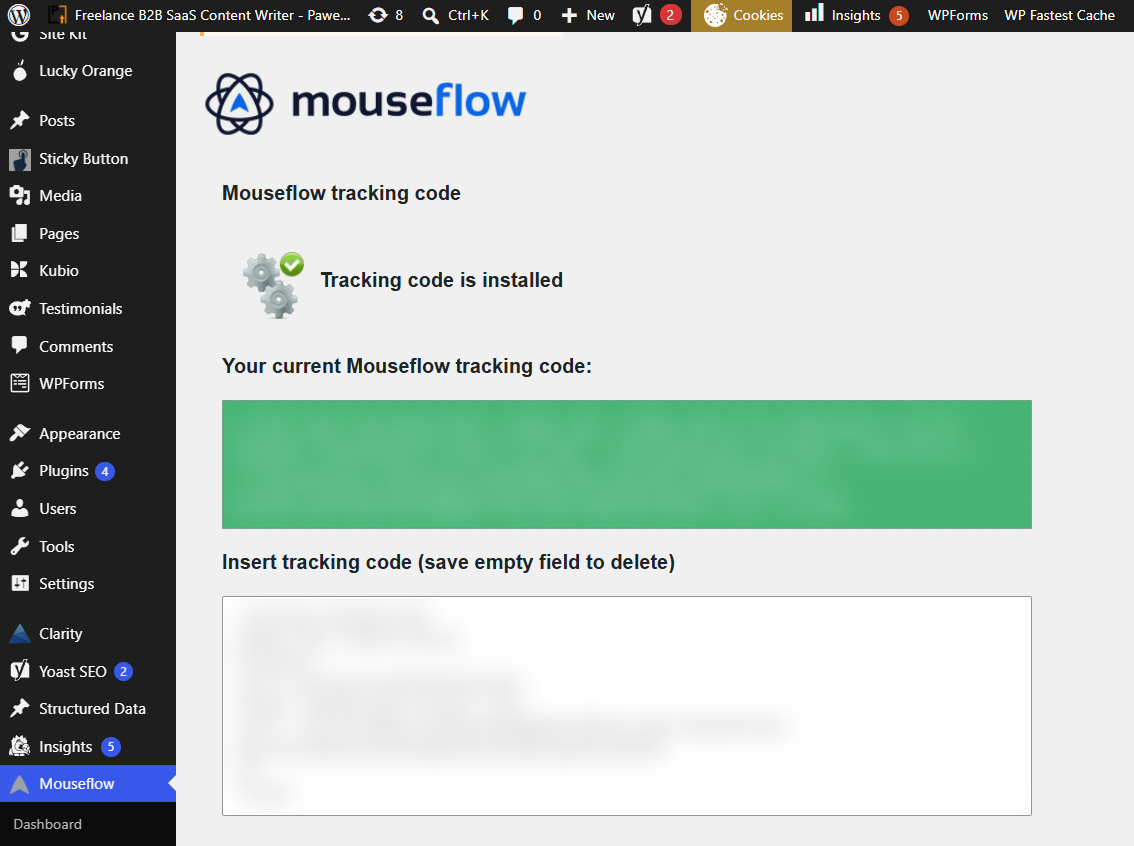
- Using a dedicated plugin rather than manual code insertion to ensure proper script placement.
- Utilizing Google Tag Manager (GTM) to manage the firing of tracking tags.
- Configuring sample rates to only record a percentage of traffic rather than every single session.
Regulatory Compliance: GDPR, CCPA, and User Privacy
As global privacy regulations tighten, the use of behavioral tracking has come under scrutiny. Under the General Data Protection Regulation (GDPR) in the EU and the California Consumer Privacy Act (CCPA), heatmap data can be considered personal data if it includes IP addresses or unique identifiers.
Most heatmap providers now offer "Privacy by Design" features, such as:
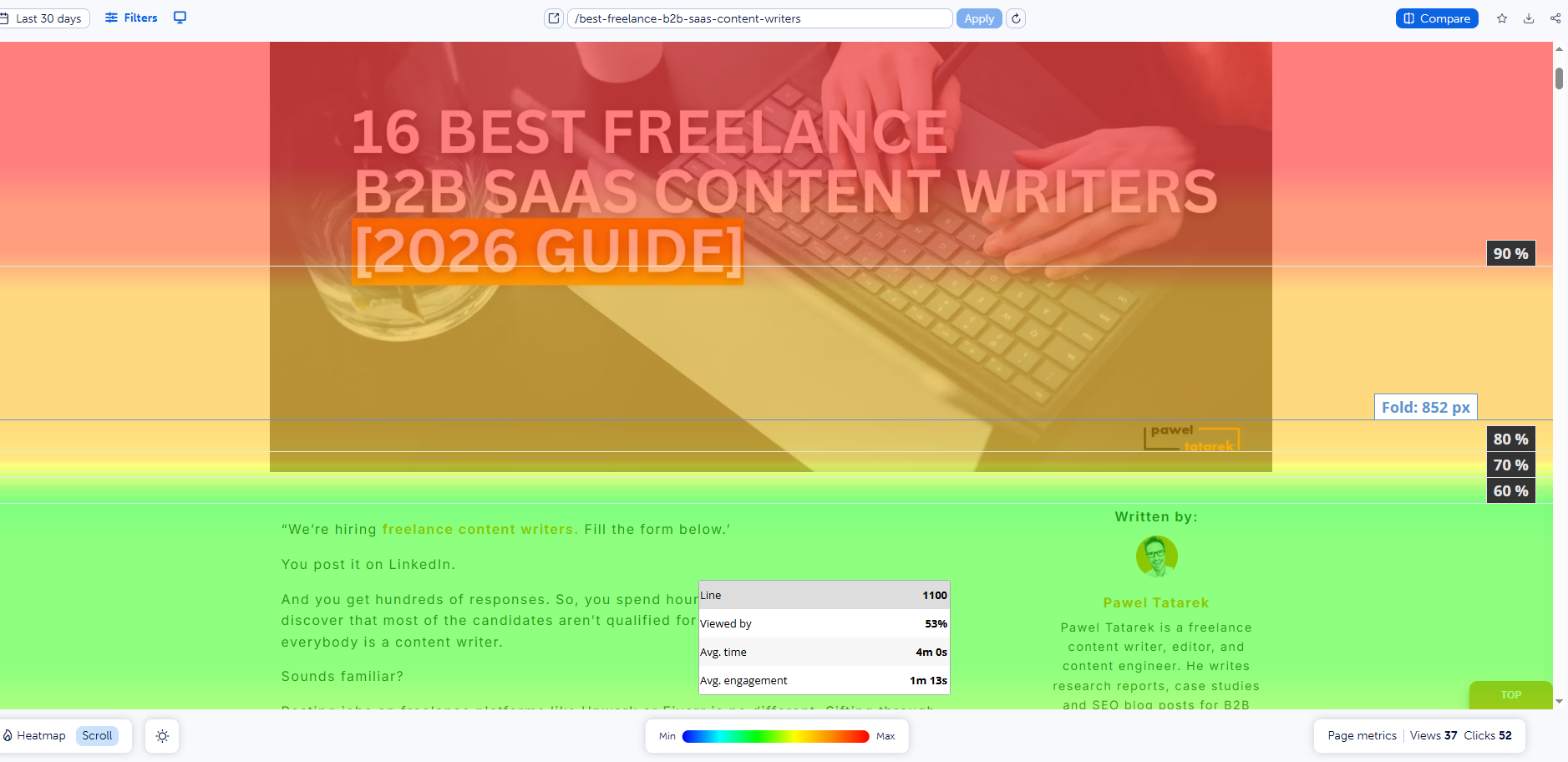
- Keystroke Masking: Automatically hiding sensitive information entered into form fields.
- IP Anonymization: Stripping the final octet of IP addresses before storage.
- Consent Integration: Ensuring the tracking script only fires after a user has accepted cookies via a consent management platform (CMP).
Experts suggest that WordPress users should update their Privacy Policy to explicitly mention the use of behavioral analytics and provide an opt-out mechanism for visitors.
Chronology of Key Industry Milestones
- 2005: Crazy Egg is founded, popularizing the concept of heatmaps for the general public.
- 2014: Hotjar enters the market, bundling heatmaps with surveys and recordings.
- 2018: Piwik rebrands to Matomo, doubling down on the "privacy-first" self-hosted model.
- 2020: Microsoft launches Clarity, offering a free enterprise-grade tool to the public.
- 2021: Contentsquare acquires Hotjar, marking a major shift toward high-level behavioral suites.
- 2023-2024: AI integration becomes standard, with tools like Lucky Orange and Crazy Egg launching automated insight engines.
Analysis of Broader Implications
The democratization of heatmap technology has shifted the power dynamic in web design. Historically, website changes were often dictated by the "HIPPO" (Highest Paid Person’s Opinion). Today, heatmaps provide objective, empirical evidence of what is working.
As artificial intelligence continues to evolve, the next frontier for these tools will likely be "predictive heatmaps." Using historical data from millions of sessions, AI models are beginning to predict how users will interact with a layout before it is even published. This proactive approach to UX design could significantly reduce the time and cost associated with traditional A/B testing.
Furthermore, the rise of "frictionless" browsing means that even minor UI flaws can lead to significant revenue loss. In an era where mobile traffic dominates, the ability to see how a WordPress site renders and responds to touch gestures across thousands of different device types is no longer a luxury—it is a competitive necessity.
Conclusion
No single WordPress heatmap tool is universally superior; the "best" choice depends on the specific needs of the website. Microsoft Clarity is the clear winner for those seeking a cost-effective, high-volume solution. Crazy Egg and Hotjar remain the top choices for professional marketers who require a deep integration of testing and feedback tools. Meanwhile, Matomo serves a critical niche for those prioritizing data privacy and ownership. By integrating these tools, WordPress site owners can transform their websites from static brochures into dynamic, user-centric environments optimized for maximum engagement and conversion.

 Sagoh