rifanmuazin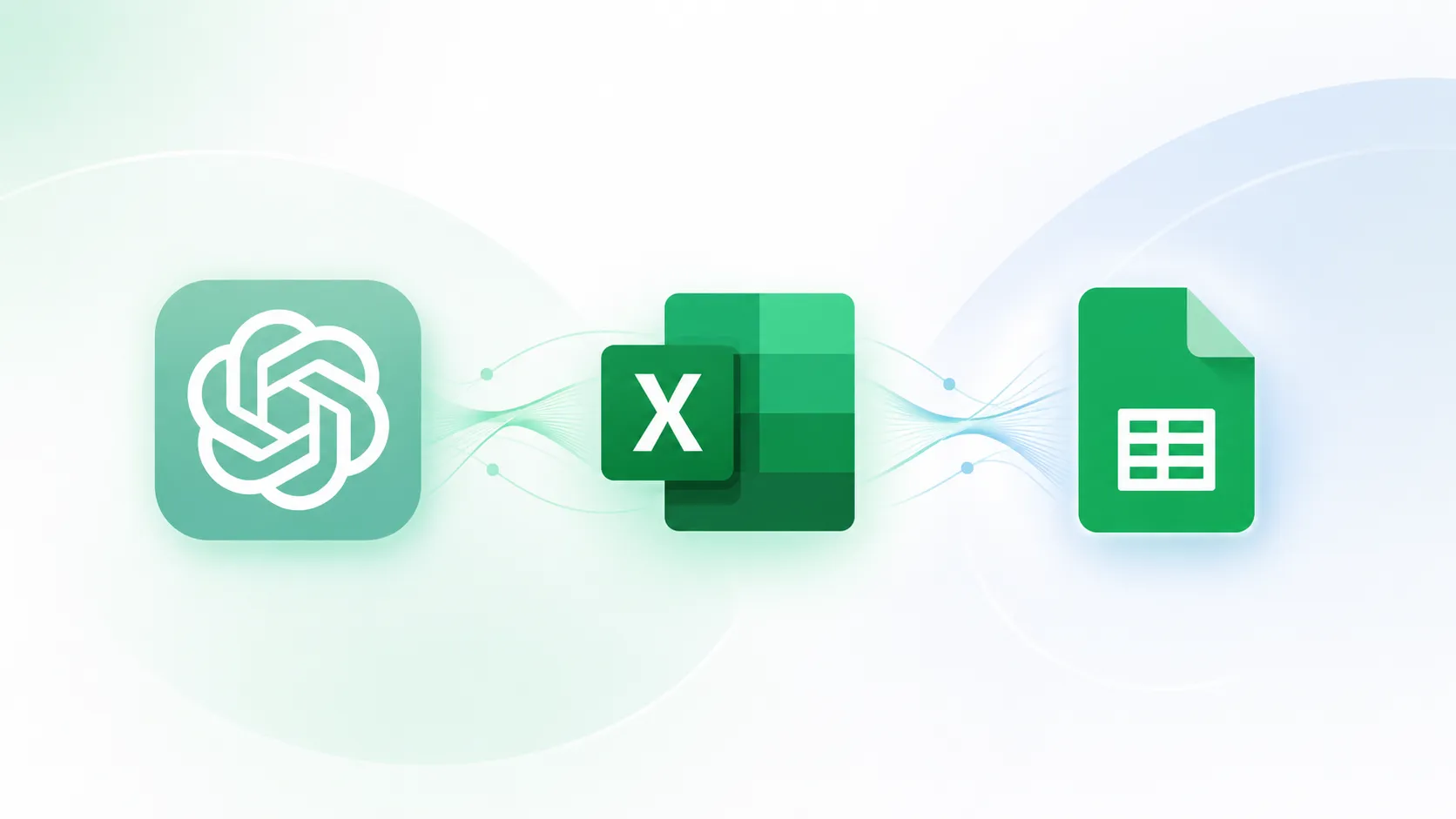
The landscape of generative artificial intelligence has shifted from a phase of novelty to one of deep utility, as OpenAI announces a significant accessibility update for its latest model, GPT-5.5. In a move designed to eliminate the friction between data analysis and natural language processing, OpenAI has integrated ChatGPT directly into the world’s most widely used spreadsheet platforms: Microsoft Excel and Google Sheets. This integration represents a departure from the traditional "copy-paste" workflow, allowing users to leverage the computational logic and creative capabilities of GPT-5.5 without ever leaving their active workbooks. As AI technology continues to leapfrog in capability, the focus has increasingly turned toward "invisible AI"—tools that sit quietly within existing workflows to assist with everyday administrative, financial, and organizational tasks.
The introduction of GPT-5.5 into the spreadsheet environment addresses a long-standing pain point for data professionals and casual users alike. Previously, utilizing AI for spreadsheet tasks required constant navigation between browser tabs, leading to fragmented focus and potential data entry errors. By functioning as a native plugin or add-in, the new ChatGPT feature allows for real-time data manipulation, formula generation, and cross-tab analysis. This development is part of a broader industry trend where AI providers are seeking to embed their models directly into the "Office" suites that define modern professional life.
The Evolution of Integration: From GPT-3 to GPT-5.5
To understand the significance of this update, one must look at the trajectory of OpenAI’s model development. While GPT-3 introduced the world to the possibility of AI-generated text, it lacked the logical consistency required for complex mathematical environments. GPT-4 and its subsequent iterations, such as GPT-4o, made strides in reasoning and data interpretation, but they remained largely external tools. The arrival of GPT-5.5 marks a milestone in multimodal capability and reliability. According to OpenAI’s technical documentation, this version of the model features a significantly expanded context window and improved "symbolic reasoning," which is essential for understanding the hierarchical and relational nature of spreadsheet cells.
The timeline of this release follows a series of incremental updates aimed at enterprise-grade reliability. Earlier in the year, OpenAI expanded its "Custom GPTs" and "API Assistants," which laid the groundwork for how a model interacts with specific file structures. The new spreadsheet integration is the culmination of these efforts, providing a standardized interface for users across different tiers, including Free, Plus, Team, and Enterprise.
Technical Implementation and Global Availability
The integration is delivered via a streamlined installation process tailored to each platform’s ecosystem. For Microsoft Excel users, the tool is accessible through the "Insert" menu under the "Get Add-ins" section. Once the "ChatGPT for Excel" add-in is located and added, a dedicated sidebar or ribbon element appears, allowing users to log in with their OpenAI credentials. Similarly, for Google Sheets, the functionality is found within the "Extensions" menu. By selecting "Add-ons" and then "Get add-ons," users can install the ChatGPT integration directly into their Google Workspace.
OpenAI has confirmed that this feature is rolling out globally. The rollout strategy is notably inclusive, covering a wide range of user categories. This includes ChatGPT Business and Enterprise clients, who receive advanced administrative controls, as well as educational versions (Edu, Teachers, K-12). Significantly, the feature is also being made available to "Free" and "Pro" users, ensuring that the productivity gains of AI are not restricted solely to high-budget corporate environments.
Core Capabilities and Practical Use Cases
The utility of GPT-5.5 within spreadsheets extends far beyond simple text generation. By having direct access to the grid, the AI can perform complex operations that previously required advanced knowledge of VBA (Visual Basic for Applications) or Apps Script.
One of the most immediate benefits is the generation of synthetic datasets. For project managers or sales leads who need to build a framework for tracking, GPT-5.5 can generate a sample dataset based on specific parameters—such as "Create a sales tracker for five regions over the last four quarters with realistic revenue fluctuations." Once the data is generated, the AI can automatically organize it into structured tabs, separating raw data from summary views.
The AI’s ability to handle formulas is perhaps its most transformative feature for the average user. Instead of searching for the correct syntax for a nested IF statement or a VLOOKUP, users can prompt the AI in natural language: "Calculate the total revenue for each product line and highlight any rows where the profit margin is below 15%." GPT-5.5 not only generates the formula but applies it to the correct cells. Furthermore, the AI acts as a debugger; if a sheet contains errors like #REF! or #VALUE!, the user can ask the AI to identify the source of the break and suggest a correction.
Advanced users can leverage the "Insights Across Tabs" capability. In a workbook with multiple sheets—such as Inventory, Sales, and Shipping—GPT-5.5 can synthesize information from all three to provide a holistic answer. For instance, a user might ask, "Based on current sales trends and inventory levels, which products are likely to stock out in the next 30 days?" This level of cross-functional analysis traditionally required manual pivot tables or complex data modeling.
Data Privacy and Enterprise Security Protocols
For corporate users, the integration of AI into sensitive spreadsheets raises immediate questions regarding data security and privacy. OpenAI has addressed these concerns by implementing specific data-handling policies for its professional tiers. For ChatGPT Business, Enterprise, and Edu users, OpenAI states that data shared within the spreadsheet environment is not used to train its underlying models by default. This "opt-out" by design is critical for teams handling proprietary financial models, internal human resources trackers, or sensitive client data.
Furthermore, the integration maintains a strict separation from the standard ChatGPT chat history. Conversations occurring within the Excel or Google Sheets sidebar are not synced with the user’s main ChatGPT mobile or web history. This ensures that a professional session focused on quarterly earnings does not mingle with a user’s personal queries. For Enterprise workspaces, the feature is disabled by default, allowing IT administrators to enable it only after performing the necessary risk assessments and applying role-based access controls.
Limitations and the Need for Human Oversight
Despite the advanced capabilities of GPT-5.5, OpenAI has been transparent about the current limitations of the tool. The integration does not yet support certain "power user" features, including Office Scripts, Power Query, and complex Pivot Data Models. Additionally, very large workbooks may hit "context limits," where the AI can only process a certain amount of information at once, potentially leading to partial results or truncated analysis.
A critical point of caution emphasized by OpenAI is that ChatGPT is not a financial or accounting advisor. The model is susceptible to "hallucinations"—a phenomenon where an AI generates factually incorrect but confident-sounding information. In a spreadsheet context, this could result in a subtly incorrect formula that leads to significant financial errors if not audited. OpenAI encourages a "human-in-the-loop" approach, where users are specific in their prompts and diligent in verifying the AI’s output. To mitigate risks, the AI is designed to describe the changes it intends to make before applying them, giving the user a chance to intervene.
Market Competition and Industry Implications
The move to embed GPT-5.5 into spreadsheets places OpenAI in direct competition with the platform providers themselves. Microsoft has already begun integrating its "Copilot" into the Microsoft 365 suite, while Google has introduced "Gemini" (formerly Bard) into Google Workspace. By offering a third-party plugin that works across both ecosystems, OpenAI is positioning ChatGPT as a platform-agnostic "productivity layer" that can follow a user regardless of which software suite they are forced to use for a specific project.
Industry analysts suggest that this integration will have a profound impact on the labor market for entry-level data roles. Tasks that once took junior analysts hours—such as cleaning data, formatting tables, and writing basic formulas—can now be completed in seconds. This shift is expected to move the focus of such roles from "data entry and manipulation" to "data auditing and strategic analysis."
Conclusion: Toward an AI-Native Workflow
The integration of GPT-5.5 into Excel and Google Sheets is more than a technical update; it is a shift toward a more intuitive relationship between humans and data. By meeting users where they already work, OpenAI is lowering the barrier to sophisticated data analysis. While competitors like Copilot and Gemini offer similar native experiences, the ubiquity and brand recognition of ChatGPT may give OpenAI the edge in becoming the default assistant for the world’s billion-plus spreadsheet users.
As the feature continues to roll out, the success of this integration will depend on how well the AI manages the nuance of complex financial logic and how effectively users can adapt to a "prompt-based" workflow. For now, the era of the manual spreadsheet is transitioning into the era of the AI-augmented workbook, promising a future of increased efficiency and reduced administrative drudgery for professionals across the globe.