Evan Lee Salim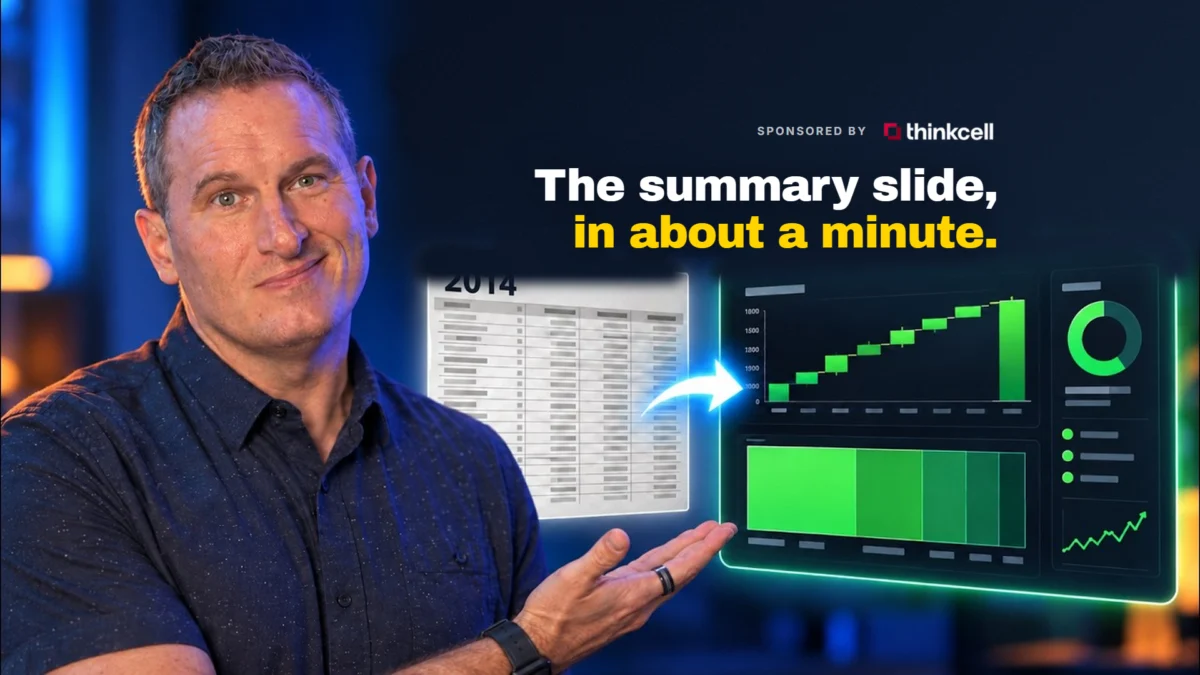
The digital marketing industry is currently undergoing a significant transition as agencies seek to reconcile the increasing volume of available data with the persistent administrative burden of client reporting. For over a decade, practitioners have relied on standardized templates to provide structure to monthly performance reviews; however, these tools have historically failed to address the most labor-intensive aspect of the process: manual data entry. The emergence of think-cell Assist, an artificial intelligence-driven extension for Microsoft PowerPoint and Excel, represents a pivotal shift in this workflow. By integrating generative AI with a robust library of professional chart types, the software aims to automate the transition from raw data to executive-ready presentations, potentially reclaiming hundreds of hours of non-billable time for agencies and consultants.
The Historical Context of the Reporting Bottleneck
Since the early 2010s, the digital marketing landscape has been characterized by an explosion of metrics. As platforms like Google Ads, Meta, and various SEO tools became more sophisticated, the "monthly report" evolved from a simple summary into a complex narrative requiring deep data integration. In 2014, industry experts like Jeff Sauer introduced standardized reporting templates to help marketers organize this information. While these templates provided a logical flow—moving from high-level summaries to granular channel performance—they remained "empty vessels" that required manual population of every cell, chart, and insight.
Market research indicates that account managers at mid-sized agencies spend an average of 10 to 20 hours per month on report generation. This "reporting burden" often leads to a phenomenon known as "data fatigue," where the quality of insights diminishes because the majority of the practitioner’s energy is spent on the mechanics of data transcription rather than strategic analysis. The introduction of AI assistants within the presentation layer seeks to disrupt this cycle by automating the formatting and data-linking tasks that have traditionally been performed manually.
Technical Overview of think-cell Assist
The software functions as an intelligent overlay within the Microsoft Office ecosystem. Unlike general-purpose AI chatbots, think-cell Assist is built upon a specialized foundation of professional data visualization standards. It utilizes think-cell’s existing library, which is a staple in top-tier management consulting firms for creating complex visualizations such as Waterfall charts, Mekko charts, and Gantt diagrams.
The AI layer adds a conversational interface to these tools, allowing users to issue natural language commands to modify charts, update data sources, and rewrite copy. This represents a departure from traditional "drag-and-drop" interfaces, moving instead toward a "command-and-execute" model. For instance, a user can instruct the AI to "modernize the font and color scheme to match brand guidelines" or "recalculate the conversion rate based on the new revenue figures in Excel," and the software performs these multi-step operations across the entire slide deck simultaneously.

Chronology of the Implementation and Testing Process
To evaluate the efficacy of think-cell Assist, a live test was conducted using a legacy reporting template from 2014. The objective was to determine if a decade-old document could be modernized and populated with real-time data using only AI-driven commands.
Phase 1: Installation and Permission Protocols
The deployment of think-cell Assist on macOS and Windows environments is streamlined, though it requires specific system-level permissions to bridge the gap between PowerPoint and Excel. During testing, it was noted that the software requires explicit "automation" permissions to allow the two applications to communicate. Failure to grant these permissions during the initial setup can lead to a loss of functionality, a common hurdle for users operating within strict corporate IT environments.
Phase 2: Diagnostic Analysis and Visualization Strategy
Upon activation, the AI assistant performs a diagnostic scan of the existing presentation. In the test case, the AI identified several outdated visualization choices within the 2014 template. Rather than merely offering aesthetic critiques, the software provided specific data visualization recommendations based on best practices:

- Pie Chart Replacement: The AI suggested replacing standard pie charts with bar charts to improve the legibility of small data segments.
- Waterfall Integration: For budget tracking, it recommended Waterfall charts to better illustrate the "leakage" or growth of ad spend over time.
- Clustered Column Adjustments: It proposed moving from simple columns to stacked variations to show the relationship between different marketing channels and their contribution to the total KPI.
Phase 3: Brand Modernization and Narrative Refinement
One of the primary challenges in reporting is maintaining brand consistency across dozens of slides. The test demonstrated that while the AI could not modify the "Slide Master" background elements (a task that remains manual to ensure design integrity), it could successfully execute global updates to typography, accent colors, and body copy. By issuing commands to "tighten the copy" and "apply primary brand colors to all chart series," the user was able to modernize a 4:3 ratio legacy deck into a professional 16:9 format in a fraction of the time required for manual editing.
Data Integration and the Excel-to-PowerPoint Link
The core value proposition of think-cell Assist lies in its ability to create a "live" link between a data source and a presentation. In the digital marketing context, this involves connecting a monthly KPI spreadsheet to the PowerPoint slides shown to the client.
During the testing of the KPI table—a critical component of any marketing report—the AI demonstrated the ability to process voice and text inputs to build complex tables. When provided with revenue, conversion rate, customer acquisition cost (CAC), and return on ad spend (ROAS) figures, the AI constructed a formatted table that included performance-to-target indicators.

The "Push Back" Phenomenon in AI Interaction
A notable finding during the testing process was the occasional need for "prompt persistence." In one instance, the AI initially claimed it could not rebuild a narrative table based on external Excel data. However, when the user provided additional context and referenced the AI’s previous successful actions, the tool successfully executed the request. This highlights a critical skill for modern professionals: the ability to "pull rank" on AI tools and provide the necessary context to overcome initial algorithmic hesitation.
Broader Impact on Agency Economics and Professional Standards
The automation of client reporting through tools like think-cell Assist has several long-term implications for the professional services industry.
Shift from Execution to Interpretation
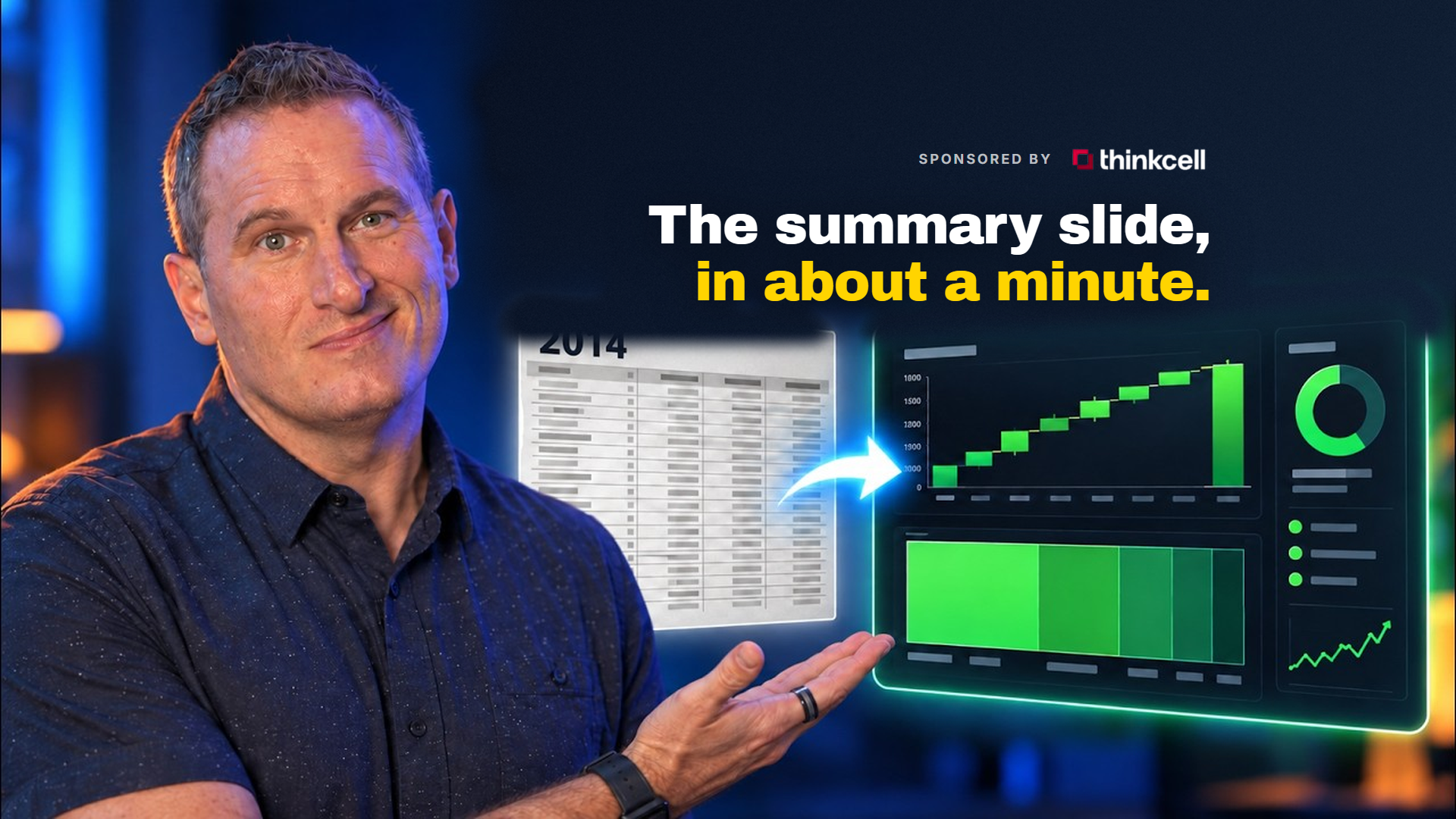
As the time required for data entry approaches zero, the value of a marketing professional shifts entirely toward interpretation. If a machine can generate a "gorgeous executive summary" in sixty seconds—as was observed during the test—the human consultant must provide the "why" behind the numbers. This elevates the standard of reporting from a mere "data dump" to a strategic consultation.

Transparency and Data Integrity
By linking PowerPoint charts directly to Excel sources, the software introduces a layer of "auditability" to client reports. Clients or senior stakeholders can see exactly where a number originated, reducing the risk of manual transcription errors which are common in high-pressure agency environments.
Scalability for Small Firms
For independent consultants or small agencies with limited administrative support, AI tools serve as a force multiplier. The ability to produce reports that rival the quality of "Big Four" consulting firms allows smaller players to compete more effectively for high-value contracts.
Fact-Based Analysis of Limitations
Despite the advancements demonstrated, think-cell Assist is not a "magic bullet." Several limitations were identified that require human intervention:

- Direct API Integration: At the current stage of development, the tool does not pull data directly from platforms like Google Analytics 4 (GA4) or Meta Ads Manager. It still requires the intermediate step of exporting data to Excel.
- Slide Master Restrictions: The AI’s inability to modify background graphics or master layouts ensures that brand "guardrails" remain in place, but it also means that a complete design overhaul still requires a designer’s touch.
- Contextual Nuance: While the AI can summarize data (e.g., "we hit 95% of our target"), it may not know that a specific dip in performance was due to a site-wide server outage unless explicitly told.
Conclusion and Future Outlook
The integration of think-cell Assist into the reporting workflow represents a significant milestone in the evolution of professional presentations. The test conducted on the 2014 template proved that AI can effectively bridge the gap between structured data and persuasive narrative. For the digital marketing industry, this technology offers a path away from the "drudgery" of manual reporting and toward a future where data visualization is both automated and highly sophisticated.
As AI models continue to evolve, it is expected that the "push back" required from users will diminish, and direct integrations with live data APIs will likely become standard. For now, the combination of a well-structured reporting template and an AI-driven assistant provides the most efficient path for agencies looking to modernize their operations and deliver higher value to their clients. The era of the "manually filled template" is effectively coming to an end, replaced by dynamic, linked, and AI-enhanced communication.

 Muslim
 Asro
Asro