The landscape of artificial intelligence in software engineering has shifted from simple chat-based assistants to agentic tools that operate directly within the developer’s local environment. Claude Code, the latest offering from Anthropic, represents this evolution by moving the interaction from the isolated web browser into the command-line interface (CLI). While the Claude web application remains a staple for general-purpose queries, Claude Code is a specialized agent designed to live within the terminal, possessing the capability to read files, write code, execute tests, and manage git repositories autonomously. This transition to the terminal is not merely a change of scenery; it is a fundamental shift in how developers interact with large language models (LLMs), allowing the AI to function as a collaborative pair programmer with direct access to the codebase.
The Rise of Agentic AI in the Development Workflow
Anthropic’s release of Claude Code comes at a time when the "AI coding assistant" market is becoming increasingly crowded. Unlike traditional autocompletion tools, Claude Code is built on the foundation of the Claude 3.5 Sonnet model, which has been widely praised by the engineering community for its superior reasoning capabilities and nuanced understanding of complex architectural patterns. The tool functions as a "research and action" agent. When given a prompt, it does not just suggest code; it explores the directory, identifies relevant files, proposes changes, and can even attempt to fix bugs by iterating through terminal commands.
This level of autonomy requires a robust installation and configuration process to ensure that the tool is both effective and secure. For developers accustomed to the high-level abstractions of web interfaces, the command-line nature of Claude Code offers a more granular level of control, though it comes with a steeper learning curve regarding session management and usage monitoring.
Technical Prerequisites and Account Requirements
Before initiating the installation, users must understand the specialized ecosystem in which Claude Code operates. Unlike the free version of the Claude web app, Claude Code is a professional-grade tool that requires specific account types. As of mid-2024, the tool is accessible to users with Claude Pro, Max, Team, or Enterprise subscriptions. Additionally, developers can utilize it through an Anthropic Console account with active API billing.
One of the most significant technical advantages of the current Claude Code iteration is its native installer. Historically, many CLI tools required a pre-existing installation of Node.js or specific Python environments. The modern Claude Code installer includes its own runtime, significantly reducing "dependency hell" and ensuring that the tool runs consistently across different operating systems without requiring the user to manage underlying software versions.
A Chronological Guide to Installation
The installation process is designed to be streamlined, requiring no administrator rights on most systems. This "user-space" installation approach is preferred by developers who work in restricted corporate environments or who wish to keep their global system settings clean.
Step 1: Executing the Platform-Specific Command
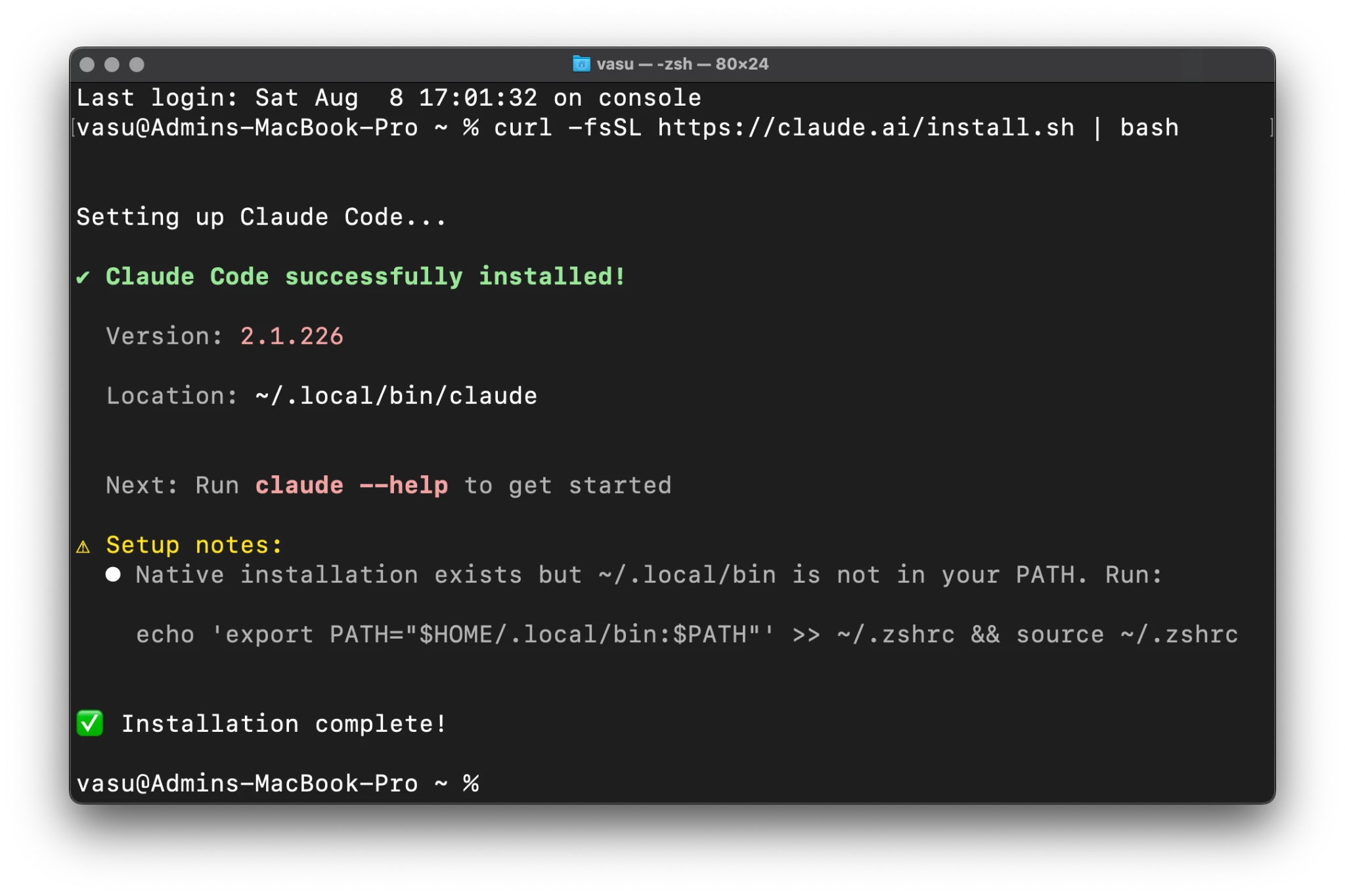
The first step involves fetching the installation script directly from Anthropic’s servers. The commands vary depending on the operating system:
- macOS, Linux, and WSL (Windows Subsystem for Linux): Developers use a standard
curlcommand to pipe the shell script into bash.
curl -fsSL https://claude.ai/install.sh | bash - Windows PowerShell: A specific PowerShell script is used to ensure compatibility with Windows security policies.
irm https://claude.ai/install.ps1 | iex - Windows Command Prompt (CMD): A temporary batch file is created, executed, and then deleted.
curl -fsSL https://claude.ai/install.cmd -o install.cmd && install.cmd && del install.cmd
Upon successful execution, the terminal will display a confirmation message. If the installer detects that the installation directory is not in the system’s execution path, it will issue a warning, leading to the next crucial configuration step.
Step 2: Configuring the System PATH
For the terminal to recognize the claude command from any directory, the installation folder must be added to the system’s PATH variable. This is a common hurdle for junior developers but is essential for the tool’s functionality. On macOS (using the default Zsh shell), the following command appends the necessary directory to the .zshrc file:
echo 'export PATH="$HOME/.local/bin:$PATH"' >> ~/.zshrc && source ~/.zshrc
For those using the Bash shell, the same command is applied to the .bashrc file. This step ensures that the claude binary, typically stored in a hidden local folder, is globally accessible.
Step 3: Verification and Diagnostics
To confirm a successful installation, users should run claude --version. This command should return the current version number (e.g., 2.1.226). For a more comprehensive health check of the environment, Anthropic provides a claude doctor command. This diagnostic tool checks for network connectivity, authentication status, and whether the terminal supports the advanced rendering features required for the full Claude Code experience.
Initial Configuration and Authentication Flow
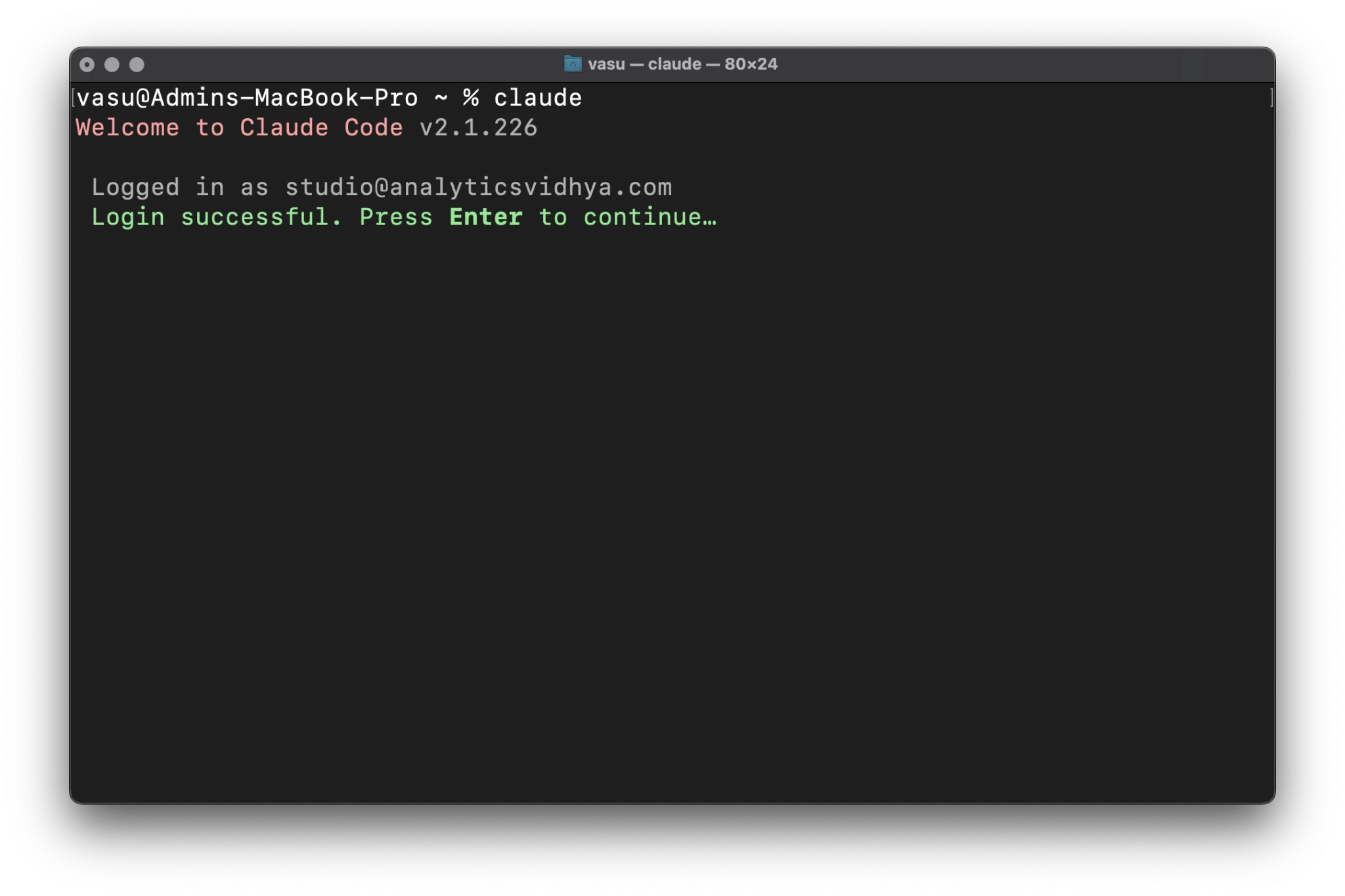
Once the binary is installed, the first run of Claude Code initiates a setup wizard that configures the user experience and establishes a secure connection to Anthropic’s servers.
Theme Selection and Terminal Optimization
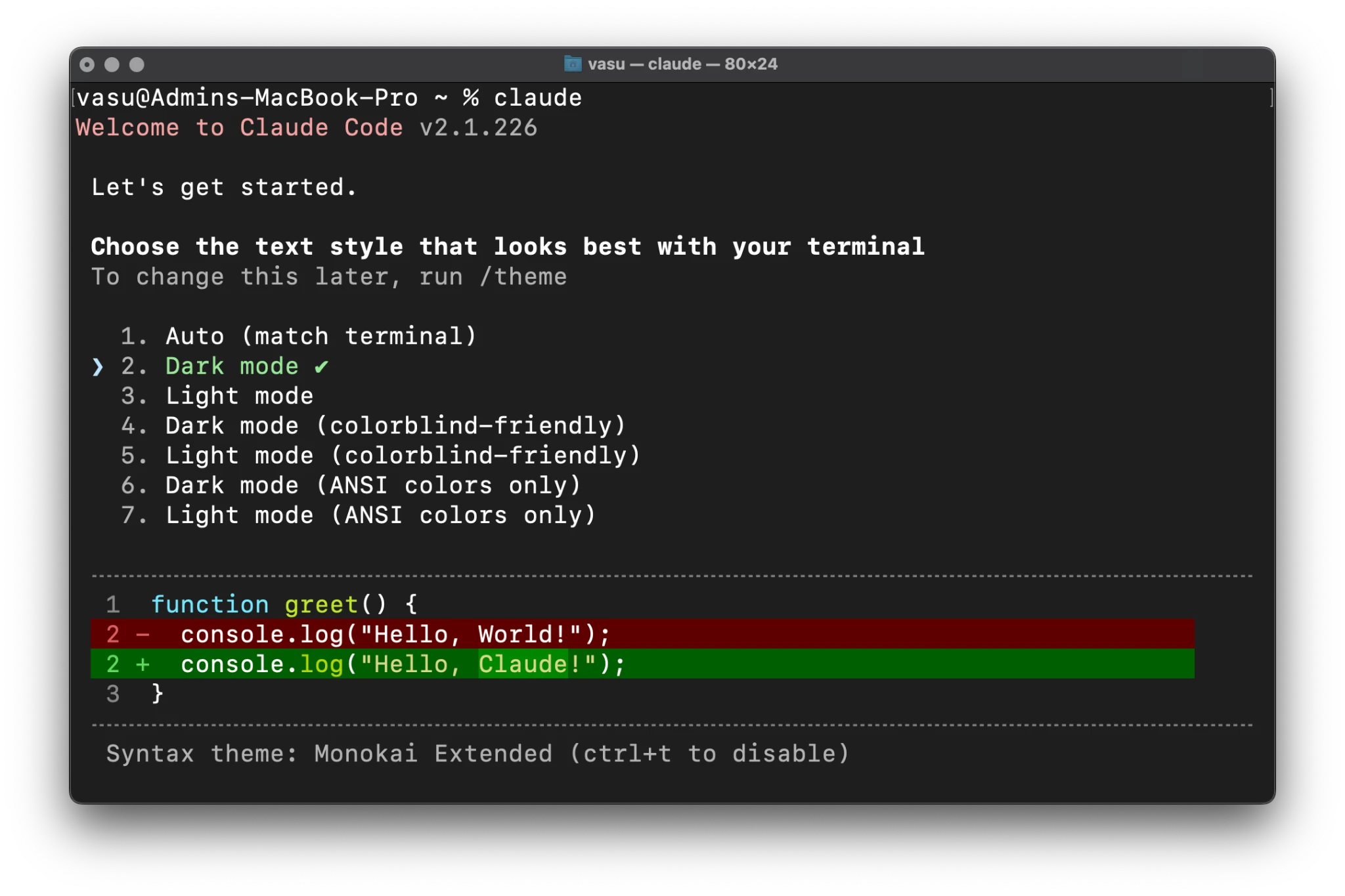
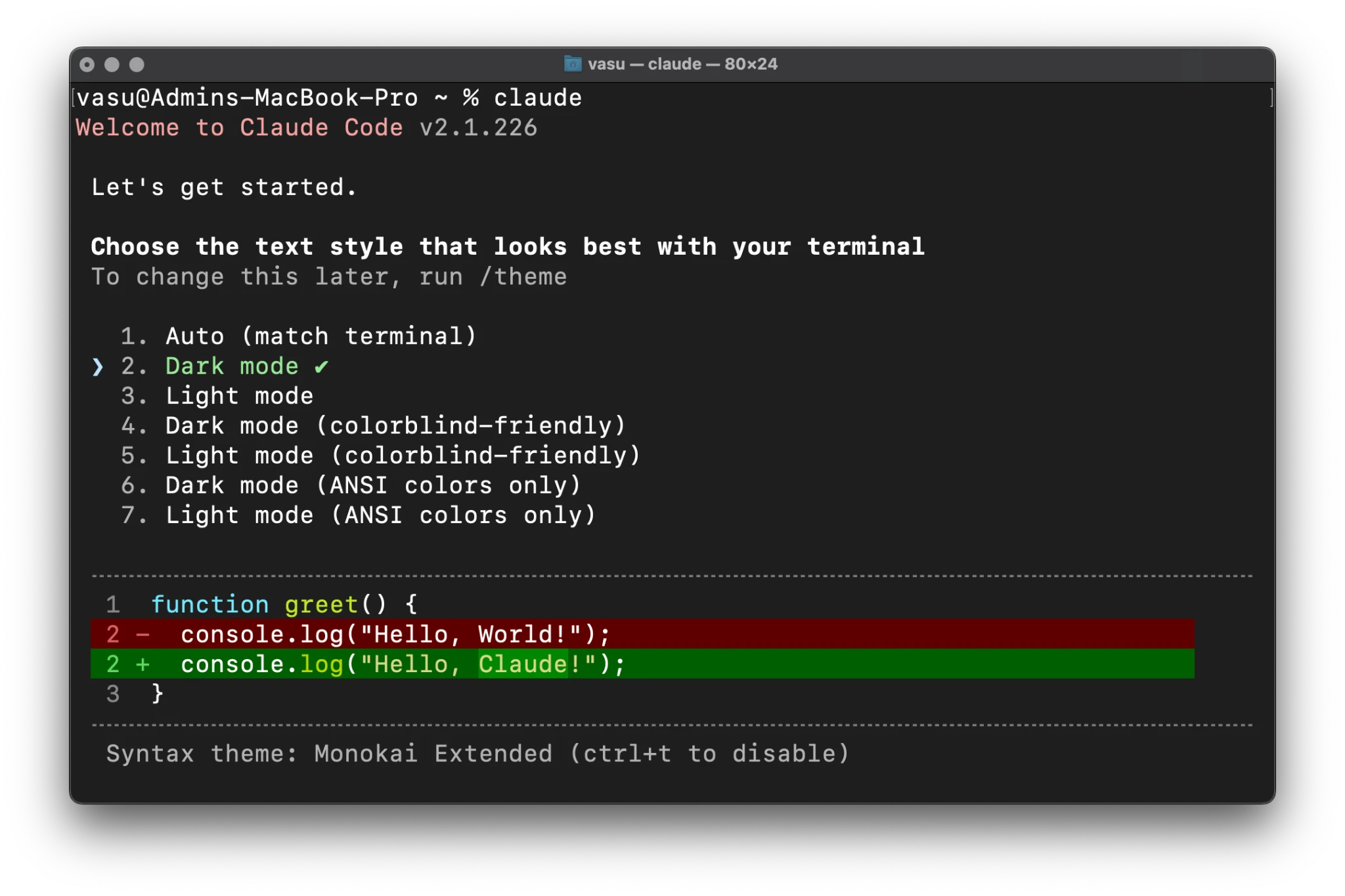
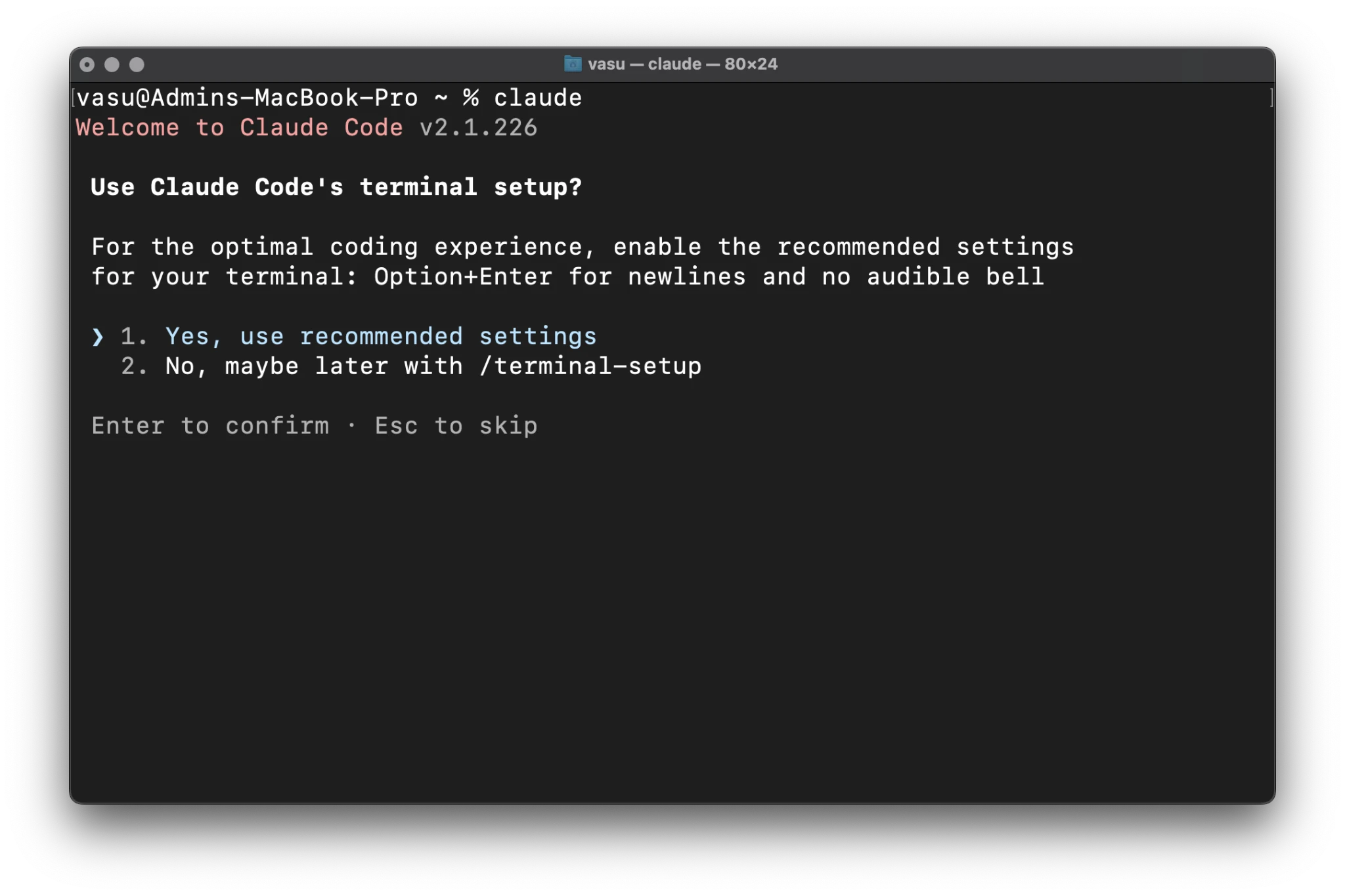
The first prompt a user encounters is the theme selector. Claude Code offers several visual profiles, including colorblind-friendly and ANSI-only options. The latter is particularly useful for developers using legacy terminal emulators or remote SSH sessions with limited color support. Following this, the tool asks to enable "recommended settings." Accepting these settings is vital, as it enables advanced keybindings, such as using Option+Enter for newlines. Without this, multi-line prompts can be accidentally submitted before they are finished, leading to wasted API tokens and fragmented logic.
The Multi-Tiered Authentication Process
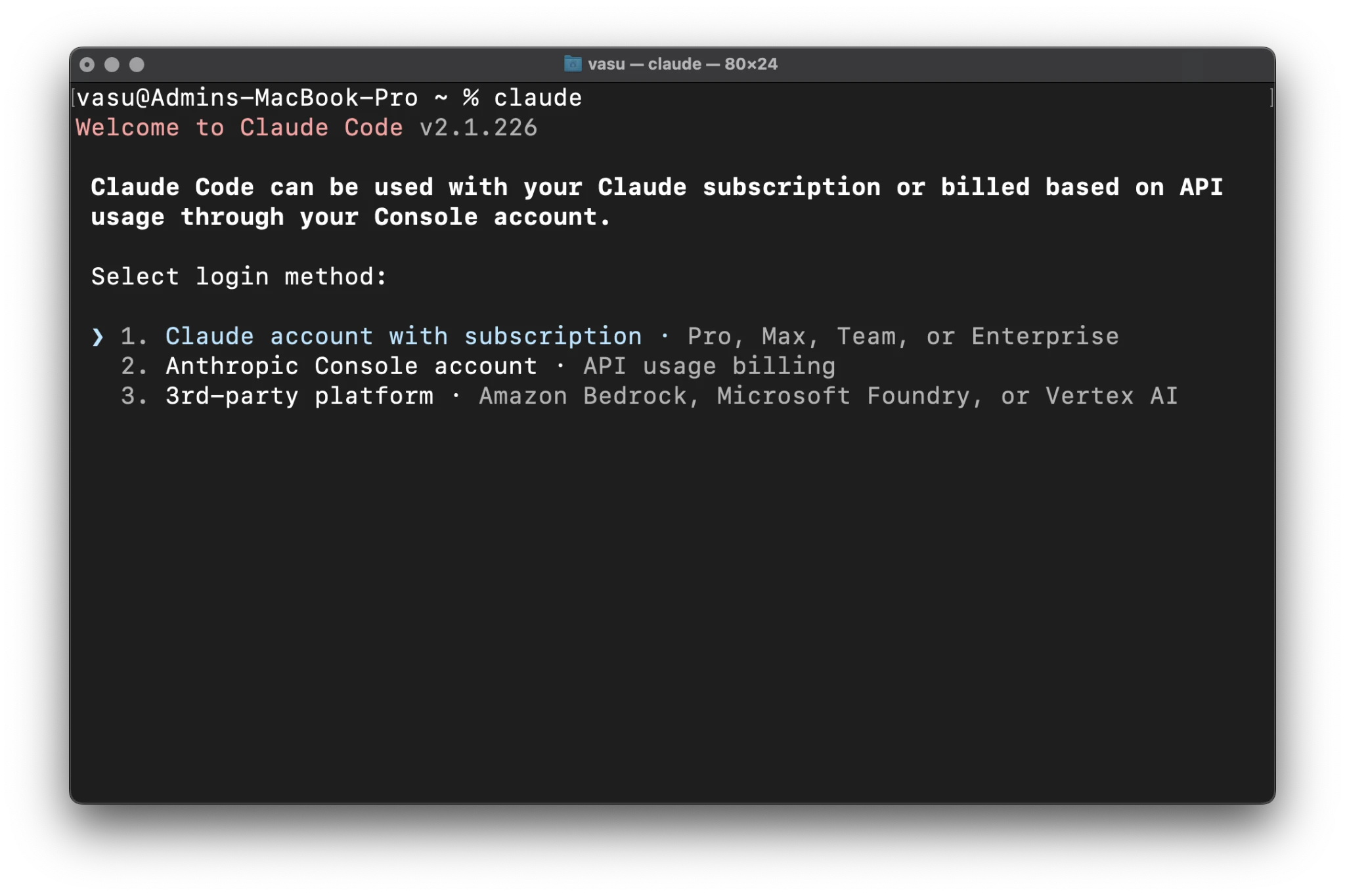
Claude Code offers three primary login methods, catering to different user segments:
- Claude Subscription: Best for individual developers using the Pro or Team plans.
- Anthropic Console: Ideal for users who prefer "pay-as-you-go" API billing.
- Third-Party Cloud Platforms: Targeted at enterprise users who access Claude via Amazon Bedrock or Google Cloud Vertex AI.
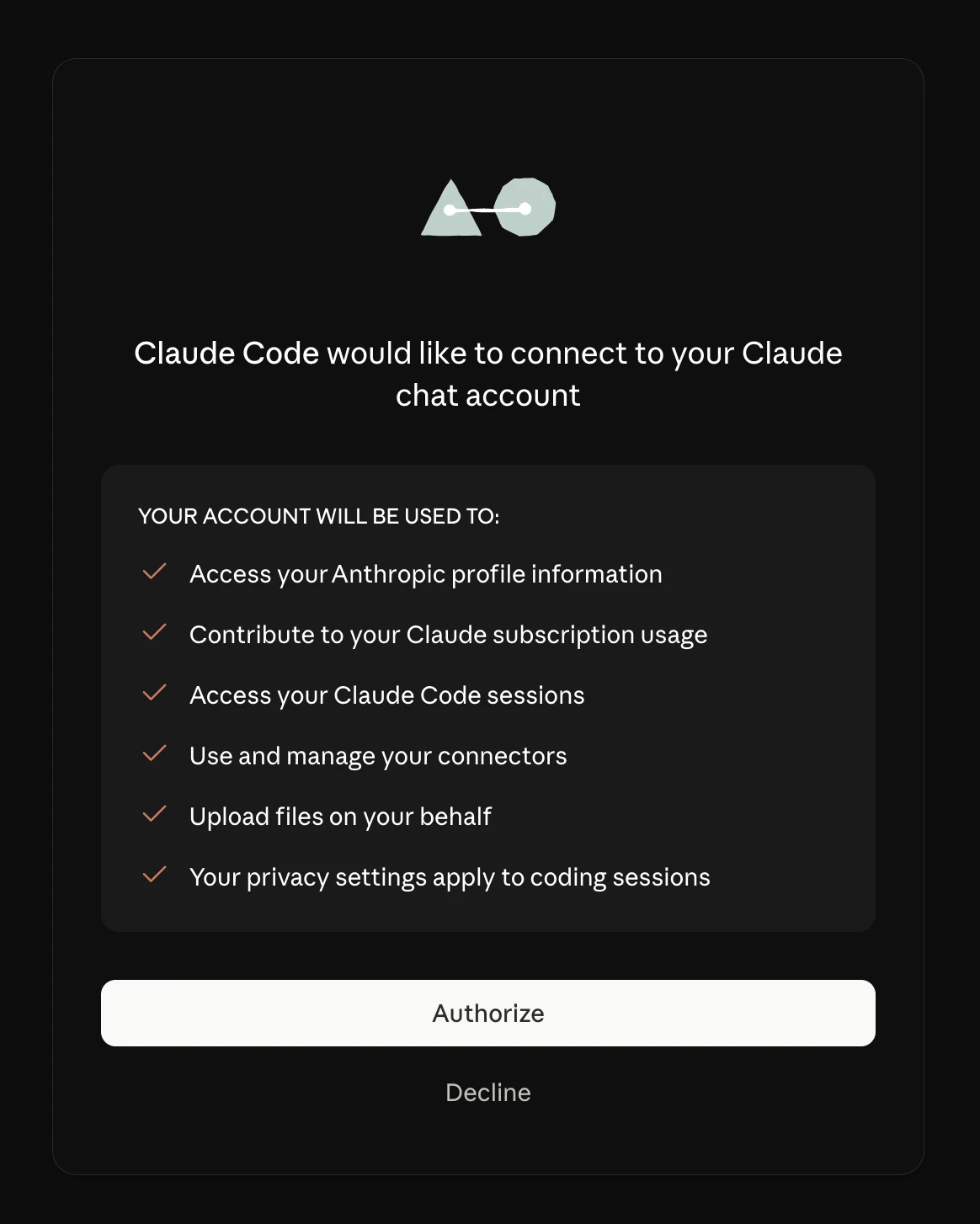
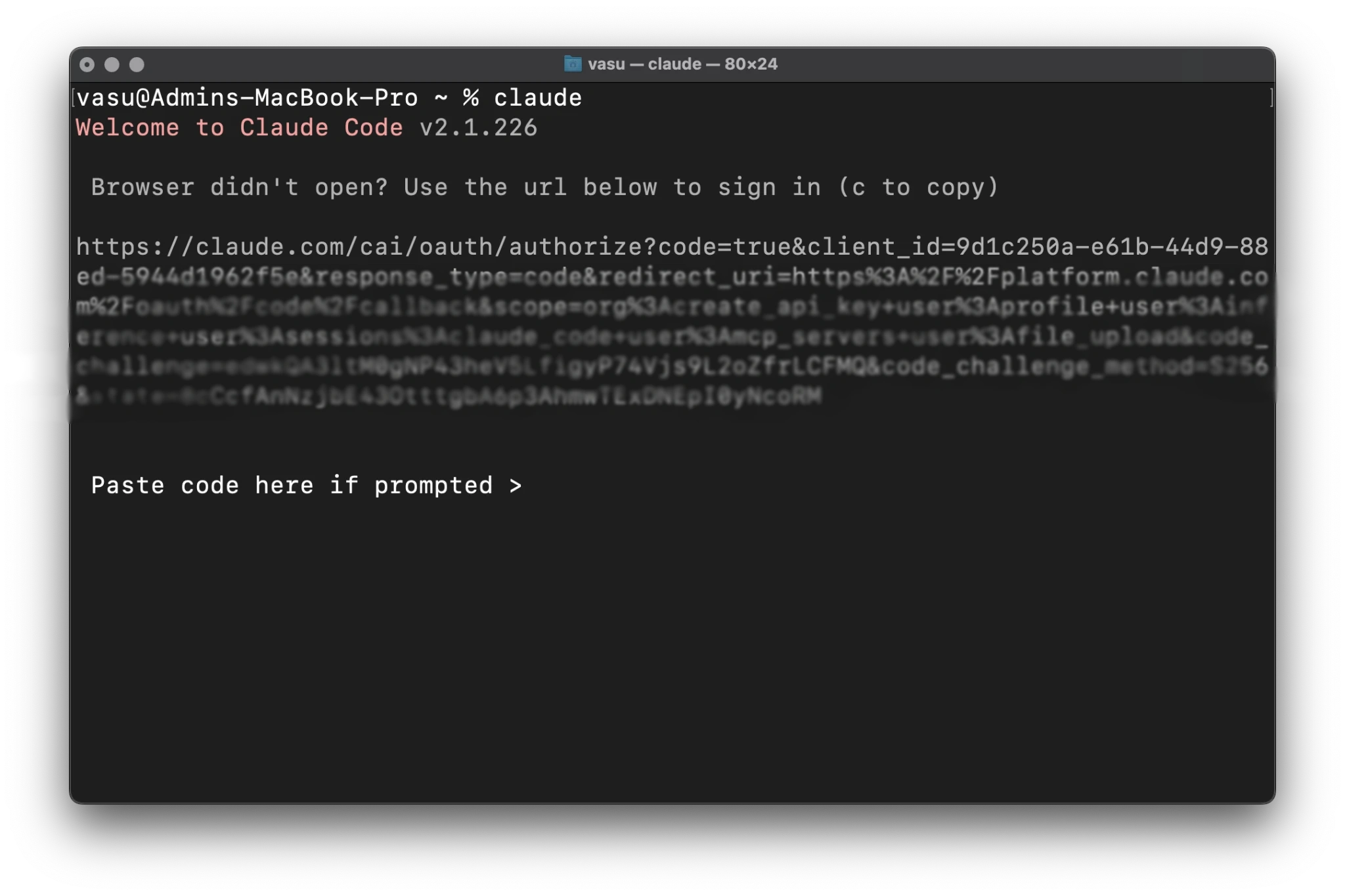
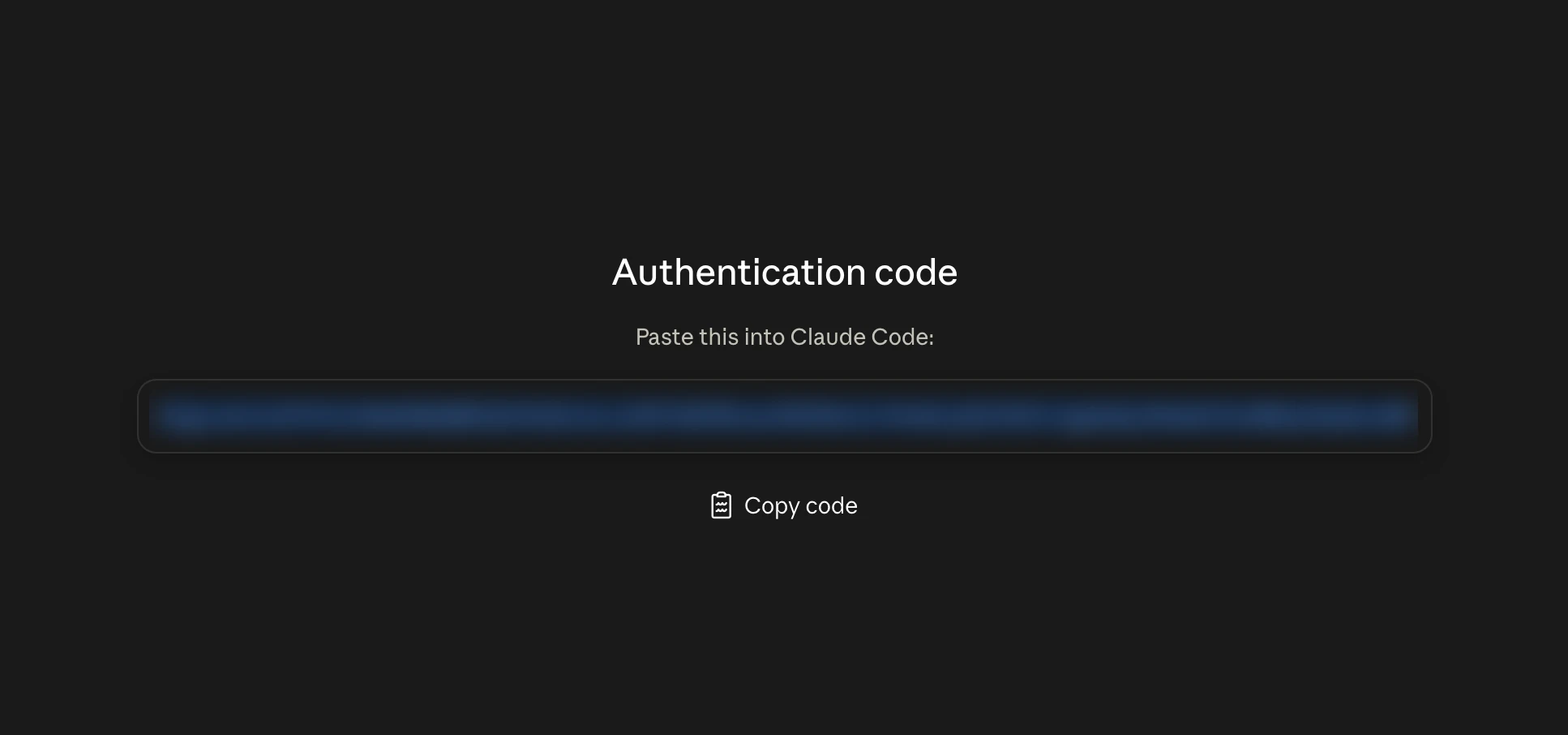
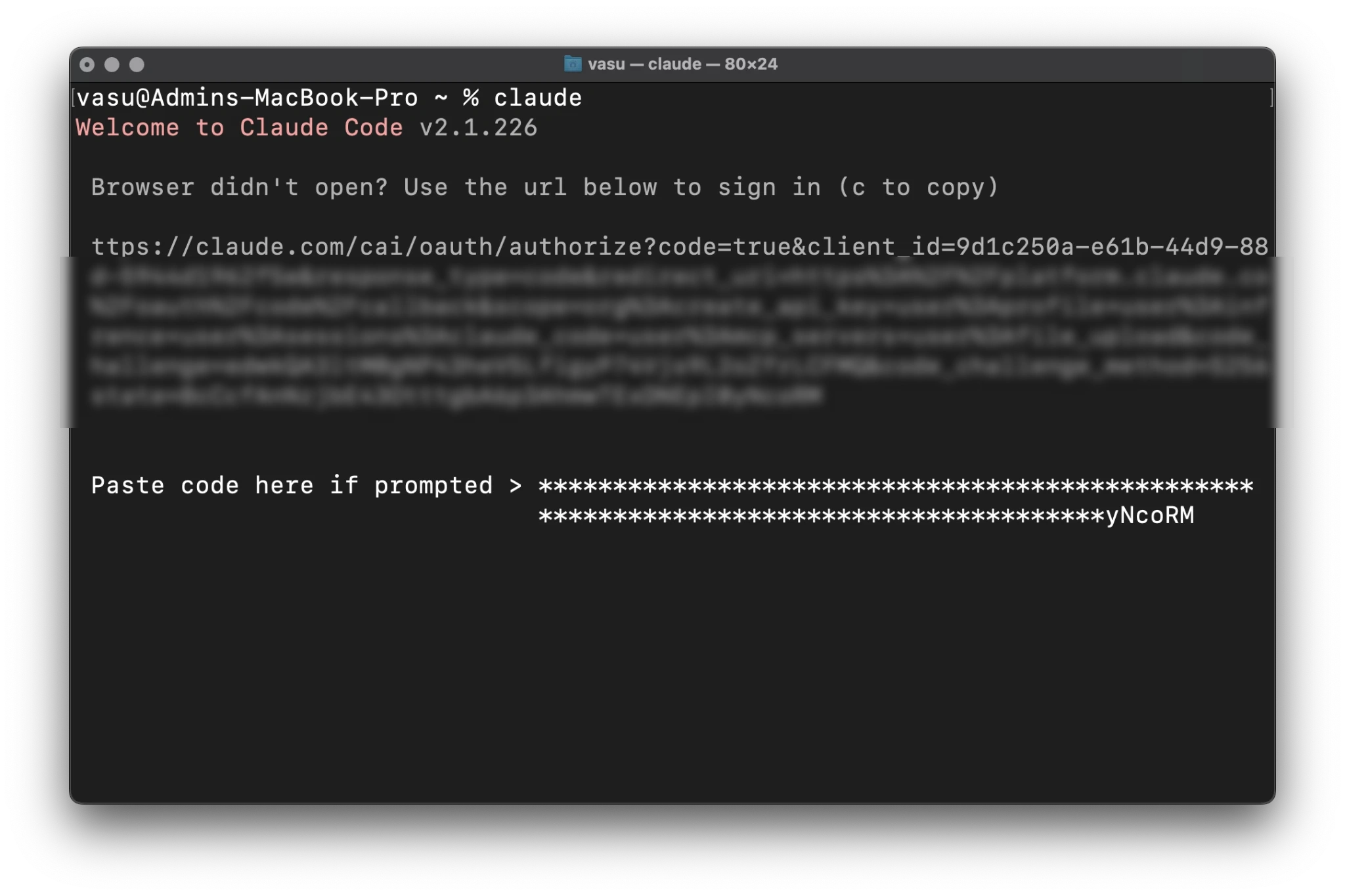
The authentication typically happens via a browser-based OAuth flow. If the developer is working on a remote server or a container without a GUI, Claude Code provides a "manual flow." The tool generates a unique URL and a one-time code. The user opens the URL on their local machine, authorizes the session, and pastes the resulting token back into the terminal. This token is masked during entry to prevent shoulder-surfing or accidental exposure in screen recordings.
Security Implications: The Workspace Trust Model
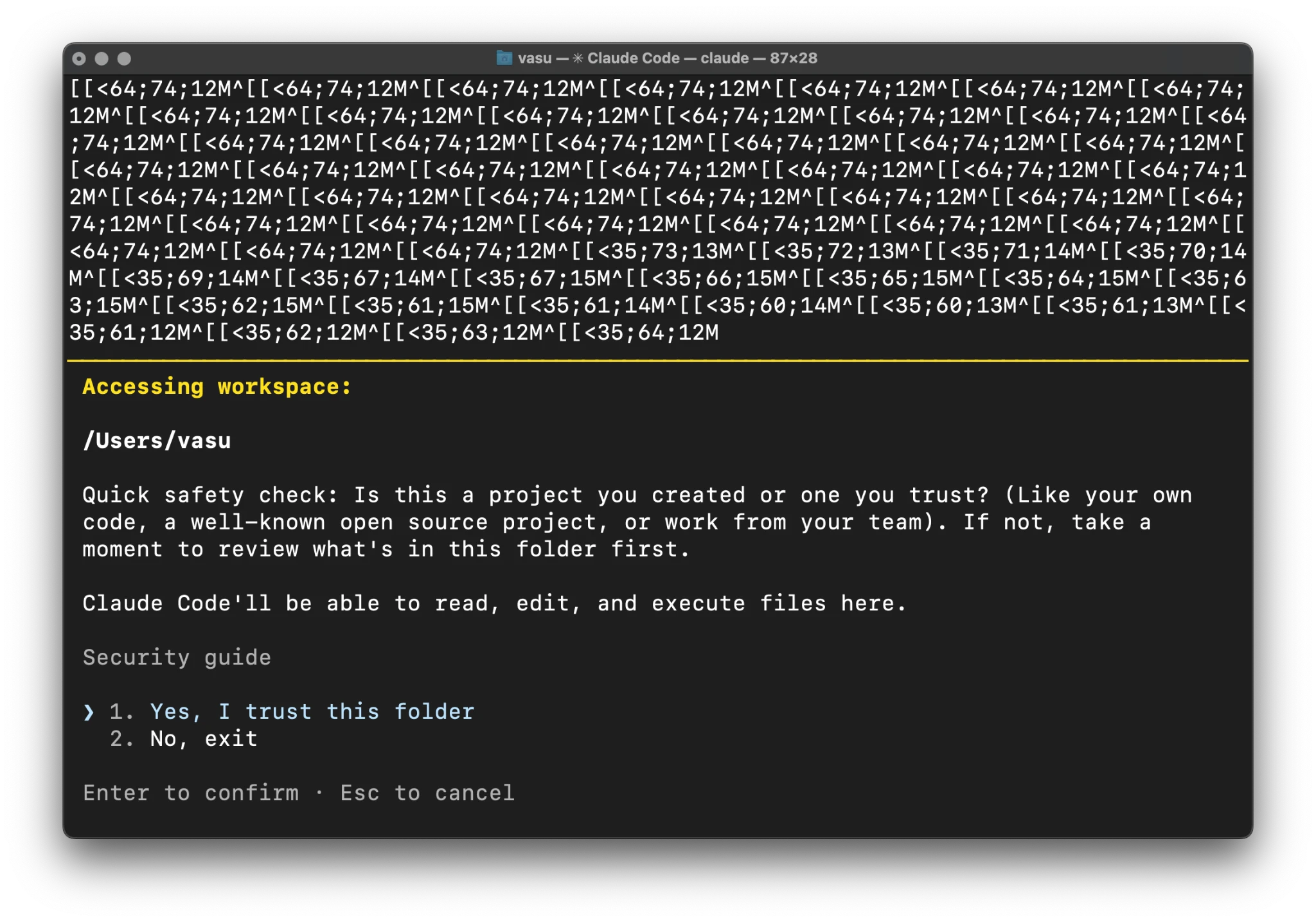
One of the most critical moments in the setup is the "Workspace Trust" prompt. Because Claude Code has the ability to execute terminal commands and modify files, it represents a potential security risk if run in an untrusted directory.
By choosing "Yes, I trust this folder," the user grants the AI permission to index the files and perform actions within that specific directory tree. This security model is similar to that used by Visual Studio Code. Developers are advised to keep the scope narrow—launching Claude Code only within specific project folders rather than at the root of their home directory. This minimizes the risk of the AI accidentally accessing sensitive system files or private data outside the project scope.
Operational Features and Usage Management
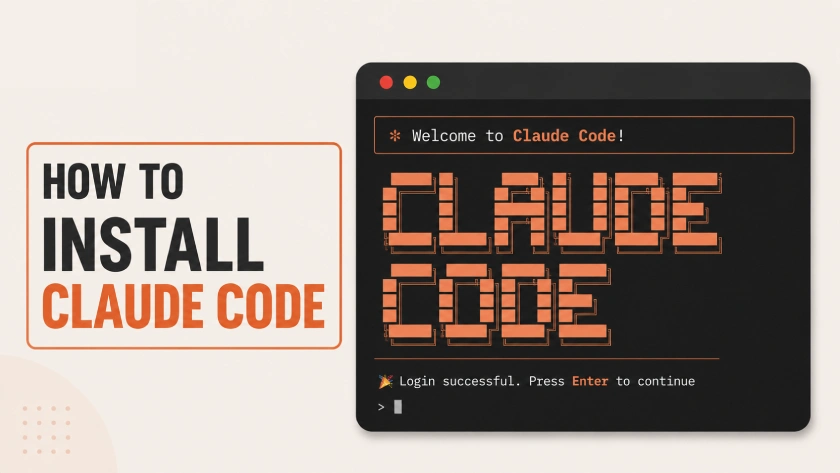
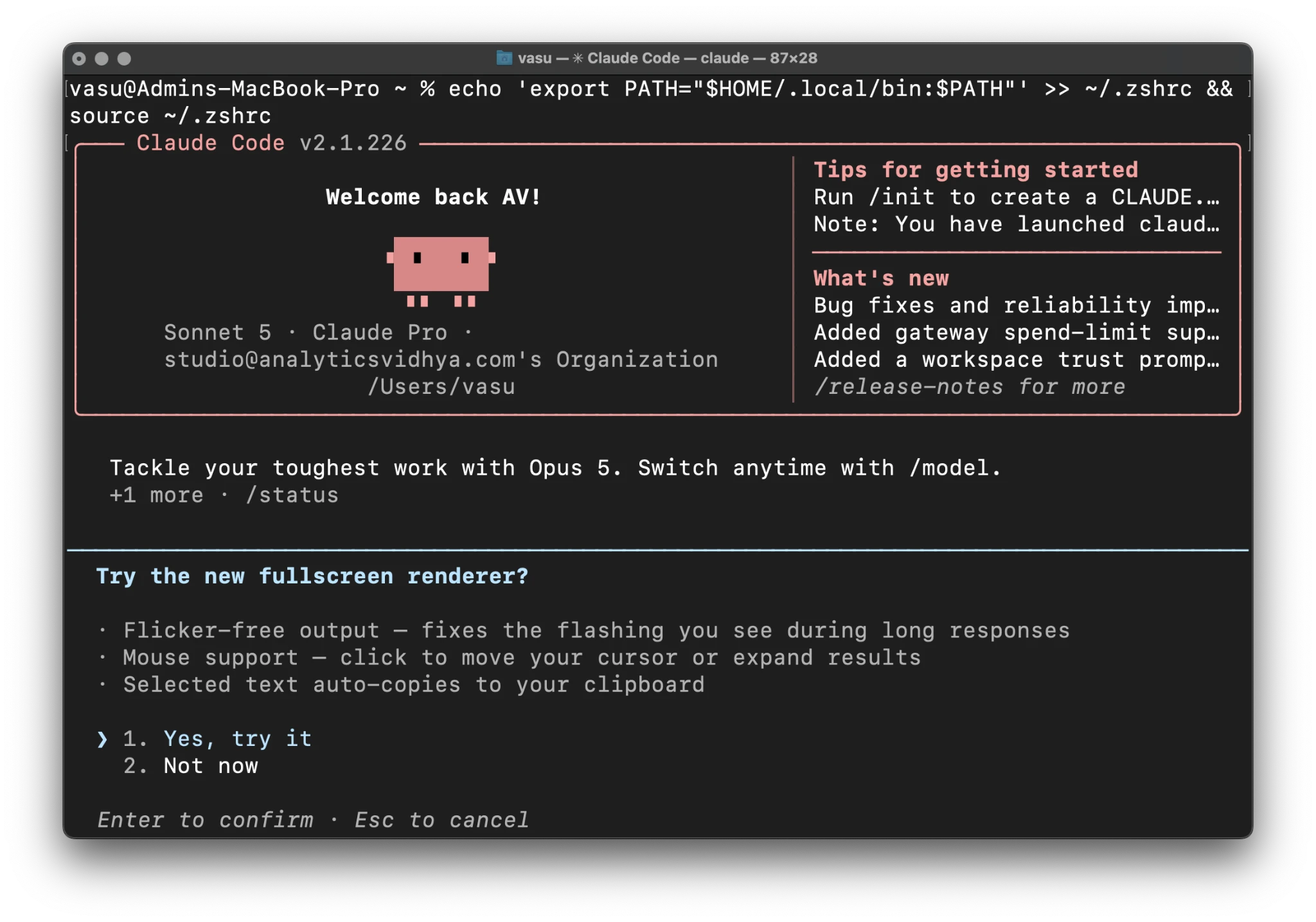
Once inside the interface, the user is greeted with a welcome panel showing the active model (usually Claude 3.5 Sonnet), the authenticated account, and the current working directory.
The Fullscreen Renderer
Claude Code offers a fullscreen renderer that transforms the terminal into a dynamic workspace. This feature reduces the "flicker" associated with long streaming responses and adds mouse support, allowing users to scroll through history or click on file paths. This bridges the gap between the traditional CLI and a modern GUI, providing a more comfortable environment for long-form debugging sessions.
Managing Usage and Costs
A common concern with agentic tools is the speed at which they consume usage limits. Because Claude Code often sends large amounts of "context" (file contents and directory structures) to the model to ensure accuracy, tokens can be consumed rapidly. Users are encouraged to use the /usage command frequently to monitor their current spend or remaining message allowance. Additionally, the /init command can be used to create a configuration file that sets boundaries on what the AI can and cannot do within a specific project.
Industry Context and Competitive Landscape
The launch of Claude Code is a direct response to tools like GitHub Copilot CLI and the rise of "AI-first" editors like Cursor. However, Anthropic’s approach differs by remaining editor-agnostic. By living in the terminal, Claude Code can be used alongside Vim, Emacs, VS Code, or IntelliJ, making it a versatile tool for developers who have highly customized workflows.
Market analysis suggests that developers are increasingly looking for tools that do more than just "suggest" code. The demand is shifting toward agents that can "verify" code. Claude Code’s ability to run a test suite, read the error output, and then rewrite the code to fix the failing test is the specific functionality that distinguishes it from previous generations of AI assistants.
Conclusion: The Future of Terminal-Based Engineering
Installing Claude Code is more than a technical task; it is an entry point into a new methodology of software development. By successfully navigating the installation, configuring the PATH, and establishing a secure authentication link, developers gain access to an agent that understands their local environment with a level of depth previously impossible.
The tool’s reliance on the "Agentic Loop"—where the AI thinks, acts, observes the result, and iterates—marks the beginning of a period where the terminal returns to its roots as the most powerful interface for computing, now augmented by high-level reasoning. As Anthropic continues to update the tool, the integration between the local file system and cloud-based intelligence will likely become even more seamless, further reducing the friction between a developer’s intent and the final, functional code. For the modern engineer, mastering the setup and operation of tools like Claude Code is becoming as fundamental as mastering Git or the command line itself.