rifanmuazin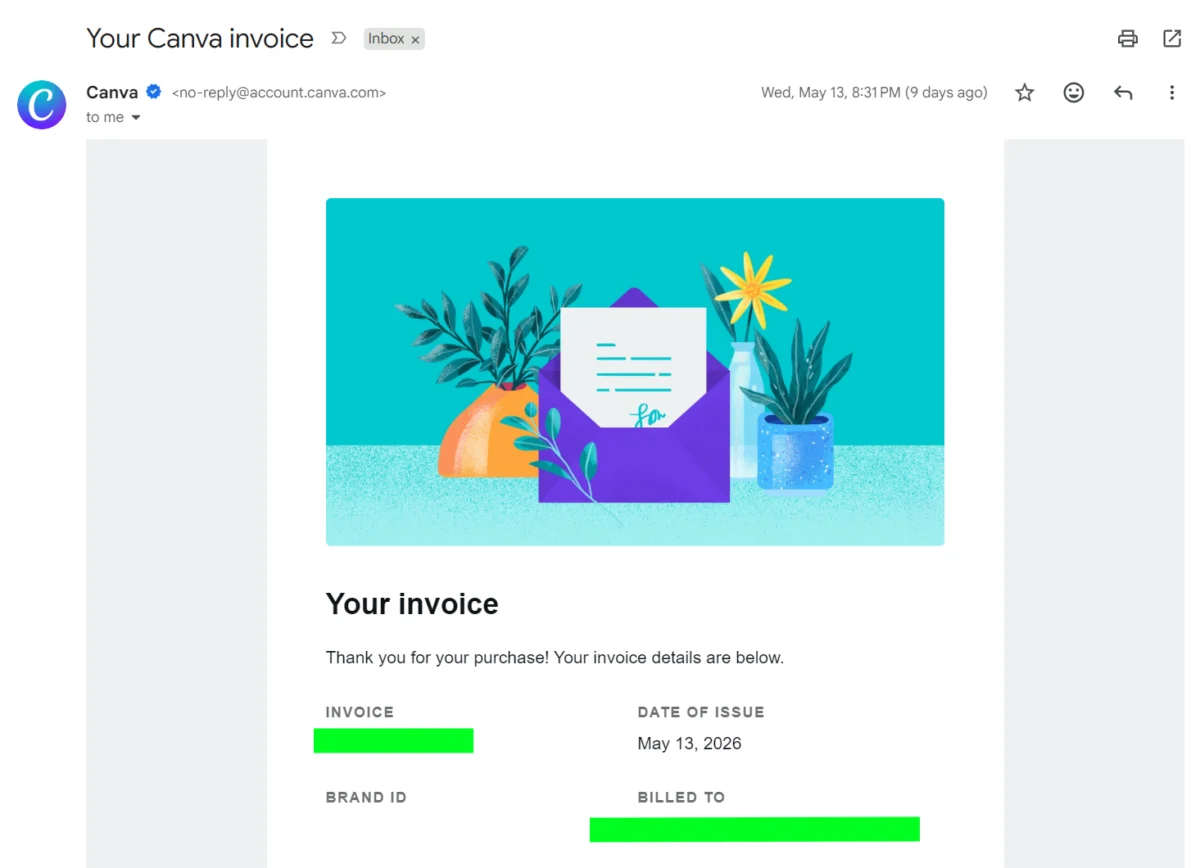
The era of one-way email communication, symbolized by the ubiquitous “noreply” address, is rapidly drawing to a close. Once a seemingly convenient tool for businesses managing high volumes of automated messages, the “noreply” email is now widely recognized as a liability, detrimental to email deliverability, sender reputation, and crucially, customer experience. As digital interaction increasingly shifts towards conversational engagement, businesses must adapt their email strategies to foster dialogue, not deter it.
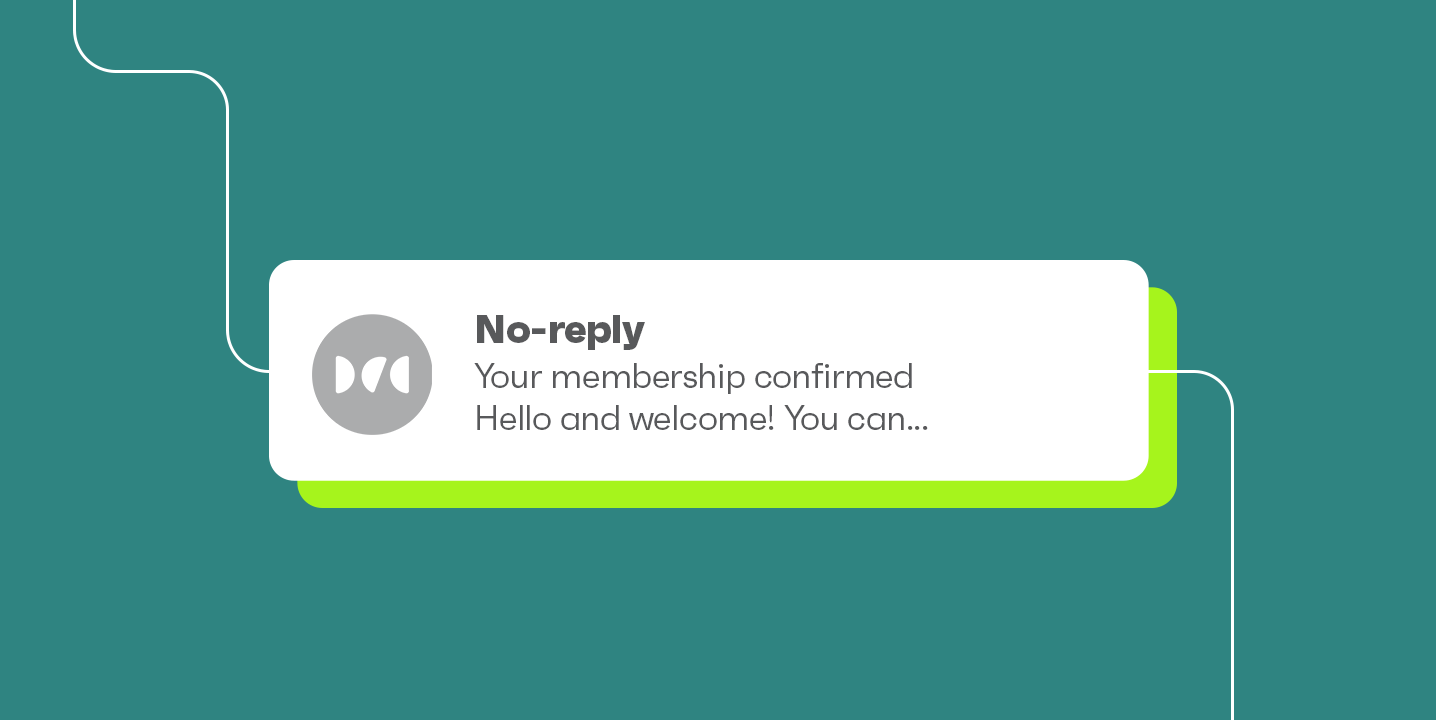
A “noreply” email is fundamentally a message sent from an unmonitored email address, typically formatted as [email protected], [email protected], or [email protected]. Regardless of the specific phrasing or hyphenation, their function remains identical: they are configured to either block or automatically discard any replies sent back by recipients. This setup, while designed to streamline internal processes by preventing an influx of emails into unmanaged inboxes, inadvertently erects a barrier between a brand and its audience. Historically, these addresses became prevalent with the rise of automated transactional emails, such as order confirmations and password resets, where the primary goal was simply to convey information without the expectation of a response. However, as the digital landscape matured and customer expectations evolved, this one-sided approach began to clash with the growing demand for interactive and responsive brand engagement.
The Detrimental Impact on Deliverability and Sender Reputation
The most immediate and critical consequence of using “noreply” email addresses is the severe damage they inflict on email deliverability and sender reputation. Internet Service Providers (ISPs) like Gmail, Outlook, and Yahoo employ sophisticated algorithms to determine whether an email should land in the primary inbox, the promotions tab, or worse, the spam folder. A key factor in these algorithms is sender reputation, which is heavily influenced by engagement metrics.
When a recipient cannot reply to an email, a crucial engagement signal is lost. ISPs monitor various interactions, including opens, clicks, replies, and whether an email is moved from spam to inbox. The absence of replies from a “noreply” address can signal to an ISP that the content is not engaging or valuable to the recipient. This lack of positive engagement directly contributes to a lower sender score. Moreover, frustrated customers who wish to communicate with a brand but find themselves blocked by a “noreply” address are far more likely to mark the email as spam. Industry data consistently shows that emails from unmonitored addresses tend to incur higher spam complaint rates. For instance, recent guidelines from Google and Yahoo, effective early 2024, explicitly mandate that bulk senders maintain a spam complaint rate below 0.3% to ensure optimal deliverability. Falling above this threshold can lead to severe throttling, with emails being routed directly to spam or blocked entirely. When critical transactional emails, such as order confirmations or password resets, are affected by poor deliverability, the operational consequences for businesses and the customer experience can be catastrophic.

Beyond technical metrics, the use of “noreply” addresses erodes brand trust and fosters a negative customer experience. In an age where personalization and responsiveness are paramount, an email that explicitly states “do not reply” sends a message of indifference. It communicates to the customer that their potential questions, concerns, or feedback are unwelcome or unmanageable. This impersonal approach can alienate customers, leading to disengagement, increased churn, and a diminished perception of the brand. As noted by customer experience strategists, every customer touchpoint is an opportunity to build or break loyalty, and preventing dialogue at the email level is a significant missed opportunity for connection.
Regulatory Compliance and the Evolving Landscape
The issue of “noreply” emails also intertwines with regulatory compliance. While not explicitly illegal in most jurisdictions, their use can complicate adherence to consumer protection laws. The CAN-SPAM Act in the U.S., GDPR in Europe, and similar regulations worldwide require businesses to provide clear and easily accessible methods for recipients to opt out of email communications. While “noreply” emails typically include an unsubscribe link, the inability to simply reply with an opt-out request can be confusing for some users and is certainly less intuitive than a two-way conversation.
The 2024 sender guidelines from Google and Yahoo represent a significant evolution in email best practices. These guidelines, primarily targeting bulk senders (those sending over 5,000 emails per day to Gmail/Yahoo addresses), emphasize three core requirements: email authentication (DMARC, DKIM, SPF), an easy one-click unsubscribe mechanism, and maintaining a low spam complaint rate. While “noreply” addresses can still incorporate a one-click unsubscribe link, their inherent tendency to generate higher spam complaints due to customer frustration directly conflicts with the new spam rate threshold. This regulatory shift further underscores the necessity for businesses to move away from “noreply” practices and embrace email communication that facilitates, rather than hinders, user interaction and feedback.
Rethinking Traditional “One-Way” Use Cases
Even for messages traditionally considered “one-way,” allowing replies presents valuable opportunities for enhanced customer engagement and operational efficiency. Let’s re-examine common instances where “noreply” addresses have been prevalent:
-
Order and Shipping Confirmations: While the primary goal is to confirm a transaction, customers often have immediate follow-up questions about their order, delivery estimates, product details, or potential changes. Using an address like
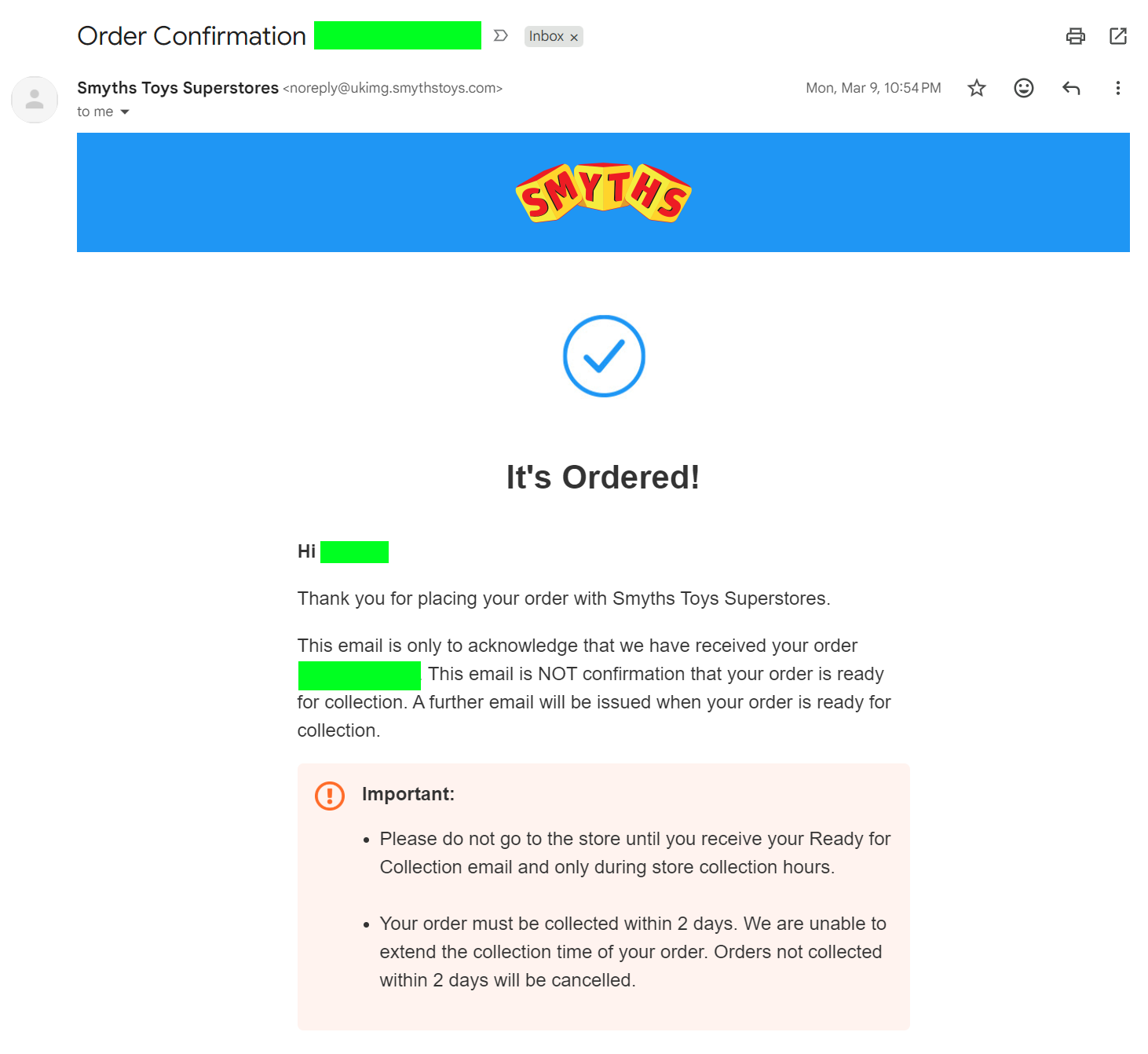
[email protected]or[email protected]allows customers to seamlessly direct these inquiries without having to search for separate contact information. For instance, a British toy retailer like Smyths, while using anoreplyaddress for confirmations, could benefit from routing replies to a monitored inbox to handle queries about collection times or item availability directly. -
Account and Email Verification: Although these typically involve clicking a link or entering a code, technical glitches or user errors are common. A monitored
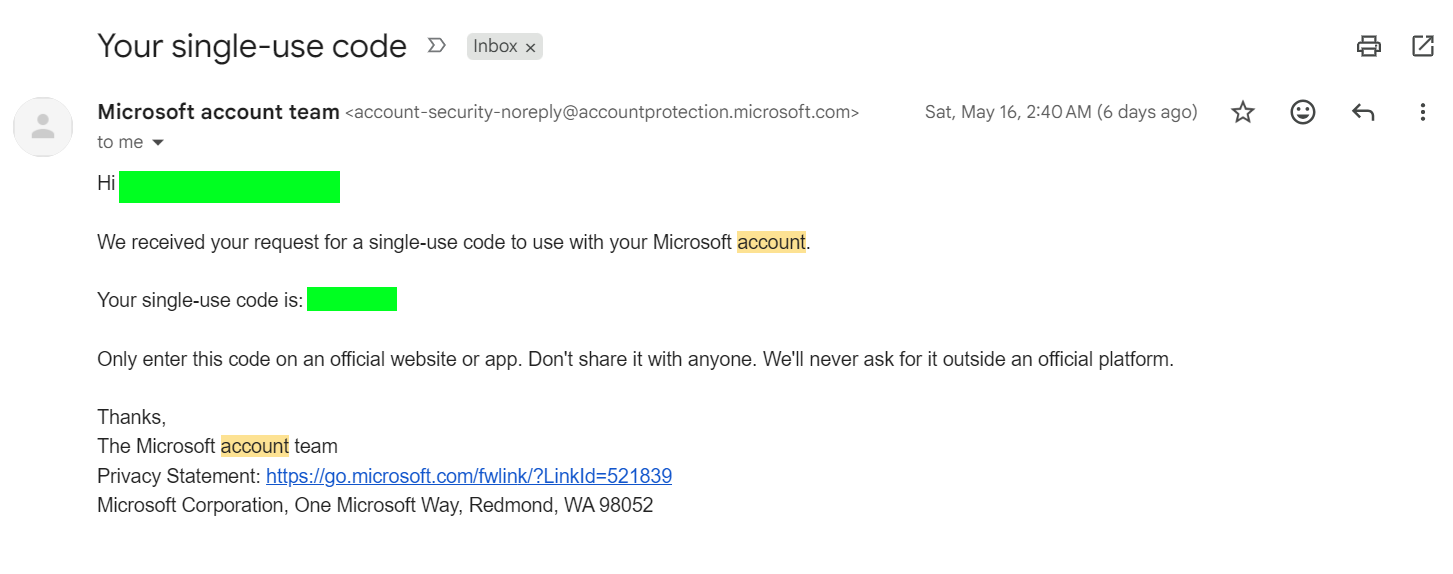
help@orsupport@address ensures that users facing issues with verification, such as Microsoft account logins, can receive immediate assistance, preventing potential account access problems. -
Terms of Service and Policy Updates: These legal notifications are often broadcast to a wide audience. However, users may have specific questions about how policy changes affect their data privacy or service usage. Directing them to a dedicated
privacy@orlegal@email, as opposed to a genericdonotreply(like Argos does in its policy updates), demonstrates transparency and a commitment to addressing customer concerns.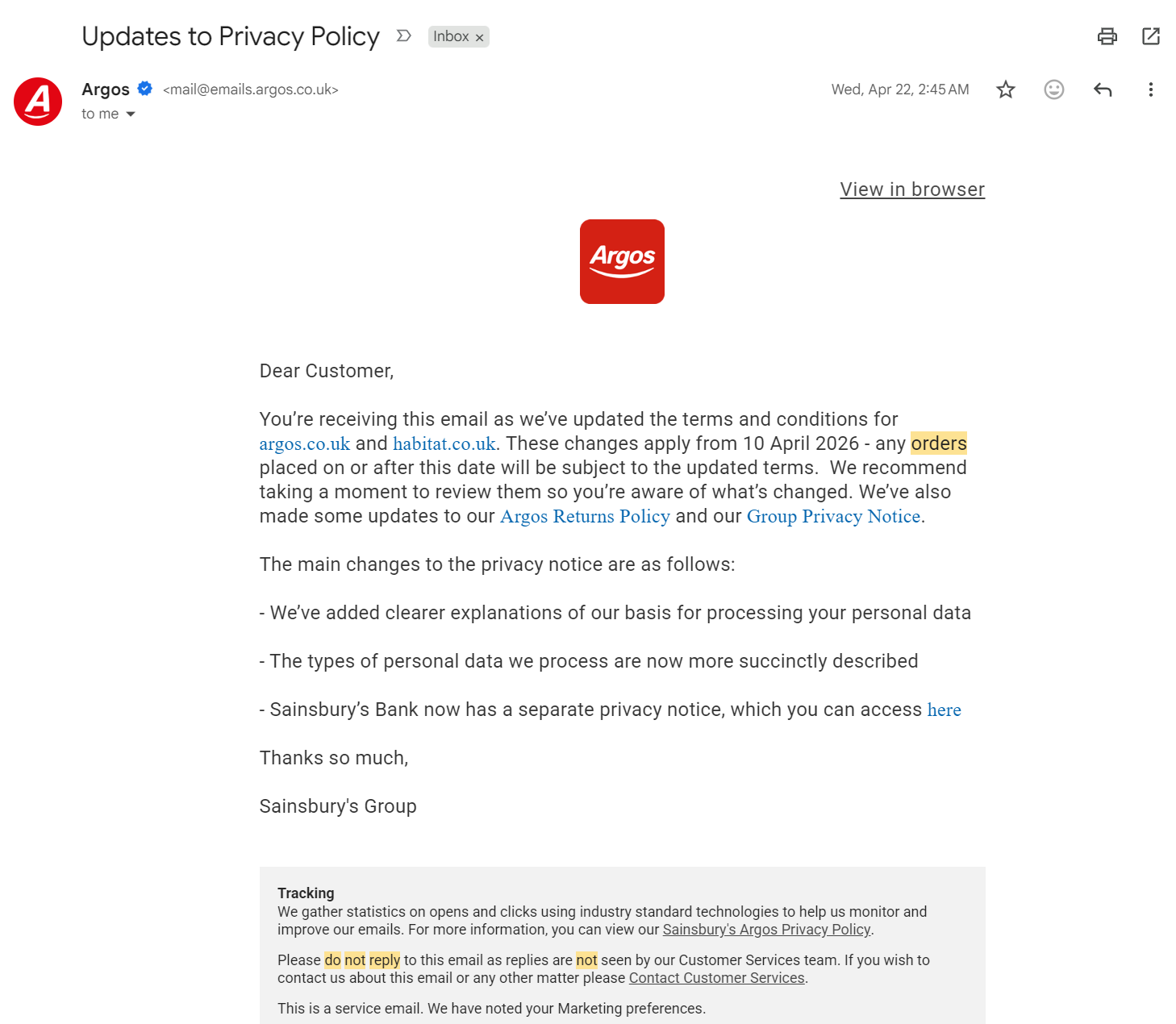
-
Welcome and Onboarding Messages: The initial interaction with a new customer is crucial. A welcome email is an opportunity to build rapport and answer preliminary questions. Using a personalized
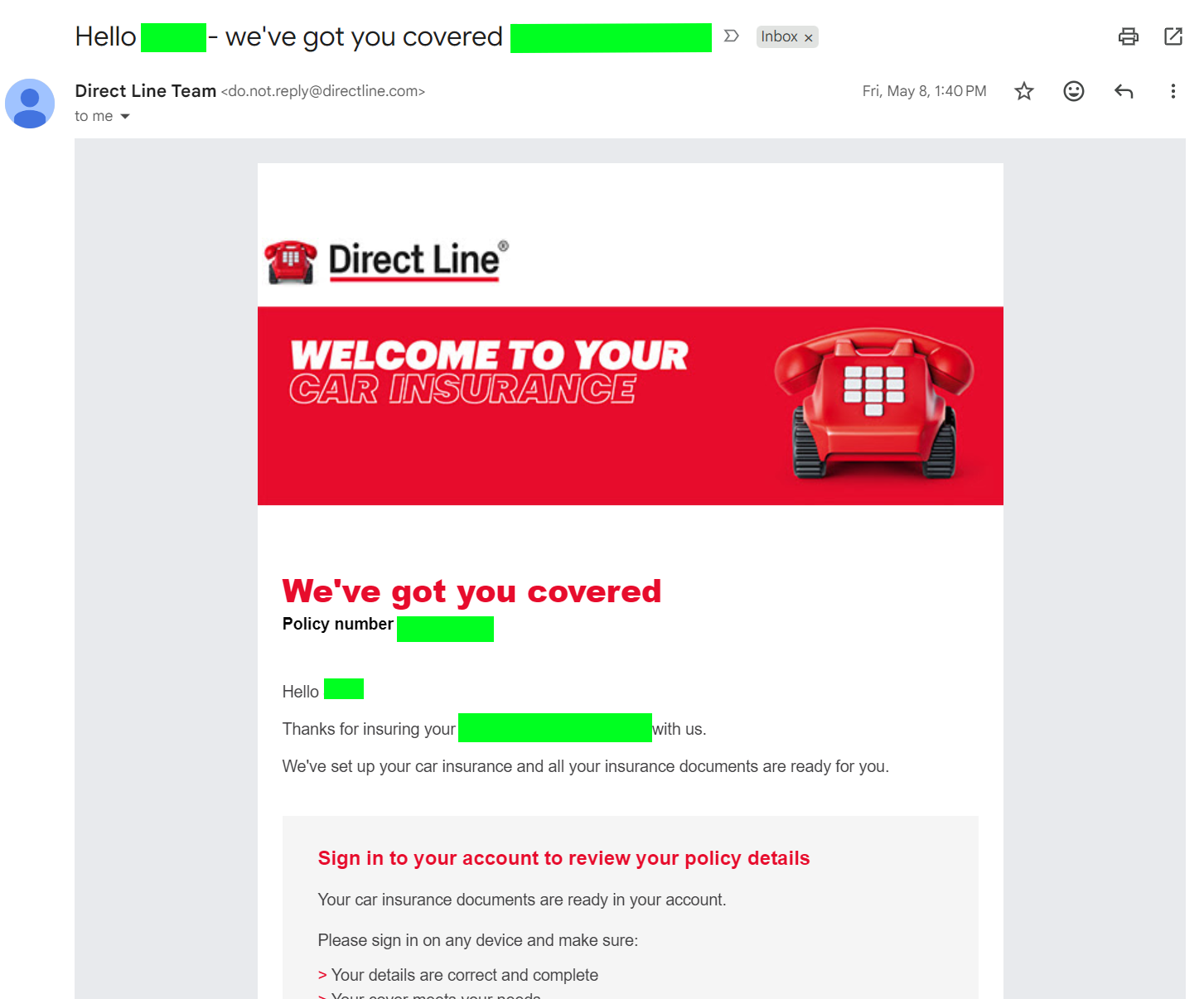
hello@or even a name-based address like[sender_name]@yourbrand.com(rather than Direct Line’sdo.not.reply@for welcome messages) invites dialogue, helping new customers feel valued and supported as they begin their journey with the brand. -
Subscription, Billing, and Receipt Emails: Financial communications demand clarity and accessibility. Customers frequently have questions about charges, payment methods, or invoice details. A
billing@oraccounts@address (rather than Canva’sno-replyfor invoices) ensures that any discrepancies or queries can be addressed promptly, preventing frustration and potential payment issues. -
Unsubscribe Confirmations: Even at the point of customer churn, there’s an opportunity for feedback. While a direct email reply might not be expected, providing a monitored email address or a link to a feedback form in the unsubscribe confirmation (like Atlas Obscura’s “safe travels” message) can offer invaluable insights into why customers are leaving, aiding retention strategies.
Strategic Alternatives to “Noreply” for Modern Businesses
The move away from “noreply” emails doesn’t necessarily mean an unmanageable influx of messages. Instead, it encourages the adoption of more strategic and customer-centric email management practices:
-
Dedicated Branded Addresses: The simplest and most effective alternative is to use functional, monitored email addresses that clearly indicate their purpose. Examples include
[email protected],[email protected],[email protected],[email protected], or[email protected]. These addresses are professional, reinforce branding, and, most importantly, provide clear channels for communication, allowing replies to be routed to the appropriate department for efficient handling.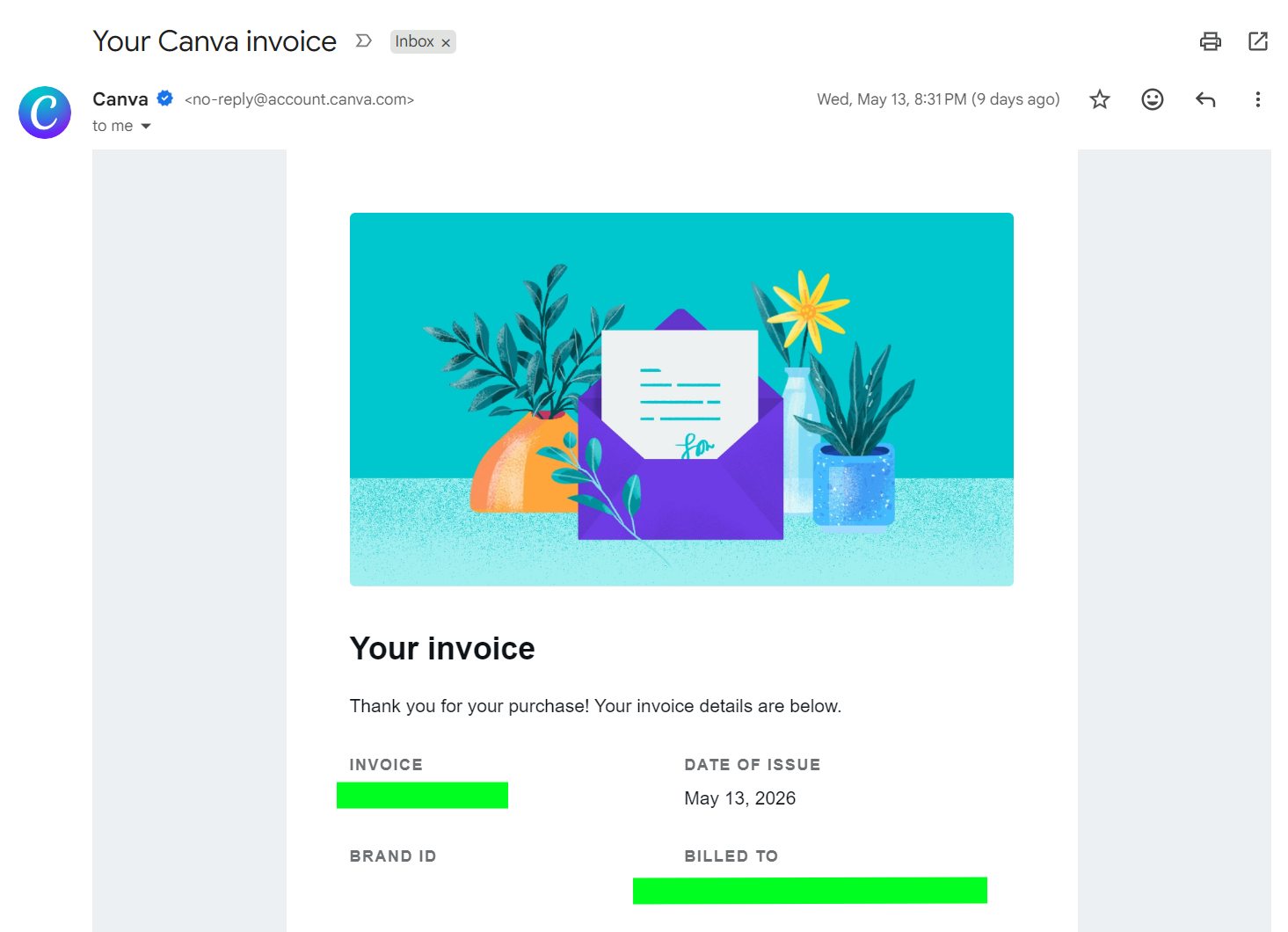
-
Personalized, Name-Based Addresses: For highly personalized campaigns, especially in sales or customer success, using a name-based address (e.g.,
[email protected]) can foster a stronger human connection. This approach makes the communication feel less automated and more like a direct interaction, encouraging replies and building rapport. -
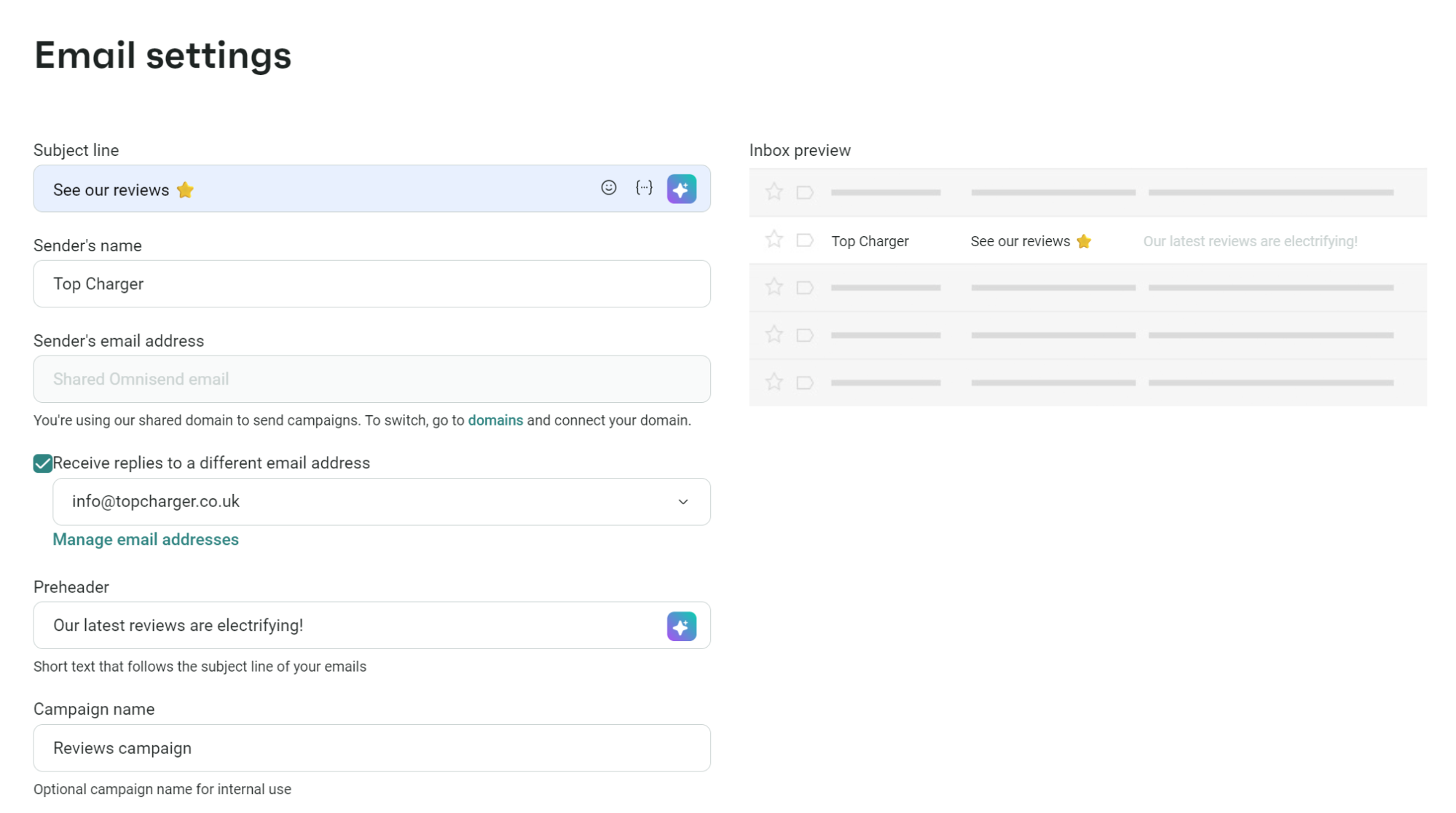
Leveraging Separate “From” and “Reply-To” Addresses: Many modern email marketing platforms, such as Omnisend, offer the flexibility to set a distinct “From” address (what the recipient sees as the sender) and a “Reply-To” address (where replies are directed). This allows businesses to maintain consistent branding in the “From” field (e.g.,
[email protected]for a promotional email) while directing any replies to a monitored inbox, such as[email protected]or[email protected]. This hybrid approach ensures brand consistency and efficient reply management. -
Integrating Omnichannel Support: Email is just one channel for customer interaction. Businesses can minimize email replies by clearly directing customers to other, often more immediate, support options within the email body. This includes:
- Live Chat Widgets: For real-time assistance on websites.
- Help Desk/Ticket Systems: For structured problem-solving and tracking (e.g., Zendesk, Freshdesk).
- Callback Forms: For complex issues requiring phone support.
- Dedicated Landing Pages or Comprehensive FAQs: Empowering customers with self-service options.
By offering multiple clear pathways for support, businesses can manage customer inquiries effectively without overwhelming email inboxes.
Implementing and Managing Reply-To Addresses: Best Practices for Efficiency
The transition from “noreply” to monitored “reply-to” addresses is straightforward with modern email service providers (ESPs). For instance, platforms like Omnisend streamline this process, allowing businesses to verify multiple custom email addresses and assign them strategically to different campaigns and automation flows.
The general process involves:
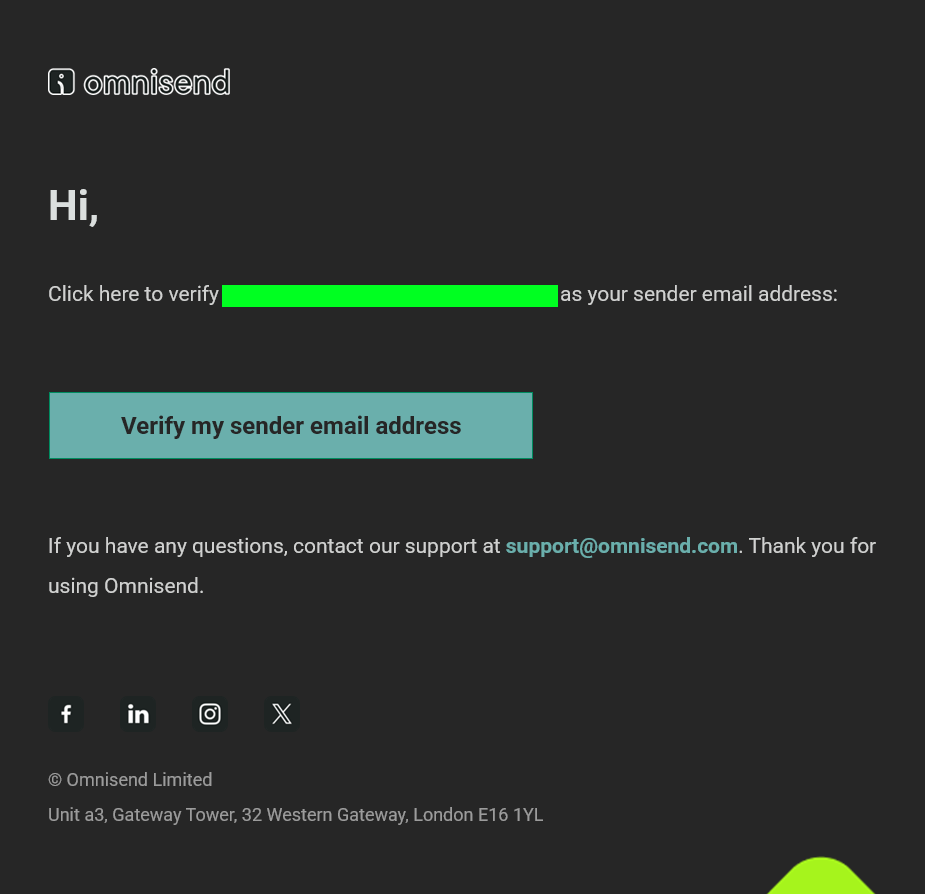
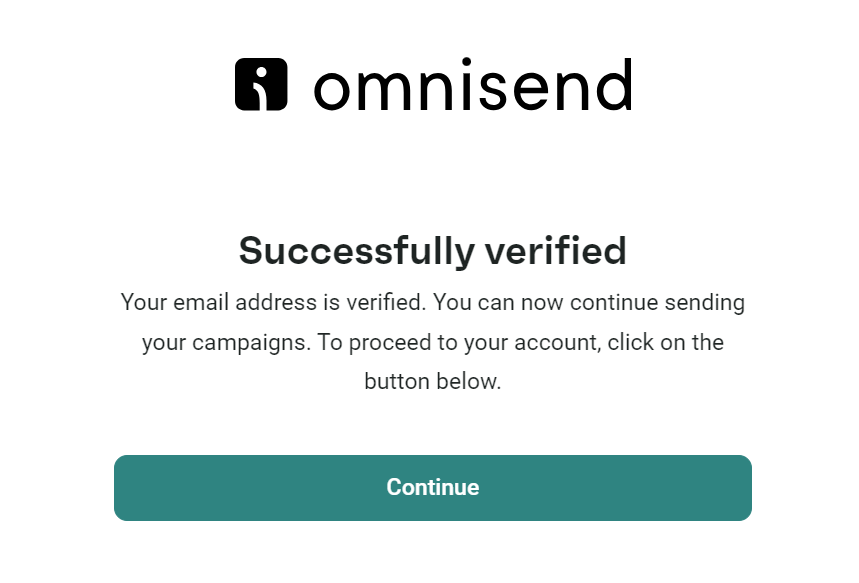
- Adding and Verifying Sender Emails: Within an ESP’s settings, businesses can add new sender email addresses (e.g.,
[email protected]). A verification email is typically sent to this address, requiring a click to confirm ownership. - Assigning to Campaigns: When creating an email campaign, users can select their desired “Sender Email” and then, crucially, check an option to “Receive replies to a different email address.” From a dropdown menu, any previously verified email address can be chosen as the “Reply-To” address. This ensures that while the email appears to come from a specific sender (e.g.,
[email protected]), replies are routed to the designated support or marketing inbox. - Assigning to Automations: Similarly, for automated workflows (e.g., welcome series, abandoned cart reminders), the “Reply-To” address can be configured within the automation’s email settings. This flexibility allows for dynamic routing of replies based on the context of the email.
Managing the influx of replies from these monitored addresses requires thoughtful strategy and the right tools to avoid overwhelming support teams. Best practices include:
- Automated Acknowledgements: Implement immediate auto-replies to confirm receipt of the customer’s message and set expectations for response times (e.g., “Thank you for your email. We’ve received your inquiry and will respond within 24-48 business hours.”).
- CRM and Helpdesk Integration: Integrate your email system with a customer relationship management (CRM) platform or a dedicated helpdesk solution (e.g., Zendesk, HubSpot, Salesforce Service Cloud). This centralizes all customer interactions, automates ticket creation, and allows support agents to track conversations and resolve issues efficiently.
- Dedicated Support Teams and Service Level Agreements (SLAs): Ensure adequate staffing for customer support and establish clear SLAs for response and resolution times. This commitment to timely communication is vital for customer satisfaction.
- Comprehensive Knowledge Bases and FAQs: Continuously build and update self-service resources. Many customer queries can be resolved by directing them to well-structured FAQs or a knowledge base, reducing the volume of direct email inquiries.
- AI-Powered Chatbots for Initial Triage: Deploy chatbots on your website or within messaging apps to handle common questions and provide instant answers. Chatbots can also gather preliminary information before escalating complex issues to human agents, thereby streamlining the support process.
- Regular Monitoring and Optimization: Analyze reply volumes, common types of inquiries, and response times. Use this data to identify bottlenecks, improve internal processes, and refine your email communication strategy to better serve customer needs.
Conclusion: Embracing Conversational Email for Long-Term Success
The days of impersonal, one-way email communication are rapidly fading. In today’s competitive digital landscape, businesses that prioritize customer engagement and responsiveness will thrive. Ditching the “noreply” email address is not merely a technical adjustment; it’s a strategic shift towards building stronger relationships, enhancing brand trust, and ultimately, fostering long-term customer loyalty.
By adopting monitored reply-to addresses, leveraging the capabilities of modern email service providers like Omnisend to manage these addresses, and implementing robust strategies for handling inbound communications, businesses can transform their email from a monologue into a dynamic, customer-centric dialogue. This commitment to conversational email not only improves deliverability and sender reputation but also creates a more positive and empowering experience for every customer, ensuring that every message sent is an invitation to connect, not a barrier.


 Iffa Jayyana
 Pevita Pearce