rifanmuazin
Choosing the right e-commerce platform as a YouTuber transcends mere feature sets or pricing structures. The critical determinant is how seamlessly the platform integrates with your YouTube channel and effectively supports your specific sales strategies, whether that encompasses merchandise, digital downloads, personalized coaching, or comprehensive online courses. Some platforms prioritize user-friendliness for quick setup, while others are engineered for the robust scaling of a full-fledged business. A select few are specifically designed for deep integration with YouTube, unlocking functionalities like the coveted product shelf directly beneath your videos or a dedicated storefront linked to your channel. This analysis delves into the premier e-commerce solutions for YouTube creators in 2026, catering to those launching their inaugural merchandise line or those aspiring to transform their channel into a full-time enterprise.
Key Takeaways for YouTubers Navigating E-commerce
The landscape of e-commerce for content creators is rapidly evolving, with platforms adapting to the unique demands of the YouTube ecosystem. For YouTubers, the decision hinges on several pivotal factors:
- YouTube Integration: The ability to showcase products directly on YouTube (product shelf, channel store, livestream integration) significantly enhances discoverability and conversion rates.
- Product Type: Whether you’re selling physical merchandise, digital assets (eBooks, presets, software), or services (coaching, courses, memberships), the platform must cater to your specific offerings.
- Scalability: The platform should support your growth, from initial sales to managing a large customer base and a diverse product catalog.
- Ease of Use vs. Control: A trade-off often exists between platforms that are simple to set up and those that offer extensive customization and control.
- Pricing and Fees: Understanding the total cost of ownership, including monthly fees, transaction fees, and potential add-on costs, is crucial for profitability.
Quick Comparison: Top E-commerce Platforms for YouTubers in 2026
To provide a clear overview, here’s a comparative look at the leading e-commerce platforms for YouTubers:
| Platform | Best For | Starting Price (USD) | YouTube Shopping Integration | Highlights |
|---|---|---|---|---|
| Shopify | Scalable, long-term e-commerce brands | $39 per month | Yes | Advanced features, massive app store |
| Spring | Print-on-demand merchandise | Free to start | Yes | Supports YouTube shelf and channel store |
| Sellfy | Digital products and light merchandise | $22 per month | No | Creator-focused stores with email marketing tools |
| Gumroad | Fast digital sales and simple checkout | Free, 10% fee per sale | No | Low-friction setup, ideal for digital assets |
| Kajabi | Courses, memberships, and coaching | $149 per month | No | All-in-one creator business platform |
| WooCommerce | Advanced control with WordPress sites | Free plugin | No | Full flexibility for experienced users |
1. Shopify: The Foundation for Serious E-commerce Brands
Starting price: $39 per month
YouTube Shopping integration: Yes, with Google Merchant Center setup
Built for: Scalable e-commerce businesses and comprehensive product catalogs
Shopify stands as the most sophisticated e-commerce platform on this list, a powerhouse favored not only by individual creators but also by major e-commerce enterprises. This robust foundation makes it exceptionally suitable for YouTubers aiming to cultivate a brand that extends far beyond a single merchandise drop.
During extensive testing, the depth of functionality available within Shopify became apparent once users move past the initial setup. The dashboard exudes professionalism, offering a comprehensive suite of tools including abandoned cart recovery, product bundling, upsell capabilities, and detailed analytics. The expansive app store further empowers users to customize and extend their store’s functionality in virtually any direction.
For creators already engaged in sales and looking to professionalize their operations, Shopify provides the adaptability required to build a sustainable, long-term business. While the integration with YouTube Shopping necessitates a slightly more involved setup via Google Merchant Center, the resulting connection grants full access to the product shelf, channel tab, Shorts placements, and livestream shopping features.
Pros:
- Unparalleled Scalability: Designed to grow with your business from a few products to thousands.
- Vast App Ecosystem: Access to thousands of third-party apps for every conceivable business need.
- Robust Analytics: Detailed insights into sales, customer behavior, and marketing performance.
- Professional Storefronts: Highly customizable themes and design options for a polished brand image.
- Integrated YouTube Shopping: Seamless connection to display products directly on YouTube.
Cons:
- Higher Cost: Monthly fees can be substantial for small creators or those just starting.
- Steeper Learning Curve: Requires time and effort to master its full range of features.
- Transaction Fees: While payment gateway fees are standard, Shopify’s own transaction fees apply unless you use Shopify Payments.
Recent Updates from Shopify:
Shopify has continuously evolved, with recent updates focusing on enhancing creator tools and simplifying integrations. This includes improved analytics for direct-to-consumer sales, expanded payment gateway options for global audiences, and enhanced API capabilities for deeper third-party app integrations. The platform is also investing in AI-driven tools to assist with product descriptions, marketing copy, and customer service.
How Much Does Shopify Cost?
The basic Shopify plan starts at $39 per month, offering essential features for building an online store. Higher tiers, such as Shopify Advanced ($299/month), unlock more advanced features and lower transaction rates, catering to businesses with higher sales volumes. Additional costs may include theme purchases, app subscriptions, and payment processing fees.

Why Use Shopify in 2026?
Shopify is the definitive choice for YouTubers who approach their channel as a serious business and demand a commensurate level of professionalism from their online store. It is engineered for brands focused on growth, scaling, and multi-platform sales. For those with serious e-commerce ambitions beyond mere merchandise, Shopify provides the most robust and future-proof platform.
Shopify is suitable for:
- Creators building a long-term, scalable e-commerce brand.
- Channels with diverse product lines, including physical goods, digital products, and services.
- YouTubers seeking advanced marketing and analytics tools.
- Businesses ready to invest in a professional online presence.
Shopify isn’t suitable for:
- Creators with very limited budgets and minimal sales volume.
- Those who need an extremely simple, no-frills solution for a single product.
- Individuals who are not comfortable with a platform that requires ongoing learning and management.
2. Spring: The Easiest Entry into Print-on-Demand Merch
Starting price: Free to start
YouTube Shopping integration: Yes
Built for: Creators launching their first merchandise lines
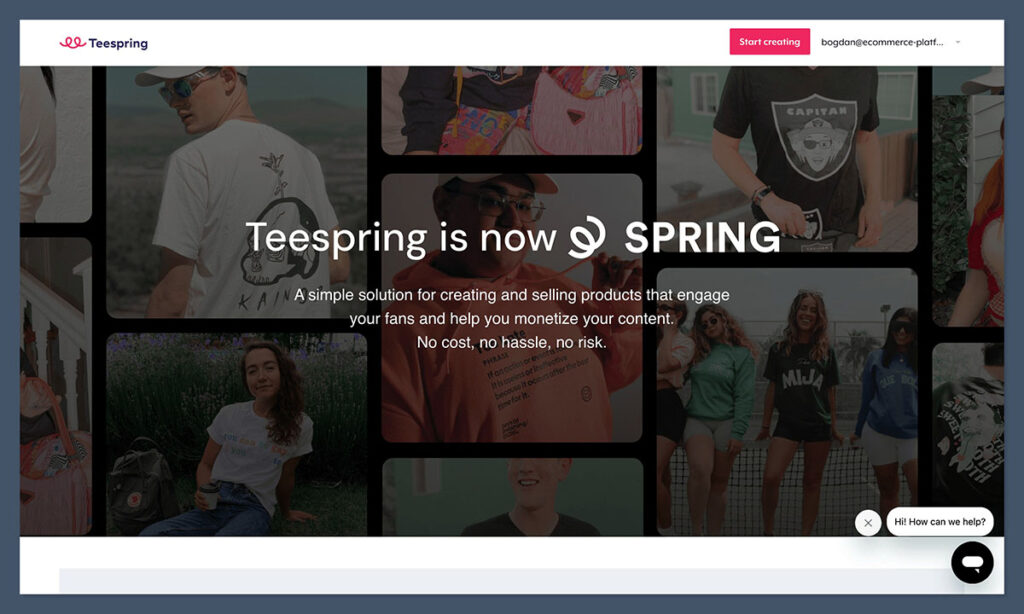
Spring, formerly known as Teespring, is a ubiquitous name in the YouTube merchandise space. Its primary appeal lies in its accessibility and ease of use. It’s entirely free to join, requires no initial investment, and boasts direct integration with YouTube, enabling product shelf displays, channel stores, and tagging for Shorts and livestreams.
The platform’s significant advantage is its streamlined approach. Creators are liberated from the complexities of inventory management, logistics, and fulfillment. The process involves selecting products, uploading designs, and Spring handles all subsequent operations. Profit is realized only upon sale, making it an ideal risk-free environment for testing design concepts.
While newer platforms like Fourthwall might offer more contemporary interfaces, Spring benefits from a vast existing creator base and a wide array of product options. Its dashboard and design tools are functional, if somewhat basic, but for YouTubers prioritizing simplicity and direct YouTube integration for their merchandise, Spring remains a highly effective solution.
Pros:
- Zero Upfront Cost: Free to sign up and start selling immediately.
- Full-Service Fulfillment: Handles production, shipping, and customer service for merchandise.
- Native YouTube Integration: Seamlessly connects to YouTube Shopping features.
- Low Risk: No inventory to manage, pay only when an item sells.
- Wide Product Selection: Offers a broad range of apparel and accessories.
Cons:
- Lower Profit Margins: Compared to managing your own production, margins can be thinner.
- Basic Design Tools: Limited customization options for product appearance beyond the design itself.
- Platform Dependence: Reliance on Spring for all aspects of merchandise production and sales.
Recent Updates from Spring:
Spring has been actively enhancing its creator tools and integrations. Recent updates include expanded product catalogs, improved design upload processes, and more robust analytics for tracking sales performance. The platform has also focused on streamlining the integration with YouTube Shopping, making it even easier for creators to leverage these features.
How Much Does Spring Cost?
Spring is free to use. The platform takes a portion of the sale price to cover production, fulfillment, and operational costs. This means creators set their own prices and earn the profit margin above Spring’s base cost.
Why Use Spring in 2026?
For creators seeking to sell merchandise with absolutely no upfront financial commitment and full YouTube integration, Spring presents one of the most straightforward paths. It democratizes merchandise sales, requiring no prior e-commerce expertise. Its quick setup and seamless operation within the YouTube platform make it an attractive option for immediate monetization.

Spring is suitable for:
- Creators launching their very first merchandise line.
- YouTubers who want a zero-risk, zero-overhead way to sell products.
- Channels prioritizing direct integration with YouTube Shopping features.
- Those who want to focus on content creation rather than logistics.
Spring isn’t suitable for:
- Creators looking for higher profit margins on their merchandise.
- Individuals who want complete control over product quality and branding.
- Those who intend to sell a wide variety of products beyond apparel and accessories.
3. Sellfy: Empowering Digital Product Sales with Branding Control
Starting price: $22 per month (billed annually)
Built for: Digital product sales and light merchandise
YouTube Shopping integration: No
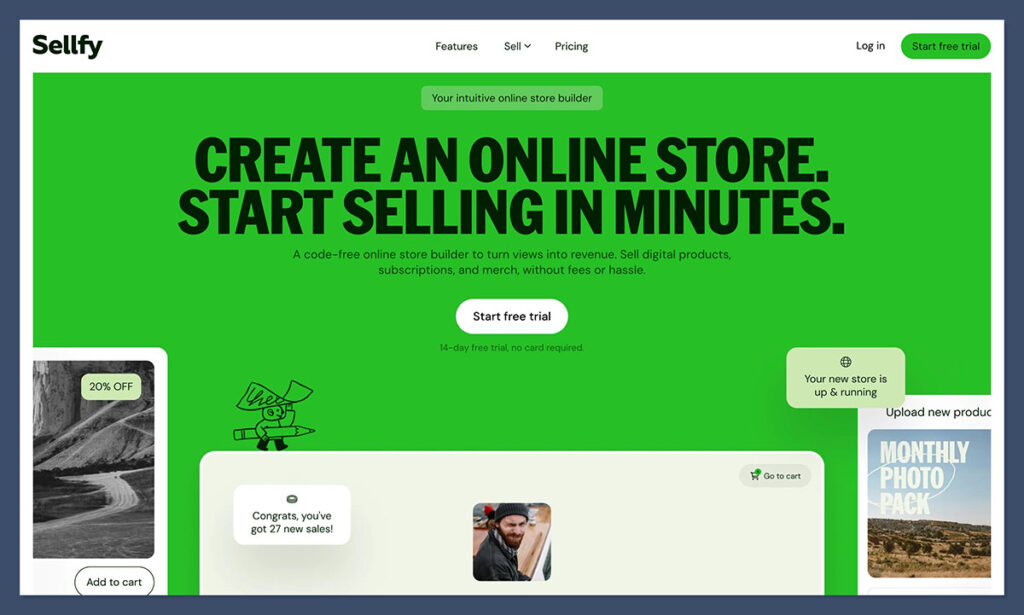
Sellfy emerges as a creator-centric e-commerce platform that excels in selling digital products, physical items, and even subscription-based content. Its user interface is intuitive, the setup process is rapid, and the resulting storefronts are notably polished, offering a more "store-like" aesthetic than some competitors, which is advantageous for brand control.
Unlike many free platforms that take a percentage of each sale, Sellfy operates on a predictable monthly subscription model. This offers greater financial clarity for creators anticipating consistent traffic and sales from their YouTube audience.
The platform includes built-in features for email marketing, discount code generation, and product upsells, negating the need for external tool integrations to manage marketing campaigns.
Pros:
- Excellent for Digital Products: Streamlined process for selling eBooks, software, music, and more.
- Strong Branding Options: Customizable storefronts allow for a professional and branded appearance.
- Built-in Marketing Tools: Integrated email marketing and discount code functionality.
- Predictable Pricing: Monthly subscription offers clear cost management.
- Subscription Capabilities: Supports recurring payments for memberships or exclusive content.
Cons:
- No Direct YouTube Shopping Integration: Products must be linked from video descriptions.
- Limited Merch Options: While it supports physical products, it’s not as specialized as print-on-demand platforms.
- Higher Entry Cost than Free Options: Requires a monthly subscription fee.
Recent Updates from Sellfy:
Sellfy has been focusing on enhancing its digital product delivery features and expanding its marketing capabilities. Recent updates include improvements to their subscription management system, a more robust API for custom integrations, and enhanced analytics for tracking customer behavior and sales trends. The platform is also refining its checkout process to further reduce friction for buyers.
How Much Does Sellfy Cost?
Sellfy offers tiered plans. The Starter plan begins at $22 per month (when billed annually), offering core features for up to 50 products. Higher tiers, like the Business plan ($59/month annually), unlock unlimited products, advanced customization, and additional marketing features.
Why Use Sellfy in 2026?
For creators seeking a more branded and professional storefront to sell digital assets such as templates, LUTs, eBooks, or even a select range of merchandise, Sellfy strikes an excellent balance between design control and user simplicity. It is particularly well-suited for creators who are already generating consistent sales or wish to establish a more polished online presence.
Sellfy is suitable for:
- Creators selling primarily digital products.
- YouTubers who want a branded storefront with design flexibility.
- Those looking for integrated email marketing and sales tools.
- Creators ready to invest in a dedicated e-commerce platform.
Sellfy isn’t suitable for:
- Creators who absolutely require direct YouTube Shopping integration.
- Those solely focused on large-scale merchandise sales.
- Budget-conscious creators who prefer a pay-as-you-sell model.
4. Gumroad: The Expedited Route to Digital Product Sales
Starting price: Free, 10% platform fee per sale
Built for: Instant digital product delivery
YouTube Shopping integration: No
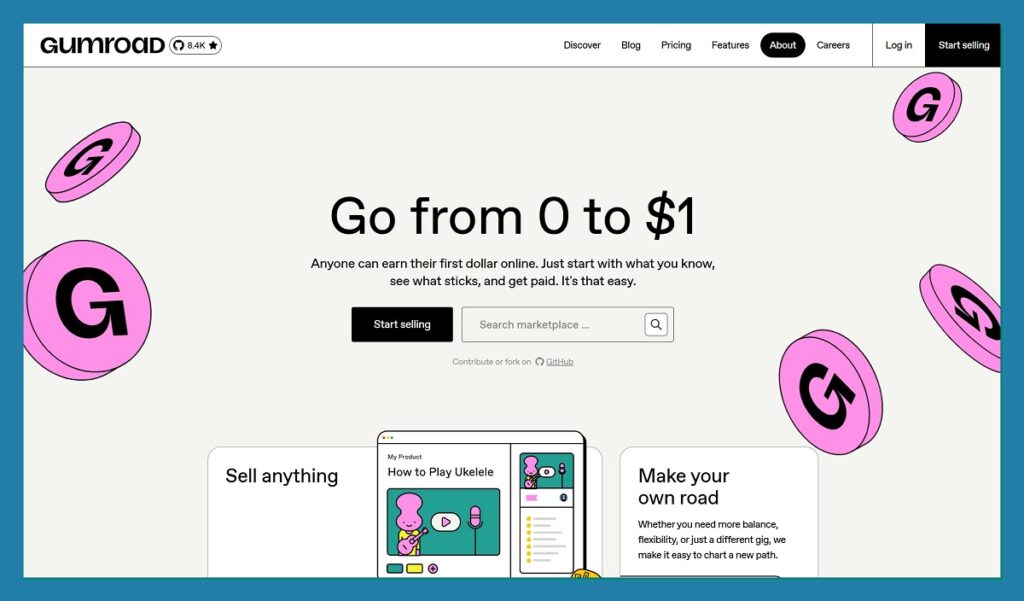
Gumroad is arguably the most straightforward platform for initiating the sale of digital products. The process is remarkably simple: upload your file, assign a title, set a price, and begin selling within minutes. For YouTubers with an engaged audience ready to purchase, linking directly from a video description can result in near-instantaneous sales.
While not designed for extensive store branding or long-term business scaling, Gumroad is exceptionally effective for testing product ideas or launching small digital offerings. If the 10% platform fee per sale is acceptable and zero maintenance is a priority, Gumroad serves as an ideal entry point.
Pros:
- Incredibly Fast Setup: Go from concept to sale in minutes.
- No Monthly Fees: Cost-effective for creators with sporadic sales.
- Simple Interface: Easy for anyone to understand and use.
- Ideal for Digital Assets: Perfect for eBooks, presets, software, and other downloadable content.
- Low Barrier to Entry: Minimal technical knowledge required.
Cons:
- High Transaction Fee: 10% fee can eat into profits for high-volume sellers.
- Limited Branding: Storefronts are basic and offer minimal customization.
- No Direct YouTube Integration: Sales rely on external links from video descriptions.
- Scalability Concerns: Not ideal for complex product catalogs or large businesses.
Recent Updates from Gumroad:
Gumroad has maintained its focus on simplicity and creator-friendliness. Recent updates have included refinements to its checkout process, improved file handling for larger digital assets, and enhanced payout options for creators. The platform also regularly updates its community guidelines to ensure a safe and productive marketplace.
How Much Does Gumroad Cost?
Gumroad operates on a pay-as-you-sell model. There are no monthly fees. The platform charges a 10% fee on each transaction, which covers payment processing and platform costs.
Why Use Gumroad in 2026?
Gumroad represents the most accessible method for creators to begin selling digital content to their audience. It is frictionless, rapid, and perfectly suited for creators who do not require elaborate branding or advanced e-commerce functionalities. For validating product concepts or selling to a receptive YouTube audience, it performs exceptionally well.
Gumroad is suitable for:
- Creators who want to sell digital products immediately.
- Individuals testing new product ideas with minimal risk.
- YouTubers who prioritize speed and simplicity over branding.
- Those comfortable with a percentage-based fee structure.
Gumroad isn’t suitable for:
- Creators focused on building a sophisticated, branded e-commerce store.
- Businesses with high sales volumes seeking lower transaction fees.
- Those who require direct integration with YouTube Shopping.
5. Kajabi: The All-in-One Platform for Knowledge-Based Businesses
Starting price: $149 per month (billed annually)
Built for: Course creators, coaches, and knowledge-based businesses
YouTube Shopping integration: No
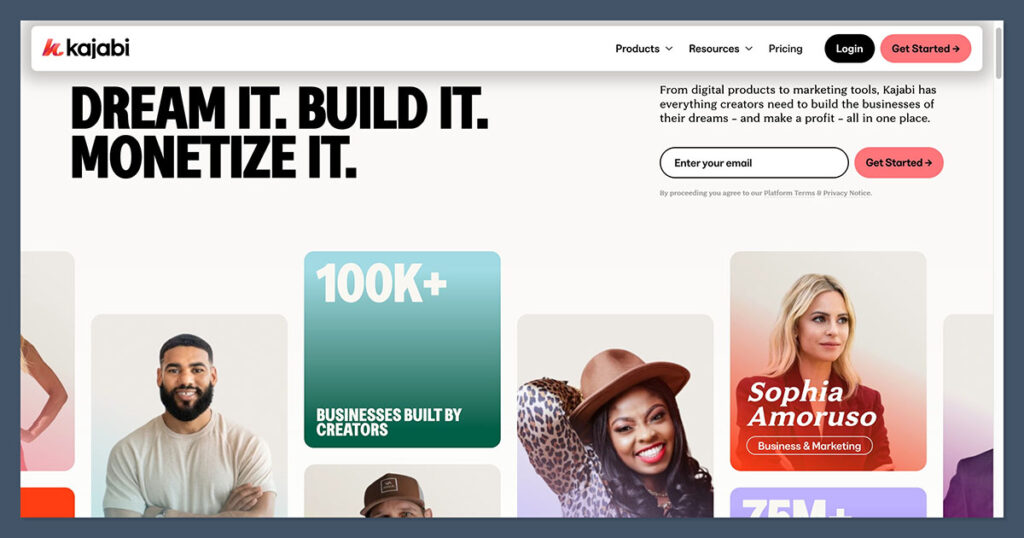
Kajabi is a premium platform designed for YouTubers who aspire to build a business centered on education, personal transformation, or community engagement, rather than solely on physical or digital products. It is meticulously crafted to facilitate the creation and sale of online courses, the management of coaching programs, membership sites, and even the development of private communities—all within a single, integrated dashboard.
During testing, Kajabi’s cohesive structure was particularly impressive. Instead of piecing together disparate tools for email marketing, landing pages, video hosting, and checkout processes, Kajabi consolidates these essential functions into one unified platform. The onboarding experience is clear, templates are professional, and the email marketing automation is both powerful and user-friendly.
While Kajabi’s pricing is higher than many alternatives on this list, its value proposition is undeniable for creators whose monetization strategy is built around delivering long-term value and transformation. It is not a platform for merchandise; rather, it is engineered for creators who sell outcomes—such as fitness programs, intensive digital bootcamps, or comprehensive video courses.
Pros:
- All-in-One Solution: Combines course creation, marketing, CRM, and website building.
- Powerful Course Features: Robust tools for structuring, delivering, and selling online courses.
- Integrated Marketing Automation: Sophisticated email marketing and sales funnel capabilities.
- Professional Branding: High-quality templates and customization options.
- Supports Subscriptions and Memberships: Ideal for recurring revenue models.
Cons:
- High Cost: One of the most expensive options, making it prohibitive for beginners.
- No Direct YouTube Shopping Integration: Relies on external links and promotion within videos.
- Steep Learning Curve: While comprehensive, mastering all features takes time.
- Overkill for Simple Sales: Not the best choice for creators selling only basic merchandise or single digital products.
Recent Updates from Kajabi:
Kajabi consistently enhances its platform with features aimed at empowering creators. Recent updates have focused on improving the user experience for course creators, introducing more advanced analytics for understanding student engagement, and refining the email marketing automation tools to enable more personalized communication. The platform also regularly updates its templates and design elements to keep pace with modern web design trends.
How Much Does Kajabi Cost?
Kajabi’s pricing starts at $149 per month for the Basic plan (billed annually), which includes key features for building and selling online courses and digital products. Higher tiers, such as the Pro plan ($399/month annually), offer more advanced features, higher limits on contacts and broadcasts, and dedicated support.
Why Use Kajabi in 2026?
Kajabi is the premier choice for YouTubers transforming their channels into substantial businesses centered on delivering transformative value—whether through skill acquisition, program participation, or exclusive community access. It functions as a comprehensive suite, enabling content delivery, audience marketing, and long-term relationship building without the need to manage multiple disparate tools.
Kajabi is suitable for:
- Creators focused on selling online courses, coaching programs, or memberships.
- YouTubers building a knowledge-based business or a premium community.
- Those who value an integrated, all-in-one platform for their business operations.
- Creators with a significant budget to invest in their business infrastructure.
Kajabi isn’t suitable for:
- Creators primarily selling physical merchandise.
- Budget-conscious individuals or those just starting with minimal sales.
- YouTubers who need direct YouTube Shopping integration for product visibility.
6. WooCommerce: Ultimate Control for WordPress Users
Starting price: Free plugin (additional costs for hosting, extensions, and themes)
Built for: Custom e-commerce on WordPress websites
YouTube Shopping integration: No
WooCommerce serves as the preeminent e-commerce solution for individuals operating within the WordPress ecosystem. Being open-source, it offers unparalleled flexibility and customization—though this comes with a greater degree of responsibility. For channels that already integrate with a WordPress blog or website, WooCommerce allows for the consolidation of content and commerce within a single, unified environment.
During testing, WooCommerce proved to be exceptionally powerful, albeit demanding for those new to WordPress development. Users are responsible for managing plugins, themes, hosting, and updates. However, this comprehensive control extends to every facet of the customer journey, including checkout flow, product types, search engine optimization, and marketing integrations.
WooCommerce is particularly advantageous for creators who extend their content beyond YouTube, such as publishing blog posts, reviews, or tutorials, and wish to seamlessly integrate e-commerce into that experience. It’s important to note that YouTube Shopping does not offer direct integration with WooCommerce.
Pros:
- Total Control and Customization: Adapt your store to meet any specific business need.
- Open-Source Flexibility: Access to a vast library of plugins and themes.
- Cost-Effective (Potentially): The core plugin is free, but hosting and premium extensions add costs.
- SEO Friendly: Leverage WordPress’s strong SEO capabilities for your store.
- Integrates with Existing WordPress Sites: Ideal for creators already invested in the WordPress ecosystem.
Cons:
- Requires WordPress Knowledge: Not a beginner-friendly, plug-and-play solution.
- Ongoing Maintenance: Users must manage hosting, security, updates, and backups.
- No Direct YouTube Shopping Integration: Relies on external links for product promotion.
- Potential for Hidden Costs: Premium extensions, themes, and robust hosting can increase the overall expense.
Recent Updates from WooCommerce:
WooCommerce continually updates its platform to enhance performance, security, and user experience. Recent developments include performance optimizations for faster loading times, expanded payment gateway options, and improved integration with other WordPress plugins. The platform also focuses on providing creators with better tools for managing their stores and customer data.
How Much Does WooCommerce Cost?
The WooCommerce plugin itself is free. However, users will incur costs for WordPress hosting (ranging from $5 to $50+ per month depending on needs), a domain name, and potentially premium themes and extensions that add specific functionalities. For example, advanced shipping or marketing plugins can add to the overall expenditure.
Why Use WooCommerce in 2026?
WooCommerce stands out as the optimal selection for creators already managing a WordPress website or those who desire maximum customization and absolute control over their e-commerce operations. It allows for the granular design of every store element, centralizes content and commerce management, and enables plugin-driven customization to perfectly align with specific business models. While it represents a more advanced setup, it is a natural fit for creators who are already proficient in the WordPress environment.
WooCommerce is suitable for:
- Creators with an existing WordPress website.
- Those who require deep customization and complete control over their store.
- Users comfortable with managing website hosting, security, and updates.
- Creators who want to integrate their e-commerce store tightly with their content marketing efforts.
WooCommerce isn’t suitable for:
- Beginners who want a simple, managed e-commerce solution.
- Creators who are not on WordPress and have no intention of migrating.
- Those who need direct, native integration with YouTube Shopping.
How to Choose the Best E-commerce Platform as a YouTuber
The selection of an e-commerce platform is highly individualized, contingent upon what you sell and your preferred sales methodology.
- For Merchandise Directly Under Your Videos: Spring offers rapid setup and seamless YouTube integration, making it ideal for an immediate merchandise presence.
- For Building a Brand Beyond YouTube: Shopify is the superior choice, providing the scalability and comprehensive e-commerce features necessary for long-term brand development.
- For Digital Downloads or Assets: Begin with Gumroad for its speed and simplicity, then transition to Sellfy as you require enhanced branding control and improved profit margins.
- For Offering Coaching or Courses: Kajabi consolidates all essential tools into a unified business hub, streamlining the delivery and marketing of educational content.
- For Existing WordPress Users: WooCommerce is the logical choice to maintain a cohesive ecosystem for content and commerce.
Regardless of the platform chosen, the most critical step is to initiate the process. Platforms can be upgraded or switched as your channel and audience evolve. What suffices for 1,000 subscribers may not be adequate for 100,000, and this progression is entirely normal. It is advisable to commence with the most accessible tool that aligns with your current objectives, test your offerings, and actively solicit feedback. The sooner you present a product to your viewers, the more rapidly you will ascertain what resonates and what does not.
Our Testing Methodology
This evaluation of e-commerce platforms spanned six weeks, with a specific focus on their suitability for YouTubers rather than general e-commerce applications. Each platform was assessed from a creator’s perspective, encompassing store setup, potential YouTube channel integration, product uploading, and a comprehensive end-to-end buyer experience simulation.
| Criteria | What We Evaluated |
|---|---|
| YouTube Integration | Native Product Shelf support, channel store availability, Shorts and livestream tagging, and setup complexity. |
| Creator Fit | How well the platform accommodates the typical mix of merchandise, digital products, and memberships sold by YouTubers. |
| Pricing Transparency | Actual costs at 10, 100, and 1,000 sales per month, including platform fees, payment processing, and essential add-ons. |
| Setup & Ease of Use | Time from signup to the first live product, dashboard clarity, and the quality of the onboarding process. |
| Branding & Storefront Control | Design customization, domain options, and the overall professional appearance of the final storefront. |
| Scalability | The platform’s capacity to support a creator’s growth from 1,000 to 100,000 subscribers without requiring a forced migration. |
| Support & Operations | Fulfillment handling, customer service quality, and tax compliance, including Merchant of Record status where applicable. |
Platforms that fell short on at least two of these criteria were excluded from this analysis, even if they performed well in general e-commerce reviews. The overarching objective was to answer a singular question: if a YouTuber were to launch today, which platform would offer the most direct route to sustainable revenue without impeding future growth?
Final Verdict: Which Platform Should You Choose?
There is no single platform that universally satisfies every creator. The optimal choice is intrinsically linked to the nature of your products, the size of your channel, and the operational workload you are willing to undertake.
- Best for Scaling a Real E-commerce Brand: Shopify. If your ambitions extend beyond your YouTube audience, Shopify is engineered to evolve with you into a comprehensive commerce business, offering the most extensive feature set on this list.
- Best for a First Merch Drop with Zero Cost: Spring. It remains the most straightforward method to feature merchandise directly on your videos, requiring no upfront expenditure and offering native YouTube integration.
- Best for Selling Digital Products: Gumroad to initiate, Sellfy as you mature. Gumroad allows you to go live within minutes; Sellfy provides better margins and a more substantial storefront once sales become consistent.
- Best for Courses, Coaching, and Memberships: Kajabi. If your YouTube content naturally leads to paid programs rather than physical products, Kajabi consolidates all your essential tools into a single platform.
- Best for Creators Already on WordPress: WooCommerce. This option provides complete control, limitless customization, and a unified ecosystem for both content and commerce.
Most YouTubers embarking on their e-commerce journey today will likely achieve the best initial results by leveraging Spring for merchandise, complemented by Gumroad for quick digital product sales. The flexibility to migrate later exists, so prioritizing the platform that minimizes friction for launching your first product this week is paramount.
Frequently Asked Questions
How many subscribers do I need before I can sell products on YouTube?
You can link products from your video descriptions regardless of your subscriber count. To unlock native YouTube Shopping features like the product shelf and channel store, you generally need at least 10,000 subscribers, a monetized channel, and eligibility in a supported country. However, platforms like Spring offer streamlined onboarding for creators below these thresholds, and most creators can still drive sales via direct links.
Does YouTube take a cut of my e-commerce sales?
No. YouTube does not charge commission on products sold through your integrated store, whether it’s powered by Shopify, Spring, or any other platform. You retain the full profit margin set by your platform. YouTube’s revenue share applies only to content monetization like ads and channel memberships, not to your merchandise or digital product sales.
Can I use more than one e-commerce platform at the same time?
Yes, and many YouTubers do. It’s common to utilize Spring for merchandise, Gumroad for rapid digital downloads, and Kajabi for a premium paid course. The primary drawback is fragmented analytics and the management of multiple dashboards. For those just starting, it’s recommended to focus on one platform and introduce others only when a clear need arises.
What’s the difference between YouTube Shopping and a regular store link in the description?
A store link in the description directs viewers away from YouTube to your external website. YouTube Shopping, conversely, surfaces your products natively beneath videos, within the channel store tab, on Shorts, and during livestreams, keeping viewers within the YouTube ecosystem. Native integration typically leads to higher conversion rates due to reduced friction, but it requires using one of the supported platforms like Shopify or Spring.
Do I need an LLC to sell merch on YouTube?
Technically, no. In most countries, you can sell as a sole proprietor, and platforms like Spring often handle tax documentation as the Merchant of Record for their catalog products. However, many creators establish an LLC or equivalent entity once sales become substantial to separate personal and business finances and mitigate liability. It is advisable to consult with an accountant in your region before making this decision.
Which platform is cheapest for a creator with under 10,000 subscribers?
Free-to-start platforms such as Spring and Gumroad incur no costs until a sale is made, making them the most financially prudent starting points for smaller channels. Shopify and Kajabi impose monthly fees irrespective of sales volume, making them more suitable once predictable revenue streams are established. The absolute cheapest option depends on the product type: Gumroad excels for occasional digital products, while Spring is ideal for low-volume merchandise.
Can I switch platforms later without losing customers?
Generally, yes. Customer lists, product designs, and digital files can often be migrated between platforms manually. However, subscription or membership billing histories are typically not transferable, meaning active members may need to re-subscribe on the new platform. Most creators manage this transition with promotional discounts and clear communication. Shopify and Kajabi offer specialized migration support for moving from other platforms.
Do I need to handle shipping and customer service myself?
Only if you choose to. Spring and most print-on-demand integrations available through Shopify manage the manufacturing, shipping, and customer service aspects on your behalf. Spring also operates as the Merchant of Record, taking responsibility for tax calculation and remittance. For creators who wish to concentrate on content production, selecting a platform that offloads operational responsibilities is highly recommended.