
The daily ritual for the paid media team at GrowRoom, a performance marketing and media agency, once began with a laborious manual process: opening a budget pacing spreadsheet, meticulously comparing month-to-date client spend against targets, and then cross-referencing this data with individual Google Ads accounts. When discrepancies arose, account managers were tasked with a deep dive, identifying the campaigns responsible for over or underspending and investigating the root causes. This was followed by the creation of internal reports detailing the findings and proposing corrective actions. This granular daily review, multiplied across every client account in their portfolio, consumed significant team hours, highlighting a persistent problem within many digital advertising agencies.
"It wasn’t a hard task, but a necessary one," explains a representative from GrowRoom, reflecting on the period before their automation initiative. "Keeping client spend on track across a large portfolio of Google Ads accounts is a core part of running paid media. For a long time, that meant doing it manually." This manual oversight, while essential for maintaining fiscal discipline and client trust, represented a substantial drain on valuable account management resources. The agency recognized that their team members, highly skilled in strategic planning and campaign optimization, were being bogged down by repetitive, data-intensive administrative work.
The Genesis of the Problem: The Cost of Manual Oversight
GrowRoom, like many agencies specializing in performance marketing, manages paid media strategies for a diverse range of clients. As the agency’s client roster and team size expanded, a growing concern emerged: the disproportionate amount of account manager time being consumed by repetitive, manual checks. This is a challenge familiar to many agency owners navigating the complexities of managing multiple client accounts.
Budget pacing was identified as a particularly significant offender. The established workflow involved extracting data from Google Ads into a tracking spreadsheet. Subsequently, a team member would meticulously review this data, interpret its meaning, validate it against the live advertising accounts, and then synthesize these findings into actionable insights for each account. This process, while critical for financial stewardship, was essentially a manual data review task. It diverted the attention of skilled professionals who could have been engaged in more strategic initiatives, and with each new client acquisition, the hours dedicated to this task steadily increased.
The daily time investment for this manual pacing check was estimated at approximately half an hour per account manager, five days a week, equating to roughly 10 hours of manual effort per month, per team member focused solely on this aspect of budget management. While this task was indispensable, the agency leadership harbored a strong conviction that this process was ripe for automation, thereby liberating significant account manager time.
Deconstructing the Bottleneck: Beyond the Pacing Sheet
The pacing sheet itself was not the inherent problem; it reliably indicated how each account was performing against its allocated budget. The true bottleneck lay in the subsequent investigative phase. Once an account was identified as being off-pace, an account manager was required to delve into the specifics. This involved scrutinizing individual campaigns, determining the factors contributing to the budget deviation, and then compiling a comprehensive report for the rest of the team.
Spend drifts can occur for a multitude of reasons, including shifts in market demand, increased competition within ad auctions, or gradual increases in cost-per-click (CPC) over a period. Identifying the specific cause applicable to a particular account on any given day demanded significant analytical effort. When this painstaking investigation was multiplied across an entire portfolio of accounts, it translated into hours of manual review each day, on top of the initial pacing check.

The limitations of this manual approach extended beyond mere top-line budget adherence. The team lacked a swift mechanism to pinpoint campaigns or ad groups that were either consuming budget inefficiently or demonstrating strong performance that warranted increased investment. The daily cycle thus involved:
- Data Extraction: Pulling spend and performance data from Google Ads.
- Pacing Calculation: Comparing actual spend against the projected target.
- Root Cause Analysis: Investigating why an account was over or underspending, often involving manual examination of campaign performance, keyword data, and auction insights.
- Reporting: Documenting findings and formulating recommendations.
Crucially, three of these four steps were predominantly data analysis and reporting tasks. Only the final step involved actual implementation work. This imbalance highlighted a critical inefficiency, where a significant portion of an account manager’s day was spent gathering and synthesizing information rather than actively optimizing campaigns.
The Automated Solution: A Google Ads Script for Intelligent Budget Management
The agency’s solution was to develop a sophisticated Google Ads script, designed to operate at the MCC (My Client Center) level. This script was engineered to go beyond simply replicating the budget pacing sheet’s functionality. It was built to proactively perform the investigative work that previously consumed valuable account manager time.
The script’s core function is to read monthly spend data, compare it against targets, and classify each account as on-pace, overspending, or underspending. It then calculates the average daily spend remaining to meet the target. However, its true innovation lies in its ability to conduct the in-depth analysis that was previously a manual undertaking.
By examining campaign and ad group data from the preceding 30 days, the script provides recommendations on where budget allocations should be adjusted. This includes shifting funds towards efficient converters or reallocating them away from underperforming campaigns, ad groups, or keywords.
Furthermore, the script scrutinizes performance at the keyword level, identifying terms that are either exceeding or falling short of pre-established performance thresholds. It also analyzes auction insights, flagging potential shifts in the competitive landscape that might be contributing to performance fluctuations. All these findings are compiled into a comprehensive report that is delivered to a shared inbox precisely at 9 am each morning.
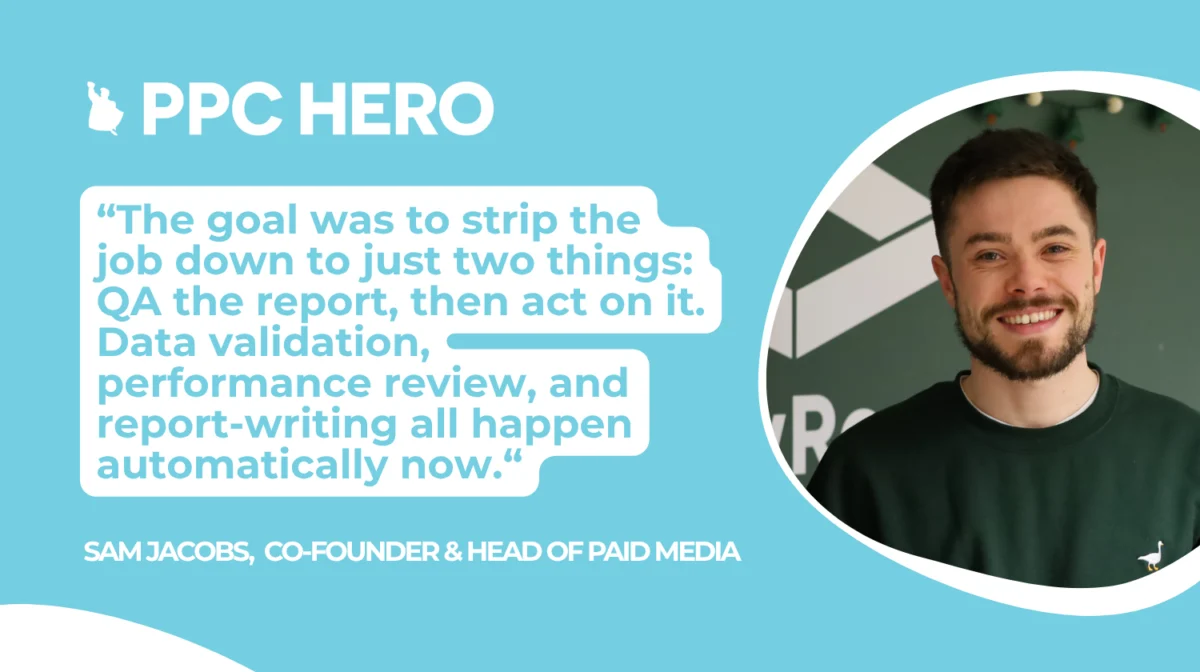
The overarching objective was to streamline the entire process, reducing the account manager’s role to just two critical actions: "QA the report, then act on it." Data validation, performance review, and report generation are now entirely automated, freeing up account managers to focus on strategic decision-making and campaign implementation.
The Implementation Journey: Iterative Refinement and Best Practices
The development of the Google Ads script was an iterative process. It was meticulously tested within the Google Ads script editor and refined through the analysis of real execution logs at each stage. Several key considerations were paramount during the implementation:

- Script Scope and Permissions: The script was designed to operate at the MCC level, granting it the necessary access to review and analyze data across all managed client accounts. Proper permissions were crucial for its effective operation.
- Data Granularity: The script was configured to pull data at a granular level, including campaign, ad group, and keyword performance, to enable detailed analysis.
- Thresholds and Benchmarks: Pre-defined thresholds for performance metrics were established to guide the script’s recommendations and identify significant deviations.
- Reporting Format: The output was structured into a clear, digestible format, including a summary table across all clients, a narrative for each account’s pacing, and specific, actionable recommendations for campaigns and ad groups.
This systematic approach ensured that the script was robust, accurate, and delivered insights that were both comprehensive and easily actionable.
The Tangible Impact: Reclaiming Hours for Strategic Work
The transformation brought about by the automated script has been profound. What was once a time-consuming daily manual task is now executed seamlessly without human intervention. The need to log into multiple accounts, manually check spend, calculate pacing, and compile reports before the team even begins their workday has been eliminated.
Each morning, the team receives an email containing a concise summary table across all assigned clients, a narrative explaining each account’s pacing status, and specific recommendations for campaign and ad group adjustments. This shift has fundamentally altered how the team allocates its time.
The estimated 10 hours per month (per team pod) previously dedicated to data gathering and manual analysis are now being reinvested in activities that directly drive performance. This includes higher-level strategic thinking necessary for account progression and the implementation of impactful campaign initiatives. This reallocation of resources is critical for agencies seeking to provide greater value to their clients and maintain a competitive edge in the dynamic digital advertising landscape.
Lessons Learned: Navigating the Nuances of Automation
The rollout of this automation initiative provided GrowRoom with valuable insights, offering a roadmap for other agencies considering similar solutions:
- Recommendation Engine, Not Autopilot: A crucial lesson learned was the imperative to treat the script as a recommendation engine, not an autonomous system. Human oversight from account managers is essential for implementing any changes, ensuring strategic alignment and mitigating potential errors. Unsupervised budget adjustments could lead to unintended consequences.
- Dedicated Script Account: Running the script from a dedicated reporting account, rather than a personal login, is highly recommended. Google Ads Scripts send emails from the account that owns the script, and there is no option to specify a separate sender address. A shared reporting account ensures a cleaner, more professional communication stream than tying it to an individual’s login.
- Accurate Pacing Calculation: The pacing calculation must exclude the current day’s spend. An early pitfall involved including today’s spend, which invariably made every account appear underpaced each morning simply because the day’s budget had not yet been fully utilized. Limiting the calculation to completed days, up to 23:59 the previous day, resolved this misleading signal.
- Exact Column Header Matching: Meticulous attention to detail is required for column headers. A case-sensitivity mismatch between the script’s expectations and the actual column titles in the data can cause the script to break. Ensuring exact matches, without any typographical errors, is vital for uninterrupted operation.
For agencies looking to embark on similar automation projects, Google’s own Ads Scripts documentation is an invaluable resource. The fundamental principles outlined in their official documentation provide a solid foundation, and their extensive examples library can offer practical guidance, potentially saving significant development time before writing custom code from scratch.
The strategic implementation of automation, as demonstrated by GrowRoom, is not merely about efficiency; it’s about elevating the capabilities of a skilled team, allowing them to focus on what truly matters: driving measurable results for clients and fostering long-term growth in a competitive digital marketing ecosystem.