
The daily ritual for many paid media teams begins with a deep dive into budget pacing spreadsheets, a meticulous process designed to ensure client ad spend aligns precisely with strategic targets. For the paid media team at GrowRoom, a performance marketing and media agency, this daily check was a cornerstone of client account management. However, as the agency’s client portfolio expanded, the sheer volume of manual oversight threatened to consume valuable account manager time, prompting a critical re-evaluation of their operational workflow. This necessity for efficiency ultimately led to the development and implementation of an automated Google Ads script, transforming a time-intensive manual task into a streamlined, data-driven process.
The Genesis of a Manual Burden
GrowRoom, a recognized player in the performance marketing landscape, manages paid media strategies for a diverse range of clients. As the agency experienced organic growth, onboarding new clients and expanding its team, a recurring operational bottleneck emerged: the substantial amount of account manager time being dedicated to repetitive, manual checks. This was a challenge familiar to many agency leaders, a subtle drain on resources that, while necessary, offered little in terms of strategic advancement.
Among these time-consuming tasks, budget pacing stood out as a particularly significant offender. The established process involved extracting data from Google Ads into a dedicated tracking spreadsheet. From there, a team member was tasked with not only reading and interpreting this data but also cross-referencing it against live Google Ads accounts to validate its accuracy. The final step in this manual chain was articulating the findings in a clear, concise report for the rest of the team, detailing the status of each account’s spend against its target.
This was, in essence, a manual data review exercise. It occupied skilled professionals who possessed the capacity for more impactful, strategic work. As GrowRoom’s client roster grew, so did the cumulative hours spent on this single task. An estimated half an hour each morning, five days a week, equating to approximately 10 hours per month per team pod, was being absorbed by this routine. While undeniably essential for maintaining client trust and fiscal responsibility, the inherent inefficiency of this process was becoming increasingly apparent, sparking a conviction that automation was not just desirable, but imperative.
Deconstructing the Problem: The Inefficiencies of Manual Pacing
The pacing spreadsheet itself, while informative, was merely the starting point of a more complex problem. It accurately signaled whether an account was overspending or underspending its allocated budget. The true challenge lay in the subsequent investigation required to understand why. Once a deviation from the target was identified, an account manager would then need to meticulously delve into individual campaigns and ad groups within the respective Google Ads account. The goal was to pinpoint the specific drivers of this drift – whether it was an unexpected surge in demand, increased auction competition, or a gradual increase in cost-per-click (CPC) over several days.
This investigative process demanded significant analytical effort. Spend fluctuations can be attributed to a myriad of factors, from shifts in consumer behavior and seasonal trends to the dynamic nature of the advertising auction landscape. Identifying the precise cause for a particular account on a given day required considerable "digging." When multiplied across an entire portfolio of client accounts, this manual review process, on top of the initial pacing check, could easily amount to several hours of dedicated effort each day.

The limitations of this manual approach extended beyond simply tracking the top-line budget number. The team lacked a rapid, intuitive mechanism to identify which campaigns or ad groups were consuming budget inefficiently or, conversely, which were performing exceptionally well and warranted increased investment. This daily cycle of manual analysis and reporting often followed a predictable pattern:
- Data Extraction and Consolidation: Pulling raw spend data from Google Ads.
- Manual Pacing Analysis: Comparing actual spend against the monthly target.
- Diagnostic Investigation: Identifying the root causes of any pacing deviations.
- Report Generation: Documenting findings and recommendations for the team.
Crucially, three out of these four steps were predominantly data analysis and reporting tasks. The actual implementation – the strategic adjustments and campaign optimizations – represented only a fraction of the total time invested. This imbalance highlighted a significant opportunity for optimization.
The Engineered Solution: Automating Insight and Action
The core insight that drove the development of the automated solution was the realization that the pacing sheet provided the "what," but the manual process was painstakingly trying to uncover the "why." The solution took the form of a sophisticated Google Ads script, designed to operate at the MCC (My Client Center) level. This script was engineered to replicate the fundamental functions of the budget pacing sheet – reading monthly spend, comparing it against targets, and classifying accounts as "on pace," "overspending," or "underspending." It was also programmed to suggest the average daily spend remaining.
However, the script’s true power lay in its ability to transcend these basic functions and automate the investigative work that previously consumed valuable account manager time. It was designed to perform a deep dive into campaign and ad group performance over the preceding 30 days. Based on this historical performance data, the script generates recommendations for budget reallocation, suggesting shifts towards more efficient converting campaigns or ad groups, and conversely, flagging those that are underperforming for potential budget reduction.
The script’s analytical capabilities extend to a granular keyword level. It can identify if specific search terms are performing above or below pre-established thresholds, providing actionable insights into keyword efficiency. Furthermore, the script incorporates "auction insights" analysis. This feature is crucial for identifying shifts in the competitive landscape, flagging instances where changes in competitor activity are likely contributing to performance fluctuations. These findings are then integrated directly into the daily report.
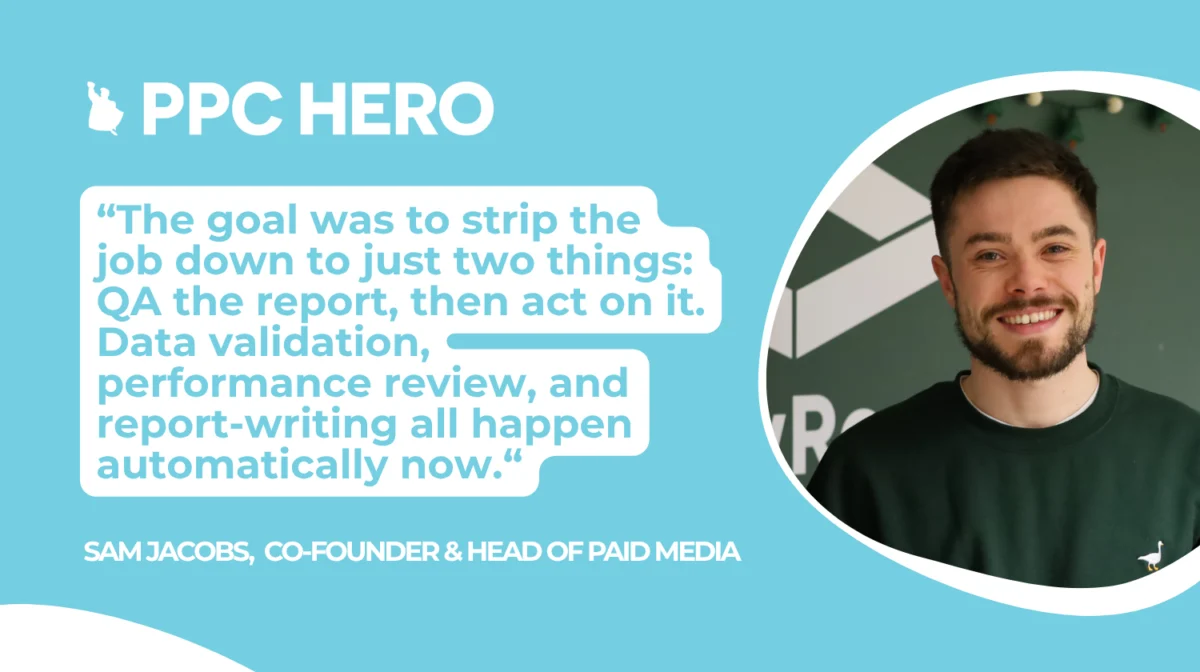
The ultimate objective of this automated system was to drastically simplify the account manager’s daily workflow. The goal was to strip the job down to just two core activities: Quality Assurance (QA) of the generated report, and subsequent action based on its recommendations. Data validation, performance review, and the initial report-writing process are now entirely automated, freeing up account managers to focus on strategic execution.
Implementing Automation: A Phased and Refined Approach
The development of the Google Ads script was not an overnight endeavor. It was an iterative process, meticulously built and tested within the Google Ads script editor. Each iteration was rigorously validated through real execution logs, allowing for continuous refinement and optimization. Several key aspects of the implementation proved particularly important for its success:

- MCC-Level Operation: Running the script at the MCC level enabled it to access and analyze data across the entire client portfolio from a single point of execution. This consolidated approach eliminated the need to run individual scripts for each account, significantly streamlining management.
- Dedicated Reporting Account: To ensure a clean and organized reporting output, the script was configured to run from a dedicated reporting account rather than an individual account manager’s login. This practice is crucial because Google Ads Scripts send email notifications from the account that owns the script, and there is no provision for setting a separate sender address. Utilizing a shared reporting account prevents the tying of automated communications to personal logins, maintaining a professional and unified brand presence.
- Precise Pacing Calculation: An early, yet critical, refinement involved the pacing calculation itself. Initially, the script inadvertently included the current day’s spend in its calculations. This led to every account appearing underpaced each morning, as the budget for the current day had not yet been fully expended. By limiting the calculation to completed days only – specifically up to 23:59 the day before – this misleading signal was eliminated, ensuring accurate pacing assessments.
- Exact Column Header Matching: A seemingly minor detail, but one that proved to be a significant hurdle during early testing, was the exact matching of column headers. The script is highly sensitive to mismatches between the column titles it expects and those present in the data. A case-sensitivity mismatch in a column title caused the script to break. Meticulous attention to detail in ensuring column headers precisely matched the script’s requirements was essential to prevent such errors and ensure smooth script execution.
The Transformative Impact of Automation
The implementation of the automated script marked a profound shift in GrowRoom’s operational efficiency. What was once a time-consuming manual daily task has been entirely automated, requiring no human intervention for its execution. The process of logging into multiple accounts, manually checking spend, calculating pacing by hand, and then compiling this information into a report is now completed before the team even begins their official workday.
Each morning, team members receive an email containing a comprehensive summary table that spans every assigned client. This report includes a concise pacing narrative for each account and, most importantly, specific, actionable recommendations for campaign and ad group adjustments.
The most significant outcome of this automation is the reallocation of valuable human capital. The approximately 10 hours per month per team pod that was previously funnelled into data gathering and manual analysis is now being redirected towards activities that directly drive client performance. This includes higher-level strategic thinking, proactive campaign implementation, and the exploration of new initiatives that have a tangible impact on account growth and success.
Key Lessons Learned and Future Considerations
The journey to implementing this automated budget pacing solution provided GrowRoom with several valuable insights that are worth sharing for other agencies considering similar automation strategies:
- Recommendation Engine, Not Autopilot: It is paramount to remember that automated scripts of this nature function as recommendation engines, not autonomous systems. The script’s output should always be treated as guidance, and the final implementation of any budget changes must remain under the purview of a human account manager. This ensures a layer of strategic oversight and allows for nuanced decision-making that automated systems may not fully capture.
- Leveraging Google Ads Script Documentation: For agencies looking to develop their own automated solutions, Google’s official Ads Scripts documentation serves as an invaluable resource. The "Getting Started" guide provides a solid foundation in the fundamentals, while the examples library offers practical illustrations that can save considerable development time and prevent the need to reinvent the wheel for common tasks.
The automation of budget pacing at GrowRoom exemplifies how strategic investment in technology can address persistent operational challenges within an agency setting. By transforming a labor-intensive manual process into an automated, insightful workflow, the agency has not only reclaimed significant employee time but has also empowered its team to focus on the strategic initiatives that truly drive client success and foster long-term growth. This proactive approach to operational efficiency is a testament to GrowRoom’s commitment to innovation and its dedication to delivering superior results for its clients.