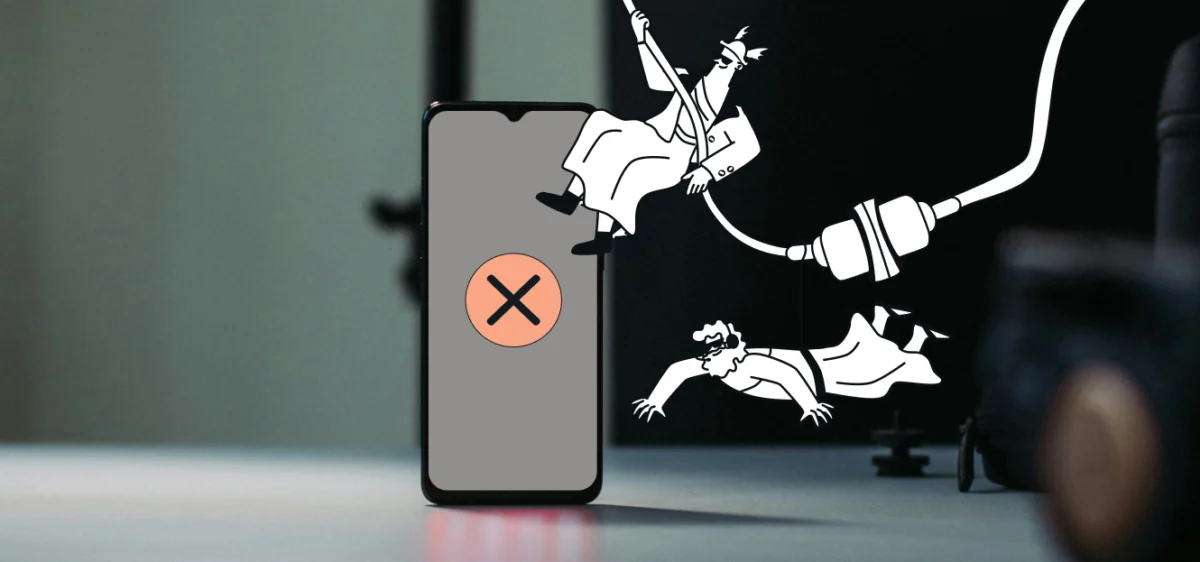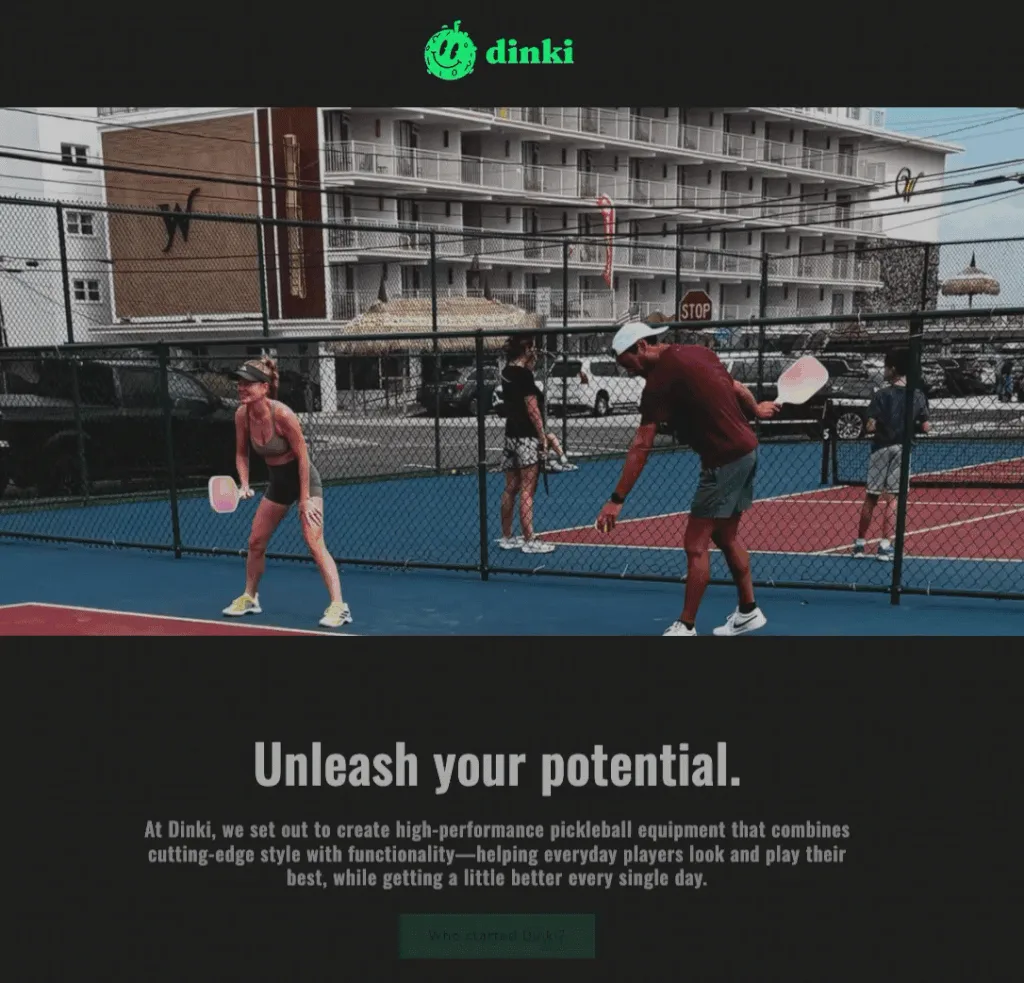
Popup forms, those small overlay windows designed to capture email addresses, represent a powerful, yet often misused, tool in digital marketing. When implemented thoughtfully, they can be the most efficient method for expanding an email list; conversely, a poorly executed popup can quickly alienate visitors and diminish site engagement. The critical distinction between success and failure lies not in the mere presence of the popup, but in the strategic considerations of when, where, and how often it appears to a user, ensuring the delicate balance between lead generation and positive user experience.
The Evolution and Impact of Popup Strategies
Historically, the advent of popup forms brought with it a wave of aggressive marketing tactics. Many early iterations were notorious for appearing almost immediately upon a visitor landing on a page, covering content, and demanding personal information before any value could be demonstrated. This “interruption marketing” often led to high bounce rates and frustrated users, eroding trust and negatively impacting brand perception. Industry studies have consistently shown that intrusive popups can increase bounce rates by as much as 30% or more, particularly on mobile devices. The underlying principle missed by these early implementations was that a conversion strategy must first respect the individual on the other side of the screen, understanding their journey and offering value at an opportune moment. The shift in digital marketing has increasingly emphasized user-centric design and permission-based engagement, transforming the best practices for popup implementation.
Crafting Effective Popup Forms: Design Principles

The design of a popup form is paramount to its success, focusing on clarity, conciseness, and a compelling offer. Modern tools, such as AWeber’s AI Signup Form Builder, leverage artificial intelligence to streamline this process. By simply describing the business, the desired offer, and the intended trigger timing (e.g., “I run a marketing blog. Offer a free email checklist. Show the form after 30 seconds.”), the AI can generate the copy, design, layout, and necessary fields. This innovation democratizes effective form creation, allowing businesses without dedicated design teams or coding expertise to deploy sophisticated lead capture mechanisms. Regardless of whether an AI builder or manual design is employed, several core principles remain immutable.
1. Start with a Specific, Value-Driven Headline:
The headline is the first point of engagement and must immediately communicate value. Instead of generic calls to action like “Subscribe to our newsletter,” an effective headline clearly states the benefit, such as “Get the Weekly Marketing Checklist.” This immediate clarity ensures visitors understand the tangible deliverable before proceeding, making the offer more appealing and increasing the likelihood of conversion. Research indicates that specific, benefit-oriented headlines can boost signup rates by up to 20% compared to vague alternatives.
2. Incorporate a Concise Value Statement (Optional but Recommended):
A single sentence positioned below the headline can provide crucial context, building urgency or credibility. Phrases like “Sent to your inbox in 60 seconds” or “Trusted by 5,000+ small business owners” add a layer of persuasion. This supplementary information can address potential hesitations, reinforce the value proposition, and nudge visitors towards action, particularly when the offer itself might require a slight elaboration. If the headline is sufficiently clear and compelling on its own, this step can be omitted to maintain brevity.
3. Maintain Minimal Form Fields:
For popup forms, brevity is key. The primary goal is to initiate a relationship, which typically only requires an email address. While adding a name field can facilitate personalization in future communications, it should generally be considered the absolute maximum for a popup. Every additional field introduces friction and has been shown to reduce completion rates significantly; some studies suggest each extra field can decrease conversions by 5-10%. More extensive information, such as company size or specific interests, can be gathered later through progressive profiling in welcome email sequences, preference centers, or subsequent interactions, ensuring a frictionless initial signup experience.
4. Employ Action-Oriented Language on the Call-to-Action (CTA) Button:
The CTA button is the final prompt for conversion and should use specific, action-oriented language directly related to the offer. “Send me the checklist” consistently outperforms generic terms like “Submit.” Furthermore, using first-person language, such as “Get my free guide,” often yields higher conversion rates than second-person alternatives like “Get your free guide,” as it creates a stronger sense of ownership and immediate benefit for the user. A well-crafted CTA button provides a clear path forward and reinforces the value proposition.
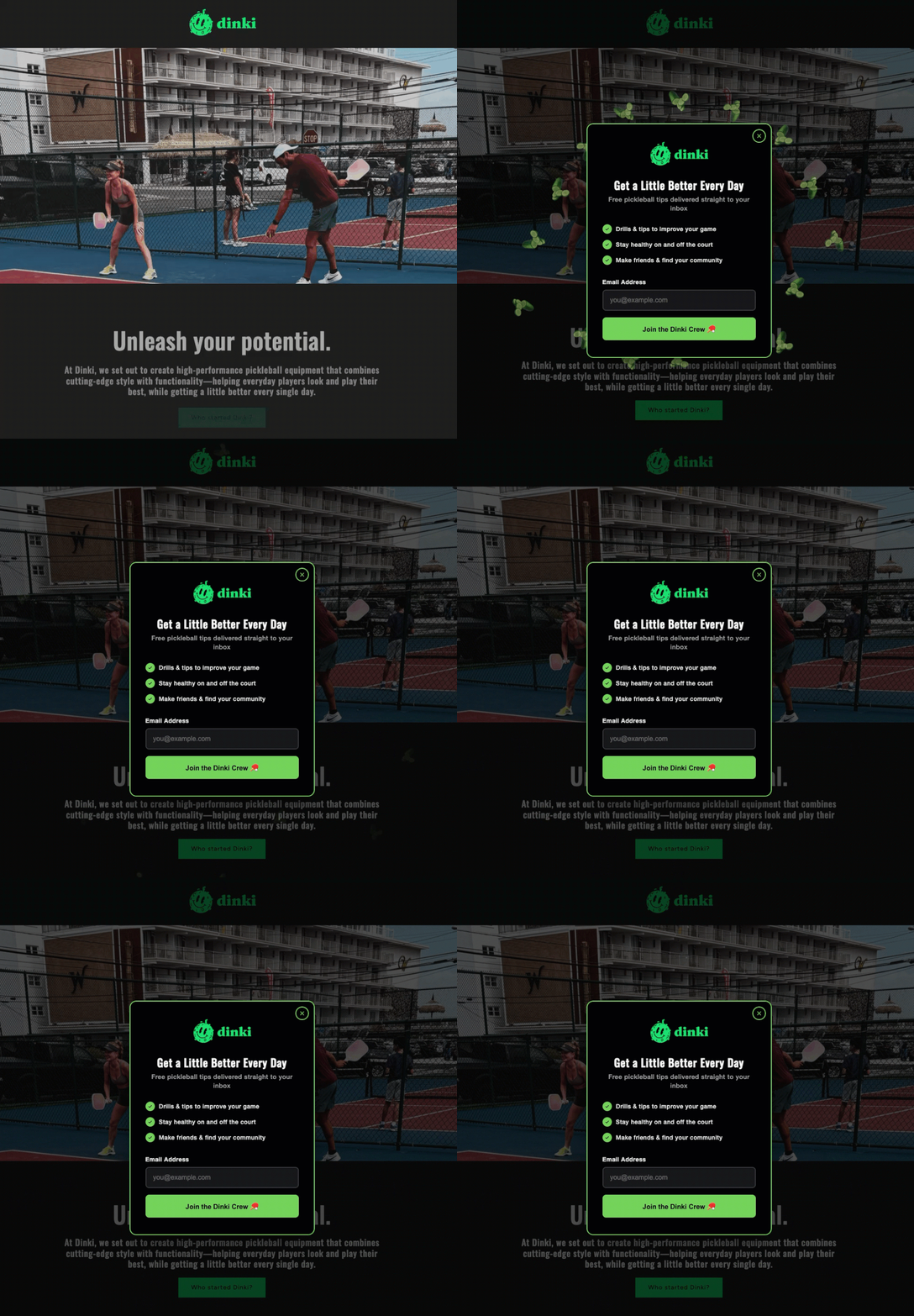
5. Ensure a Prominent and User-Friendly Close Button:
Respect for the user’s decision to decline an offer is crucial for maintaining a positive site experience. A small, barely visible ‘X’ or a guilt-tripping dismiss link (“No, I don’t want more customers”) actively harms user trust. A clear, easily clickable close option allows visitors to dismiss the popup without frustration. Trapping visitors within a popup experience not only fails to generate conversions but also fosters resentment and increases the likelihood of them leaving the site entirely, damaging long-term engagement and brand loyalty.
Strategic Deployment: Timing and Triggers
The timing of a popup’s appearance is perhaps the most critical factor determining whether it is perceived as helpful or intrusive. A popup that appears within the first few seconds of a visit signals that the website owner prioritizes data collection over the visitor’s content consumption. Conversely, a popup that emerges after a visitor has demonstrated engagement—by scrolling through content or spending a significant amount of time on a page—feels more contextual and less disruptive. The three most effective triggers are scroll depth, time on page, and exit intent.
1. Scroll-Based Triggers:
These triggers activate a popup once a visitor has scrolled a predetermined percentage down a page. For blog posts or articles, a scroll depth of 40% to 60% is often optimal. At this point, the visitor has invested enough time to gauge the content’s relevance and value, making them more receptive to an offer related to that content. This timing suggests genuine interest, turning the popup into a relevant resource rather than an unwelcome interruption.
2. Time-Based Triggers:
Time-based triggers display the popup after a set number of seconds. An interval of 15 to 30 seconds typically provides sufficient time for most visitors to engage with the content. Anything under 10 seconds can still feel aggressive and premature. This trigger type allows visitors to orient themselves on the page and begin consuming content before being presented with a secondary call to action.
3. Exit-Intent Triggers:
Exit-intent technology detects when a visitor’s cursor moves towards the browser’s close button, back button, or address bar, signaling an imminent departure. The popup then appears as a last-ditch effort to retain the visitor or capture their contact information. This is often considered the least intrusive option because it only targets individuals who were already leaving the site. Exit-intent popups consistently demonstrate higher conversion rates than timed or scroll-based popups because they do not interrupt the active browsing experience, offering a final value proposition just before disengagement. Combining triggers, such as showing a scroll-based popup to highly engaged readers and reserving exit-intent for those who are about to leave, can create a multi-layered, optimized strategy.
Frequency Capping: Respecting User Decisions
Once a visitor closes a popup, immediate re-display on the next pageview is a sure way to annoy them and reinforce their decision to leave. Implementing a frequency cap is essential. This setting dictates how often a popup appears to the same visitor, often set to once per session or once every seven days for a more conservative approach. Repeatedly showing the same popup to a resistant visitor does not convert them; it merely confirms their initial decision to disengage. Respecting a user’s choice to close a popup for at least the remainder of their visit demonstrates good faith and contributes to a more positive user experience. This also aligns with principles of user-centric design, where the user’s journey and preferences are prioritized.
Targeted Delivery: Context and Device Responsiveness
Not every page on a website warrants a popup, nor should every popup be designed identically across all devices. Strategic targeting enhances relevance and minimizes frustration.
1. Page Targeting:
Matching the popup’s offer to the content of the page significantly increases its effectiveness. A popup promoting a “blog writing checklist” is highly relevant on a post discussing content marketing strategies but would be entirely out of place on a pricing page. Generic “join our newsletter” popups are inherently less effective than highly targeted offers directly related to the user’s current interest. If a visitor is reading about email automation, offering a resource specifically on email automation is far more compelling. This contextual relevance transforms the popup from a general solicitation into a valuable, timely resource.
2. Device Targeting and Google’s Stance:
Popups render differently across various devices, and their impact on user experience and search engine rankings varies dramatically. A popup that functions well on a desktop might entirely obscure content on a mobile phone. Since January 2017, Google has explicitly identified intrusive mobile interstitials as a negative ranking signal. Full-screen popups that cover all content immediately upon mobile page load can negatively impact a site’s search engine visibility. However, popups triggered by a time delay, scroll depth, or exit intent are generally not penalized. Best practices dictate showing smaller, less intrusive banners or slide-ins on mobile devices, reserving full-screen popups for desktop users. Furthermore, the close button must be easily discoverable and tappable on any screen size to ensure compliance and a positive user experience.
Advanced Popup Formats and Their Strategic Applications
Beyond the standard overlay, various innovative popup formats leverage engagement and psychological principles to enhance conversion rates. The AI Signup Form Builder from AWeber is capable of generating these diverse formats, allowing businesses to experiment with advanced lead capture strategies.
1. Gamified Popups:
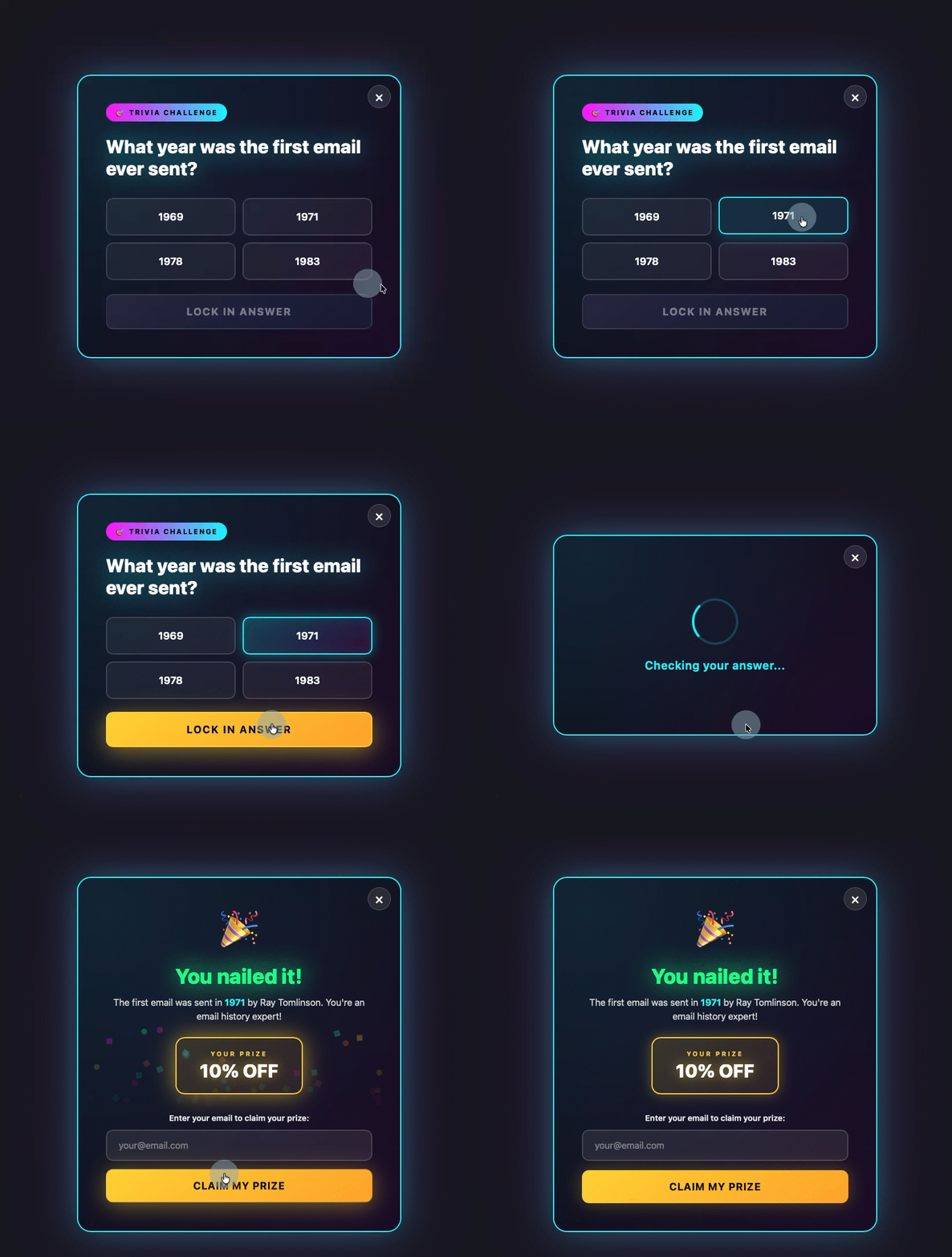
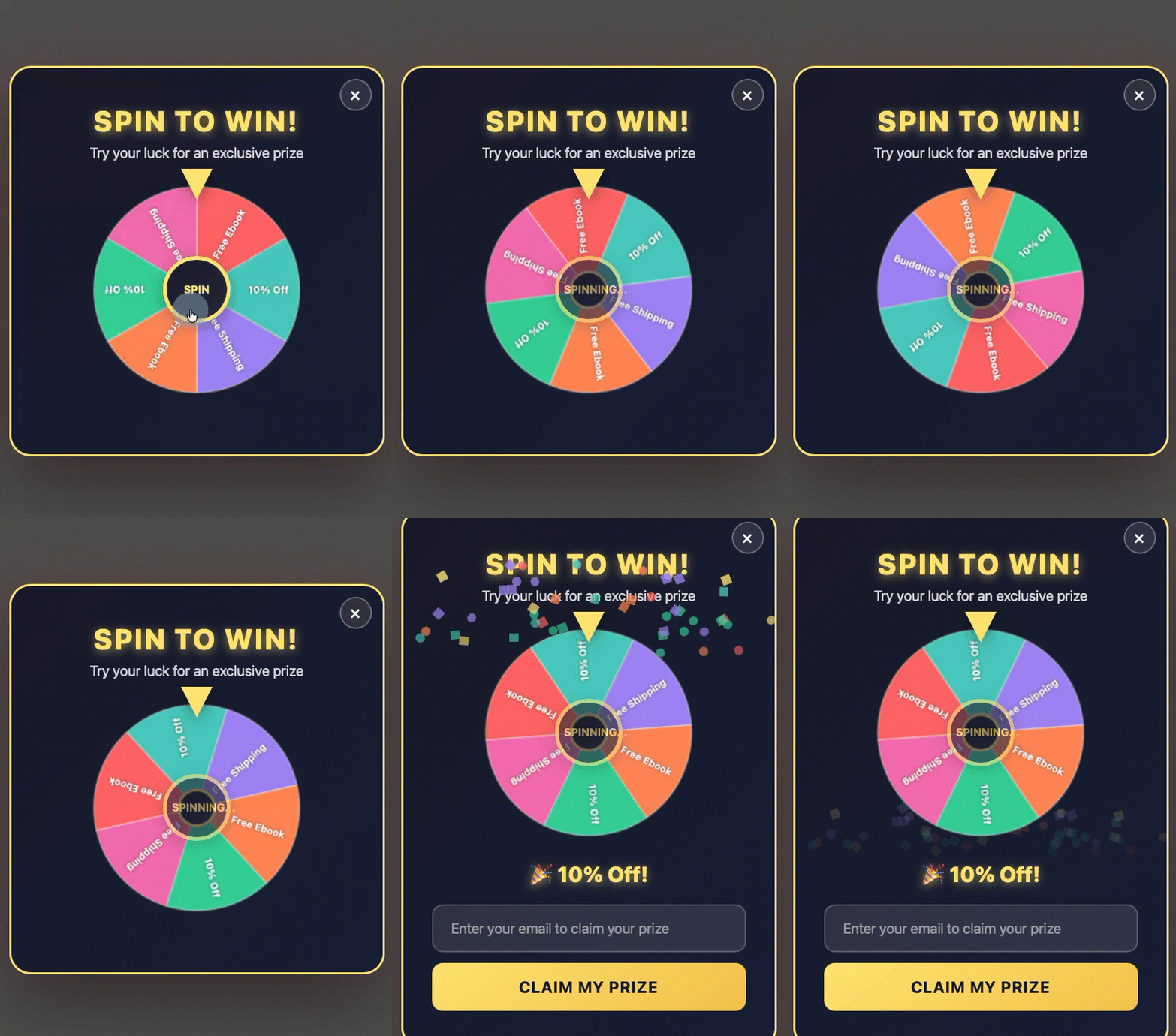
Transforming the popup into an interactive experience, such as a quiz, trivia question, or a “spin-to-win” wheel, can significantly boost engagement. Visitors interact with the game before being prompted for their email address, making the request feel less transactional and more like a reward for participation. This approach taps into users’ innate desire for play and immediate gratification.

2. Discount Offer Popups:
Often deployed as exit-intent triggers, discount offer popups (e.g., a spin-to-win wheel or a coupon code) provide an immediate incentive for visitors contemplating leaving. By offering a prize or a percentage off a purchase in exchange for an email address, businesses can effectively reduce cart abandonment and convert hesitant shoppers into subscribers or customers. This strategy directly addresses a common barrier to conversion: price sensitivity.
3. Multi-Step Forms:
Multi-step forms break down the signup process into smaller, less daunting stages. The visitor first makes a low-commitment decision (e.g., selecting a category of interest) before being presented with the email field. By the time they reach the email input, they have already invested some effort and made a preliminary commitment, increasing their psychological readiness to complete the final step. This technique leverages the “foot-in-the-door” principle, gradually building commitment.
4. Sticky Bars:
A sticky bar is a thin, non-intrusive banner fixed to the top or bottom of the page. It remains visible as the user scrolls, offering a persistent yet unobtrusive call to action. This format never blocks content, providing a constant opportunity for conversion without disrupting the user’s browsing experience. Sticky bars are particularly effective for evergreen offers or general newsletter signups, providing a subtle reminder of the value proposition.
Conclusion: The Future of Respectful Lead Generation
The landscape of lead generation via popup forms has matured considerably, moving from an era of aggressive interruption to one of strategic, user-centric engagement. The success of modern popup strategies hinges on a nuanced understanding of user behavior, a commitment to providing genuine value, and the judicious application of technology. Tools like AWeber’s AI Signup Form Builder exemplify this evolution, enabling businesses to create sophisticated, well-timed, and relevant forms that respect the visitor’s journey. By adhering to best practices in design, timing, frequency, and targeting, businesses can transform popups from potential irritants into powerful, high-converting assets that foster email list growth while simultaneously enhancing the overall user experience and safeguarding SEO performance. The ultimate implication is clear: in the digital age, effective marketing is not about demanding attention, but about earning it through relevance and respect.