rifanmuazin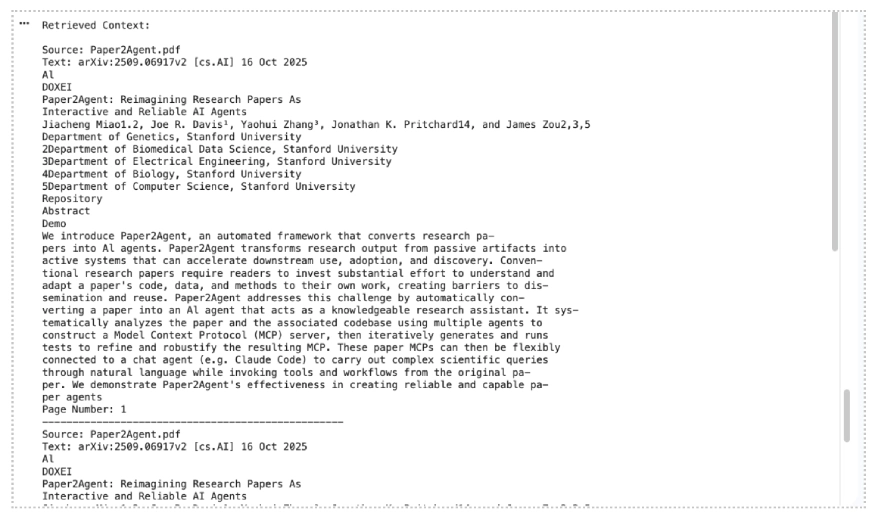
The Evolution of Retrieval-Augmented Generation
To understand the impact of the Gemini File Search tool, one must first consider the traditional architecture of a RAG system. In a standard setup, developers are responsible for a multi-stage process: extracting text from various file formats, breaking that text into manageable "chunks," converting those chunks into numerical vectors using an embedding model, and storing those vectors in a specialized vector database. When a user submits a query, the system must then convert the query into a vector, perform a similarity search in the database, retrieve the relevant context, and feed it back into the LLM to generate a grounded response.

This "DIY" approach to RAG is fraught with technical hurdles. Improper chunking can lead to a loss of context, while managing an external vector database adds significant overhead in terms of latency, cost, and infrastructure maintenance. Google’s File Search tool eliminates these requirements by providing a "managed RAG" experience. By handling the infrastructure within the Gemini ecosystem, Google allows developers to focus on the application logic rather than the underlying data engineering.
Chronology of Google’s AI Integration Strategy
The introduction of the File Search tool is part of a broader timeline of rapid innovation within Google’s AI division. Following the initial release of Gemini 1.0 and 1.5 in early 2024, Google pivoted toward making these models more "actionable" for enterprise users. In mid-2024, the company introduced basic file-tuning capabilities, but it was the late-2024 updates that truly transformed the platform.

The release of the gemini-2.5-pro and gemini-2.5-flash models marked a turning point, offering significantly larger context windows and improved reasoning. However, even with a million-token context window, searching through massive repositories of data remained inefficient. The File Search tool was launched to bridge this gap, offering a way to index terabytes of information that exceed even the largest context windows. The most recent update, the transition to multimodal RAG via the gemini-embedding-2 model, represents the latest milestone in this chronology, allowing the API to "see" and "read" simultaneously within a single search index.
Technical Architecture and Multimodal Mechanics
At the core of the File Search tool is semantic vector search. Unlike traditional keyword searching, which looks for exact word matches, semantic search understands the underlying meaning and context of a query. This is achieved through embeddings—high-dimensional numerical representations of data.

With the latest update, Google has introduced the gemini-embedding-2 model specifically designed for multimodal tasks. This model can create a unified vector space where both text descriptions and visual features (from images, charts, and diagrams) are mapped. For example, if a developer uploads a PDF of a financial report alongside a JPEG of a growth chart, the File Search tool can link the textual analysis of "revenue increases" to the visual representation of an upward-sloping line on the chart.
When a query is made, the Gemini API performs the following steps internally:

- Query Processing: The user’s natural language query is converted into a vector.
- Retrieval: The system searches the File Search Store for the most relevant text chunks and image embeddings.
- Augmentation: The retrieved data is provided to the Gemini model as grounded context.
- Generation: The model generates a response that includes page-level citations and references to specific media IDs, ensuring transparency and reducing hallucinations.
Implementation Workflow and Practical Examples
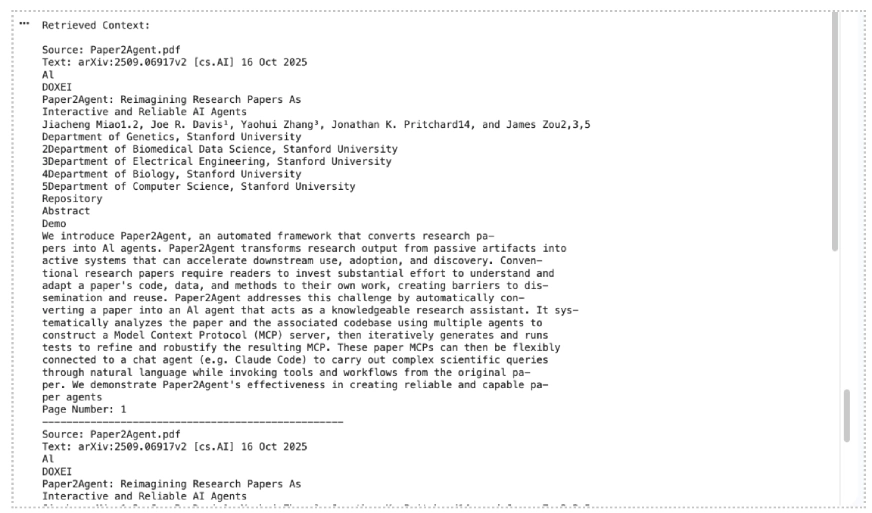
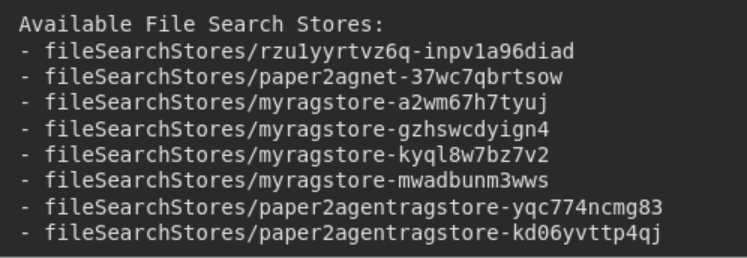
Integrating File Search into a Python-based application requires the google-genai library and a valid API key. The process begins with the creation of a "File Search Store," which serves as the persistent index for the user’s data.
Setting Up the Environment
Developers must first ensure they are using Python 3.9 or newer and install the necessary client library:

pip install google-genai -UAfter setting the GOOGLE_API_KEY as an environment variable, the client is initialized.
Creating a Multimodal Store
The choice of embedding model is critical. For a store that handles both text and images, the models/gemini-embedding-2 configuration must be specified:
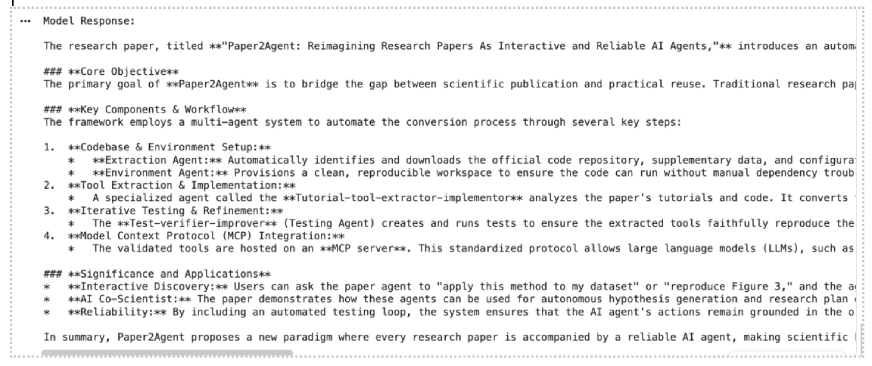
file_search_store = client.file_search_stores.create(
    config=
        "display_name": "corporate_knowledge_base",
        "embedding_model": "models/gemini-embedding-2"

)
Data Ingestion and Indexing
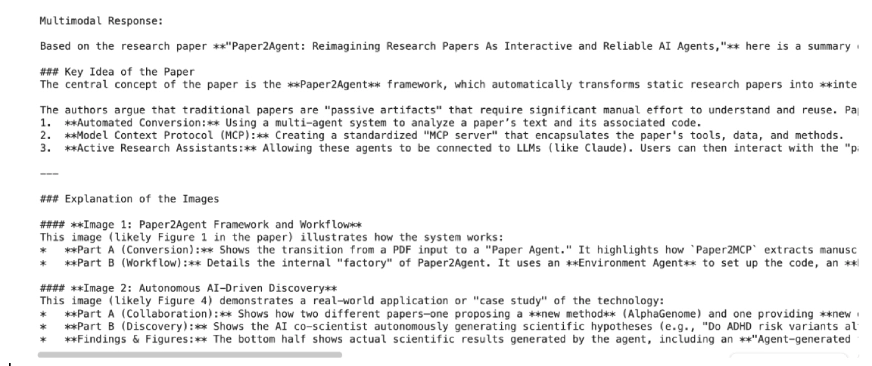
The tool supports a wide array of formats, including PDF, DOCX, TXT, and programming files like .py or .js. For multimodal applications, PNG and JPEG files are supported. When a file is uploaded, the API automatically handles the ingestion:
operation = client.file_search_stores.upload_to_file_search_store(
    file="annual_report.pdf",
    file_search_store_name=file_search_store.name,
    config="display_name": "2023_Annual_Report"
)
This automated indexing is a significant departure from previous iterations of the API, where developers had to manually manage the timing of file availability.
Performance Optimization through Custom Chunking
While the File Search tool offers an automated "black box" approach to RAG, it also provides granular controls for advanced users. One of the most critical aspects of RAG performance is chunking—the process of dividing a long document into smaller segments.
Google allows developers to customize this via the chunking_config. By adjusting the max_tokens_per_chunk and max_overlap_tokens, developers can tune the system for specific data types. For instance, technical documentation may benefit from smaller chunks (e.g., 200 tokens) to isolate specific commands, while legal contracts might require larger chunks (e.g., 800 tokens) to maintain the context of complex clauses. The "overlap" ensures that no information is lost at the boundaries of a chunk, which is essential for maintaining context continuity during semantic retrieval.
Data Governance and Storage Limits
As an enterprise-grade tool, File Search includes specific tiers and limits to accommodate different scales of operation. Understanding these limits is essential for architects planning long-term deployments.
| User Tier | File Size Limit | Store Capacity Limit |
|---|---|---|
| Free | 100 MB per file | 1 GB |
| Tier 1 | 100 MB per file | 10 GB |
| Tier 2 | 100 MB per file | 100 GB |
| Tier 3 | 100 MB per file | 1 TB |
Google recommends keeping individual stores under 20 GB to maintain optimal retrieval performance and low latency. It is also important to note the difference in data persistence: files uploaded via the temporary Files API are deleted after 48 hours, whereas data indexed within a File Search Store remains available until manually deleted by the developer.
Analysis of Implications for the AI Ecosystem
The introduction of a managed, multimodal RAG tool by Google has profound implications for the AI development ecosystem. First, it significantly lowers the "total cost of ownership" for AI applications. By removing the need for a separate vector database subscription (such as Pinecone or Milvus) and the associated compute costs for running embedding pipelines, Google is positioning the Gemini API as a one-stop-shop for AI development.
Second, the multimodal integration addresses a major gap in the market. Most existing RAG solutions are text-centric. In industries such as medical research, engineering, and marketing, visual data is just as important as text. The ability to query a diagram or a medical scan using natural language—and have the AI relate that visual to a research paper—is a transformative capability.

Finally, the inclusion of built-in grounding metadata and page-level citations addresses the "trust gap" in AI. By providing clear links back to the source material, Google is making it easier for developers to build applications for regulated industries where auditability is a requirement.
Conclusion and Future Outlook
Google’s File Search tool for the Gemini API represents a shift toward "AI-native" data management. By abstracting the complexities of vector search and multimodal indexing, Google has provided a framework that allows for rapid prototyping and scalable production of RAG-based systems. As the tool evolves, expectations are high for the eventual inclusion of audio and video formats, which would complete the multimodal spectrum.

For now, developers have a powerful, managed foundation for building intelligent agents that not only understand the world through their training data but can also precisely navigate and reason across a user’s private, multimodal data repositories. Whether for summarizing dense research papers or extracting insights from complex product catalogs, File Search is an essential component in the modern AI toolkit.