
 Basiran
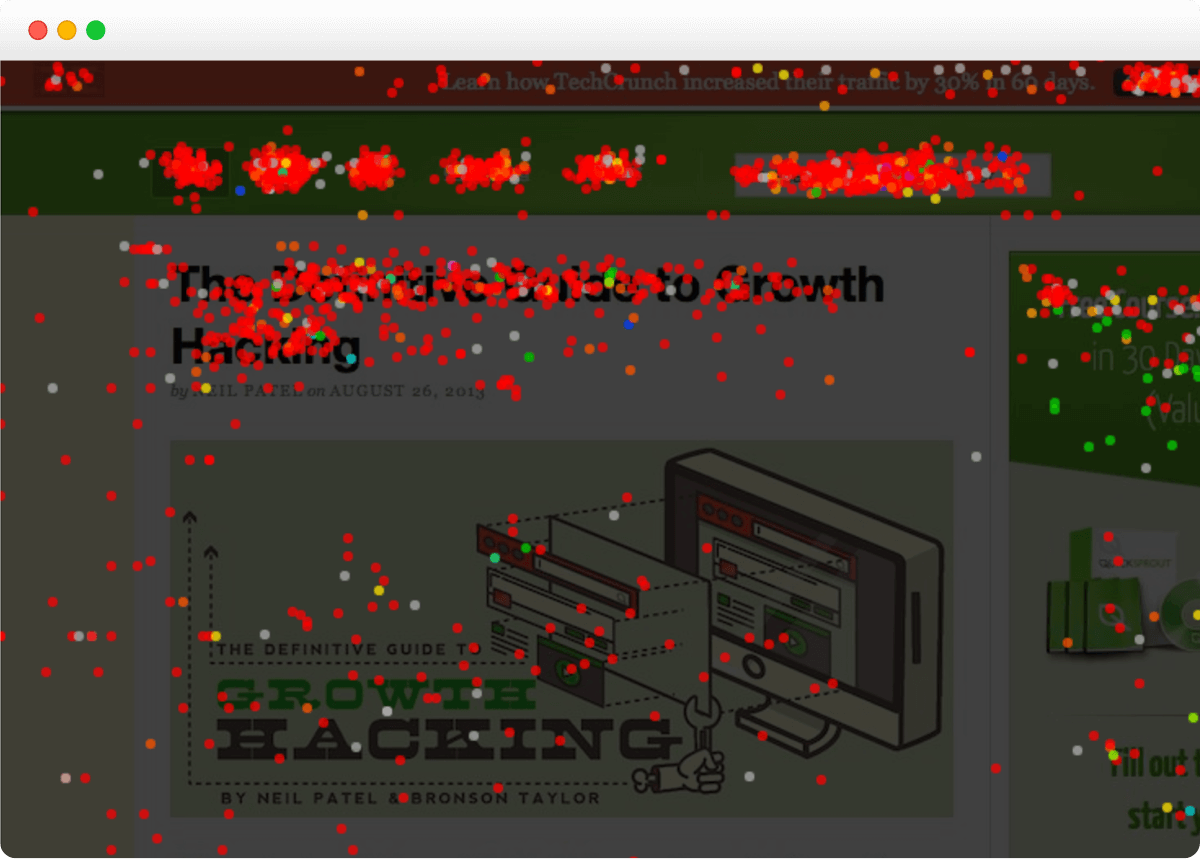
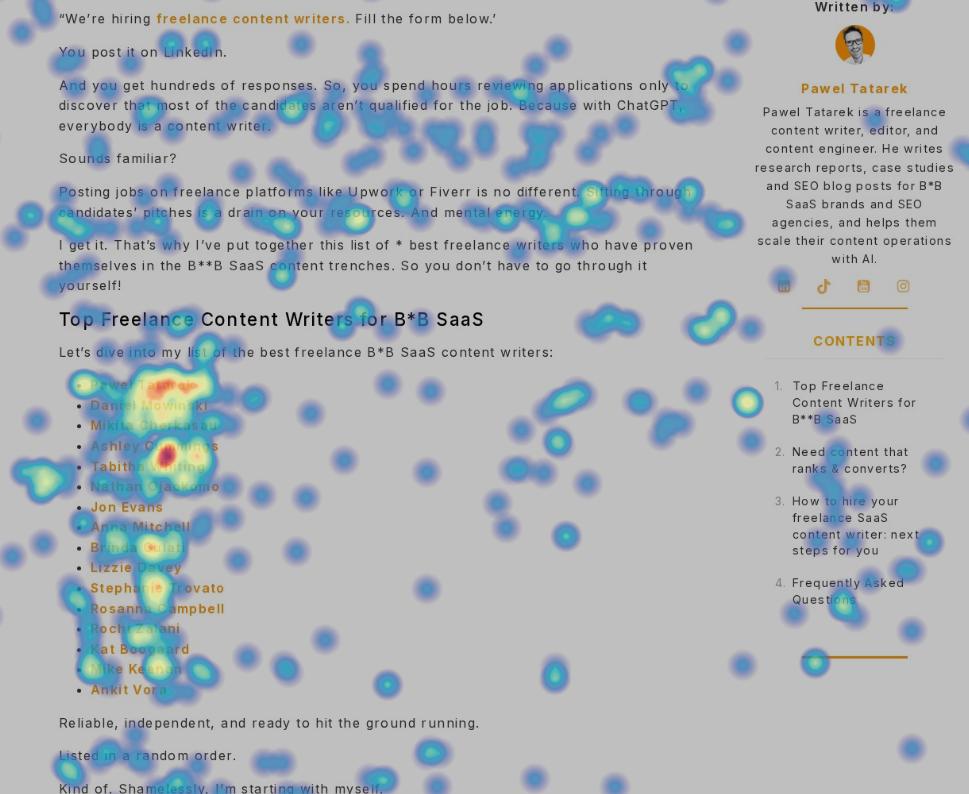
In the modern digital landscape, the ability to visualize user intent has become a cornerstone of successful conversion rate optimization (CRO) and user experience (UX) design. WordPress heatmap software provides this critical visibility by transforming raw user interaction data—clicks, taps, scrolls, and cursor movements—into intuitive, color-coded overlays. These visual representations utilize a thermal spectrum where "warm" colors like red and orange indicate high-density engagement zones, while "cool" colors like blue and green represent areas that fail to capture visitor attention. By bridging the gap between quantitative analytics and qualitative behavior, these tools empower marketers and developers to move beyond guesswork, allowing for the strategic placement of calls-to-action (CTAs), the removal of distracting elements, and the streamlining of the path to purchase.
The Evolution of Behavioral Analytics: A Brief Chronology
The transition from basic server logs to sophisticated visual heatmaps represents a multi-decade shift in how webmasters understand their audiences. In the early 2000s, website owners relied almost exclusively on hit counters and basic referral data. The introduction of tools like Crazy Egg in 2005 revolutionized the industry by introducing "Confetti" maps and visual click tracking, which allowed users to see not just that a click happened, but exactly where on the page it occurred.
By 2010, the rise of mobile browsing necessitated the development of "tap" maps and responsive scroll tracking. The mid-2010s saw the emergence of session recordings, which provided a DVR-like playback of user sessions. In 2021, the landscape shifted again with the acquisition of Hotjar by Contentsquare, signaling a move toward enterprise-grade behavioral intelligence for all segments of the market. Today, the integration of Artificial Intelligence (AI) and Machine Learning (ML) allows these tools to not only show what happened in the past but to predict future friction points and suggest automated fixes.
Comparative Analysis of Leading WordPress Heatmap Solutions
Selecting the appropriate heatmap tool requires an assessment of specific organizational needs, ranging from budget constraints to the required depth of technical analysis. The following six platforms represent the current industry standard for WordPress integration.
1. Crazy Egg: Comprehensive Optimization and Experimentation
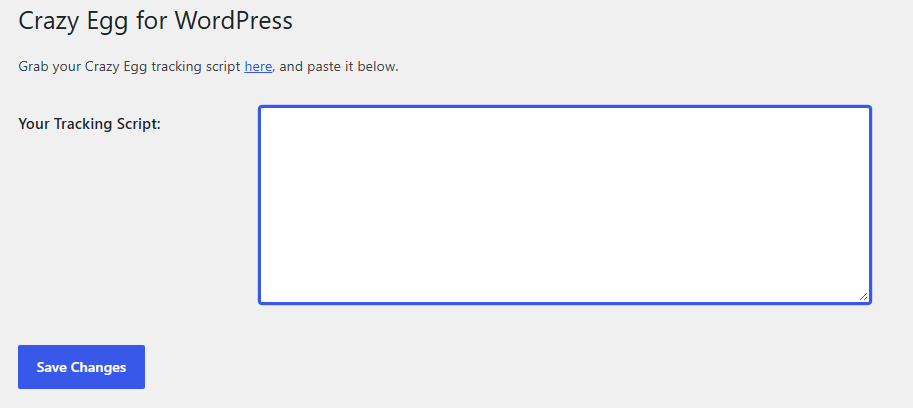
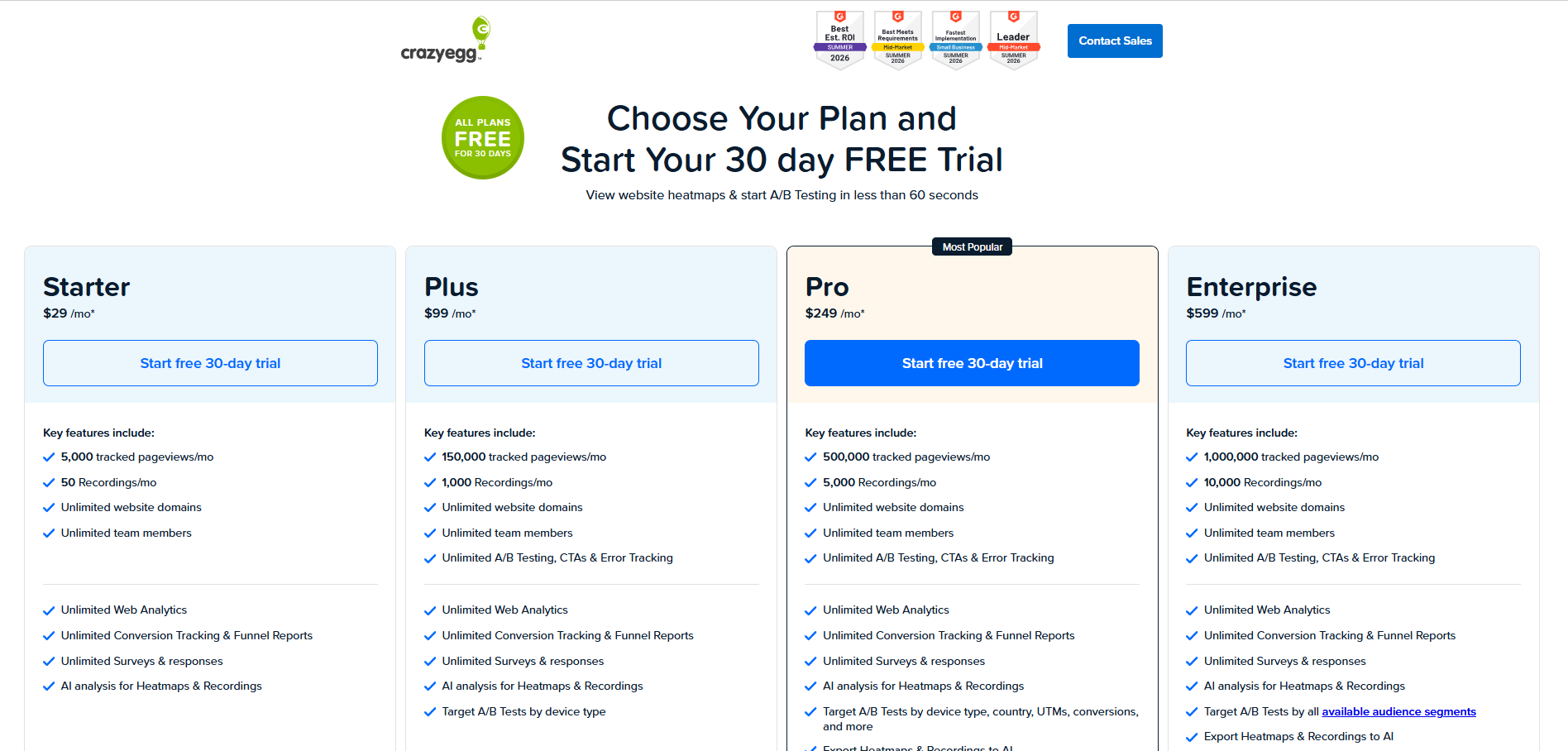
Crazy Egg remains a dominant force for teams seeking a "full-loop" optimization platform. Beyond traditional heatmaps, the software integrates session recordings, A/B testing, and survey tools into a single ecosystem. This allows a team to identify a problem via a heatmap, hypothesize a fix, and test that fix using the built-in A/B testing engine without leaving the platform.
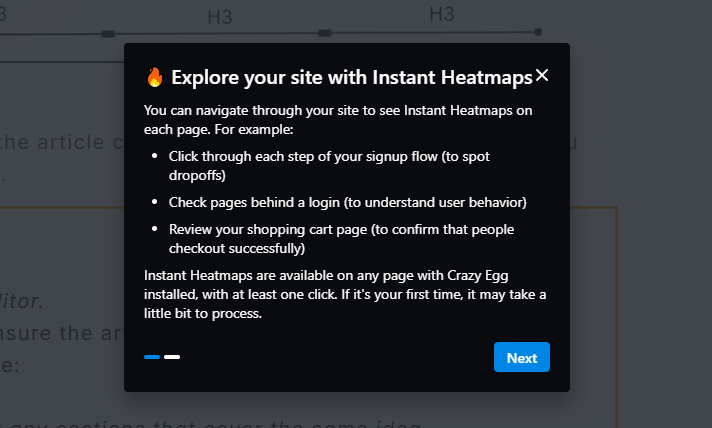
The Crazy Egg WordPress plugin streamlines the installation process for self-hosted sites, requiring only a tracking script or Site ID. A standout feature is the "Instant Heatmap" capability, which provides immediate data for up to 1,000 sessions per day at no cost. For deeper analysis, the platform offers "Heatmap Reports" featuring five distinct views: Heatmap (general engagement), Scrollmap (content depth), Confetti (click sources), Overlay (element-level percentages), and List (raw data ranking).
2. Microsoft Clarity: High-Volume Data Accessibility
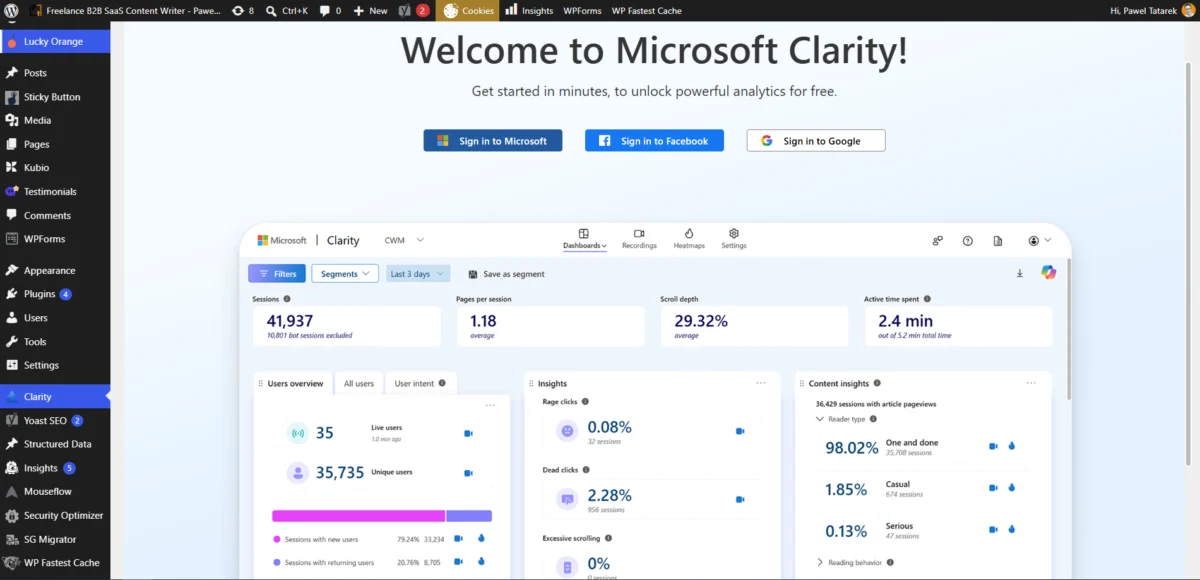
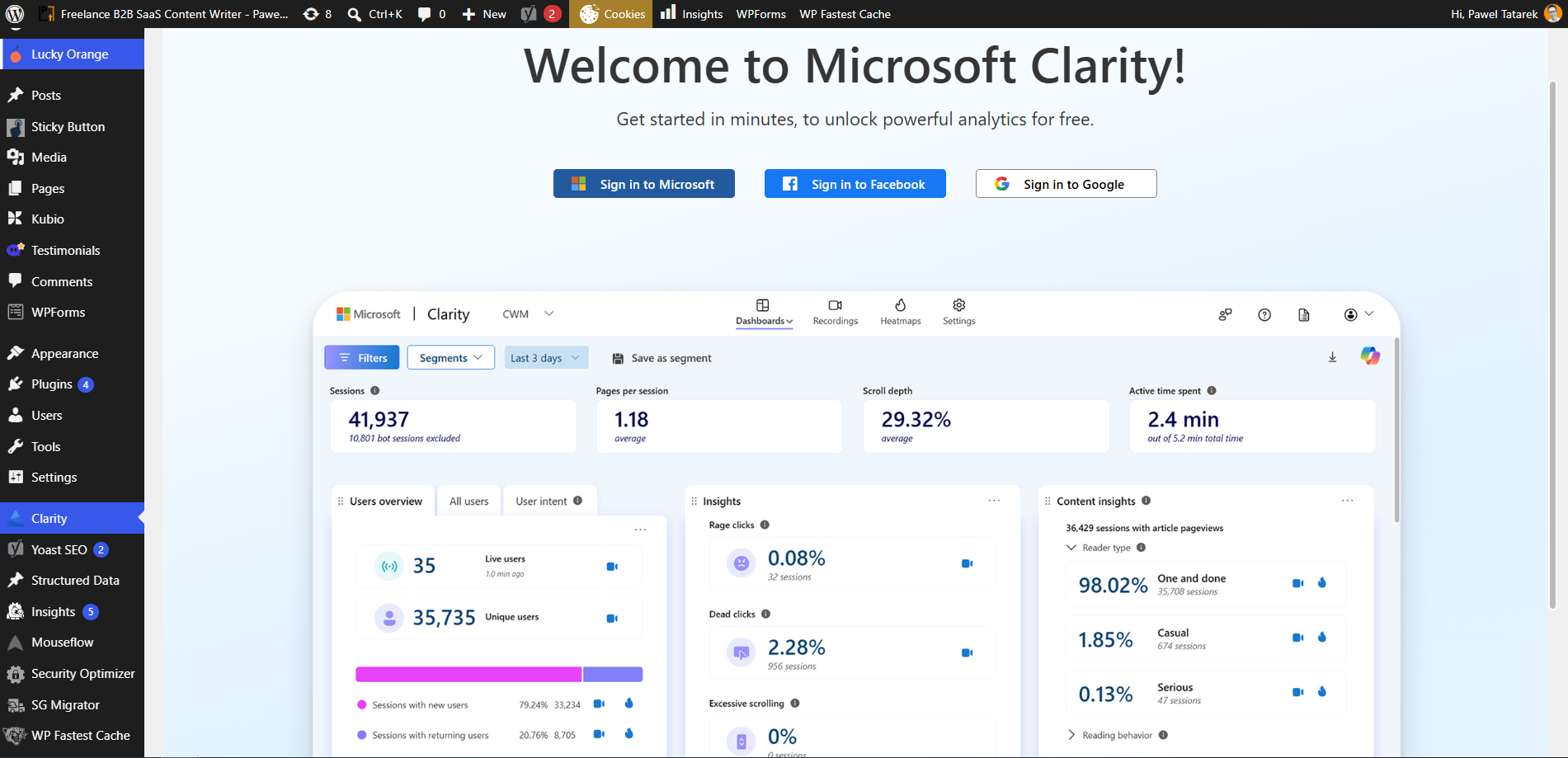
Microsoft Clarity has disrupted the market by offering a robust feature set—including heatmaps and session recordings—entirely free of charge, regardless of traffic volume. This makes it the preferred choice for high-traffic sites that would otherwise face prohibitive costs on usage-based pricing models.
Clarity excels in identifying "friction signals," such as rage clicks (repeatedly clicking an unresponsive element) and dead clicks. Its integration with the WordPress dashboard allows users to view behavioral data alongside their content management workflow. While Clarity is free, it is important to note that Microsoft utilizes anonymized data to improve its machine-learning models, a trade-off that organizations must weigh against their privacy requirements.
3. Hotjar (Contentsquare): Qualitative Insight and Funnel Analysis
Hotjar is widely recognized for its user-friendly interface and its ability to combine visual data with direct user feedback. Since its acquisition by Contentsquare, it has refined its focus on the "why" behind user actions. Hotjar’s suite includes not only heatmaps but also funnel analysis, which tracks where users drop off in a multi-step process, and surveys that trigger based on specific behaviors.
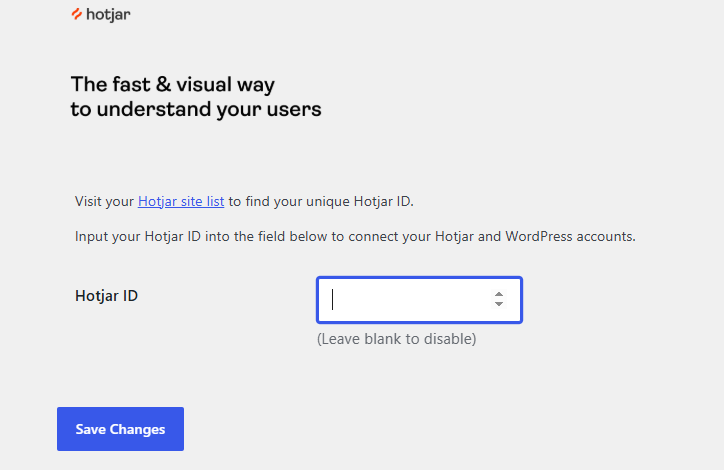
For WordPress users, Hotjar offers a dedicated plugin that activates tracking via a Site ID. Its heatmap capabilities cover clicks, scrolls, and mouse movements across desktop, tablet, and mobile devices. A key strength of Hotjar is its "Engagement Zone" maps, which highlight which parts of a page are truly interactive versus those that are merely being viewed.
4. Mouseflow: Advanced Friction Detection and Form Analytics
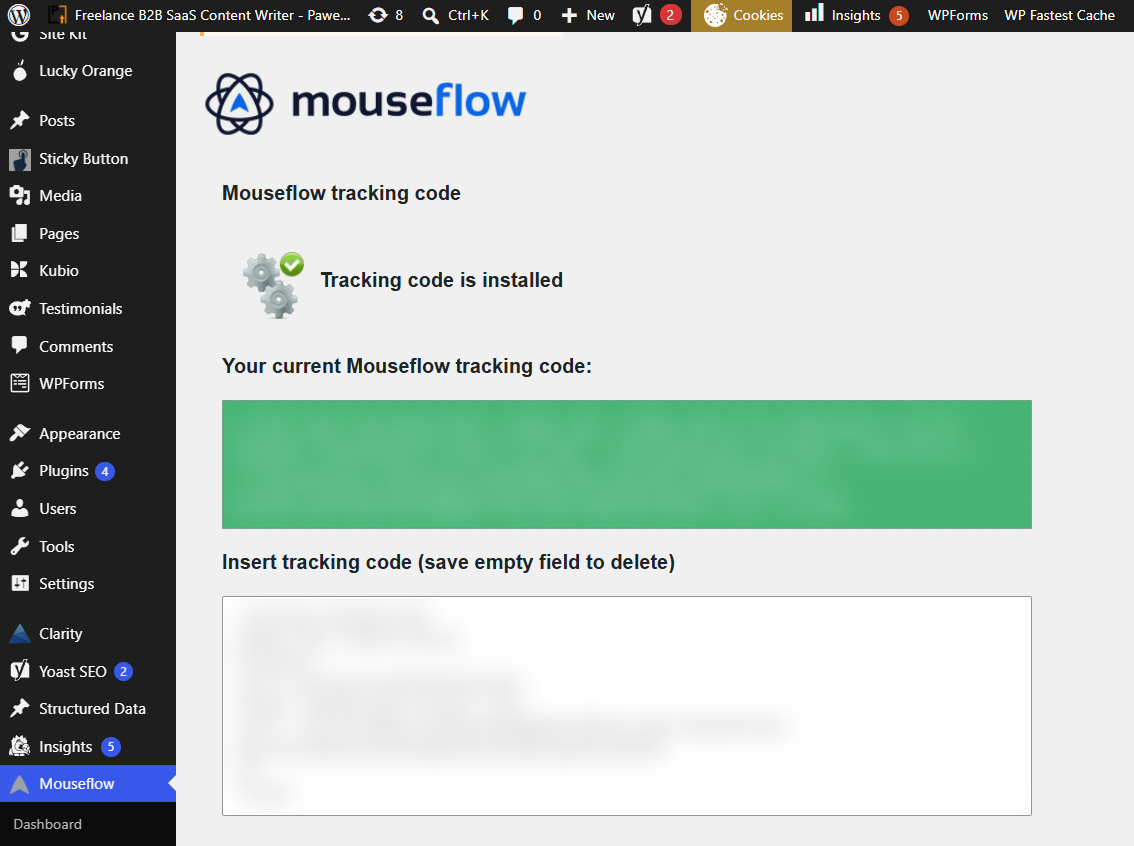
Mouseflow distinguishes itself through a focus on technical friction and form optimization. In addition to standard click and scroll maps, Mouseflow provides "Friction Maps," which automatically highlight areas where users experience frustration. This is particularly valuable for complex WordPress sites with intricate navigation or interactive elements.

The platform’s form analytics are among the most advanced in the industry, showing where users abandon forms, which fields take the longest to fill out, and which cause the most errors. Mouseflow’s "Interactive Heatmaps" are also notable for their ability to track data on dynamic elements like dropdown menus, sliders, and parallax backgrounds that static snapshot tools often miss.
5. Lucky Orange: Real-Time Engagement for E-commerce
Lucky Orange is tailored for WordPress-based e-commerce stores (such as those running WooCommerce) and SaaS platforms. It combines behavioral analytics with a "live" engagement layer, including live chat and co-browsing capabilities. This allows support teams to see exactly what a frustrated user is seeing in real-time and intervene to save a sale.
The tool’s "Dynamic Heatmaps" are designed to handle the highly interactive nature of modern online stores. They can capture clicks on pop-ups, carousels, and hamburger menus with precision. Additionally, the "Top Elements" list provides a quantitative ranking of every clickable item on a page, allowing for quick identification of underperforming assets.
6. Matomo: Data Sovereignty and Self-Hosted Security
For organizations where data privacy and compliance (such as GDPR or CCPA) are the primary concerns, Matomo (formerly Piwik) offers a unique value proposition. Unlike its cloud-based competitors, Matomo can be self-hosted on the same server as the WordPress installation. This ensures that all user data remains within the organization’s own database, rather than being stored on a third-party vendor’s server.
While the core analytics plugin for WordPress is free, heatmap and session recording features require a paid add-on from the Matomo Marketplace. Matomo is highly regarded for its "Privacy by Design" approach, offering extensive tools for data anonymization and user consent management.
Technical Implementation and Performance Considerations
Implementing a heatmap tool on a WordPress site involves adding a JavaScript snippet to the website’s header. Industry data suggests that while any third-party script can impact load times, modern heatmap providers utilize asynchronous loading. This means the tracking script loads in the background and does not block the rendering of the primary page content.

Independent performance tests indicate that leading scripts from Crazy Egg, Hotjar, and Lucky Orange typically add between 200ms to 400ms to the total page load time. However, the impact on Core Web Vitals—specifically Largest Contentful Paint (LCP)—is usually negligible if the script is optimized. Experts recommend using a Tag Manager (like Google Tag Manager) or a dedicated plugin to manage these scripts to ensure they are fired efficiently.
Regulatory Landscape and Privacy Compliance
The use of behavioral tracking software is subject to evolving global privacy regulations. Under the General Data Protection Regulation (GDPR) in the European Union and the California Consumer Privacy Act (CCPA) in the United States, website owners are often required to obtain explicit consent before tracking user behavior.
Most professional heatmap tools now include built-in features to assist with compliance, such as:
- IP Anonymization: Masking the last octet of a visitor’s IP address.
- Keystroke Masking: Ensuring that sensitive information typed into forms (like passwords or credit card numbers) is never recorded.
- Consent API Integration: Allowing the heatmap script to remain inactive until a user accepts the site’s cookie policy.
Industry Impact and Future Implications
The integration of heatmapping technology into the WordPress ecosystem has democratized high-level marketing intelligence. Previously reserved for enterprise-level corporations with massive budgets, these insights are now available to small business owners and independent bloggers.
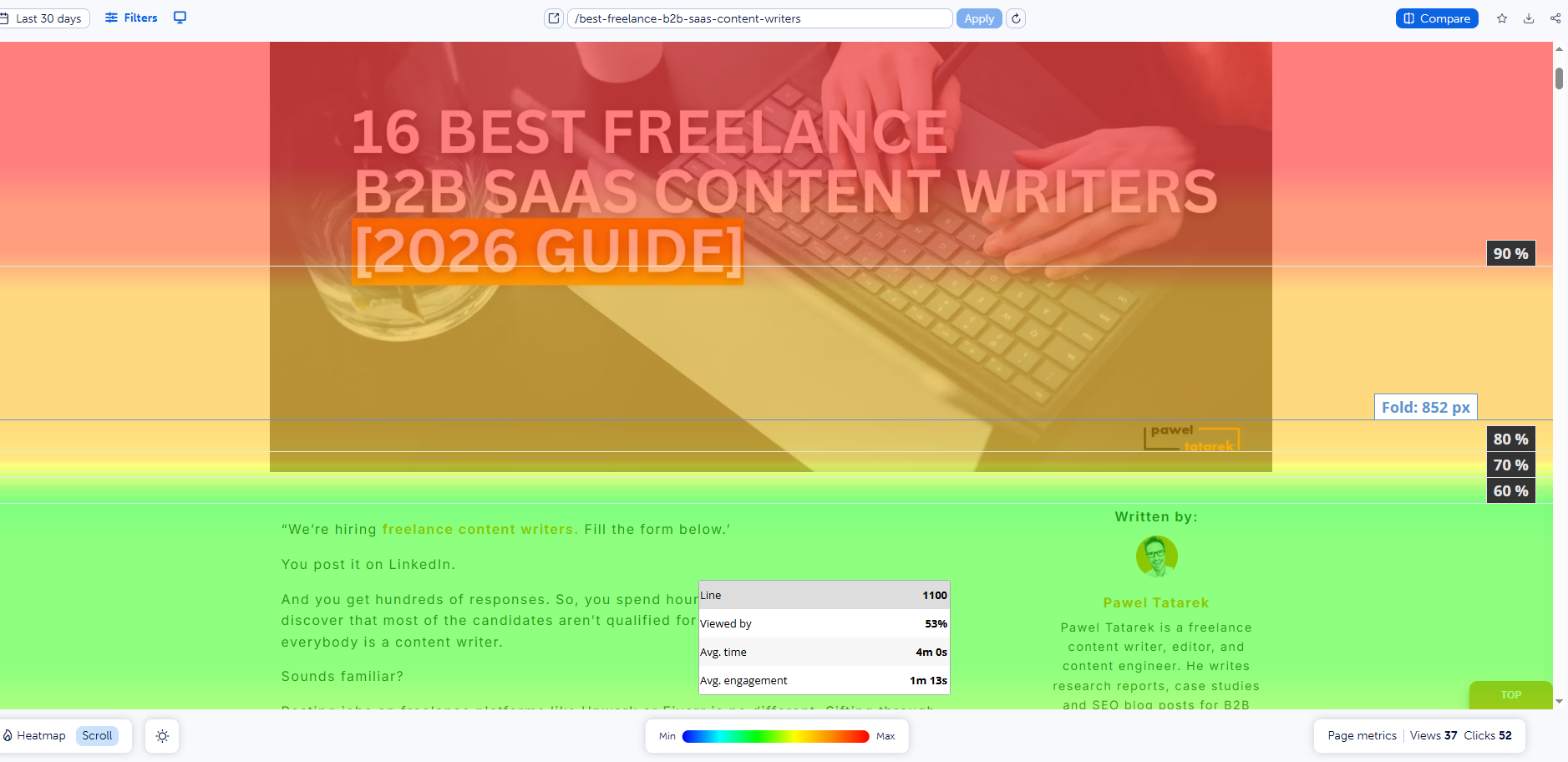
The next frontier for these tools lies in predictive analytics. By analyzing millions of historical sessions, AI-driven platforms are beginning to offer "Predictive Heatmaps" that can forecast how a new page design will perform before it is even published. This proactive approach to design signifies a shift from reactive troubleshooting to a culture of continuous, data-backed improvement.
In conclusion, WordPress heatmap software is no longer an optional luxury for webmasters; it is a fundamental requirement for any entity serious about digital performance. Whether through the comprehensive testing suites of Crazy Egg, the high-volume accessibility of Microsoft Clarity, or the privacy-centric architecture of Matomo, these tools provide the clarity necessary to transform a static website into a dynamic, user-centric growth engine.

 Iffa Jayyana
 Neng Nana