The seemingly straightforward act of embedding an email link within a WordPress website, often utilizing the mailto protocol, presents a critical dichotomy between immediate convenience and significant long-term vulnerabilities. While offering a quick way for visitors to initiate communication, this method inadvertently opens a digital gateway for automated spambots and email harvesting operations, leading to potential inundations of unsolicited mail, heightened phishing risks, and a tangible erosion of trust and credibility for the website owner. The modern web, characterized by sophisticated cyber threats and heightened user expectations, increasingly necessitates a more robust and secure approach to contact management than the rudimentary mailto link can provide.
The Evolution of Web Contact: From Simplicity to Sophistication
In the nascent days of the internet, direct email links were a common and accepted method for facilitating communication. Website developers, seeking to simplify user interaction, widely adopted the mailto: prefix to allow a single click to open a visitor’s default email client, pre-populating the recipient’s address. This era, predating the widespread proliferation of malicious automated scripts, saw mailto links as an efficient and user-friendly solution. However, as the internet matured and became an indispensable tool for commerce and information exchange, so too did the sophistication of those seeking to exploit its open nature. The rise of spambots and email harvesting software fundamentally altered the landscape, turning what was once a convenience into a significant security liability. These automated programs are designed to relentlessly crawl websites, meticulously scanning HTML source code for patterns indicative of email addresses, particularly the mailto: string, to compile vast databases for illicit purposes.
This technological arms race between convenience and security prompted a critical re-evaluation of web contact strategies. WordPress, as the world’s most dominant content management system powering over 40% of all websites, found itself at the forefront of this challenge. Its extensive ecosystem of plugins and themes began to offer more secure and feature-rich alternatives, shifting the paradigm from direct email exposure to mediated, protected communication channels. This evolution underscores a broader trend in web development: prioritizing user data privacy and security without compromising on accessibility and functionality.
The Mechanics of Mailto Links in WordPress: A Double-Edged Sword
Implementing a mailto link in WordPress is undeniably simple, a factor that contributes to its continued, albeit ill-advised, popularity. The platform offers two primary methods for this: the intuitive Gutenberg block editor and direct HTML insertion.
Using the Gutenberg Block Editor:
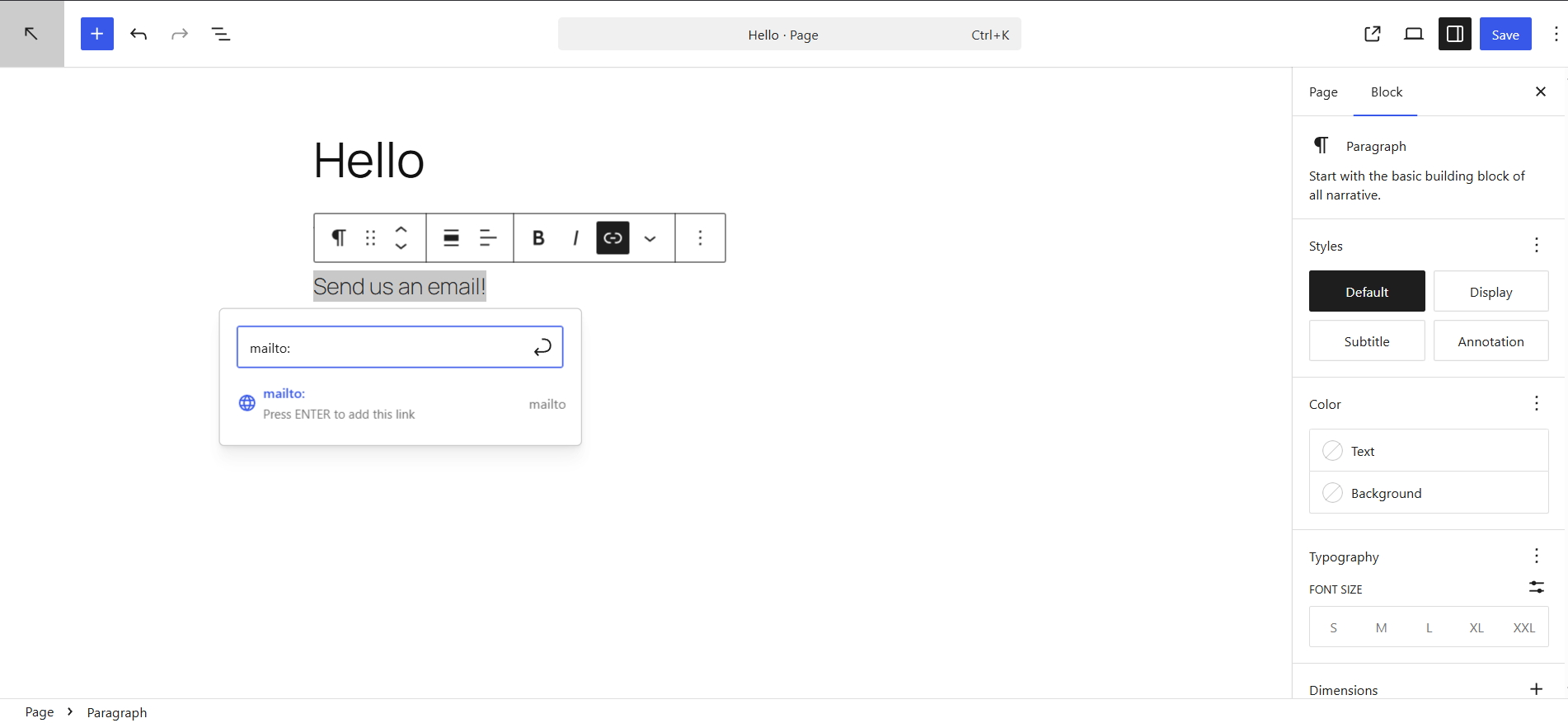
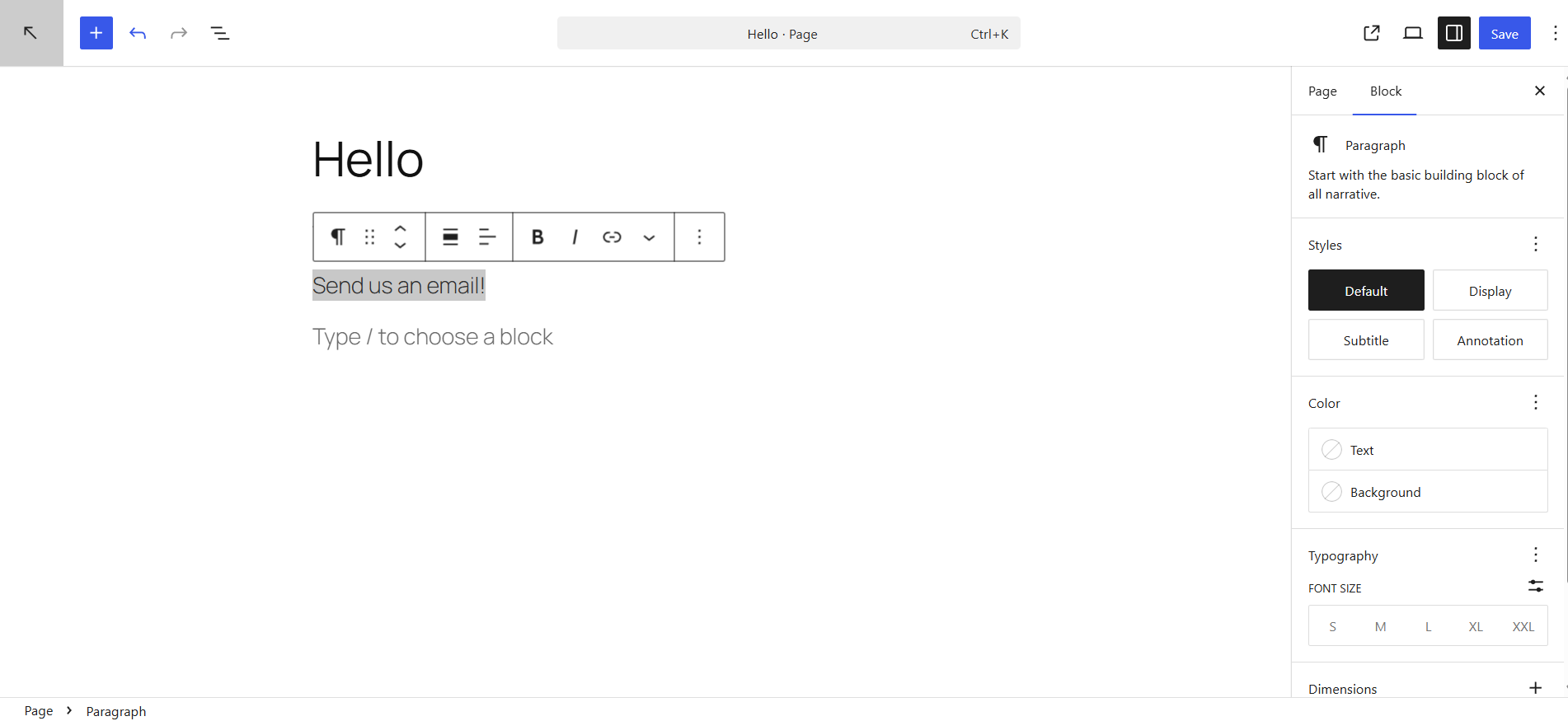
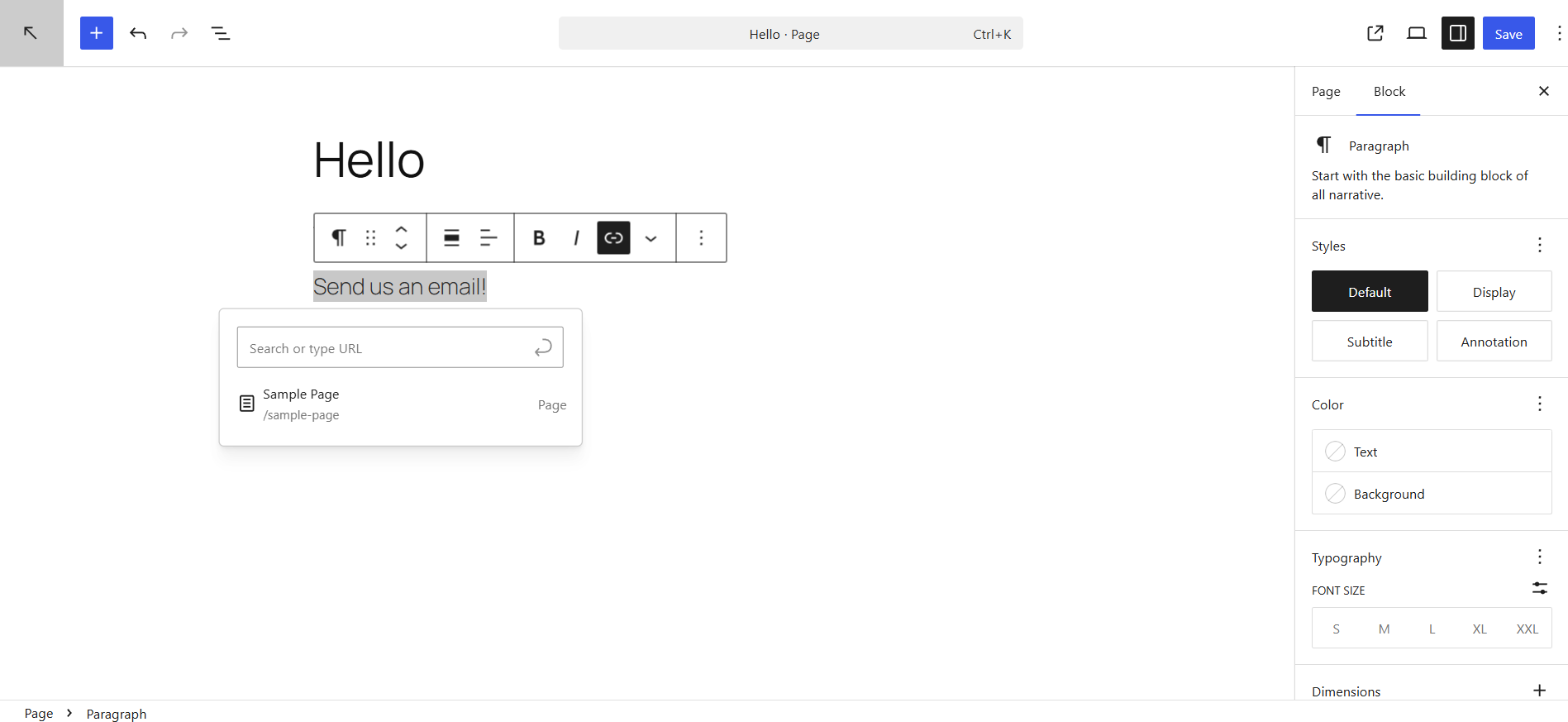
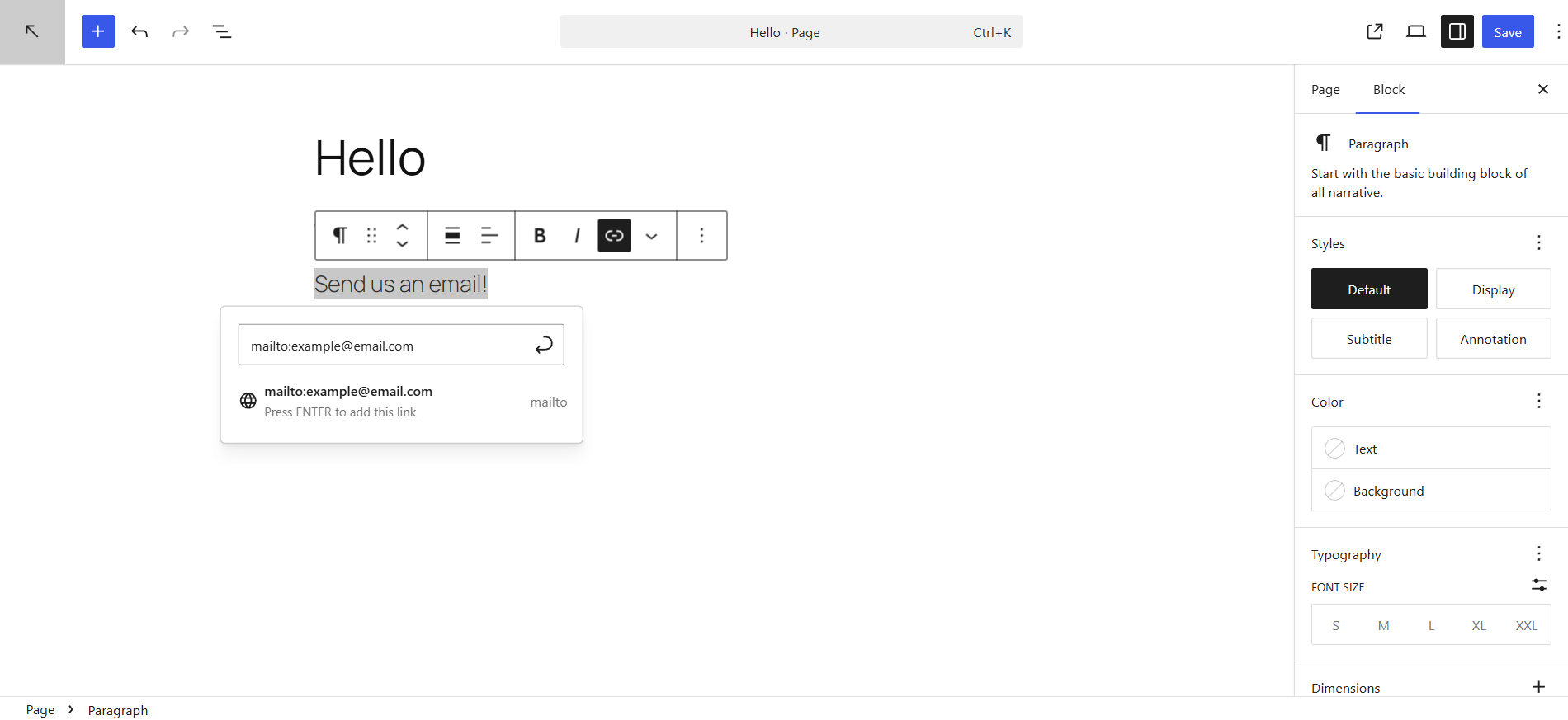
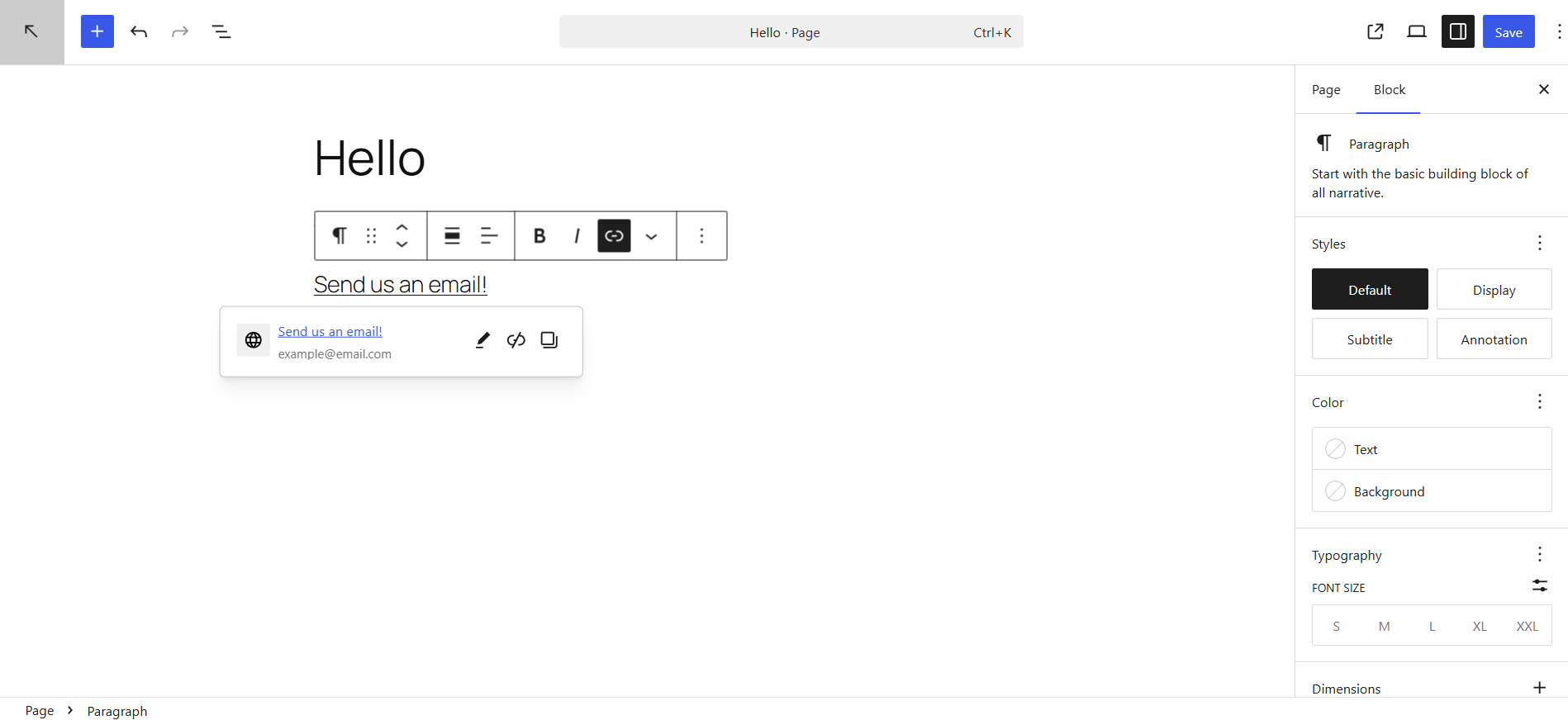
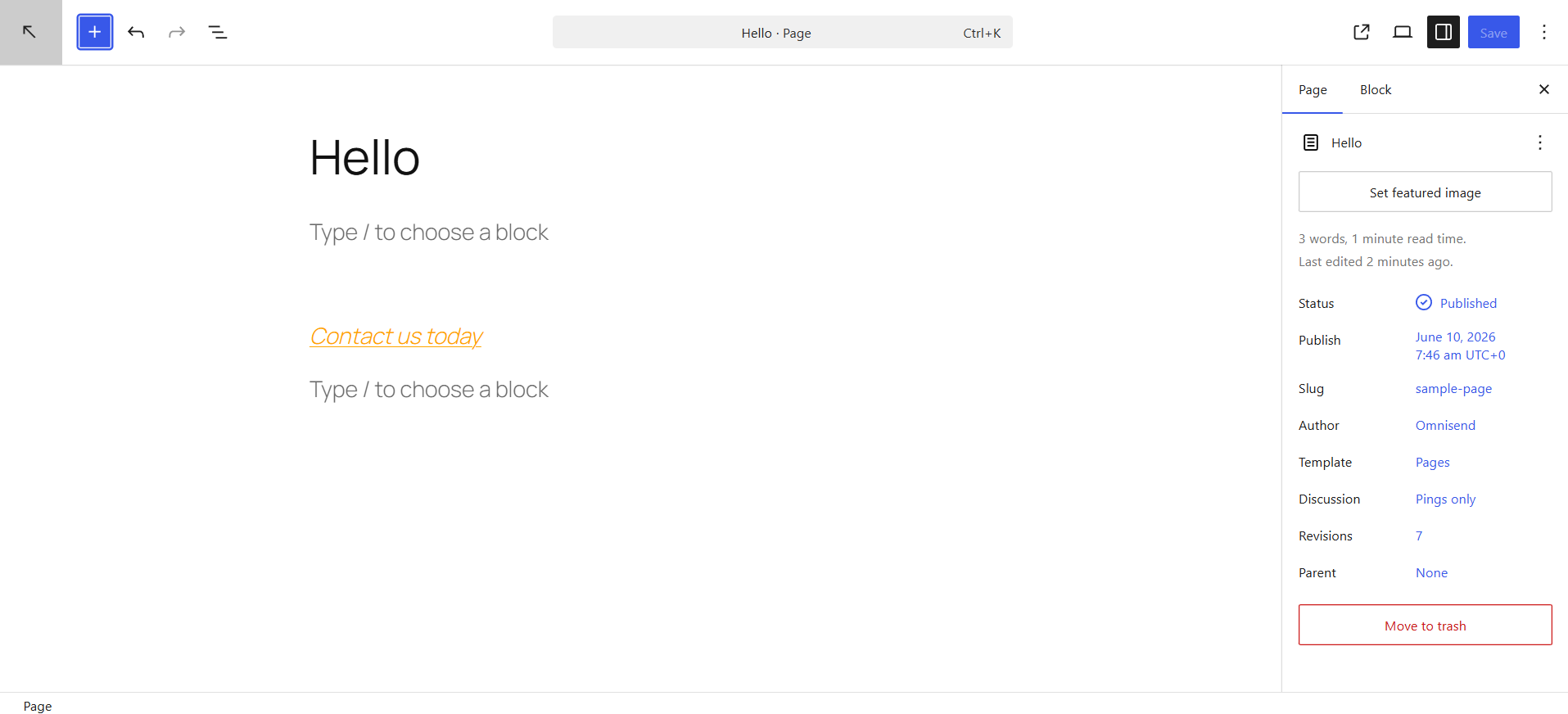
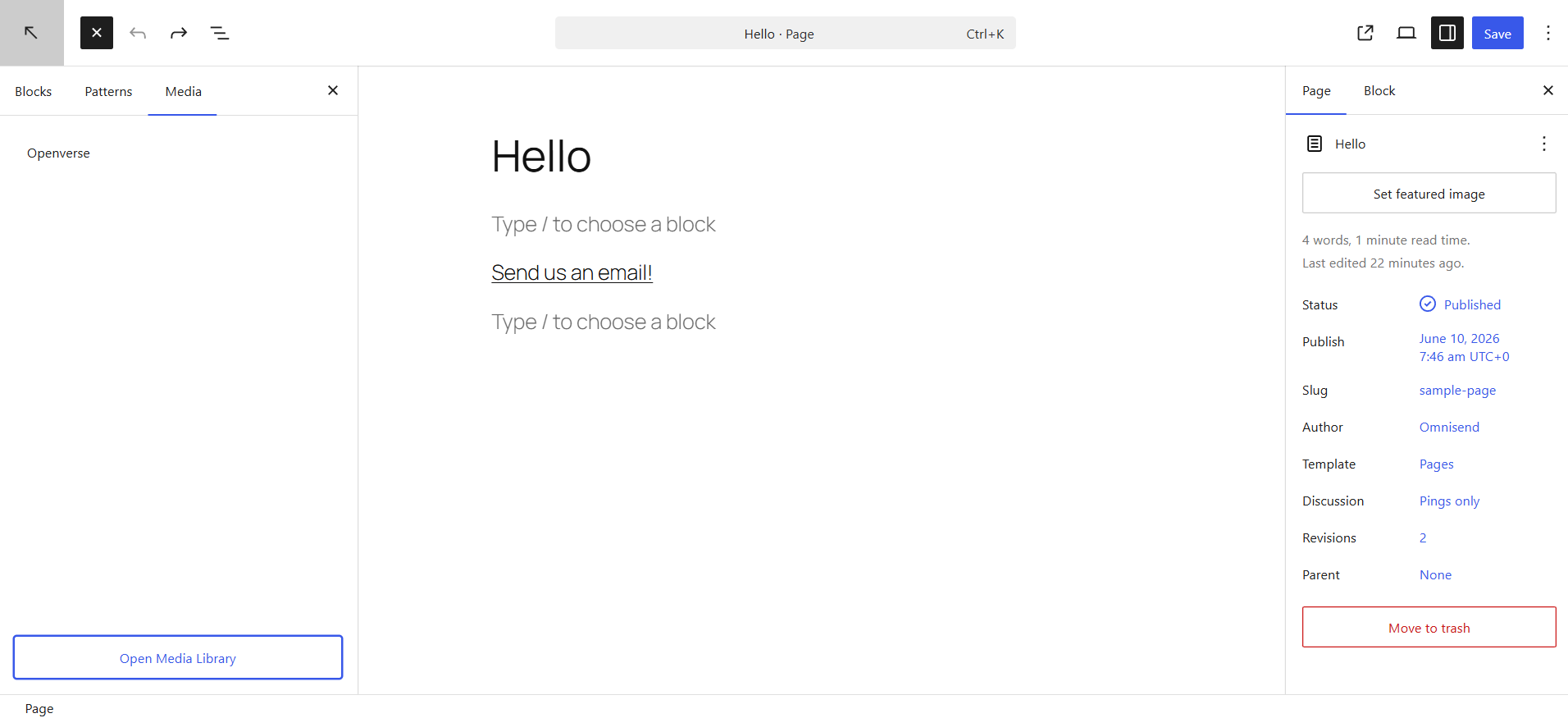
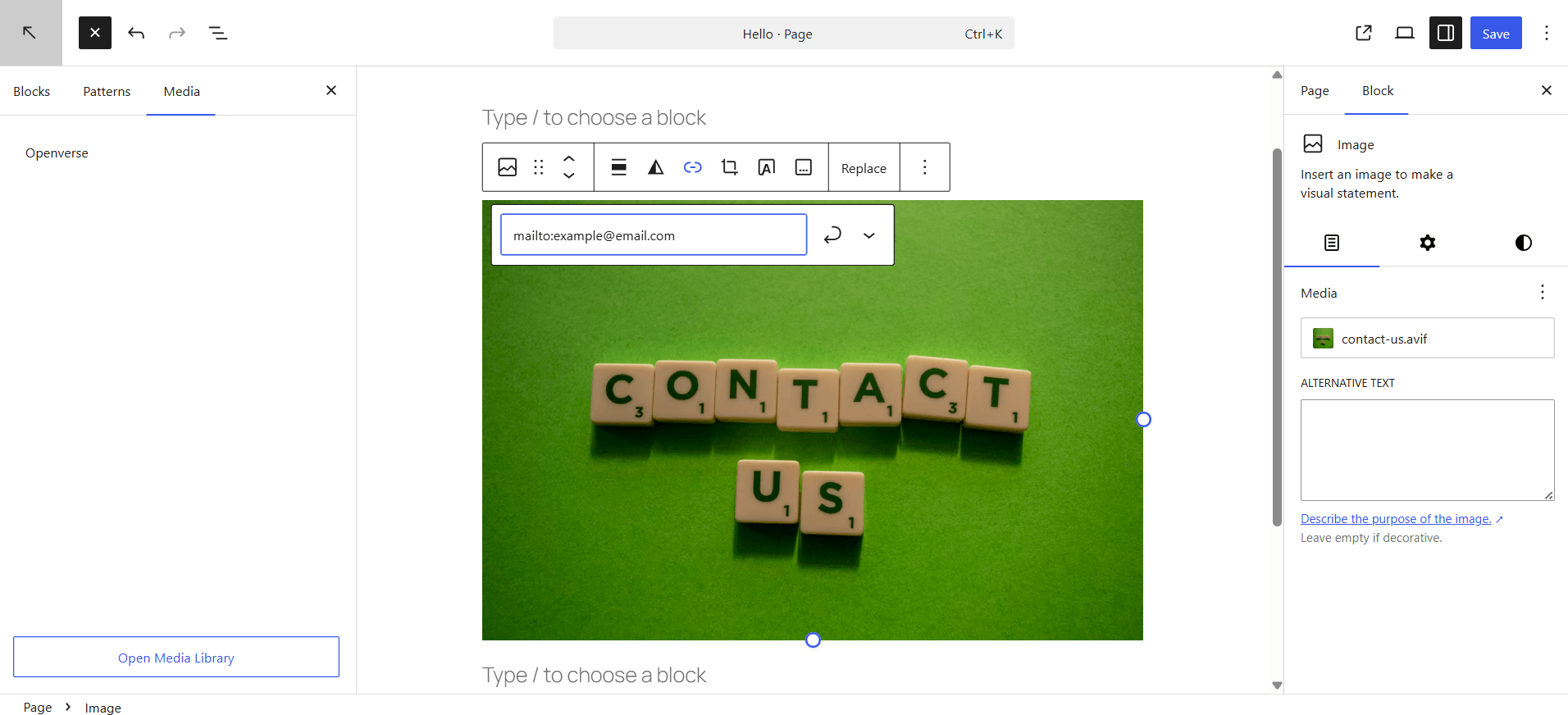
The Gutenberg editor, WordPress’s modern block-based interface, streamlines the process. A user can type out their desired anchor text, such as “Contact us today,” highlight it, and then click the hyperlink icon in the editing toolbar. In the URL field, preceding the email address with mailto: (e.g., mailto:[email protected]) instantly transforms the text into a clickable email link. The process is quick, visual, and requires no coding knowledge.
Utilizing HTML:
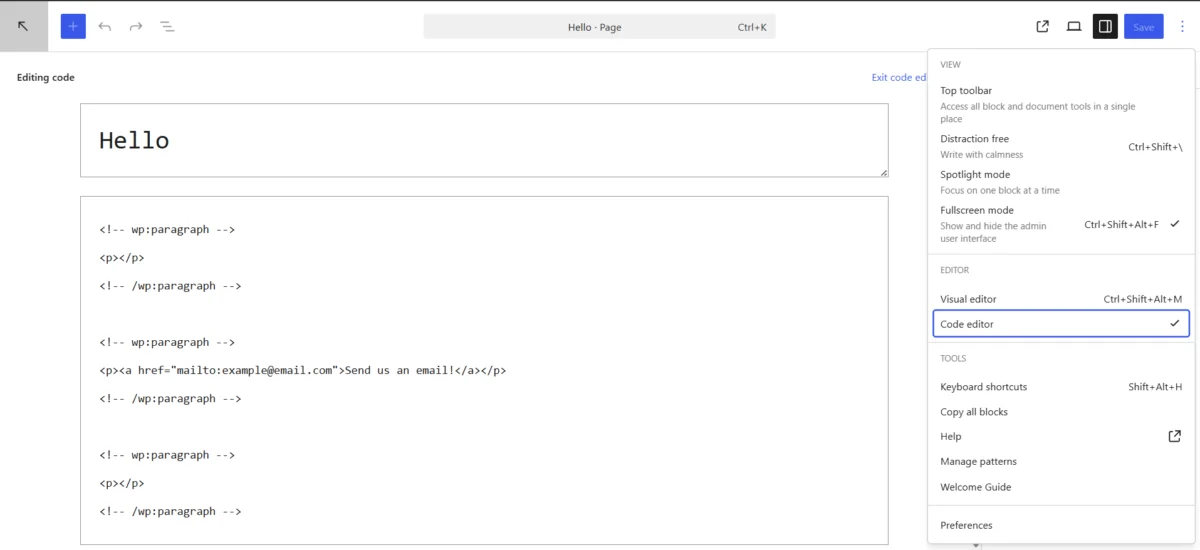
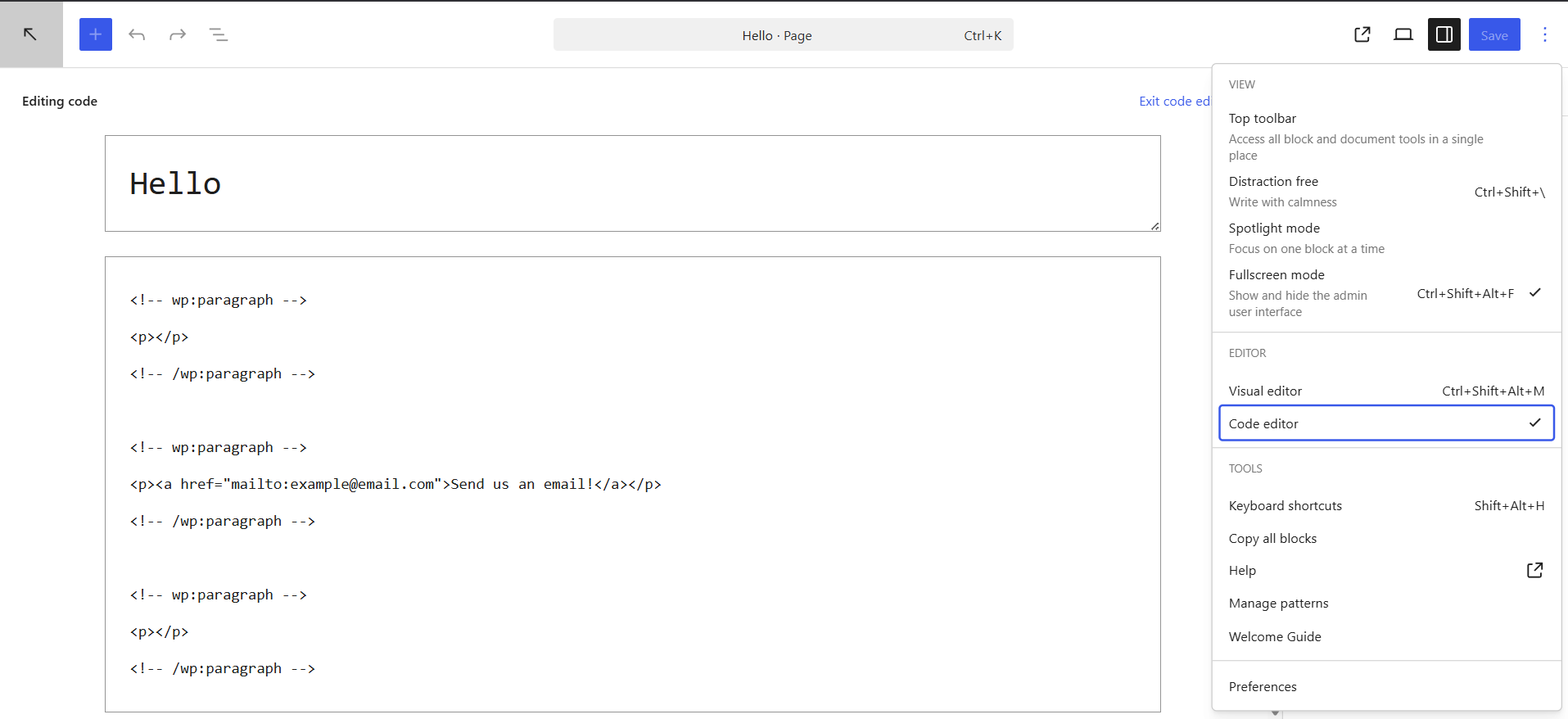
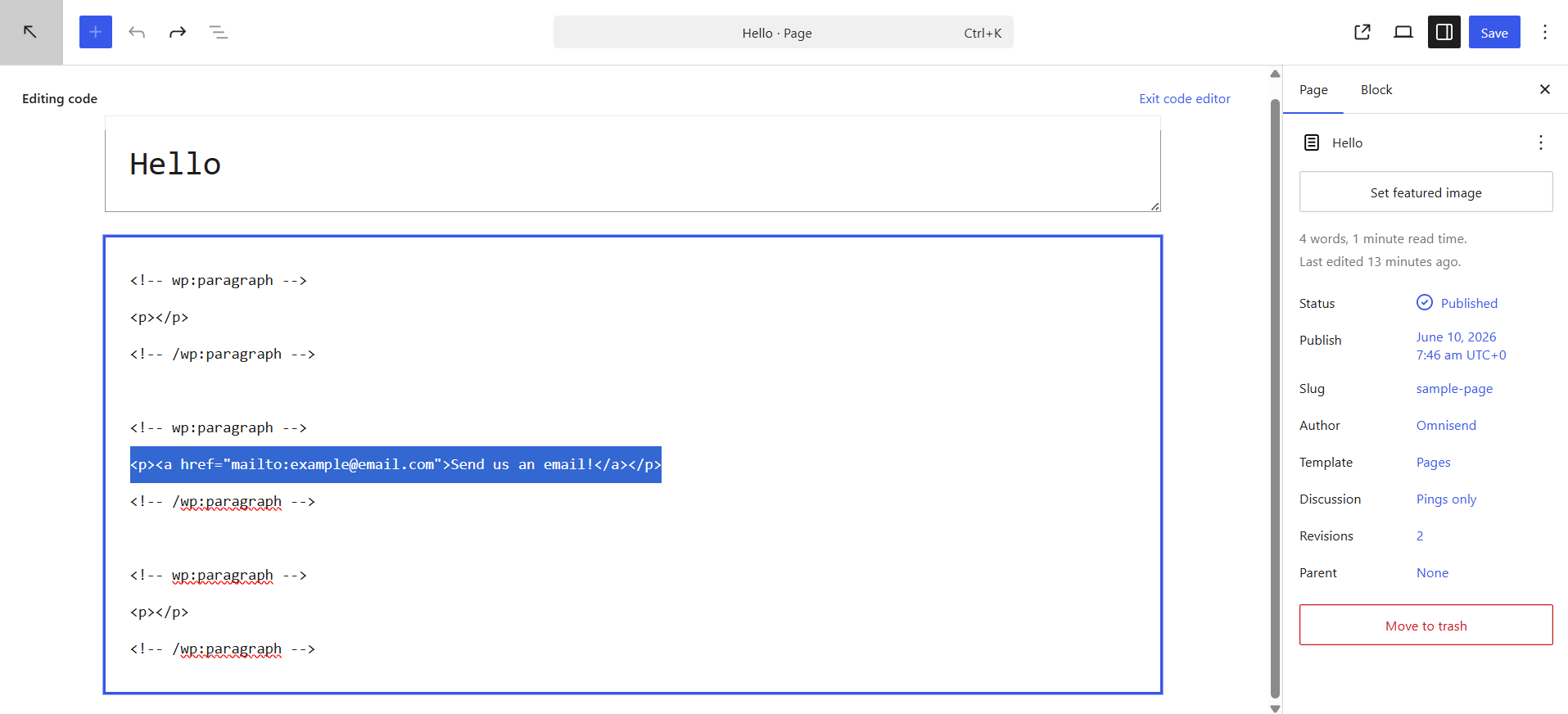
For those working within text widgets, theme files, or directly in the code editor, the HTML method provides similar functionality. By embedding a standard anchor tag (<a>) with the href attribute set to mailto:[email protected], developers can achieve the same clickable outcome. For instance, <a href="mailto:[email protected]">Send us an email!</a> achieves this. This method is particularly useful for adding links in areas where the visual editor is not available or for greater control over styling.
Customization Capabilities:
Beyond basic linking, mailto links can be customized to pre-populate subject lines, CC/BCC fields, and even the email body using URL parameters. For example, mailto:[email protected]?subject=Inquiry%20from%20Website&body=Dear%20Team,%0A%0AI%20would%20like%20to%20know... would open an email client with a predefined subject and body. This level of customization can guide user inquiries and provide initial context. Furthermore, CSS can be applied to style mailto links, changing their color, font, or even turning images into clickable email buttons, enhancing visual appeal.
Despite these conveniences and customization options, the underlying vulnerability remains. Each mailto link, regardless of how it is styled or customized, inherently exposes the email address in the website’s source code, making it readily discoverable by automated harvesting tools.
The Hidden Perils: Spam, Phishing, and Brand Erosion
The primary drawback of using mailto links is the severe security risk they pose. When an email address is published in plain text or easily decipherable HTML, it becomes an effortless target for web crawlers designed specifically to collect such information.
Email Harvesting and Spam Floods:
These “spambots” are relentless, autonomously scanning millions of web pages daily. Once an email address is harvested, it is often added to vast databases that are then sold to spammers, marketers of illicit goods, or malicious actors. The consequence for the website owner is a dramatic increase in unsolicited email, ranging from annoying advertisements to dangerous phishing attempts. According to a 2023 report by cybersecurity firm Statista, spam messages constituted over 45% of all email traffic globally, with a significant portion attributed to harvested email addresses. This data underscores the pervasive threat and the direct link between exposed email addresses and the deluge of unwanted mail.
Phishing and Malware Risks:
Beyond mere annoyance, the exposure of an email address significantly elevates the risk of phishing attacks. Malicious actors use harvested addresses to send deceptive emails that mimic legitimate organizations or individuals, attempting to trick recipients into revealing sensitive information (passwords, financial details) or downloading malware. A compromised email address can lead to broader security breaches, impacting not just the individual but potentially their organization.
Loss of Credibility and User Trust:
For businesses and professional entities, a contact email address overwhelmed by spam can severely damage their reputation. Customers attempting to reach out may find their legitimate inquiries lost in a sea of junk mail, leading to frustration and a perception of unresponsiveness or unprofessionalism. This erosion of trust can have tangible financial implications, affecting customer retention and new lead generation. “Web security experts consistently advise against directly publishing email addresses on public websites due to the high risk of automated harvesting and the subsequent damage to brand reputation,” states Dr. Anya Sharma, a leading cybersecurity consultant.
User Experience: More Than Just a Click
While often overlooked in favor of security, the user experience (UX) provided by mailto links is often suboptimal and inconsistent, especially in today’s multi-device, multi-platform digital landscape.
Email Client Dependency:
The fundamental flaw in the mailto experience is its reliance on the user having a default email client configured on their device. If a user does not have an email program installed (e.g., Outlook, Apple Mail) or prefers to use a web-based client (e.g., Gmail, Outlook.com) without a default association, clicking a mailto link can result in nothing happening, an error message, or a prompt to configure an application they may not wish to use. This creates friction and a broken user journey, leaving potential contacts unable to reach the website owner easily.
Mobile Compatibility Issues:
The problem is exacerbated on mobile devices, where users might not have a dedicated email app configured or might prefer to use a specific webmail interface that doesn’t automatically integrate with mailto links. This can lead to frustration, as a quick tap on a “contact us” link fails to yield the expected result, forcing users to manually copy and paste the email address, which is cumbersome and prone to error.
Lack of Context and Guided Interaction:
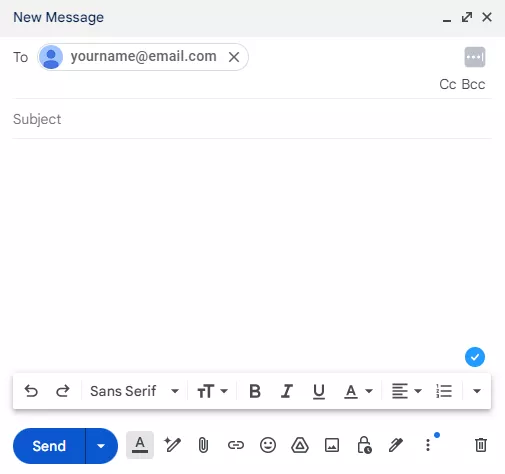
Unlike a well-designed contact form, a mailto link offers minimal control over the initial interaction. While subject lines can be pre-populated, the user is still presented with a blank email canvas. This can be intimidating or confusing for some, leading to generic messages or incomplete information. Contact forms, conversely, can guide users through specific fields (name, inquiry type, preferred contact method), ensuring that the website owner receives all necessary information from the outset, streamlining the communication process.
The Indisputable Advantages of Contact Forms
Given the substantial drawbacks of mailto links, contact forms emerge as the overwhelmingly superior solution for WordPress websites. They not only address the security and UX deficiencies but also introduce a wealth of additional benefits for website owners.
Enhanced Security:
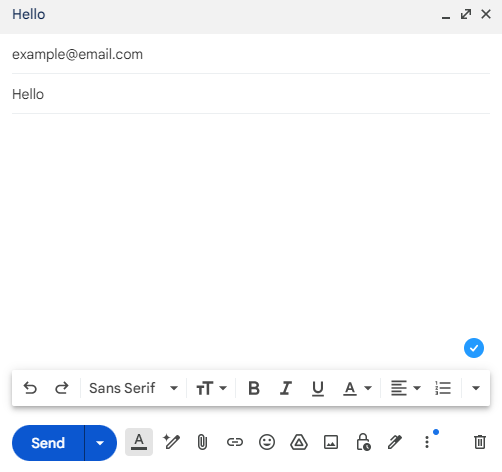
Contact forms act as a crucial intermediary, shielding email addresses from direct exposure. User submissions are processed server-side, and the email address of the recipient is never revealed in the client-side HTML. Furthermore, contact form plugins often integrate security measures such as CAPTCHA, reCAPTCHA, and honeypot fields, which are highly effective at distinguishing human users from automated bots, thereby drastically reducing spam submissions.
Superior User Experience:
Contact forms provide a consistent and controlled environment for user interaction. They eliminate dependency on local email clients, working seamlessly across all devices and browsers. Users are presented with clear, structured fields, making it easy to provide specific information. Confirmation messages, redirection to thank-you pages, and even automated replies enhance the professional image and assure the user that their message has been received.
Invaluable Data Collection and Analytics:
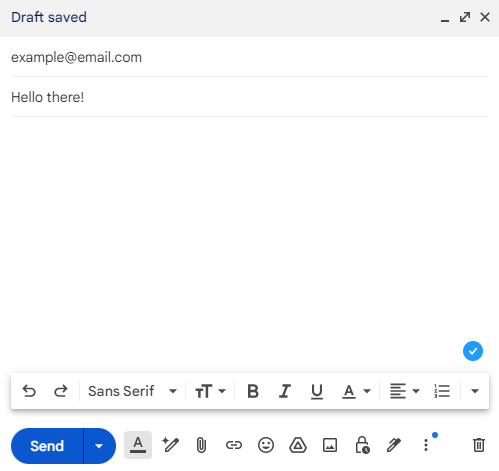
Beyond mere communication, contact forms are powerful tools for data collection and business intelligence. Website owners can design forms to gather specific information, such as lead source, product interest, or urgency of inquiry. This data can be invaluable for sales teams, customer service, and marketing analysis. Form submissions can be tracked via analytics tools, providing insights into conversion rates, popular inquiry types, and overall engagement, information completely absent with mailto links.
GDPR and Privacy Compliance:
In an era of stringent data privacy regulations like GDPR and CCPA, contact forms offer a straightforward path to compliance. They can easily incorporate checkboxes for explicit consent to data collection and processing, link to privacy policies, and provide mechanisms for users to request data access or deletion. This level of transparency and control is impossible to achieve with a simple mailto link.
Integration with Marketing Automation and CRM:
Many advanced contact form plugins seamlessly integrate with Customer Relationship Management (CRM) systems and email marketing platforms. This allows for automated lead nurturing, segmentation, and personalized follow-up sequences, transforming a simple inquiry into a structured sales or support process. This capability is a game-changer for businesses looking to scale their operations and optimize customer engagement.
| Feature | Mailto link | Contact form |
|---|---|---|
| Spam Risk | High – email exposed to bots | Low – email hidden from scrapers, CAPTCHA protection |
| Setup Time | Under 1 minute | 5–15 minutes (depending on complexity) |
| Mobile Compatibility | Unreliable – requires an email client | Works on all devices, consistent experience |
| Data Capture | None | Collects name, email, message, custom fields |
| GDPR Suitability | Limited | High – consent can be built-in, privacy policy links |
| Analytics | None | Trackable via form submissions, conversion rates |
| Best Use Case | Simple personal sites (with encoding) | Business contact pages, lead generation, support |
| Integration | None | CRM, Email Marketing Platforms, Analytics |
Leading WordPress Contact Form Plugins
The WordPress ecosystem offers a plethora of robust contact form plugins, each with distinct features catering to various needs. These plugins exemplify how modern web development has moved beyond the vulnerabilities of mailto links to embrace secure, feature-rich solutions.
1. Omnisend:
Best for email list growth + automation
Omnisend stands out as a powerful email and SMS marketing platform that integrates seamlessly with WordPress, providing sophisticated form-building capabilities. With over 100,000 active installations and a 4.8-star rating as of 2026, it is designed to safely collect and store customer data, eliminating the need for exposed email addresses. Omnisend offers customizable signup forms, popups, and gamified tools like the Wheel of Fortune, all supported by a generous forever-free plan. Its core strength lies in its ability to not just capture leads but also to automate personalized follow-up sequences, significantly boosting conversion rates. For instance, Vape Superstore reported a 77% increase in signup rates after switching to Omnisend’s multi-step forms, highlighting its effectiveness in mobile-first environments.
2. Jetpack:
Best for quick AI-assisted form creation
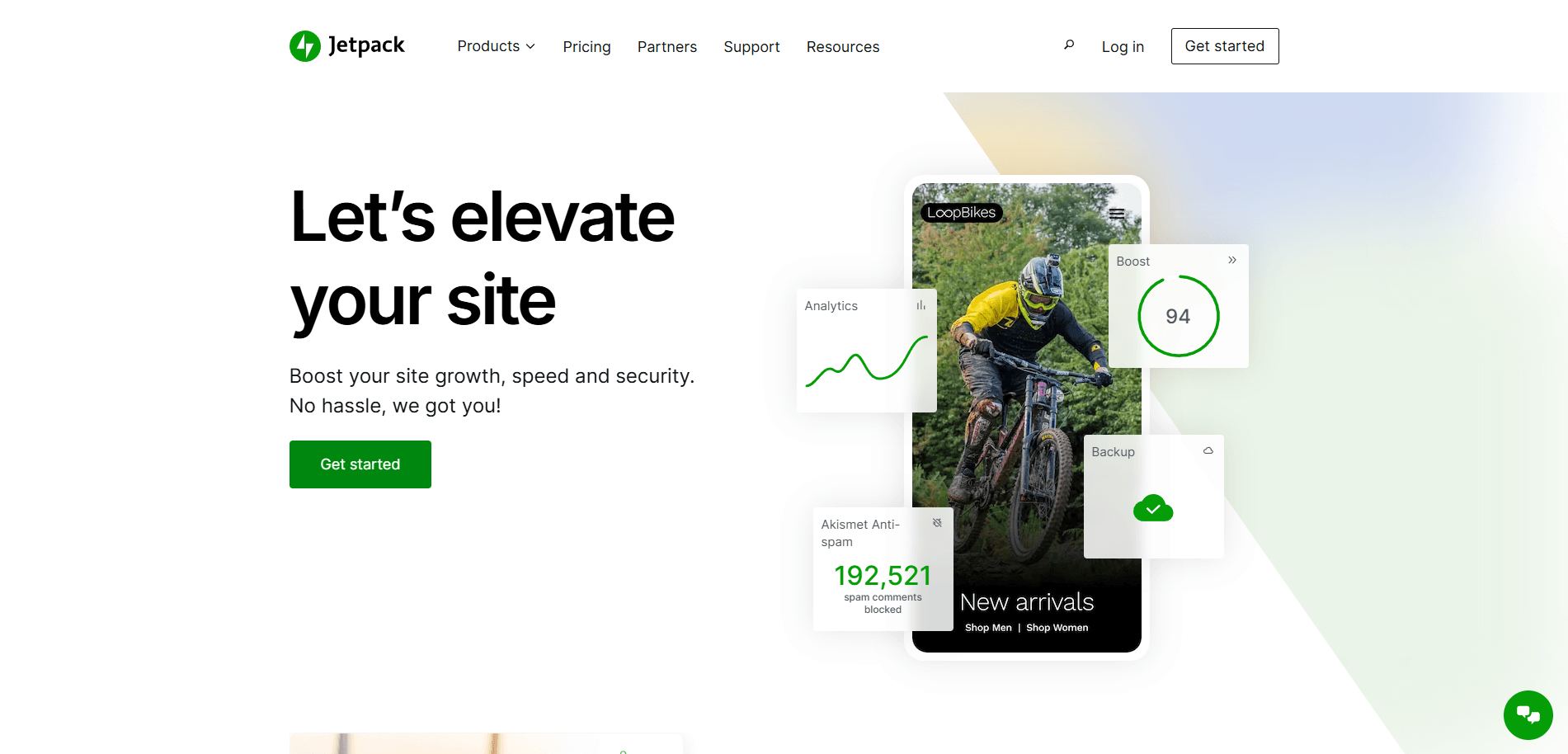
Jetpack, a multifaceted plugin from Automattic (the creators of WordPress), offers contact forms uniquely integrated with AI. With over three million active users and a 3.8-star rating, Jetpack allows users to generate custom form layouts by simply providing a prompt detailing their requirements. While incredibly convenient for rapid deployment, Jetpack’s free AI requests are limited, and it serves primarily as a form builder rather than a comprehensive CRM or email marketing solution. For advanced automation, analytics, or segmentation, a more specialized platform might be necessary.
3. Ninja Forms:
Best for payment-enabled forms on a budget
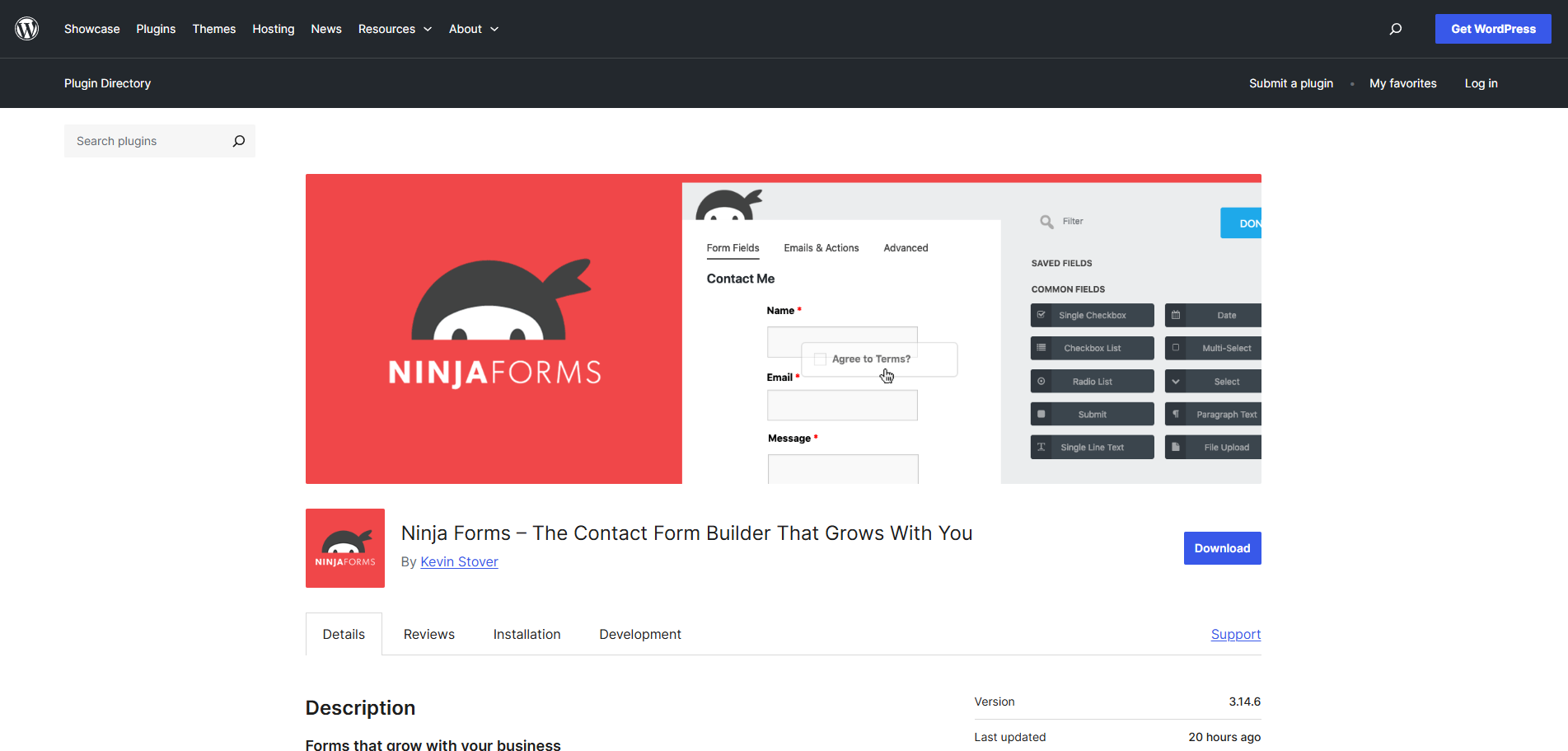
Ninja Forms, boasting over 600,000 installations and a 4.4-star rating, is a popular drag-and-drop contact form builder, making it accessible to users without HTML knowledge. Its key differentiator is the ability to easily set up payment forms integrated with gateways like PayPal or Stripe, a valuable feature for e-commerce sites or organizations collecting donations. However, Ninja Forms focuses exclusively on form building and does not offer the broader marketing automation, SMS functionality, or web push notifications found in comprehensive platforms.
4. Contact Form 7:
Best for developers or advanced users
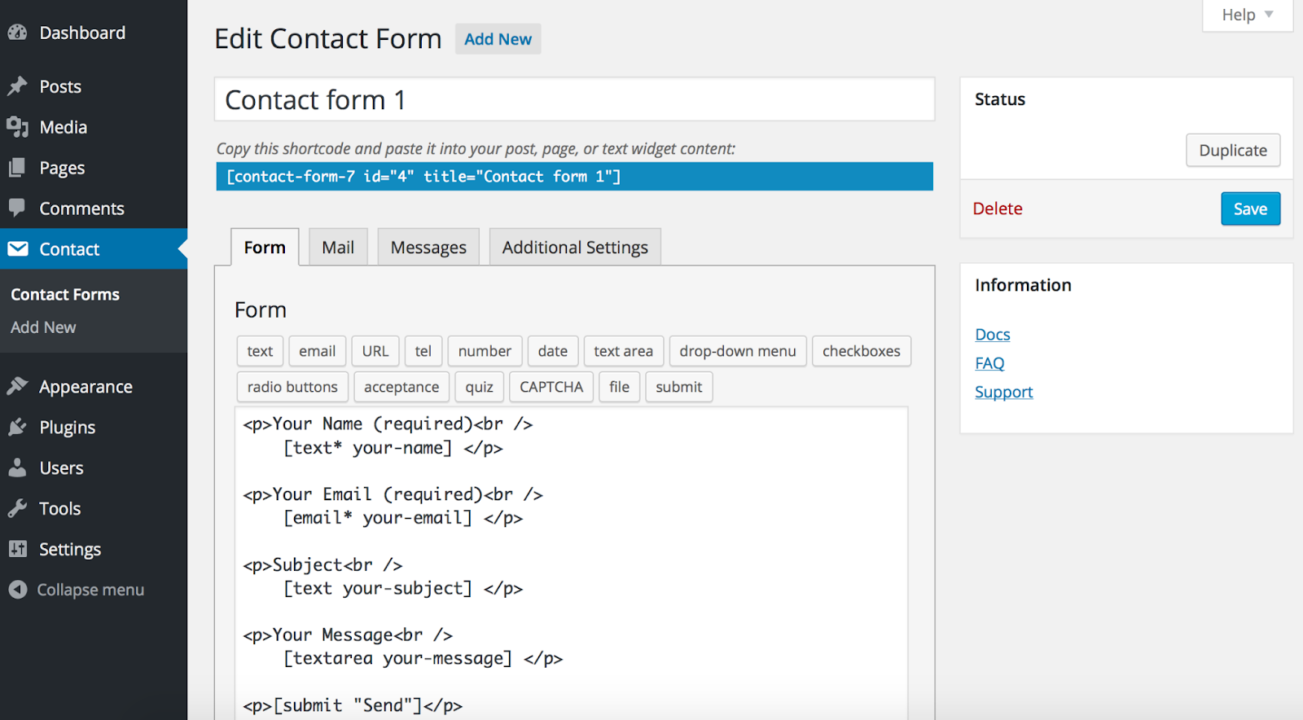
Contact Form 7 remains one of the most widely used free contact form plugins, with over ten million active installations and a 4-star rating. It supports essential security features like CAPTCHA and Akismet spam filtering. Its companion app, Flamingo, allows users to save submitted contact forms within WordPress. While powerful and flexible, Contact Form 7 is generally more suited for developers or users comfortable with basic coding, as its interface can be less intuitive than drag-and-drop builders. Its popularity, however, is sometimes tempered by user reviews concerning complex setup and email configuration issues, especially for novices.
Mitigating Risks for Inevitable Mailto Links
While contact forms are the recommended standard, there might be niche scenarios where a mailto link is deemed absolutely necessary. In such cases, taking proactive steps to obscure the email address is crucial, though it’s important to understand that these are mitigations, not foolproof solutions.
Email Encoding Plugins:
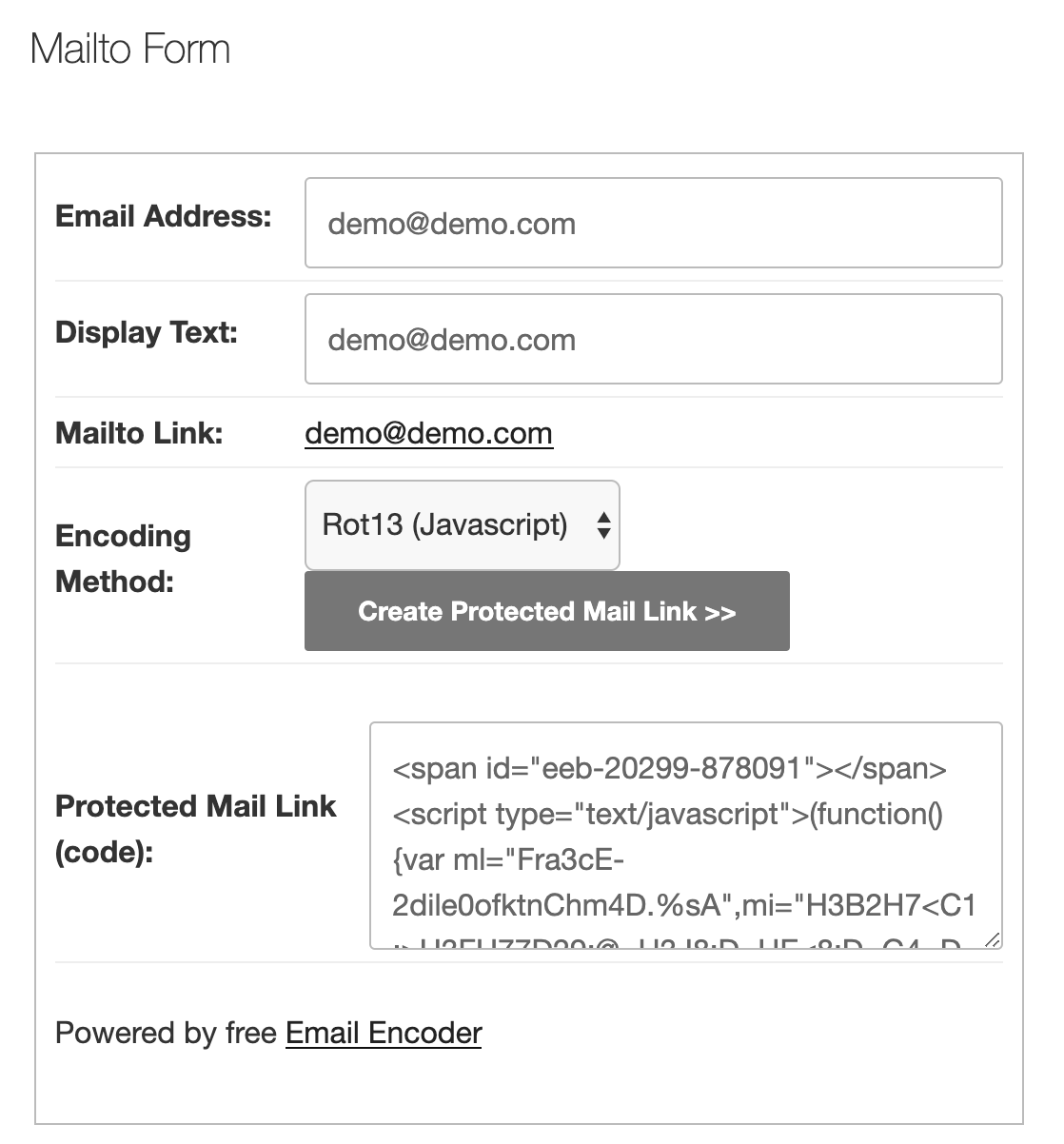
The most common method involves using email encoding plugins. These plugins dynamically convert email addresses into various non-standard formats (e.g., HTML entities, JavaScript code) in the website’s source code. For example, [email protected] might appear as yourname@example.com or be generated via JavaScript. While human browsers can still render and interpret these as clickable links, basic spambots that simply scan for the @ symbol or mailto: string are often thwarted. Popular plugins like “Email Address Encoder” offer this functionality, automatically encoding all email addresses on a site.
Manual JavaScript Obfuscation:
For advanced users, manually implementing JavaScript to render the email address can be another layer of protection. This involves writing a small script that constructs the email address dynamically in the browser, rather than having it hardcoded in the HTML. For example, document.write('<a href="mailto:' + 'yourname' + '@' + 'example.com' + '">Email Us</a>'); This method requires technical proficiency but offers a degree of customization and control over the obfuscation process.
It is crucial to emphasize that no encoding or obfuscation method is 100% effective against the most sophisticated bots. Dedicated spammers continuously update their harvesting algorithms to bypass these techniques. Therefore, these methods should be considered a last resort or a temporary measure, with the understanding that they only reduce, but do not eliminate, the risk of email harvesting.
Conclusion: Strategic Contact for the Modern Web
The journey of web contact methods, from simple mailto links to sophisticated contact forms, mirrors the broader evolution of internet security and user experience expectations. While adding a mailto link in WordPress offers immediate simplicity, it is a choice fraught with the significant risks of spam, phishing, and a compromised user experience. The convenience it provides is often outweighed by the hidden costs of managing a spam-ridden inbox and the potential damage to a website’s credibility.
Modern web practices unequivocally favor contact forms as the superior solution. They provide robust security by shielding email addresses from automated harvesters, deliver a consistent and user-friendly experience across all devices, and unlock invaluable opportunities for data collection, analytics, and seamless integration with marketing automation platforms. Solutions like Omnisend, Jetpack, Ninja Forms, and Contact Form 7 empower WordPress users to build secure, effective, and conversion-focused contact points that align with contemporary web standards and business objectives.
For website owners in 2024 and beyond, the decision is clear: move beyond outdated, vulnerable email links. Embracing intelligent contact form solutions is not merely about avoiding spam; it’s about strategically enhancing user engagement, protecting digital assets, and fostering sustainable business growth in an increasingly interconnected and security-conscious online world.