rifanmuazin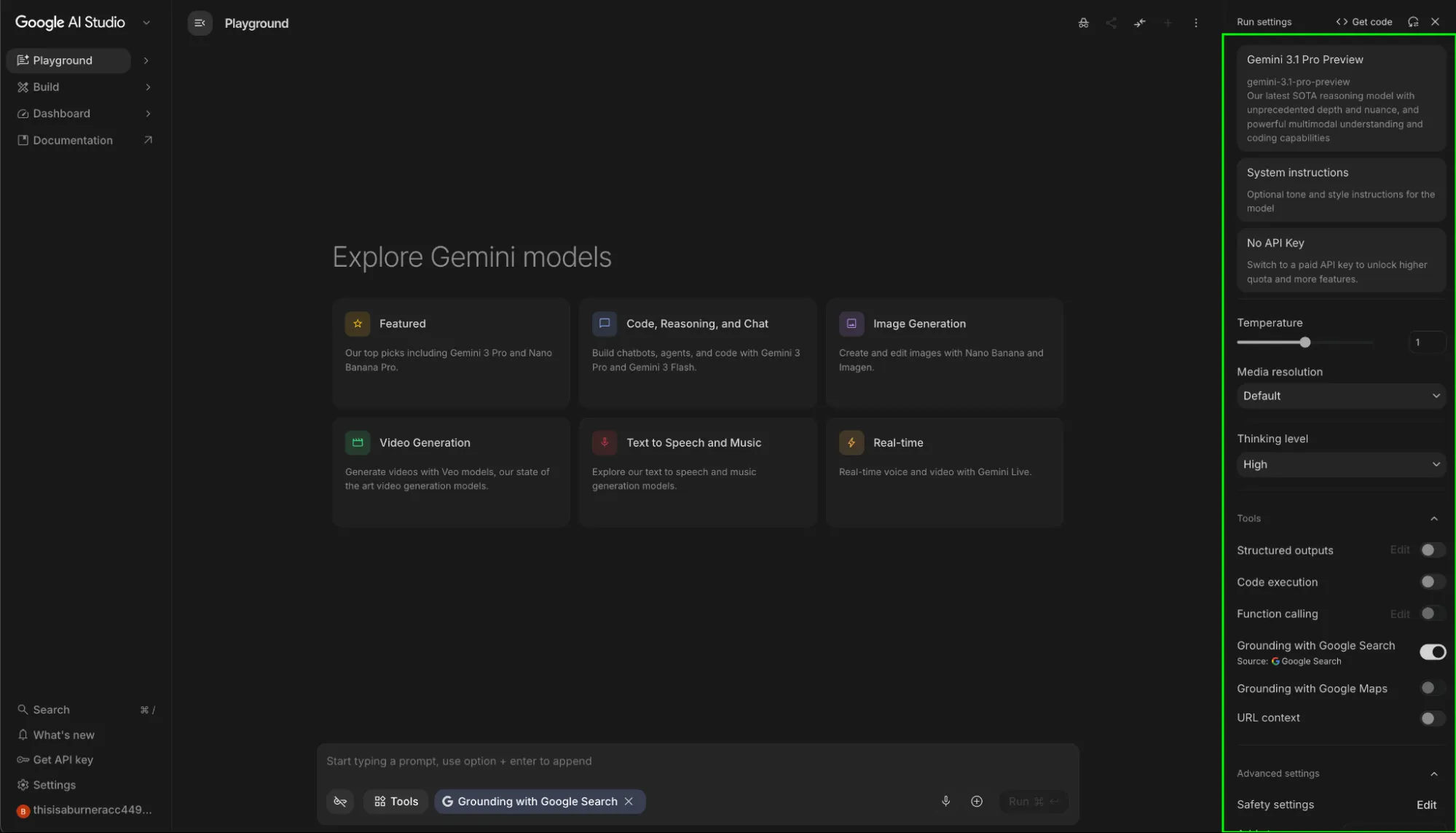
The rapid evolution of generative artificial intelligence has moved beyond the constraints of consumer-facing chatbots, leading to the rise of sophisticated integrated development environments designed for precision and scale. Google AI Studio represents the company’s primary "Developer’s Playground" for the Gemini model family, offering a web-based prototyping environment that allows users to build, test, and tune AI behavior without the necessity of deep programming expertise. While standard interfaces like Gemini (formerly Bard) provide a streamlined user experience, AI Studio grants raw access to model parameters, enabling creators to transition from simple prompting to robust application deployment.
The Evolution of Google’s Prototyping Ecosystem
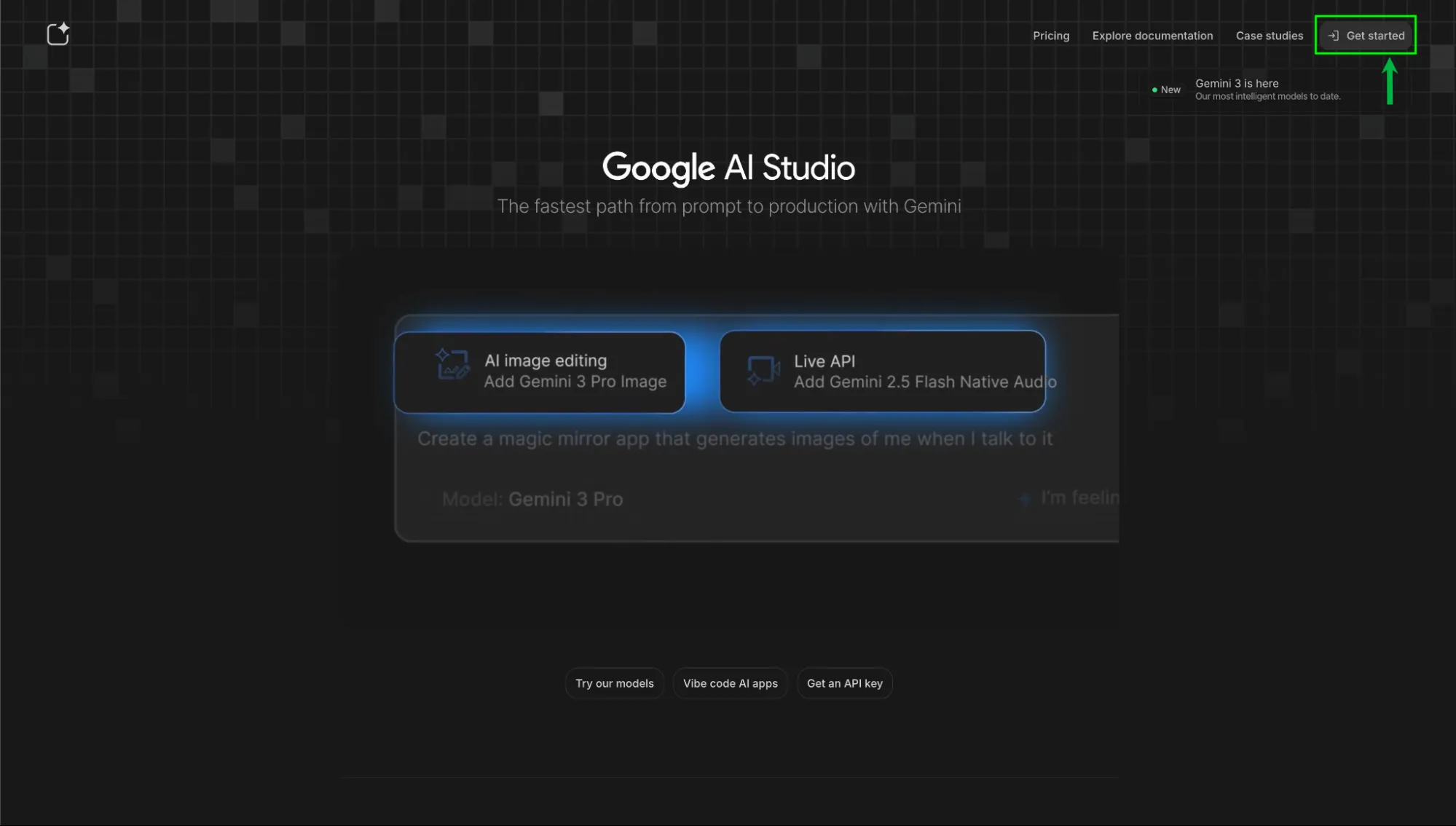
Google AI Studio, formerly known as MakerSuite, was rebranded to align with the launch of the Gemini era in late 2023 and early 2024. This transition marked a strategic shift in Google’s approach to the AI market, moving away from the PaLM 2 architecture toward a natively multimodal framework. Unlike its predecessors, Gemini was built from the ground up to handle text, images, video, and audio simultaneously.
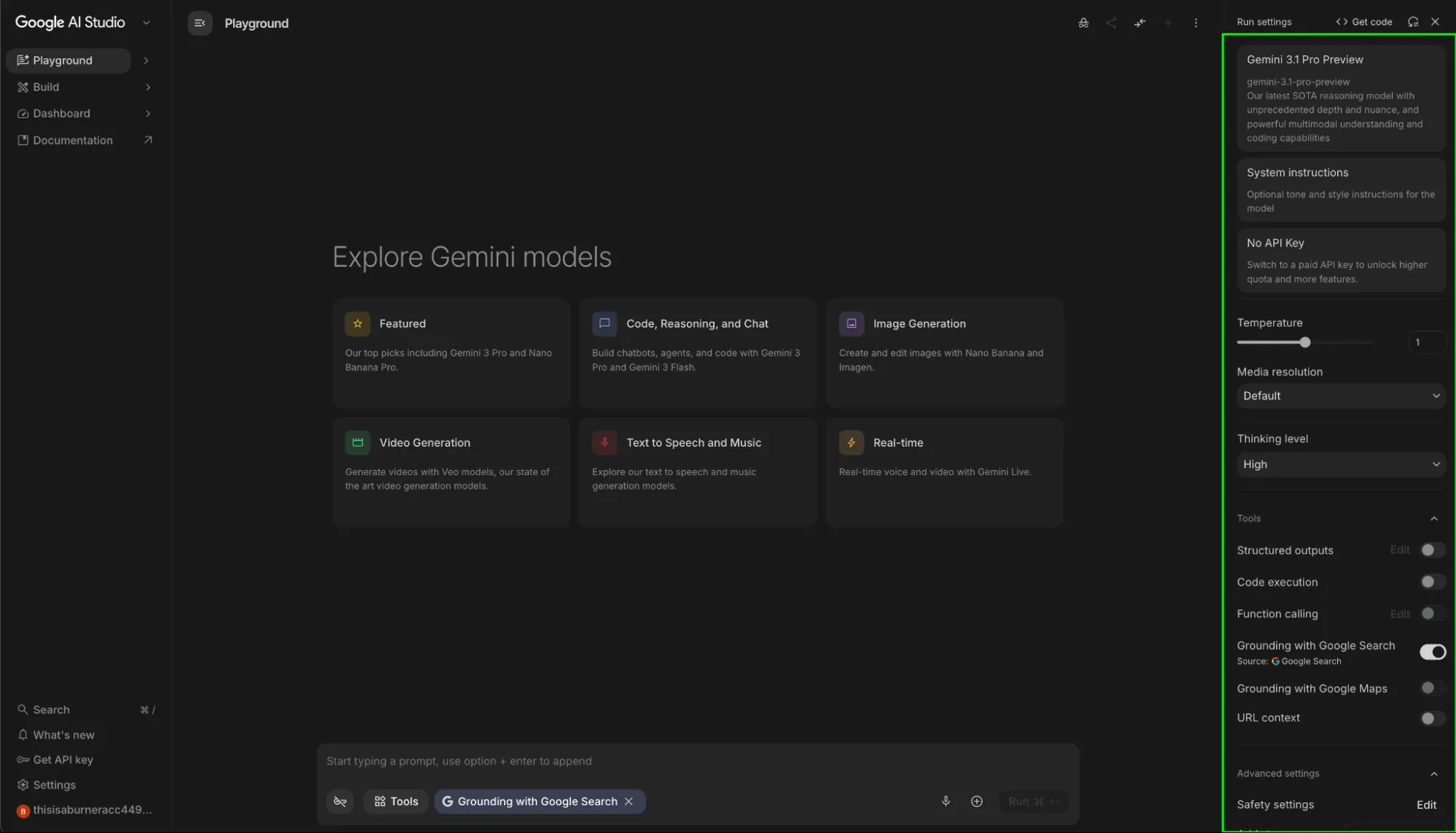
Industry analysts note that Google AI Studio serves as a bridge between the high-level Gemini web application and the enterprise-grade Vertex AI platform available on Google Cloud. It provides a "fast-path" for developers to obtain API keys and iterate on prompts before committing to a full-scale cloud infrastructure. This democratization of AI tools has significantly lowered the barrier to entry for small-scale developers and researchers who require more creative control than a standard chatbot provides.
Core Architecture and Access
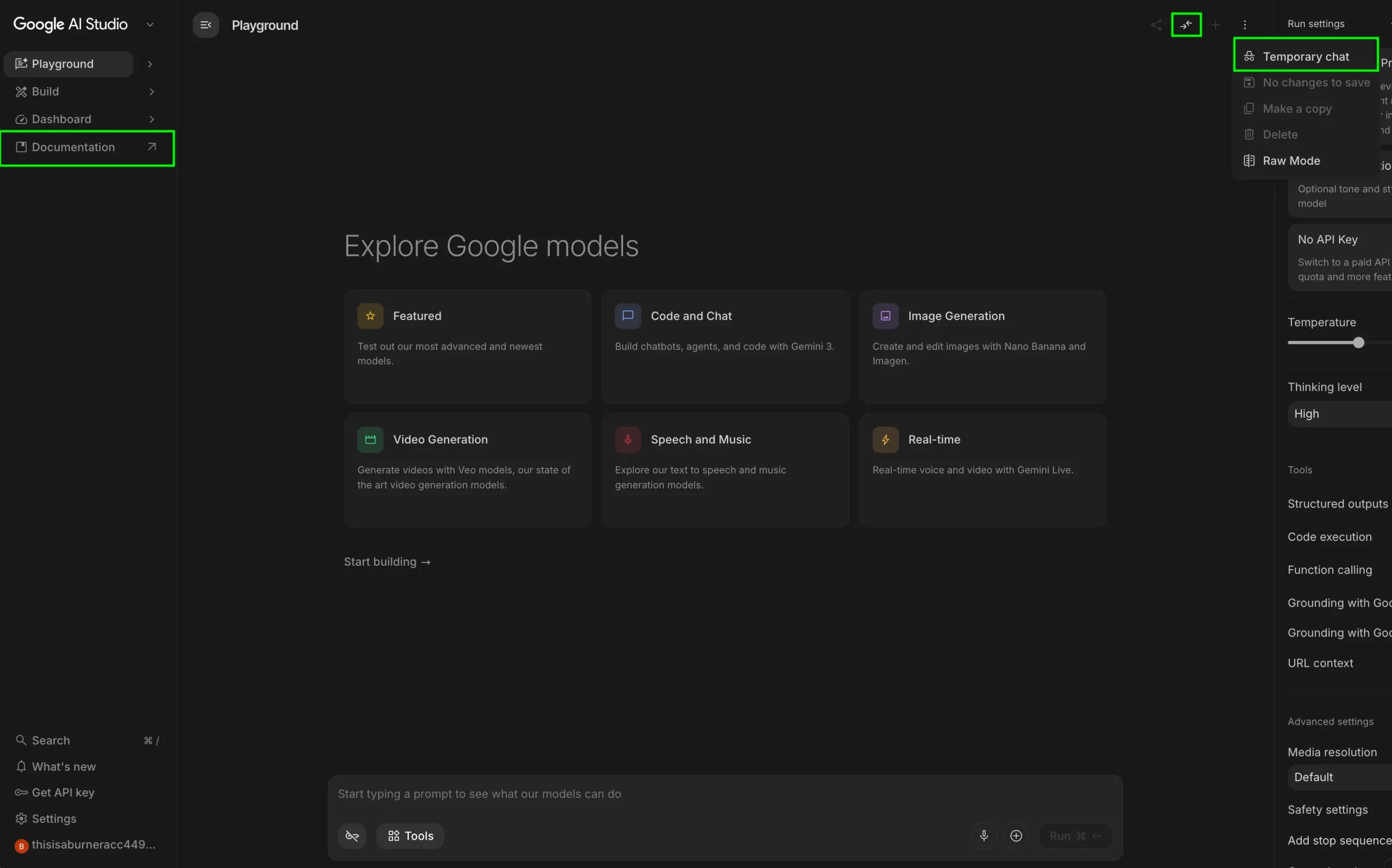
To engage with Google AI Studio, users must authenticate through a standard Google account. The interface is designed as a point-and-click laboratory, yet it houses features that are essential for professional AI engineering. The primary workspace is divided into a prompt editor and a comprehensive sidebar containing the model’s "knobs and dials."
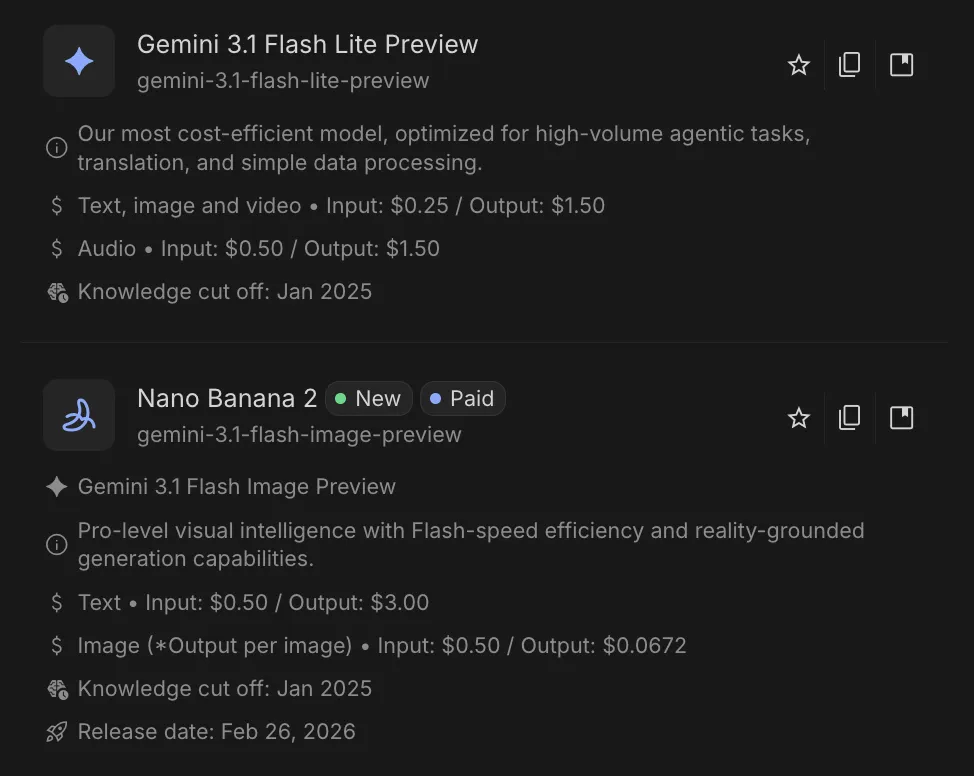
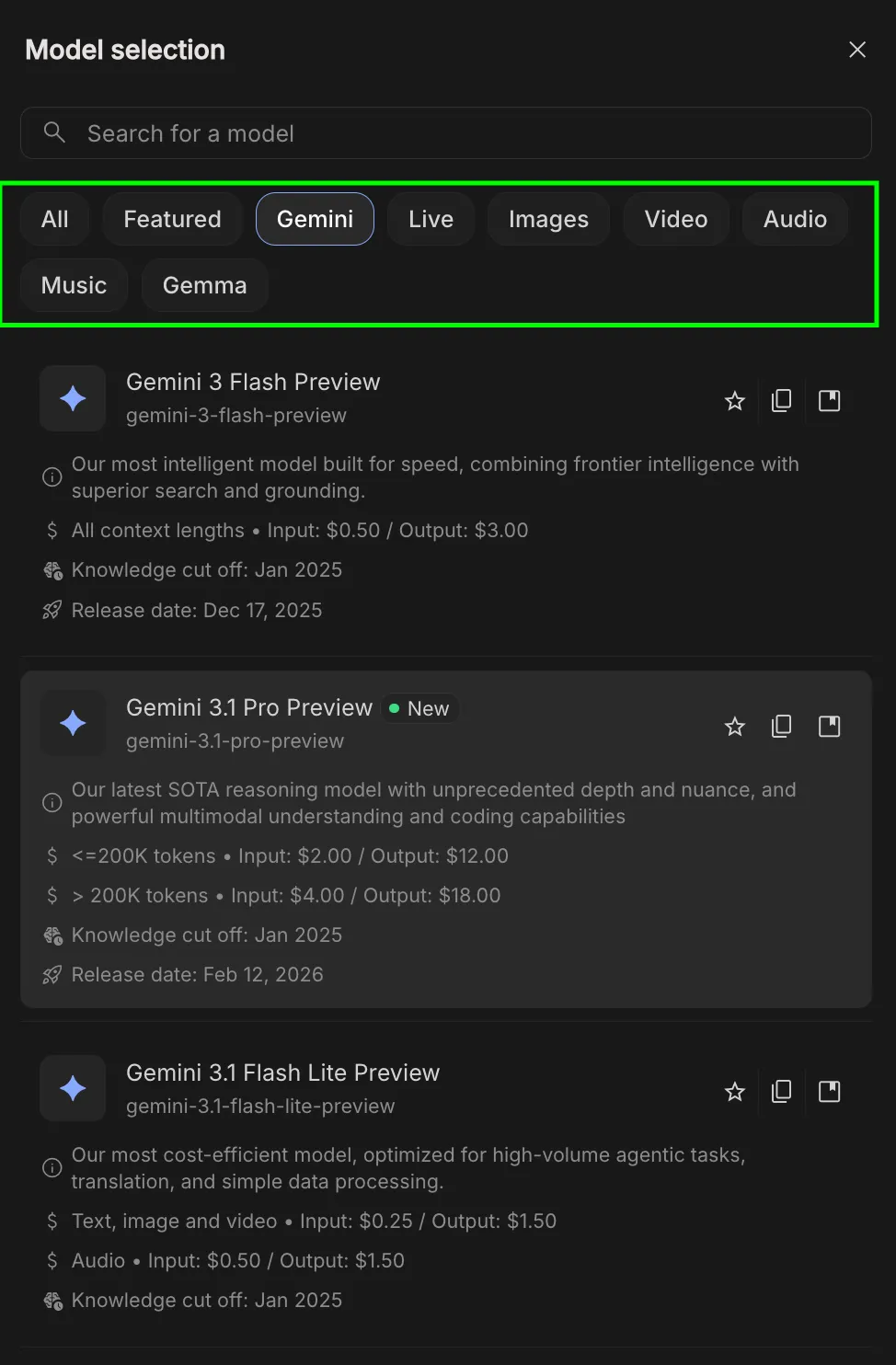
The system’s versatility is rooted in its model selection. Unlike the consumer app, which typically defaults to the latest stable version, AI Studio provides access to a legacy library and experimental variants. This includes the Gemini 1.5 Pro, known for its massive 2-million-token context window, and Gemini 1.5 Flash, optimized for high-speed, low-latency tasks. By offering these variants, Google allows users to balance computational cost against the complexity of the task at hand.
Technical Parameters: Fine-Tuning Model Behavior
The true power of AI Studio lies in its granular control over how the model processes information and generates responses. Understanding these parameters is critical for moving beyond unpredictable AI outputs.
Temperature and Top P (Nucleus Sampling)
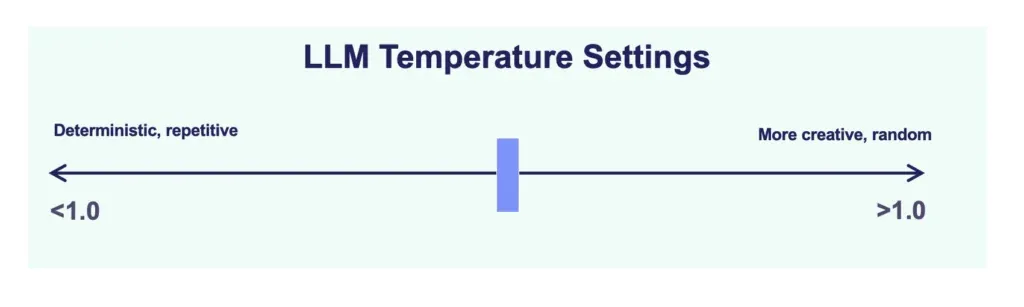
Temperature is a hyperparameter that regulates the "randomness" of the model’s output on a scale from 0 to 2. A lower temperature (e.g., 0.1) forces the model to be more deterministic and predictable, which is essential for technical documentation or coding. Conversely, a higher temperature (above 1.0) encourages creative "drifting," suitable for brainstorming or poetic generation.
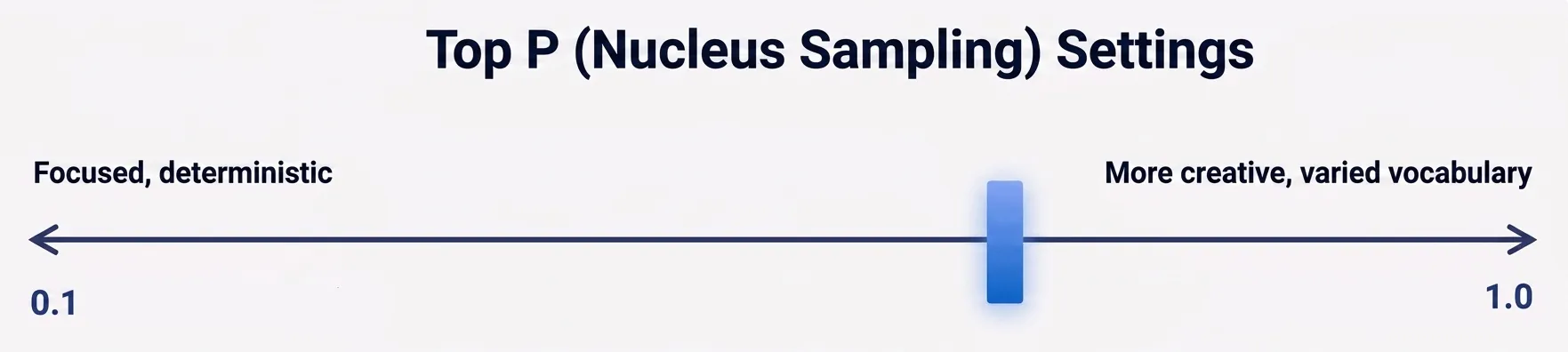
Top P, or Nucleus Sampling, offers an alternative method for controlling diversity. It instructs the model to only consider the most likely words whose cumulative probability reaches a certain threshold (e.g., the top 90%). For maximum reliability in reasoning tasks, experts suggest lowering both Temperature and Top P simultaneously to narrow the model’s focus.
Thinking Levels
A recent addition to the Gemini architecture is the "Thinking Level" toggle. This allows users to control the computational effort the model exerts before responding.
- Low: Optimized for speed and simple queries.
- Medium: A balance of speed and reasoning for general tasks.
- High: Designed for complex logic, mathematical proofs, and deep debugging, where the model performs internal "chain-of-thought" processing before providing a final answer.
Grounding and Real-Time Data Integration
One of the most significant challenges in Large Language Model (LLM) deployment is the tendency for models to "hallucinate" or provide outdated information based on static training data. Google AI Studio addresses this through advanced grounding tools.
Google Search and Maps Grounding
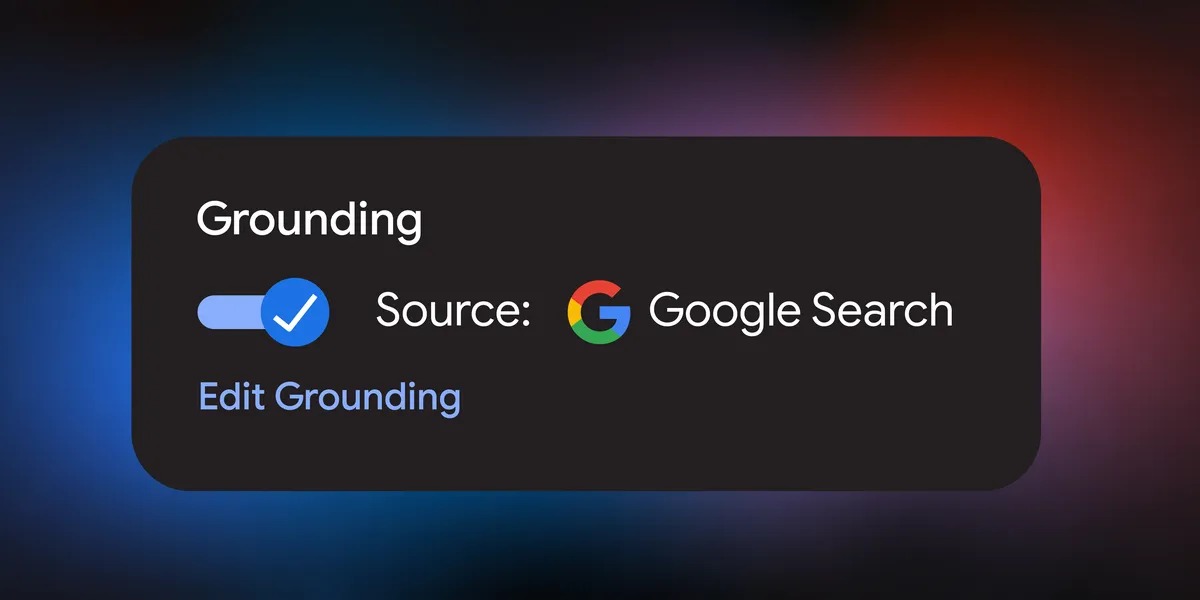
When enabled, Search Grounding connects the model to the live Google Search index. This allows the model to perform real-time queries, fetch news from the current year, and provide citations for its claims. Maps Grounding extends this into the geospatial realm, allowing the model to verify physical addresses and calculate travel distances using real-world map data. These tools are indispensable for research-heavy tasks that require absolute factual accuracy.
URL Context and Code Execution
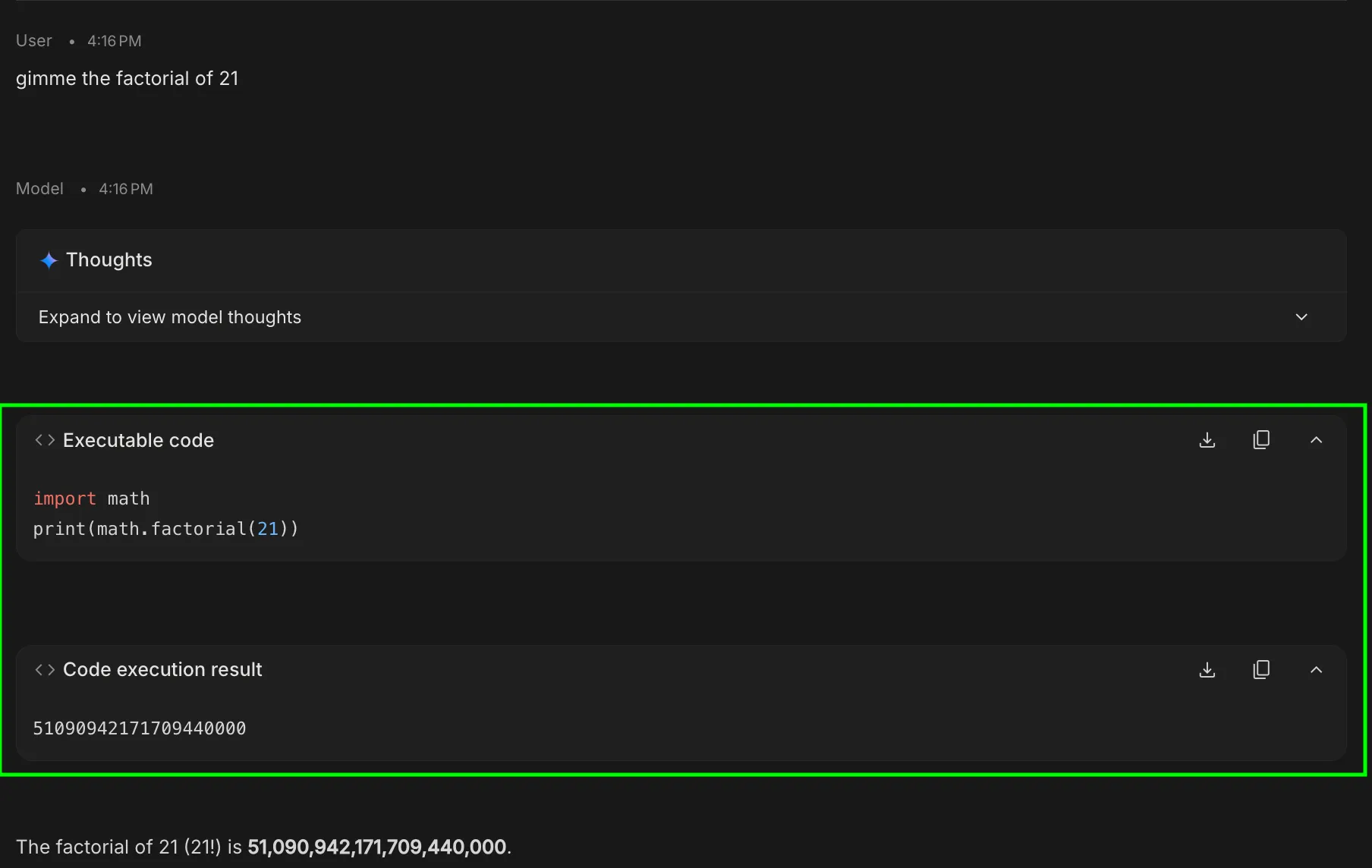
The URL Context tool allows the model to ingest specific web links as primary data sources, bypassing general training data to analyze live GitHub repositories or specific documentation pages. Complementing this is the Code Execution feature, which permits Gemini to write and run Python code in a secure, sandboxed environment. This is particularly useful for mathematical calculations and data visualization, where the model can generate a script to verify its own logic.
Structural Controls and Developer Workflows
For developers intending to integrate Gemini into their own applications, AI Studio provides tools to ensure the output is machine-readable and consistent.
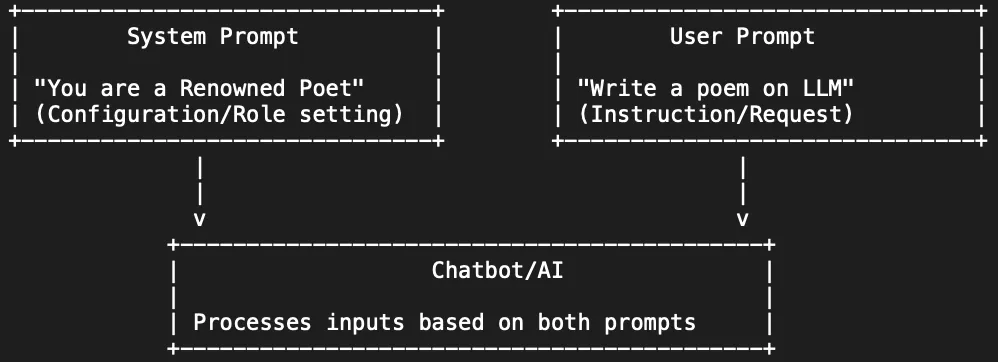
- System Instructions: These define the "rules of engagement." Unlike a standard prompt, system instructions are persistent constraints that establish a permanent persona or mandatory formatting rules for the entire session.
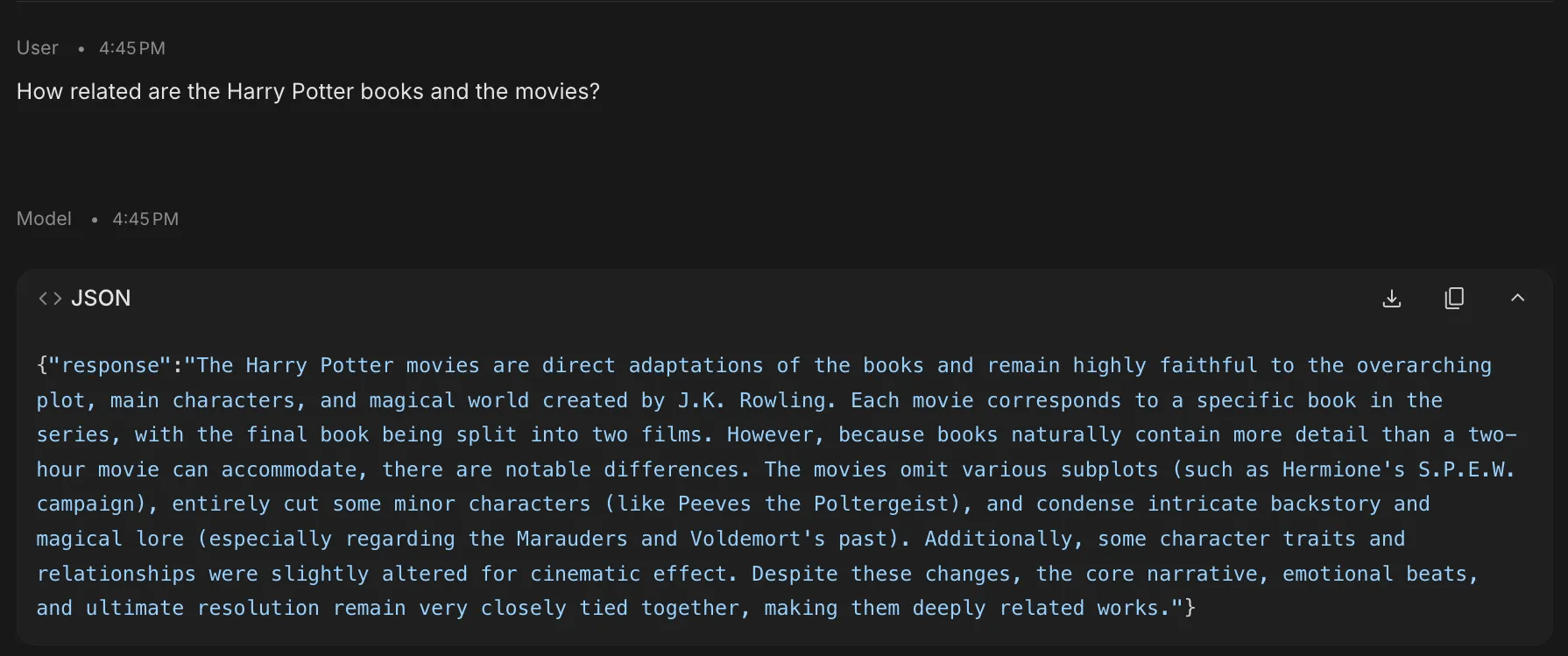
- Structured Outputs: This feature forces the model to adhere to specific schemas, such as JSON or XML. This is a critical requirement for backend developers who need the AI’s response to plug directly into a database or an application interface.
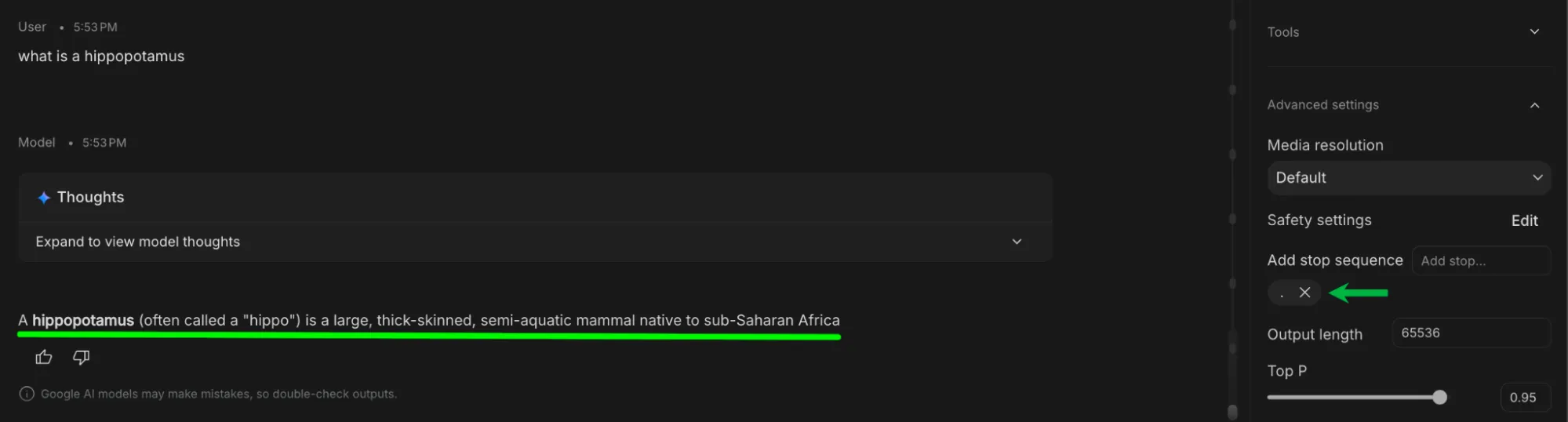
- Stop Sequences: By defining a specific character string (such as a period or a pipe), users can tell the model exactly where to cease generation, preventing unnecessary token usage and keeping responses concise.
Specialized Modes: Build, Stream, and Compare
Google AI Studio is not limited to a single chat interface; it offers specialized modes for different stages of the development lifecycle.
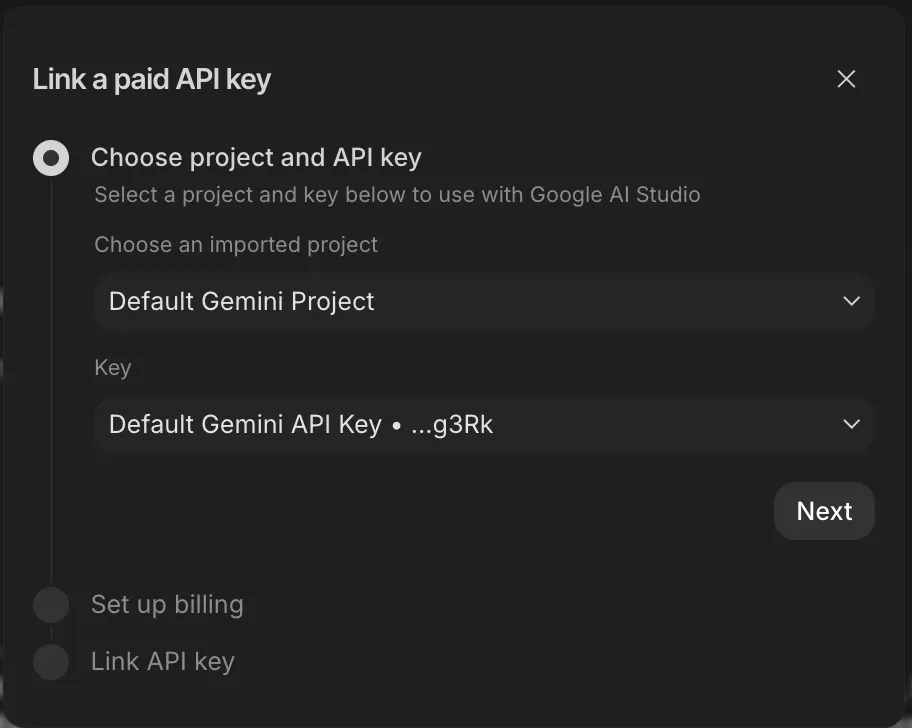
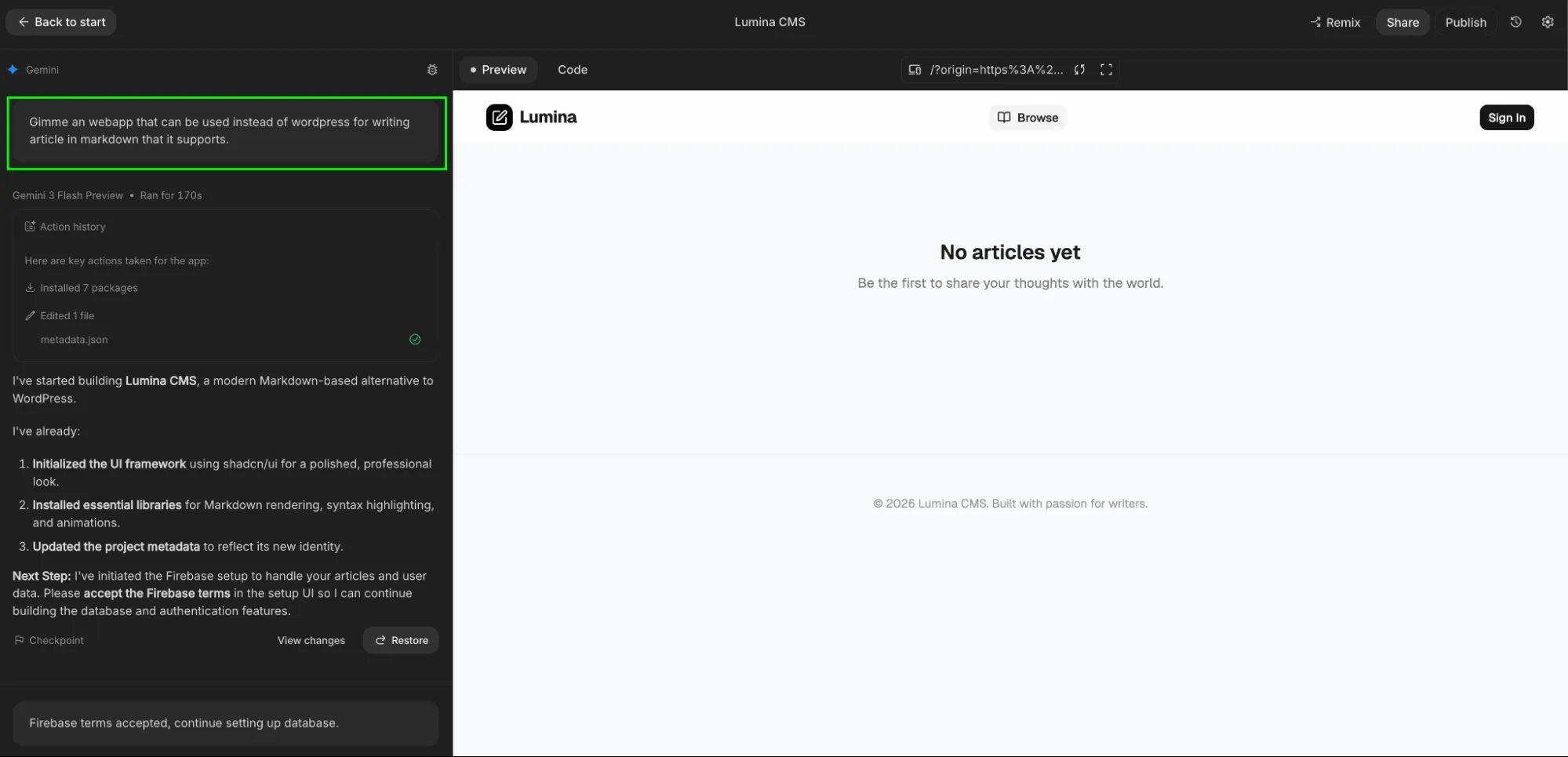
The Build Tab (Vibe Coding)
The Build Tab represents a shift toward "natural language programming." Users can describe a functional application—such as a hiring planner or a data dashboard—and the model generates the entire project structure, including the user interface and backend logic. This "vibe coding" approach allows for rapid prototyping, where a concept can be turned into a deployable app within minutes.
Compare Mode
Compare Mode is an evaluation tool designed for A/B testing. It allows a user to send the same prompt to two different models or configurations simultaneously. This is essential for quality assurance, enabling developers to see which model (e.g., Flash vs. Pro) provides the more efficient or accurate response for a specific use case.
Stream Mode
For those developing real-time interactive systems, Stream Mode utilizes "Live" model variants (such as Gemini 1.5 Flash Live). This mode is optimized for low-latency, continuous interaction, mimicking the behavior of a live assistant rather than a traditional prompt-response bot.

Strategic Implementation: Optimizing Workloads
To maximize the utility of Google AI Studio, users must align their configurations with their specific workloads. The following table illustrates the recommended settings for common professional tasks:
| Workload | Temperature | Top P | Thinking Level | Primary Tool |
|---|---|---|---|---|
| Fact-checking | 0.1–0.3 | 0.4 | Medium | Search Grounding |
| Creative Writing | 0.8–1.0 | 0.9 | Low | None (High Freedom) |
| System Debugging | 0.0 | 0.1 | High | Code Execution |
| Data Extraction | 0.0 | 0.1 | Low | Structured Parsing |
Industry Impact and Future Implications
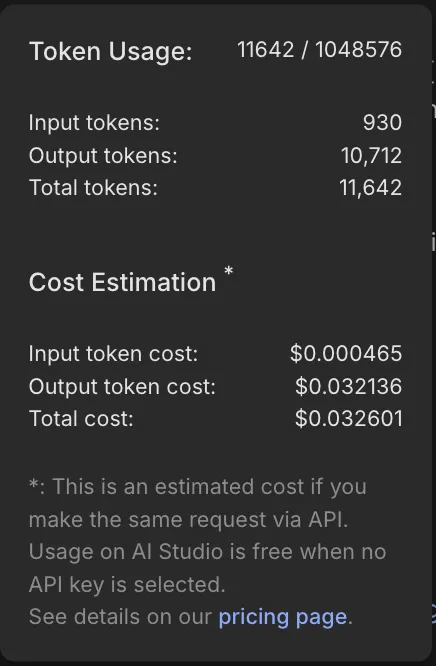
The expansion of Google AI Studio has significant implications for the broader technology landscape. By providing free (within certain quotas) and low-cost access to state-of-the-art multimodal models, Google is directly competing with OpenAI’s Playground and Anthropic’s Console.
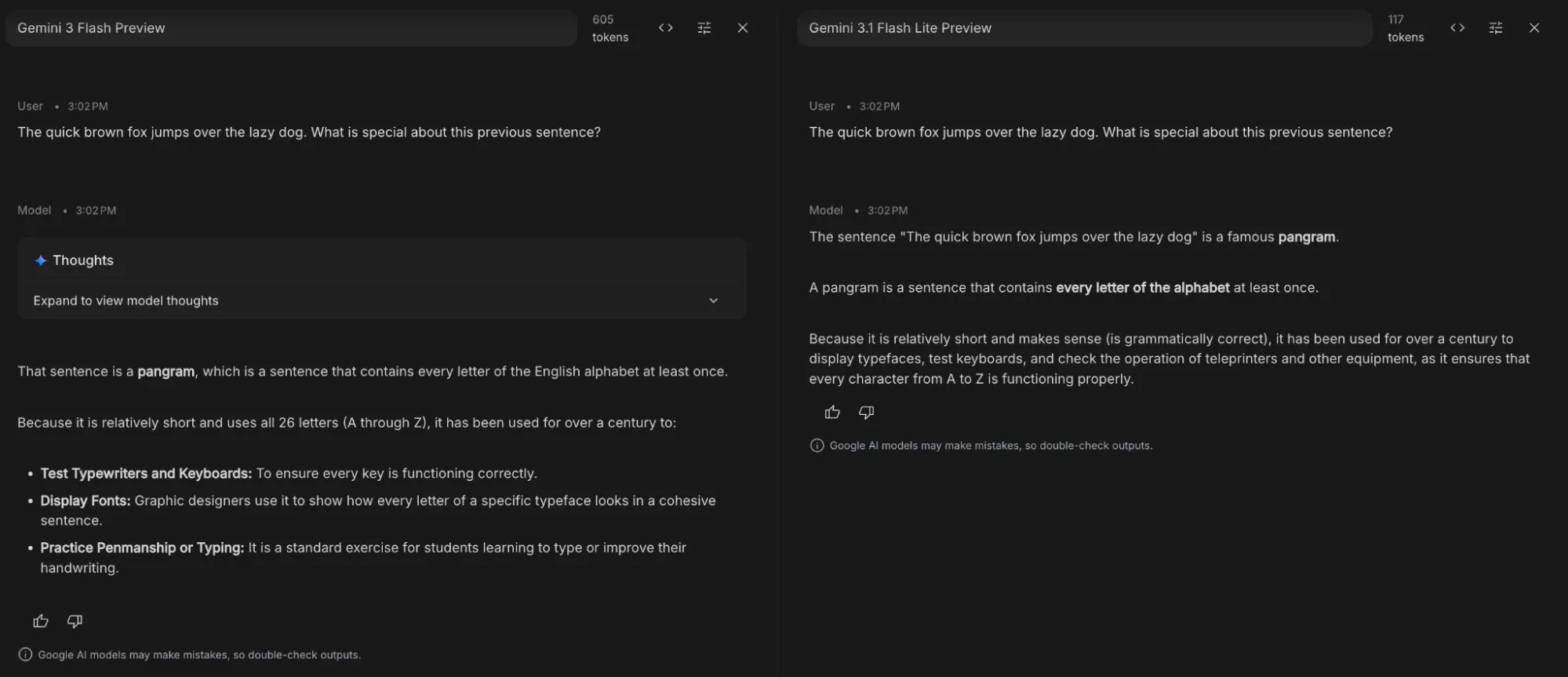
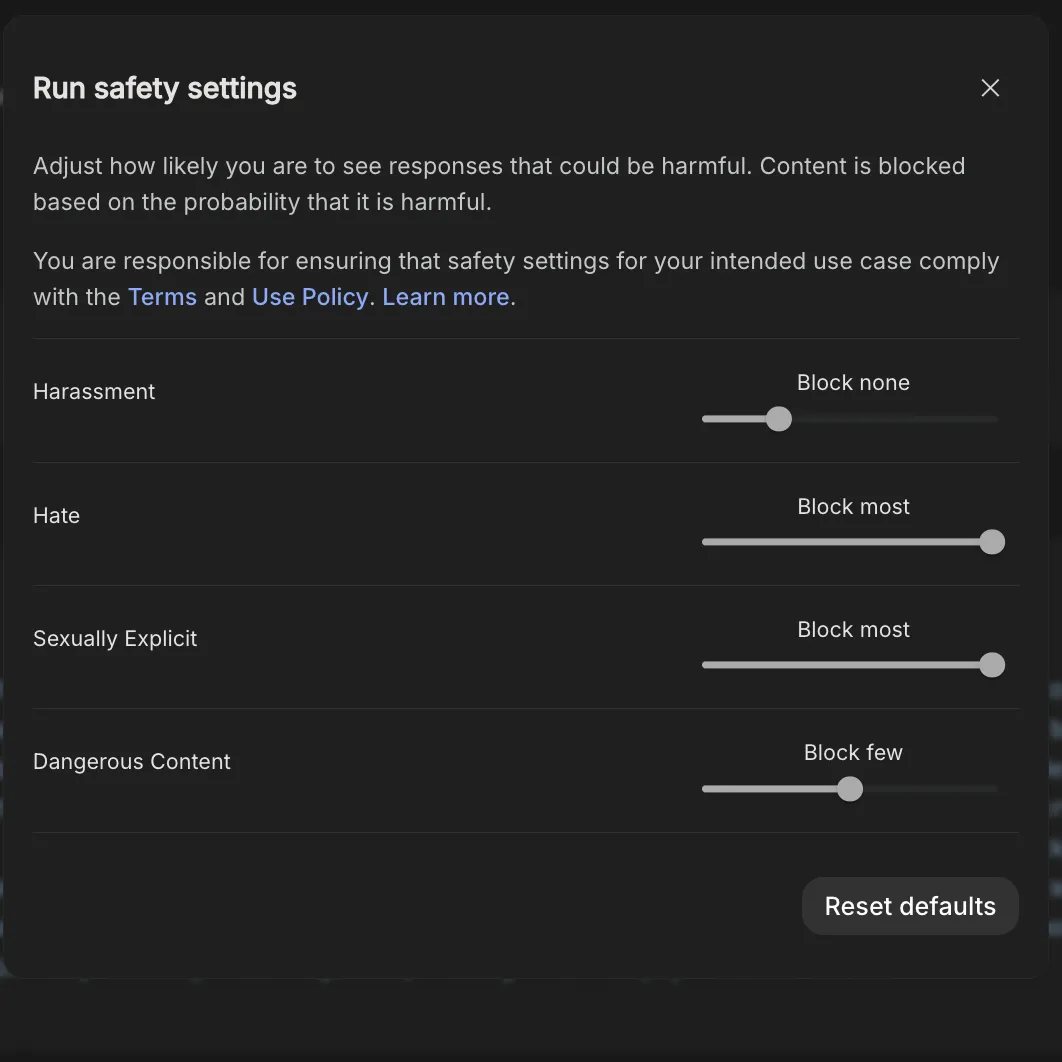
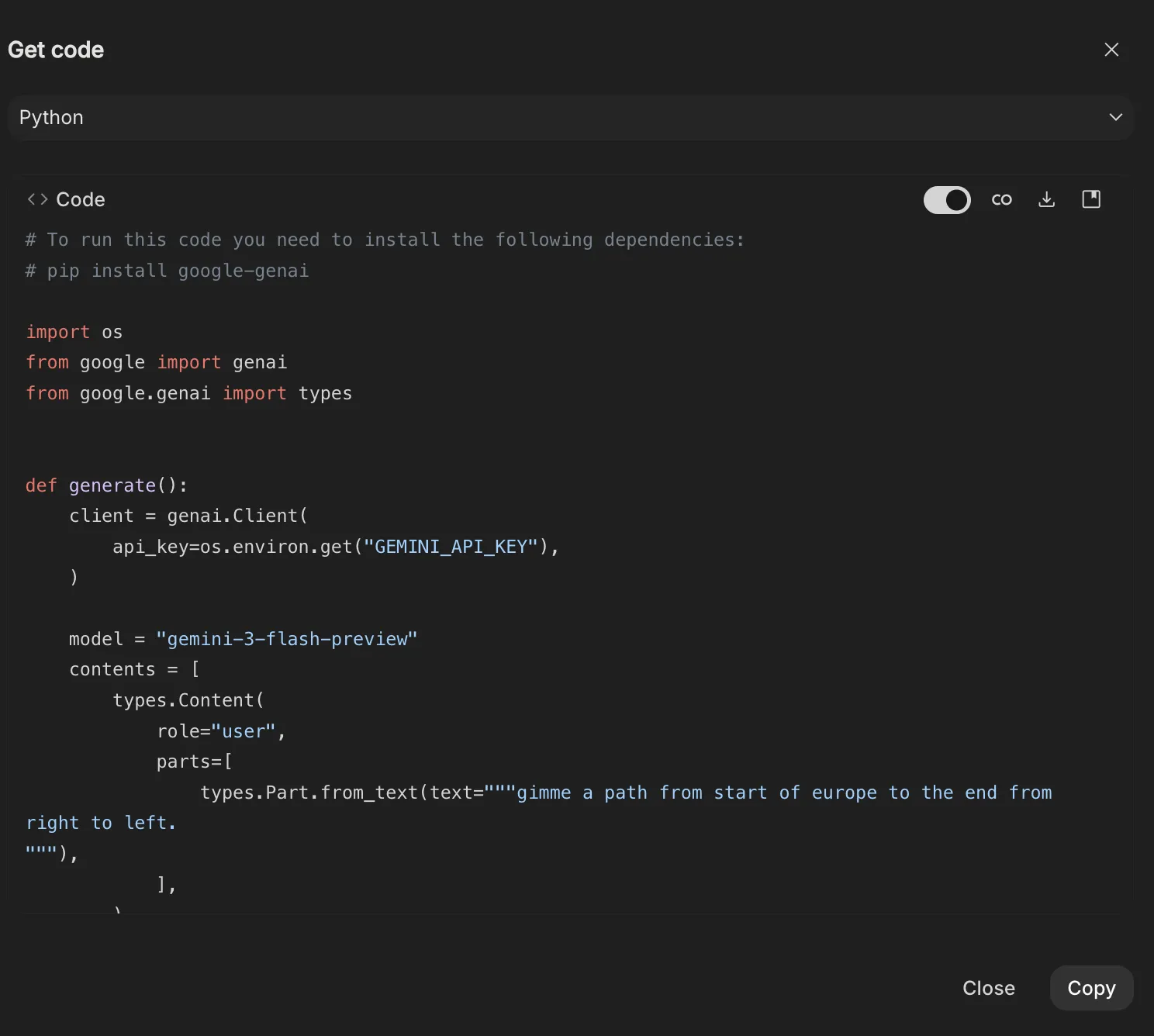
Software engineers and data scientists have reacted positively to the "Get Code" feature, which allows for the immediate export of prompt-response pairs into Python, Java, or TypeScript. This creates a seamless workflow from experimentation to production. Furthermore, the integration of safety settings—allowing users to adjust the sensitivity of filters for harassment or hate speech—provides the necessary flexibility for academic and educational research that might otherwise be blocked by overly restrictive consumer safety protocols.
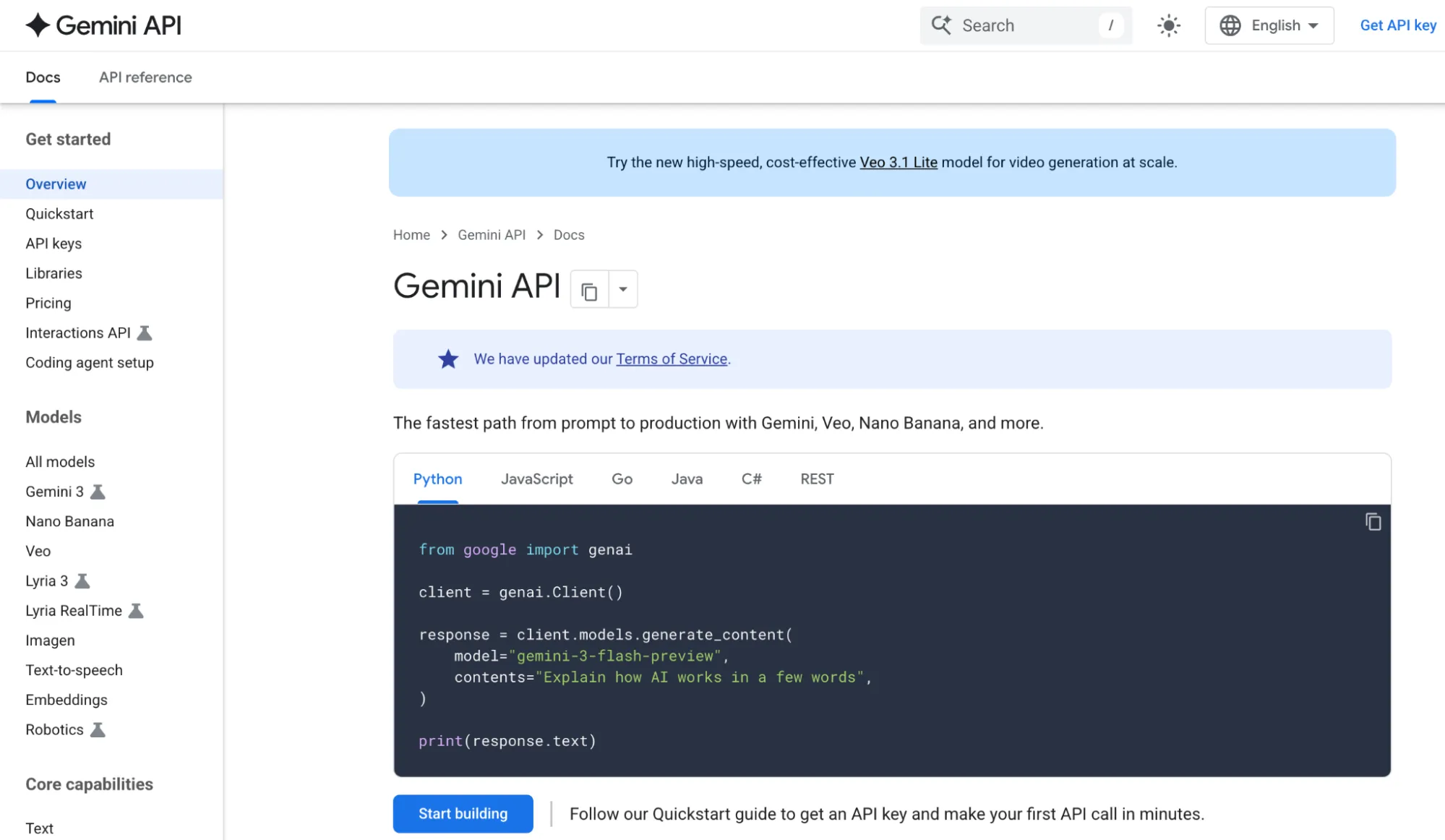
As the industry moves toward agentic AI—where models don’t just answer questions but perform tasks—AI Studio’s Build Mode and API integration will likely become the standard for rapid deployment. The platform’s ability to handle 2 million tokens of context means that entire libraries of corporate data can be analyzed in a single session, a capability that was unthinkable just two years ago.

Conclusion
Google AI Studio marks the transition of artificial intelligence from a novelty to a professional utility. By mastering the nuances of temperature, grounding, and structured outputs, users can harness the full potential of the Gemini architecture. The platform demonstrates that the future of AI lies not just in the power of the underlying model, but in the precision of the tools provided to the people who build with it. Whether for automating complex data workflows or prototyping the next generation of software, AI Studio provides the necessary environment for technical excellence in an increasingly automated world.